Refract: Music Visualizer
Audio & Song Video Maker
Designed for iPhone, iPad
Free · In-app purchases
- Age rating4+
- CategoryMusic
- DeveloperGreg Wolny
- LanguagesEnglish
- Size12.7 MB
Links to the official App Store page
Download.org hosts no file of Refract: Music Visualizer. The button opens its official App Store page, published by Greg Wolny. Listing last checked on Nov 22, 2026.
Screenshots
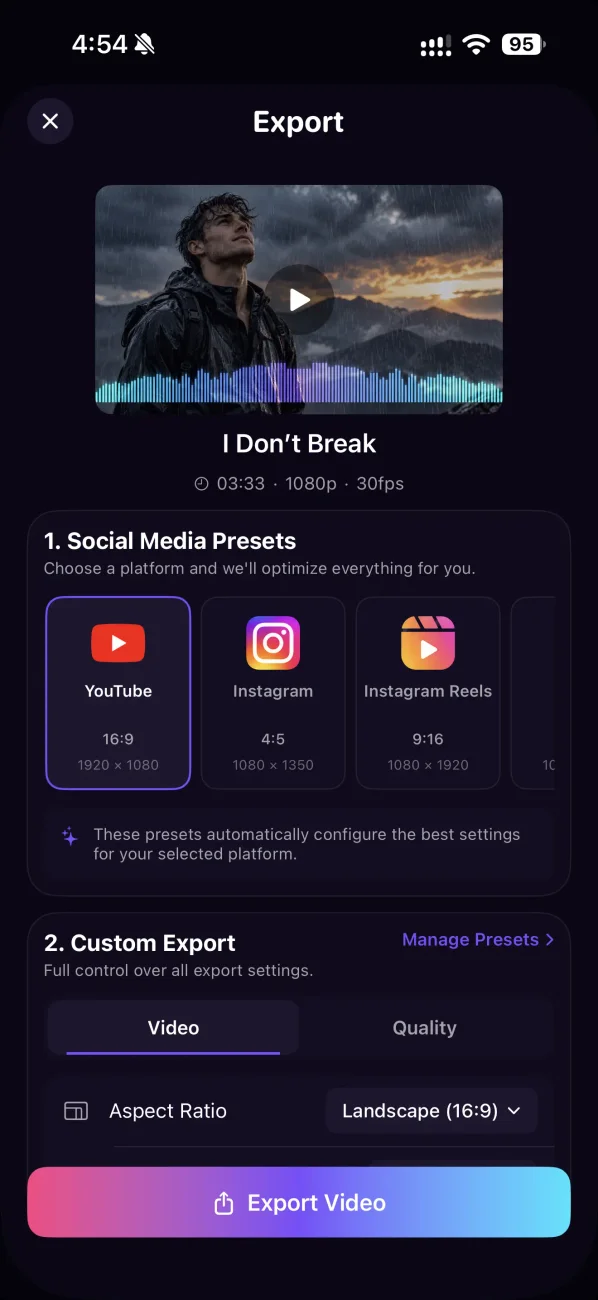
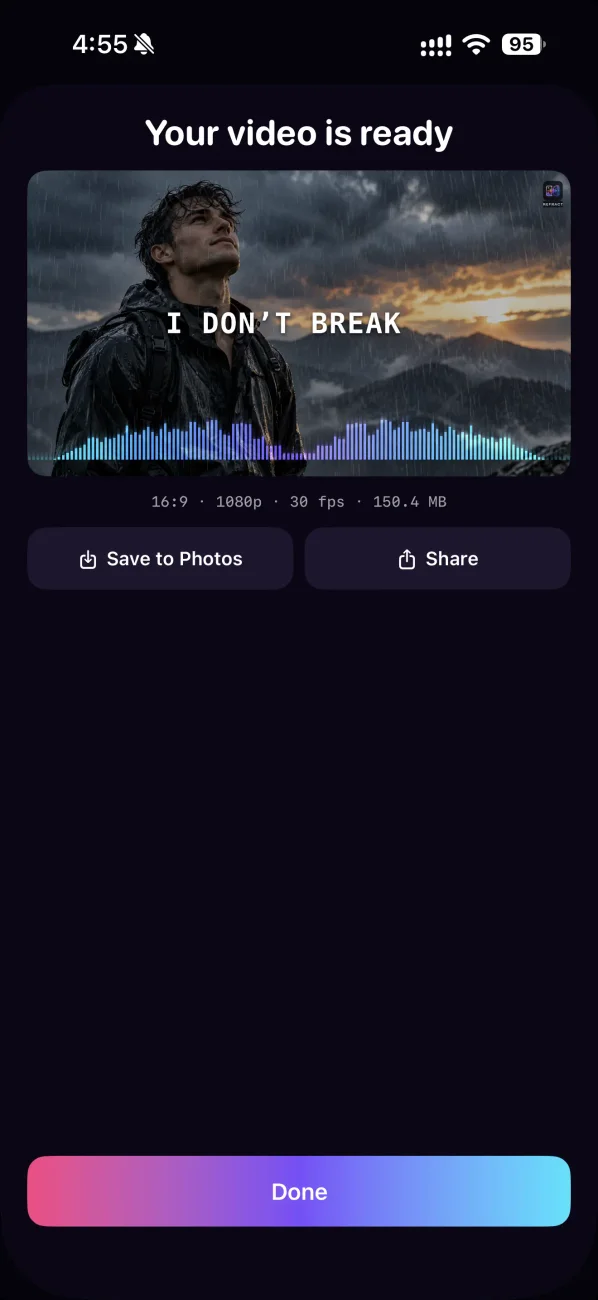
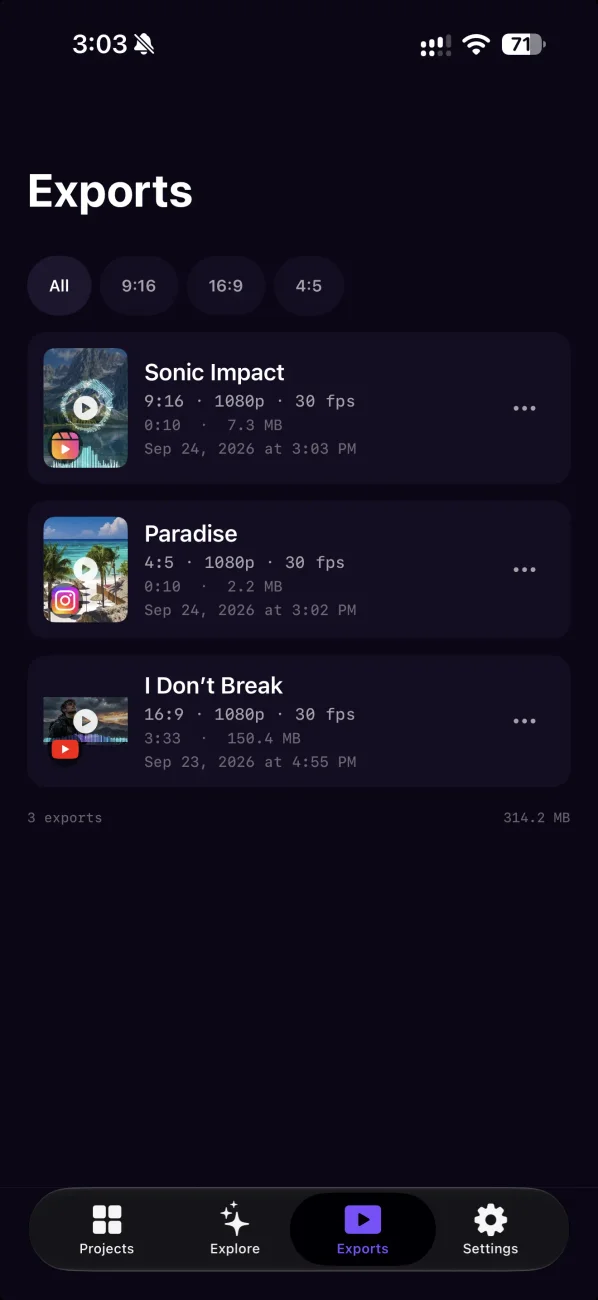
About
TURN ANY TRACK INTO A VIDEO THAT MOVES WITH IT
An audio visualizer and music video maker: beat-synced visualizers, your photos, text and effects, exported for Reels, Shorts, TikTok and YouTube.
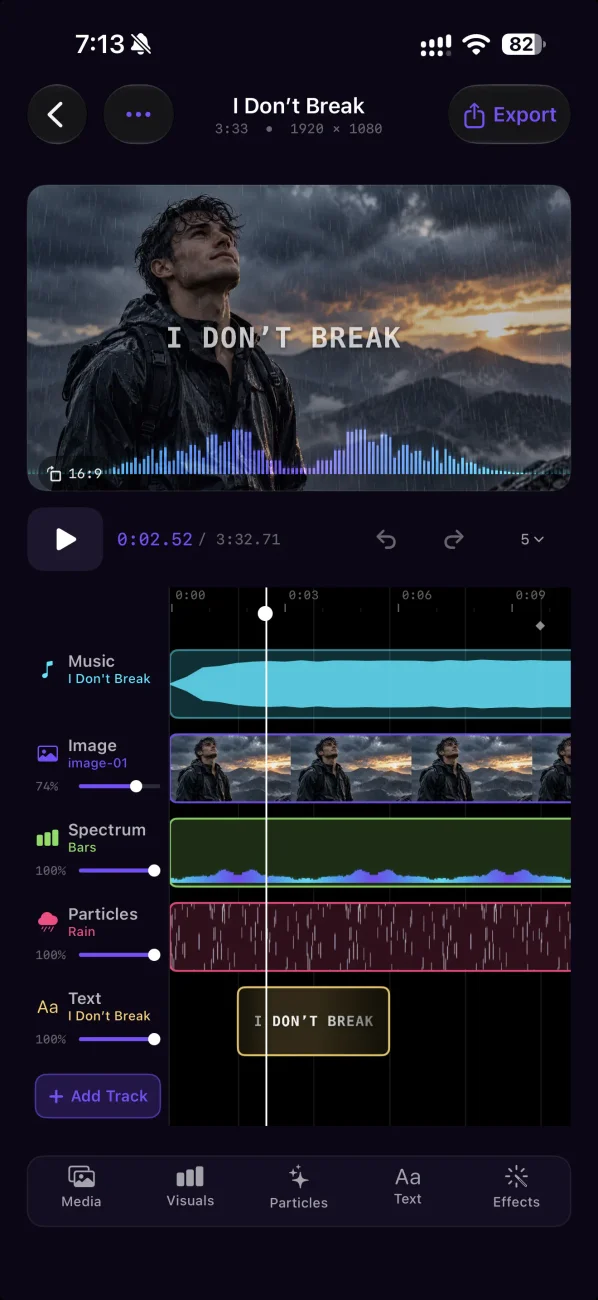
Refract is an audio-reactive video studio for iPhone and iPad, optimized for iPhone Duo. Load a song and a real-time engine listens to its beat, bass and energy, then choreographs every layer to the music. No keyframes. No guesswork. No template that ignores your track.
No account, no sign-in. Your music and your videos never leave your device.
YOUR MUSIC, FROM ANYWHERE
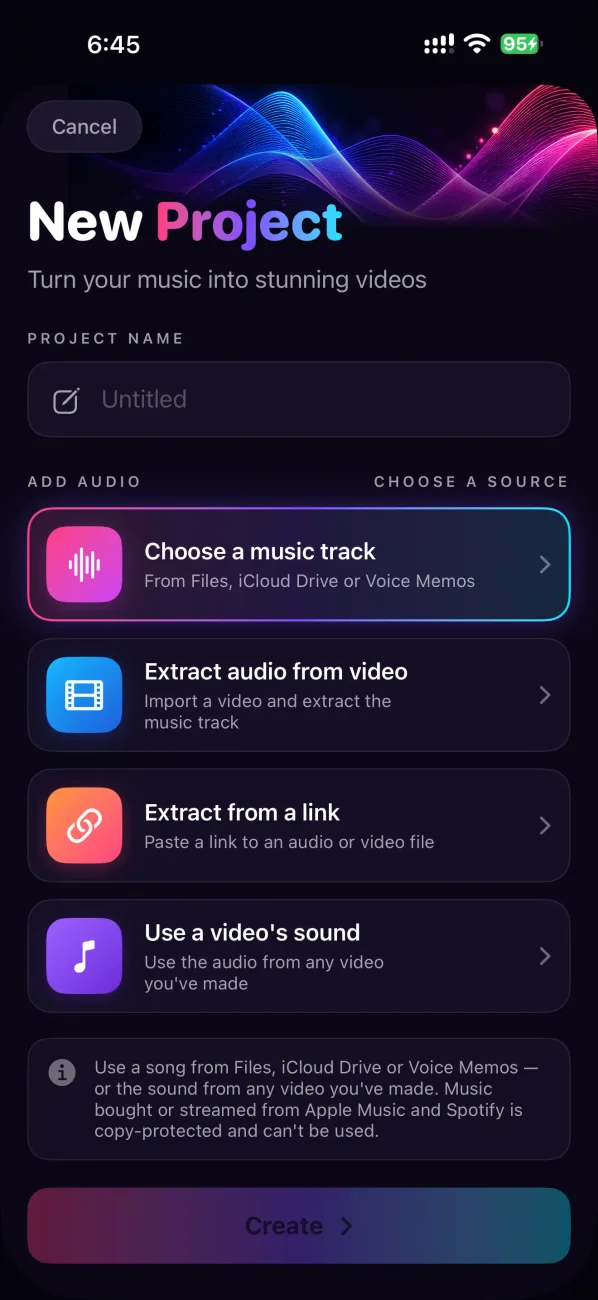
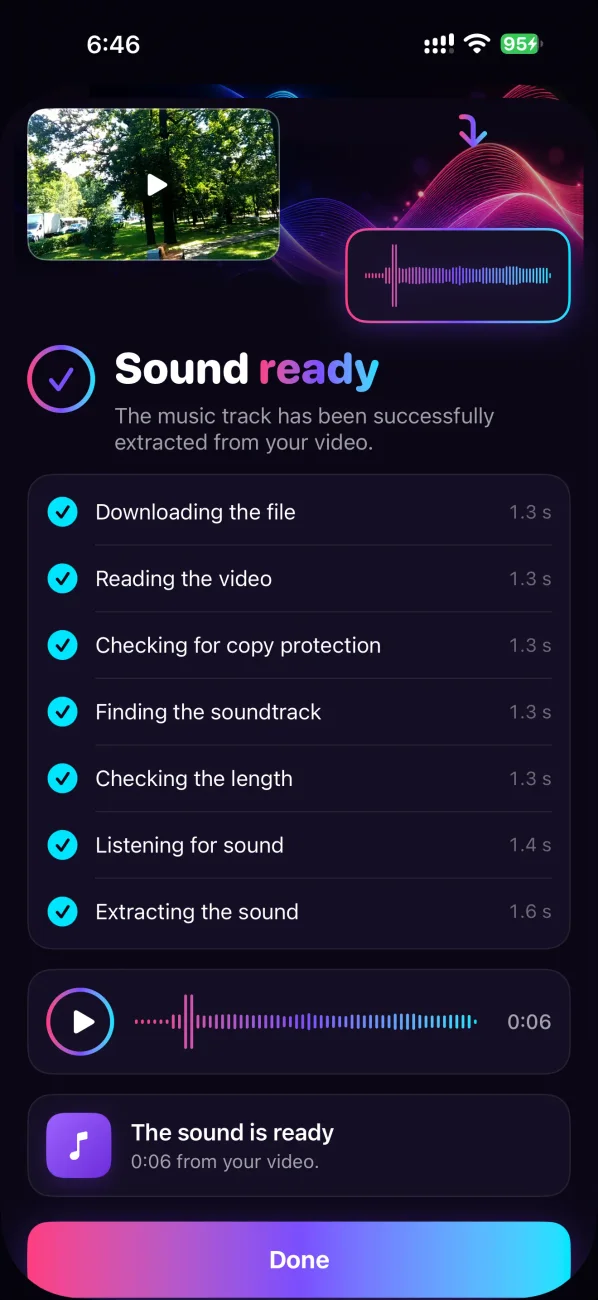
Pick a song from Files, iCloud Drive or Voice Memos. Take the soundtrack straight from a video you shot, in Photos or Files, or from a direct link to an audio or video file. Refract checks the video first, keeps only its sound, and lets you hear it before you begin. Keep that sound as its own audio file in one tap.
A VISUAL ENGINE THAT LISTENS
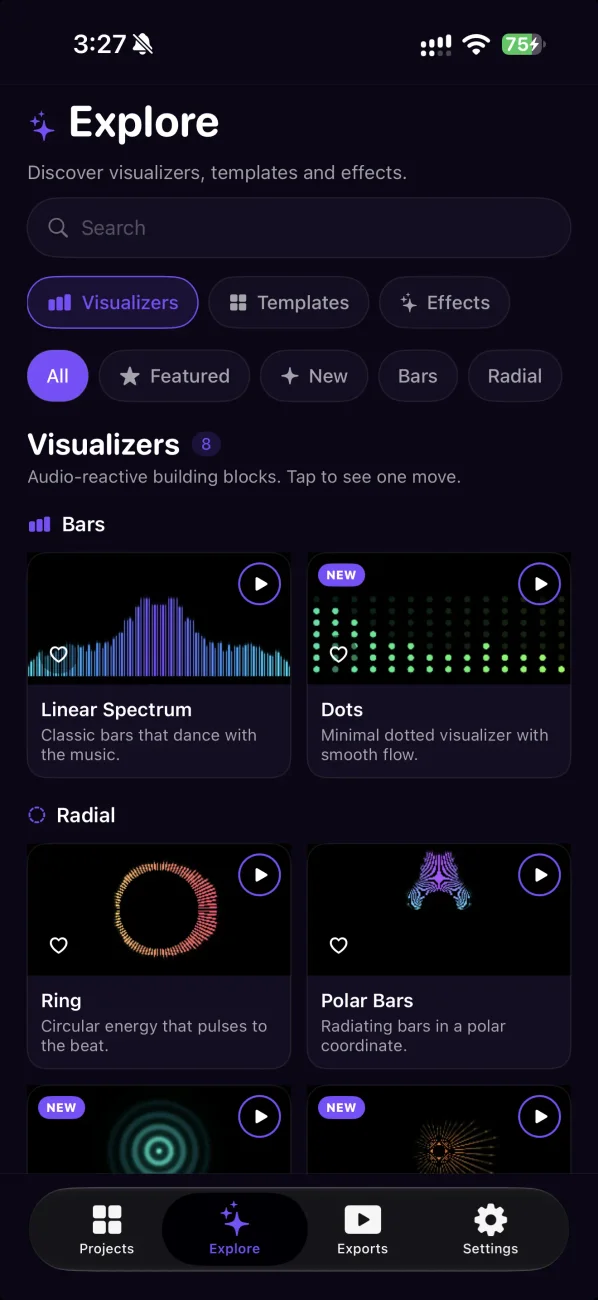
• 8 GPU-accelerated visualizers — Linear Spectrum, Waveform, Ring, Polar Bars, Dual Wave, Pulse, Streaks and Dots
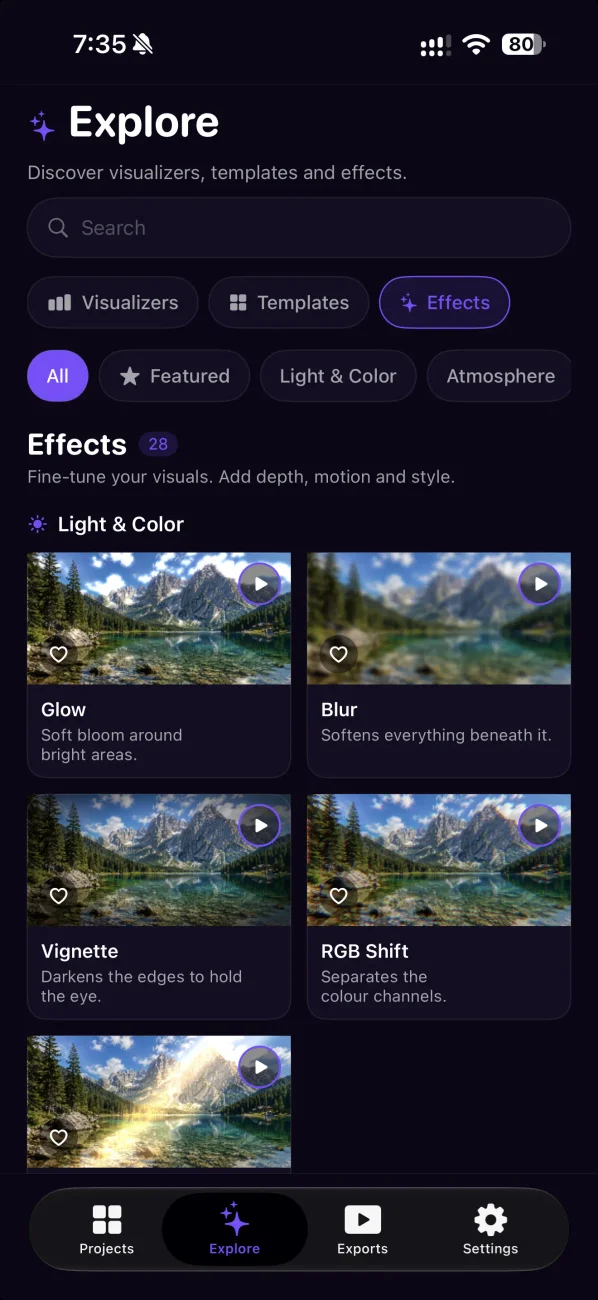
• 20 studio effects — Glow, VHS, CRT Scanlines, Film Grain, RGB Shift, Oil Paint, Fisheye, Wave Warp, Swirl, Posterize, Edge Detect and more
• 8 particle overlays for depth, atmosphere and motion
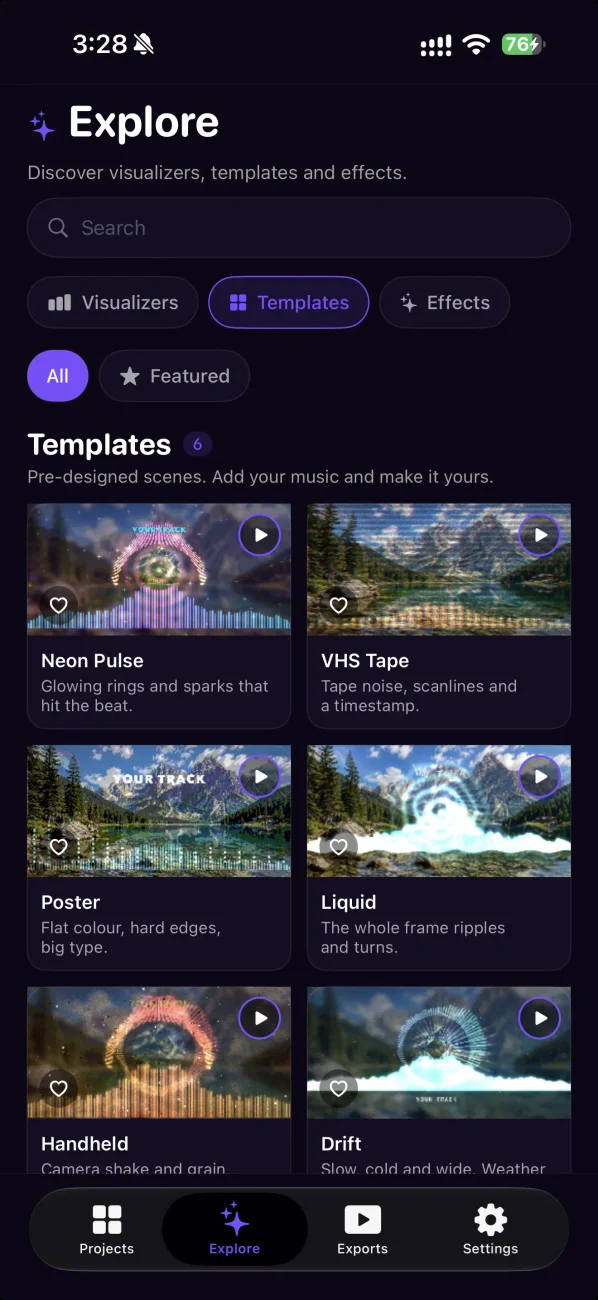
• 6 auto-choreographed looks — Neon Pulse, VHS, Poster, Liquid, Handheld, Drift — each a finished edit in a single tap
• A text tool with 8 typefaces and 4 ink styles, and type that pulses with the bass
A REAL TIMELINE, NOT A TEMPLATE
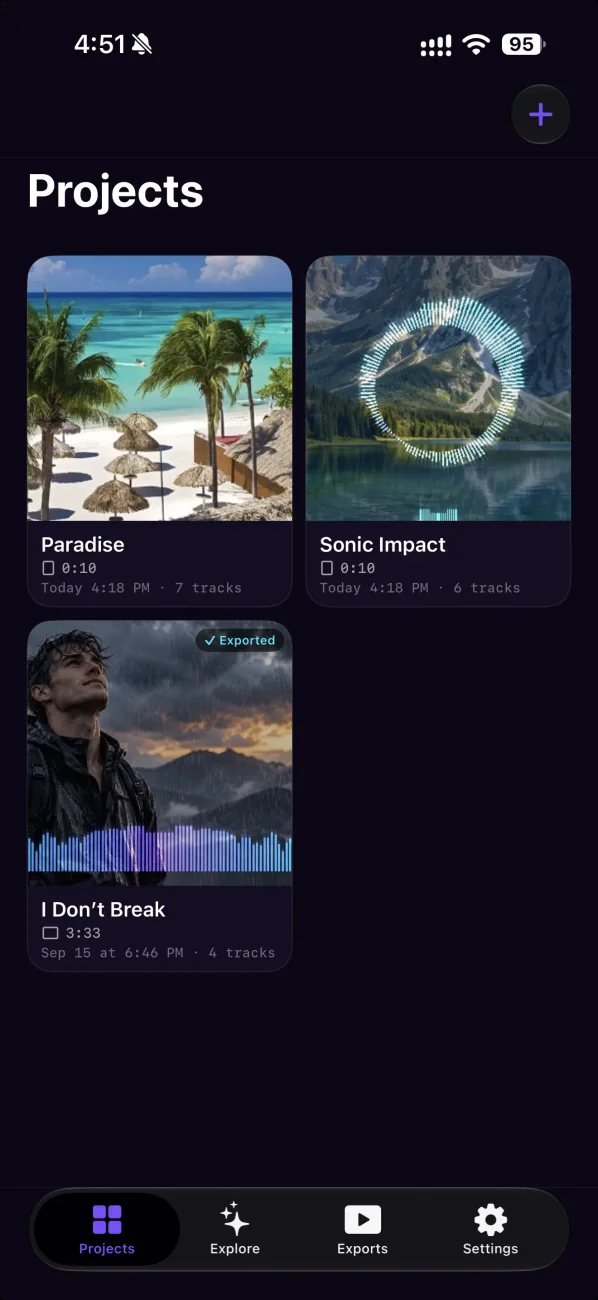
Every layer lives on a full multi-track timeline. Move it, retime it, restyle it, bind any parameter to the audio, and watch the preview follow at 60 fps. Trim a five-minute track to its strongest thirty seconds, add precise fades, and export exactly that.
READY FOR EVERY PLATFORM
One-tap presets for portrait, square, tall and widescreen — 9:16, 1:1, 4:5 and 16:9 — with resolution, frame rate and quality set for you. Or take full manual control, up to 4K at 60 fps, at any length.
LIGHT OR DARK
Refract follows your iPhone or iPad's appearance, or stays in the one you choose.
PRIVATE BY DESIGN
Analysis and rendering happen on your device's GPU. Nothing is uploaded, so creating and exporting work anywhere — on a plane, in a studio, offline. Refract counts which features get used, anonymously and with no identifier of any kind, so we can see what to improve.
Unlimited projects and exports, every aspect ratio, your own photos and the full timeline editor — free. Refract Pro unlocks the entire catalogue, 4K at 60 fps, unlimited length and watermark-free export. Everything you make keeps working and keeps exporting, whichever you're on.
Made for musicians, producers, DJs, podcasters and labels who need a release-ready visual for every track.
Privacy Policy: https://greg-wolny.github.io/refract/privacy.html
Terms of Use (EULA): https://www.apple.com/legal/internet-services/itunes/dev/stdeula/
What’s new
Version 1.2 · Nov 21, 2026
• Refract is now a full iPad app. Landscape and portrait, side by side with other apps, and an editor laid out for the larger screen: preview and tools next to each other, the timeline across the whole width.
• Photos: choose Fill, Fit or Stretch for how a picture sits in the frame.
• Timeline: drag a clip by its new middle handle to move it.
App privacy
What Greg Wolny declares on the App Store about how this app handles data.
-
Data not linked to you
May be collected but is not linked to your identity.
- Usage data
Privacy practices may vary, for example with the features you use or your age.
Information
- Seller
- Greg Wolny
- Category
- Music
- Version
- 1.2
- Updated
- Nov 21, 2026
- Released
- Oct 5, 2026
- Size
- 12.7 MB
- Requires
- iOS 17.0 or later
- Age rating
- 4+
- Price
- Free
- In-app purchases
- Yes
- Languages
- English
- Copyright
- © 2026 Greg Wolny
You might also like
-
 Rondo — Music VisualizerLyric video & Canvas maker
-
 Vizo - Music VisualizerAudio Spectrum Video Maker
-
 Music Visualizer: Sound ArtAudio Reactive Video effects
-
 Lumi · Music VisualizerMake Stunning Music Videos
-
 MusicFlow: Audio VisualizerLive visuals, full screen, PiP
-
 Sound Visualizer - VibeMusic
-
 Music Speed Changer - SloulySlowed + Reverb, Tempo & Pitch
-
 Music Visualizer: LIQUIDWAVERave, Disco & Party Light Show
-
 Music Visualizer - TunelyAI Song & Music Generator
-
 Sounva: Music VisualizerLyric Video Maker & Spectrum