
Regatta Timer Watch
Race timer for Apple Watch
Designed for iPhone, iPod touch
$2.99
- Age rating4+
- CategorySports
- DeveloperDigitmedia
- LanguagesEnglish
- Size1.4 MB
Links to the official App Store page
Download.org hosts no file of Regatta Timer Watch. The button opens its official App Store page, published by Digitmedia. Listing last checked on Nov 7, 2026.
Screenshots
About
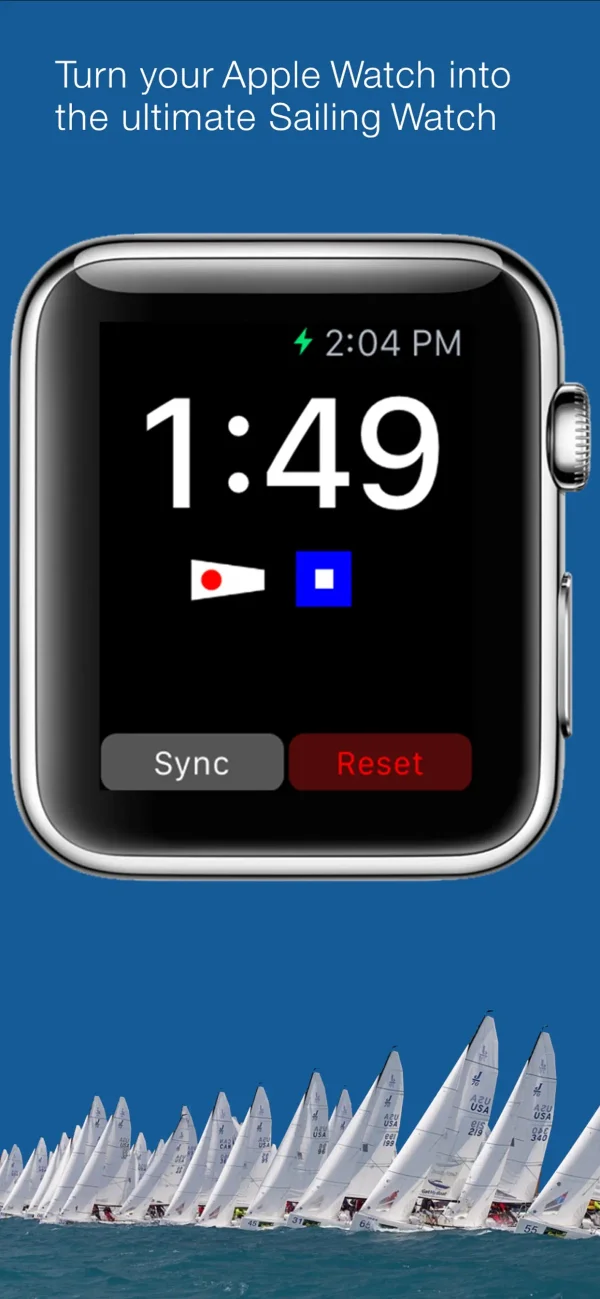
Make the perfect start when sailboat racing, using this ISAF compliant countdown timer with sync function.
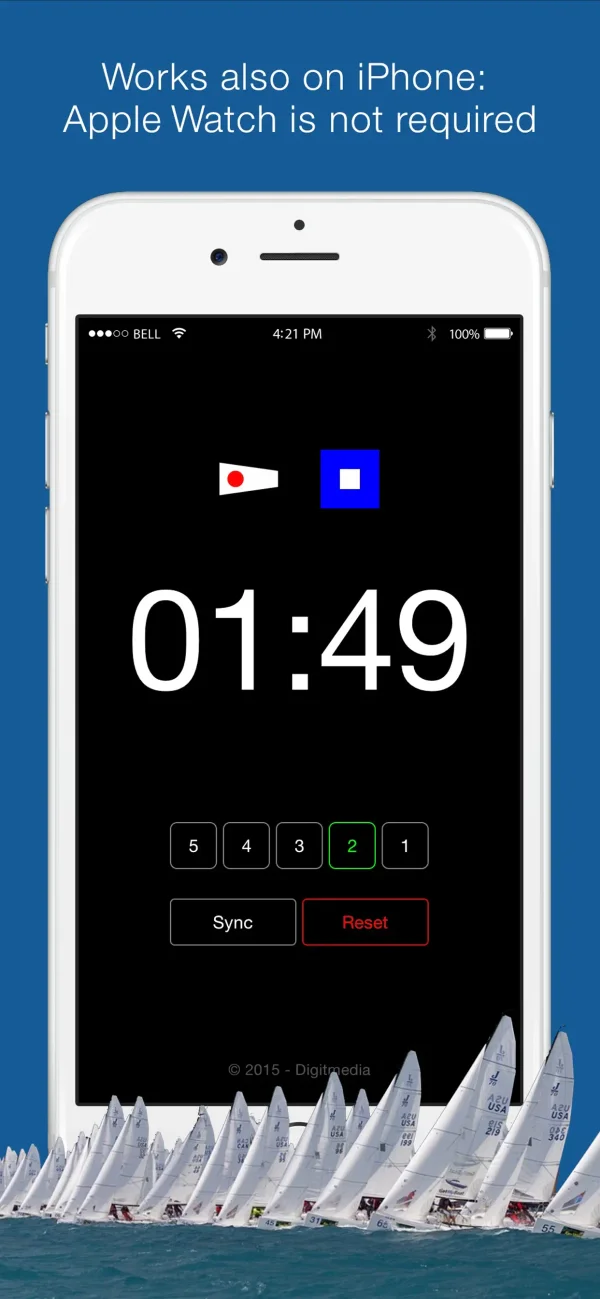
The default countdown timer is the 5 minutes start sequence (ISAF 5.4.1.0), but you can change the sequence easily just by changing the countdown time to 4, 3, 2 or 1 minute.
During the countdown to the start signal, alert beeps are played on the Apple Watch each minute & ‘taps on your wrist’ inform you how much time is left until the start signal (be sure to keep your screen on!)
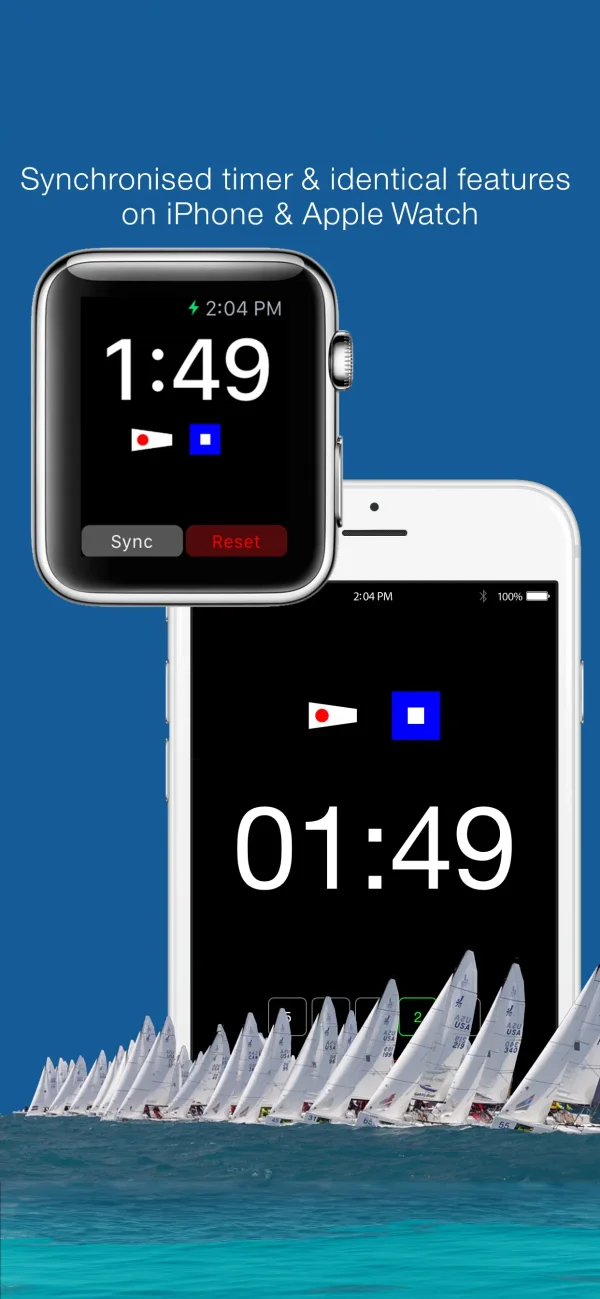
Did you miss the initial warning signal by a couple of seconds ? No problem: just use the sync function at the next warning signal and the countdown timer will synchronise with the racing committee timer. The sync function is always 'sync down' - even if you were a full minute 'late', you can sync at the next signal with a press on the sync button.
Are you not sure how many minutes you are from the start signal ? Just check if the flags on the racing committee boat are corresponding with the flags on your screen.
It is not necessary that your Apple Watch is connected to your iPhone: the app runs natively on Apple Watch. You can even choose to install the app only on your Apple Watch.
Although Regatta Timer Watch is optimised for Apple Watch, you can also use it with only an iPhone: Apple Watch is optional.
Happy Sailing !
--------
Pro-Tips:
1. Allow the HealthKit permissions to keep running in the background - even with wrist down you will have countdown sounds & haptics
2. Set the 'Return to clock' setting to 'After 1 hour': Since you want the timer to remain visible during the countdown, it is recommended to disable the 'Return to clock' feature on your Apple Watch: Settings > General > Return to clock > After 1 hour (Regatta Timer will remain active for 1 hour). If you don't change this setting and your display returns to the clock, just double press the Digital Crown to go back to the Regatta Timer countdown timer.
What’s new
Version 6.0 · Aug 19, 2026
* Fix for no sounds & haptics when wrist down (background mode/workout session is added - requires user approval)
* More noticeable sounds & haptics
* Bug Fixes
* Ready for iOS 27
App privacy
What Digitmedia declares on the App Store about how this app handles data.
-
Data not collected
The developer does not collect any data from this app.
Privacy practices may vary, for example with the features you use or your age.
Information
- Seller
- Digitmedia
- Category
- Sports
- Version
- 6.0
- Updated
- Aug 19, 2026
- Released
- Apr 25, 2015
- Size
- 1.4 MB
- Requires
- iOS 15.6 or later
- Age rating
- 4+
- Price
- $2.99
- Languages
- English
- Copyright
- © 2026 Digitmedia
You might also like
-
 Watch Sailing TimerWatch App for Regatta Sailors
-
 Regatta ClockSports
-
 Sailing timer tacticalregatta winner
-
 Regatta Countdown TimerSailing Timer w/ GPS Waypoints
-
 Yacht TimerSailing Race Timer & Navigator
-
 SailViewer TimerSports
-
 Race Master Sail Timer + SpeedThe ultimate sailing watch
-
 SailingWatchThe ultimate sailing companion
-
 Dinghy SailingSailing Navigation Instruments
-
 Regatta Pulse: Sailing TimerStart line, tactics & speed