Regatta Timer Watch
Race timer for Apple Watch
Được thiết kế cho iPhone, iPod touch
99.000đ
- Độ tuổi4+
- Danh mụcThể Thao
- Nhà phát triểnDigitmedia
- Ngôn ngữTiếng Anh
- Kích thước1,4 MB
Liên kết đến trang App Store chính thức
Download.org không lưu trữ tệp nào của Regatta Timer Watch. Nút này mở trang ứng dụng trên App Store, nơi Digitmedia phát hành ứng dụng. Trang được kiểm tra lần cuối: 07/11/2026.
Ảnh chụp màn hình
Giới thiệu
Nhà phát triển chưa cung cấp nội dung này bằng ngôn ngữ của bạn.
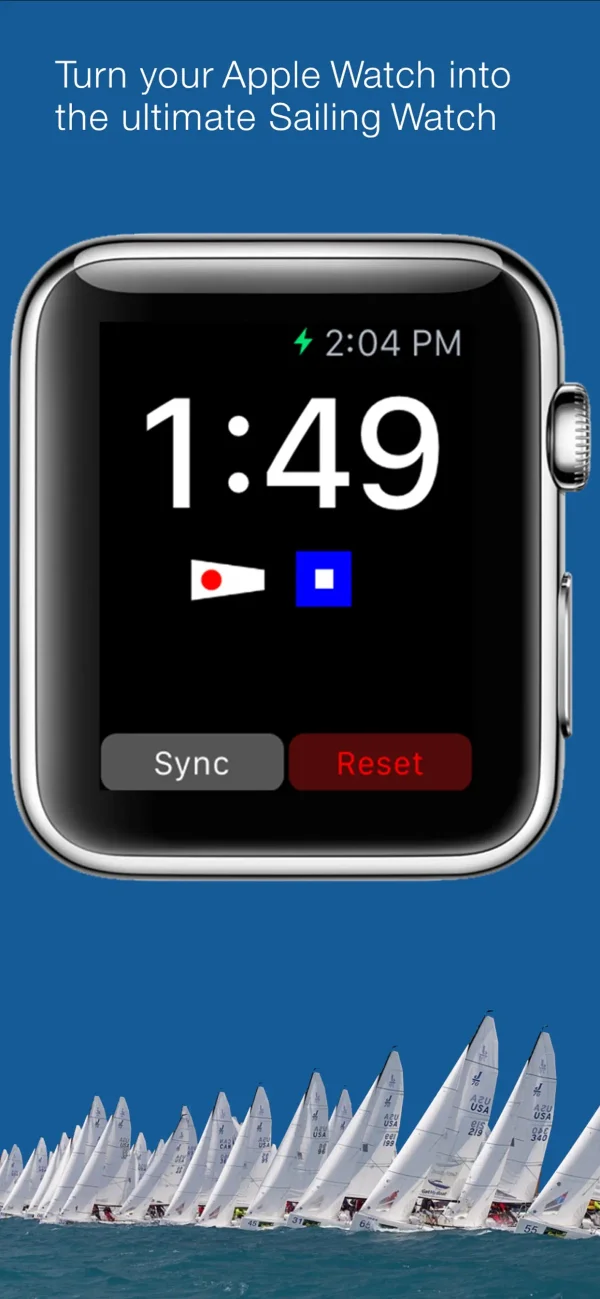
Make the perfect start when sailboat racing, using this ISAF compliant countdown timer with sync function.
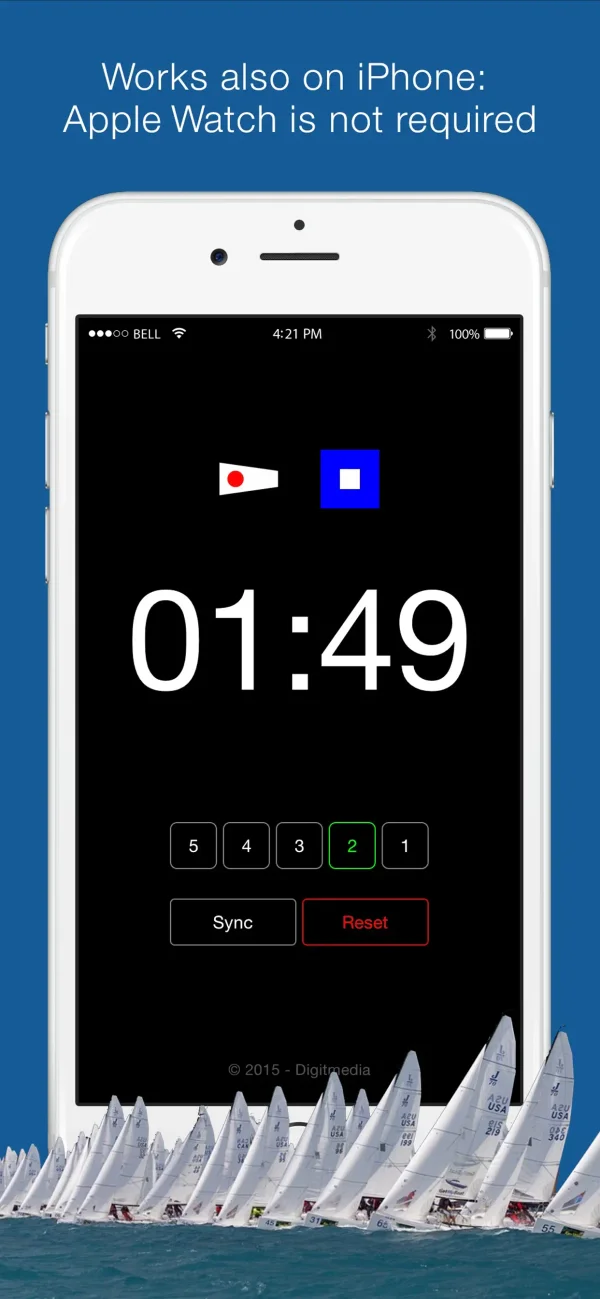
The default countdown timer is the 5 minutes start sequence (ISAF 5.4.1.0), but you can change the sequence easily just by changing the countdown time to 4, 3, 2 or 1 minute.
During the countdown to the start signal, alert beeps are played on the Apple Watch each minute & ‘taps on your wrist’ inform you how much time is left until the start signal (be sure to keep your screen on!)
Did you miss the initial warning signal by a couple of seconds ? No problem: just use the sync function at the next warning signal and the countdown timer will synchronise with the racing committee timer. The sync function is always 'sync down' - even if you were a full minute 'late', you can sync at the next signal with a press on the sync button.
Are you not sure how many minutes you are from the start signal ? Just check if the flags on the racing committee boat are corresponding with the flags on your screen.
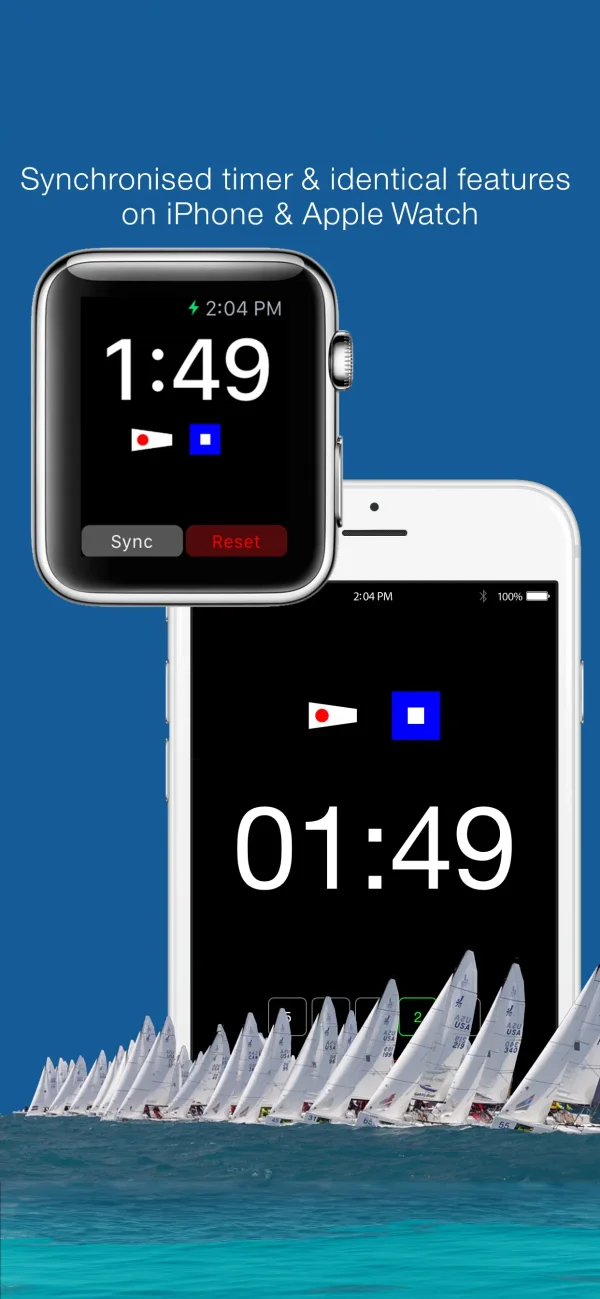
It is not necessary that your Apple Watch is connected to your iPhone: the app runs natively on Apple Watch. You can even choose to install the app only on your Apple Watch.
Although Regatta Timer Watch is optimised for Apple Watch, you can also use it with only an iPhone: Apple Watch is optional.
Happy Sailing !
--------
Pro-Tips:
1. Allow the HealthKit permissions to keep running in the background - even with wrist down you will have countdown sounds & haptics
2. Set the 'Return to clock' setting to 'After 1 hour': Since you want the timer to remain visible during the countdown, it is recommended to disable the 'Return to clock' feature on your Apple Watch: Settings > General > Return to clock > After 1 hour (Regatta Timer will remain active for 1 hour). If you don't change this setting and your display returns to the clock, just double press the Digital Crown to go back to the Regatta Timer countdown timer.
Có gì mới
Phiên bản 6.0 · 19/08/2026
* Fix for no sounds & haptics when wrist down (background mode/workout session is added - requires user approval)
* More noticeable sounds & haptics
* Bug Fixes
* Ready for iOS 27
Quyền riêng tư của ứng dụng
Những gì Digitmedia khai báo trên App Store về cách ứng dụng này xử lý dữ liệu.
-
Dữ liệu không được thu thập
Nhà phát triển không thu thập bất kỳ dữ liệu nào từ ứng dụng này.
Phương thức đảm bảo quyền riêng tư có thể khác nhau, chẳng hạn như tuỳ theo các tính năng bạn sử dụng hoặc độ tuổi của bạn.
Thông tin
- Người bán
- Digitmedia
- Danh mục
- Thể Thao
- Phiên bản
- 6.0
- Cập nhật
- 19/08/2026
- Phát hành
- 25/04/2015
- Kích thước
- 1,4 MB
- Yêu cầu
- iOS 15.6 trở lên
- Độ tuổi
- 4+
- Giá
- 99.000đ
- Ngôn ngữ
- Tiếng Anh
- Bản quyền
- © 2026 Digitmedia