
Remindify - Lock Screen TODO
Task List, Reminders & Notes
Designed for iPhone, iPad
Free · In-app purchases
- Age rating4+
- CategoryUtilities
- DeveloperCROSSEDGE Inc.
- LanguagesEnglish+ 32 more
- Size76.7 MB
Links to the official App Store page
Download.org hosts no file of Remindify - Lock Screen TODO. The button opens its official App Store page, published by CROSSEDGE Inc. Listing last checked on Nov 27, 2026.
Screenshots

About
Manage your to-dos without unlocking your iPhone.
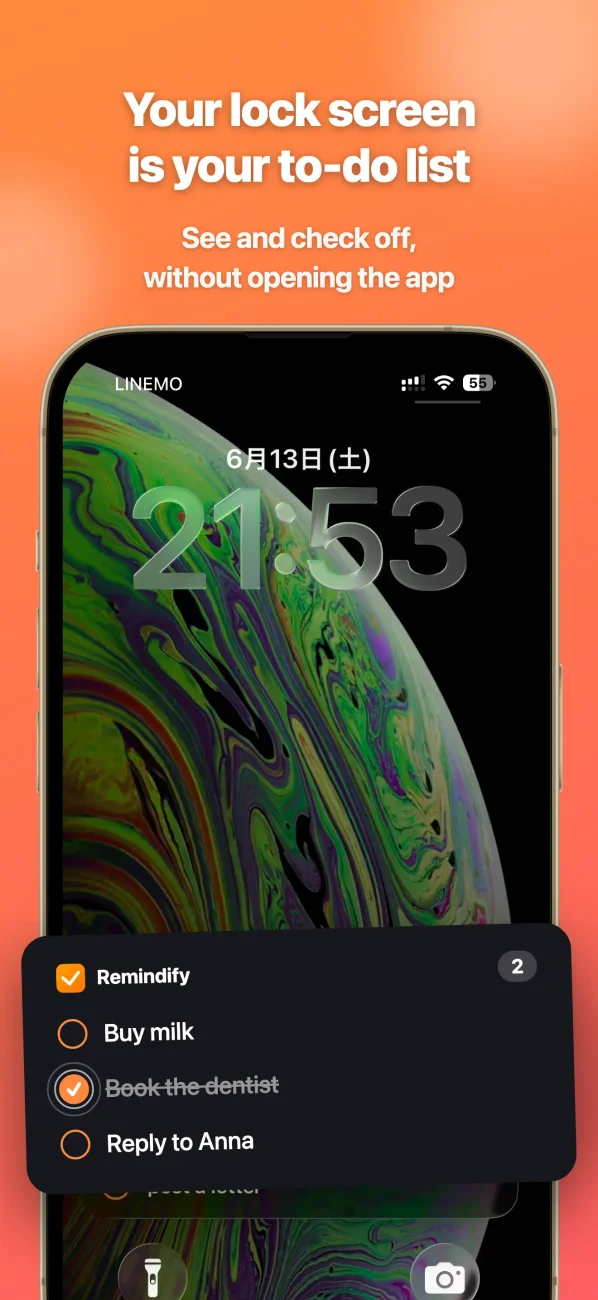
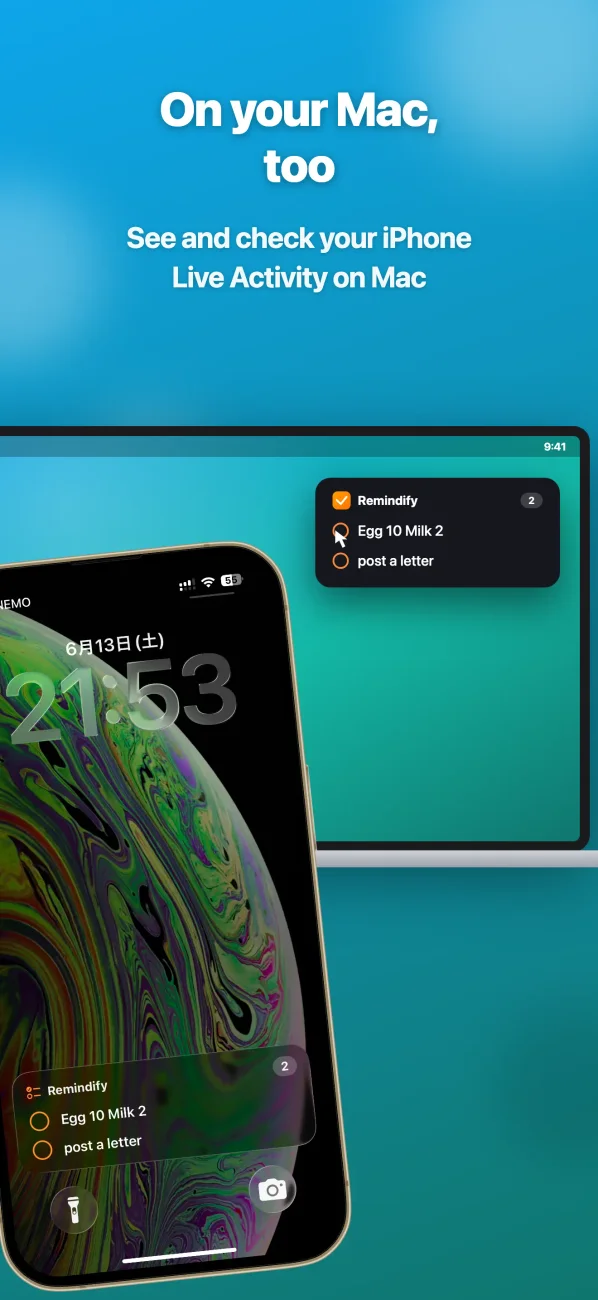
Remindify shows your reminders and to-do list right on your Lock Screen as a Live Activity. Tap to check items off—no Face ID, no unlocking, no app launch. From grocery lists to daily habits, your tasks are always one glance away.
■ Who is it for?
• People who forget shopping lists, to-dos, and reminders
• Anyone who finds it tedious to open a task manager app every time
• Users who want a simpler alternative to the stock Reminders app
• iPhone users who want their schedule and notes on the Lock Screen
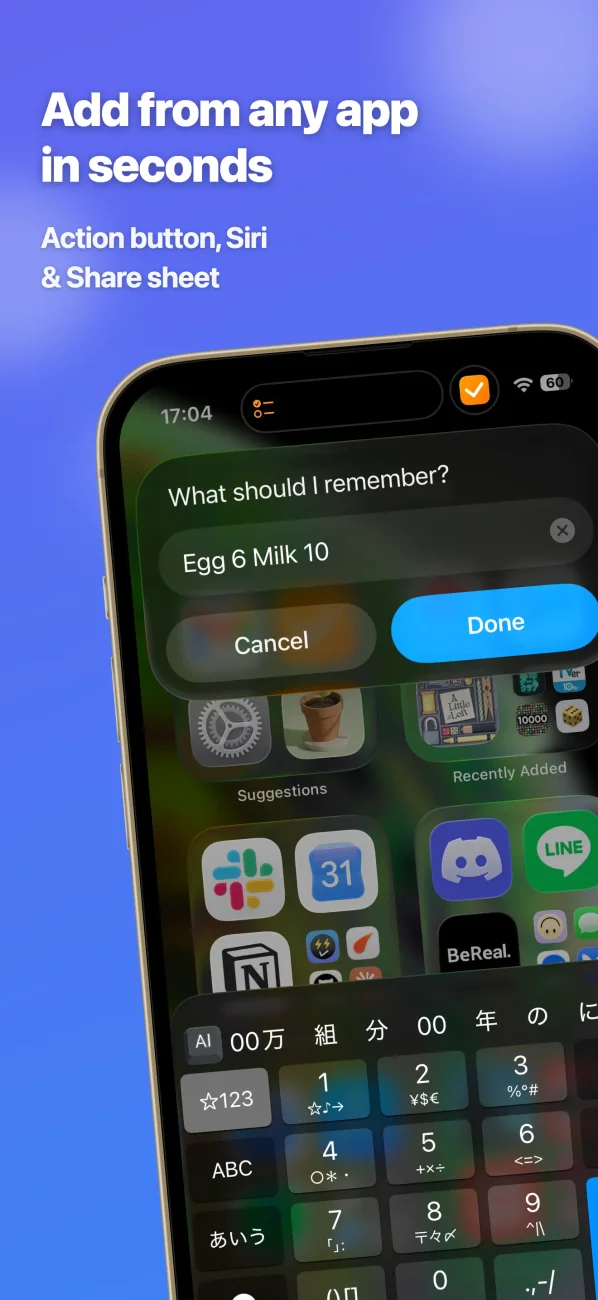
• Power users who want to add memos quickly via the Action Button or Siri
■ Features
◎ Always on your Lock Screen
Live Activity shows your top reminders and to-dos as a persistent banner. Check them anytime—no unlocking required.
◎ One-tap complete
Tap the checkbox right on your Lock Screen to mark tasks done. Face ID unlock not needed.
◎ Add from anywhere
• Action Button (iPhone 15 Pro & later) for instant capture
• "Hey Siri, add a reminder to Remindify" for voice input
• Spotlight Search quick access
• Share Sheet from Safari, Notes, and other apps to save URLs and text
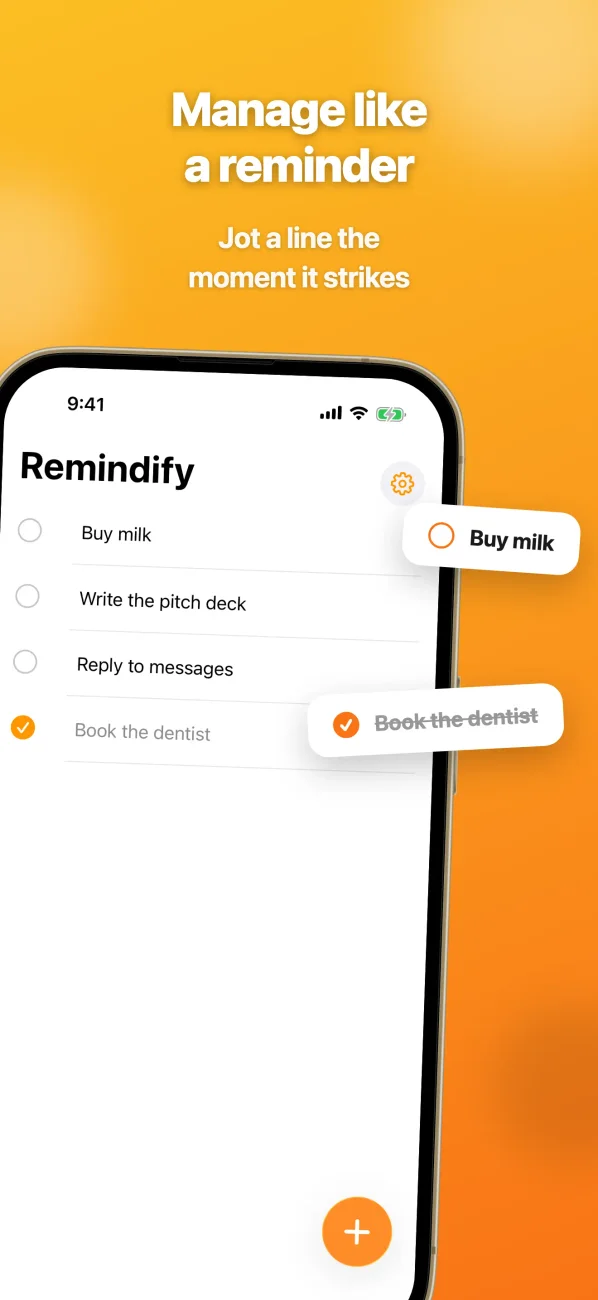
◎ Reminders-app-style inline editing
Tap any row to edit in place. Hit Return to add the next item—fluid, frictionless to-do entry.
◎ 24-hour completed view
Completed tasks stay visible in gray for 24 hours so you can see your wins, then auto-hide for a clean list.
◎ Lock Screen widgets
Alongside Live Activity, Lock Screen widgets are supported in multiple sizes.
■ Use cases
• Shopping lists, grocery memos
• Travel packing checklists
• Project task lists
• Daily habit reminders
• Quick brain-dump memos
■ Requirements
• iOS 18.0 or later
• iPhone, iPad, and Apple Watch
• Supports Lock Screen widgets, Live Activity, and Dynamic Island
If you want a lightweight reminders app that stays in front of you on the Lock Screen, Remindify is for you.
◎ Make it yours
Backgrounds (colors, gradients, paper, photos), fonts, and check shapes—style your Lock Screen, widgets, and the app itself.
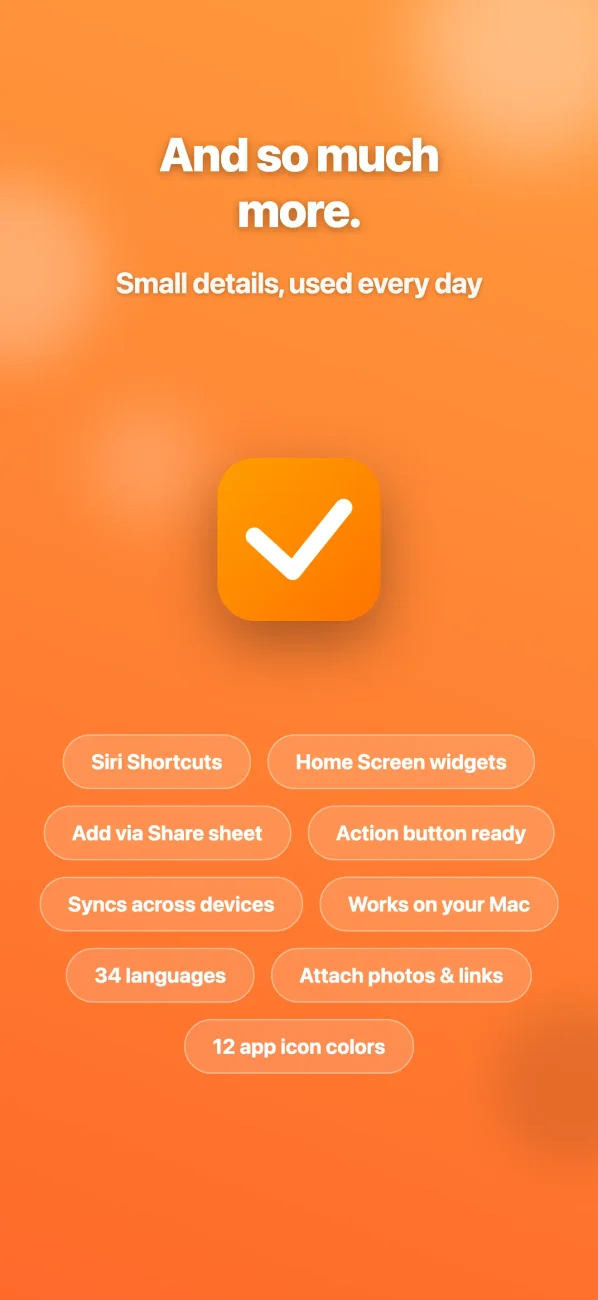
◎ Attach photos & links
Long-press any task to attach a photo or a link.
■ Remindify Pro
These features are available with Remindify Pro (monthly/yearly subscription, or a one-time lifetime purchase):
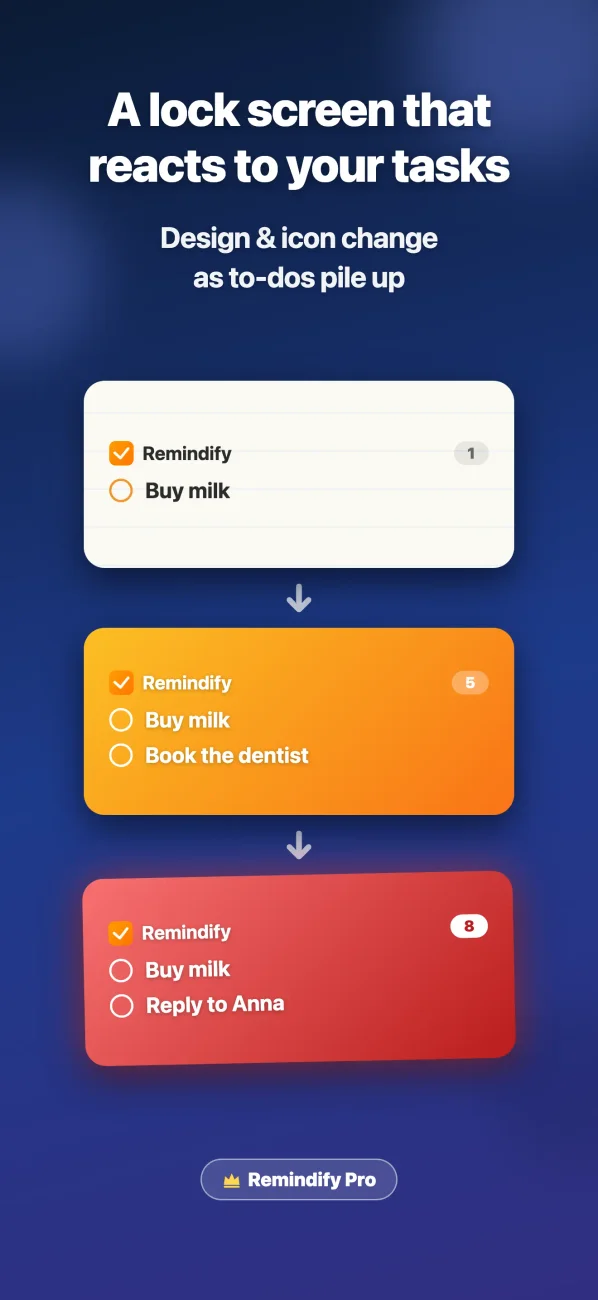
• Task-count reactive design: the Lock Screen design and Dynamic Island icon change automatically with your remaining tasks
• Custom Dynamic Island icon: keep your favorite photo in the Dynamic Island
• App icon in 12 colors
• Repeating tasks (daily or weekly): completed tasks automatically come back on schedule
• Cloud sync for attached photos: keep them across devices and when you switch phones
• Apple Watch app, plus Smart Stack and complications
• Web version: view and edit your tasks from your computer's browser (remindify.nabettu.com)
• AI app integration: ask Claude or ChatGPT to add a task to your list (MCP)
The yearly plan includes a 7-day free trial. Subscriptions renew automatically unless canceled at least 24 hours before the end of the current period. Manage or cancel anytime in your App Store account settings.
Terms of Use (EULA): https://www.apple.com/legal/internet-services/itunes/dev/stdeula/
What’s new
Version 1.3.8 · Nov 26, 2026
• Fixed an issue where the task card could stop appearing on the Lock Screen after changing the device language
• Simplified screens by removing repetitive explanations and unnecessary labels.
If you enjoy Remindify, a review would mean a lot!
App privacy
What CROSSEDGE Inc. declares on the App Store about how this app handles data.
-
Data linked to you
May be collected and linked to your identity.
- Purchases
- User content
- Identifiers
-
Data not linked to you
May be collected but is not linked to your identity.
- Usage data
- Diagnostics
Privacy practices may vary, for example with the features you use or your age.
Information
- Seller
- CROSSEDGE Inc.
- Category
- Utilities
- Version
- 1.3.8
- Updated
- Nov 26, 2026
- Released
- Jun 14, 2026
- Size
- 76.7 MB
- Requires
- iOS 18.0 or later
- Age rating
- 4+
- Price
- Free
- In-app purchases
- Yes
- Languages
- English, Arabic, Catalan, Croatian, Czech, Danish, Dutch, Finnish, French, German, Greek, Hebrew + 21 more
- Copyright
- © CROSSEDGE Inc.
You might also like
-
 Miica - Digital Business CardWallet pass, QR & link in bio
-
 ondot timer|逆算不要タイマーUtilities
-
 Useful Lock Screen MemoNotes, Reminders & Widgets
-
 TificatAI reminders with voice input.
-
 KotoKey: Custom KeyboardMechanical Key Sounds & Themes
-
 SheetWidget: SpreadsheetsTables on Home & Lock Screens
-
 KumiKey: 自由に配置できるフリックキーボードUtilities
-
 Researchly | エンジニアのためのAIフィードUtilities
-
 Deflector ◇Shortcuts Everywhere
-
 LockScreenNotes - bg textlock screen notes & wallpapers