
Remindo: Offline Notes Widget
Reminders, routines and goals
Designed for iPhone, iPod touch
In-app purchases
- Age rating4+
- CategoryProductivity
- DeveloperNicolas Zanette
- LanguagesEnglish
- Size27.2 MB
Links to the official App Store page
Download.org hosts no file of Remindo: Offline Notes Widget. The button opens its official App Store page, published by Nicolas Zanette. Listing last checked on Nov 23, 2026.
Screenshots
About
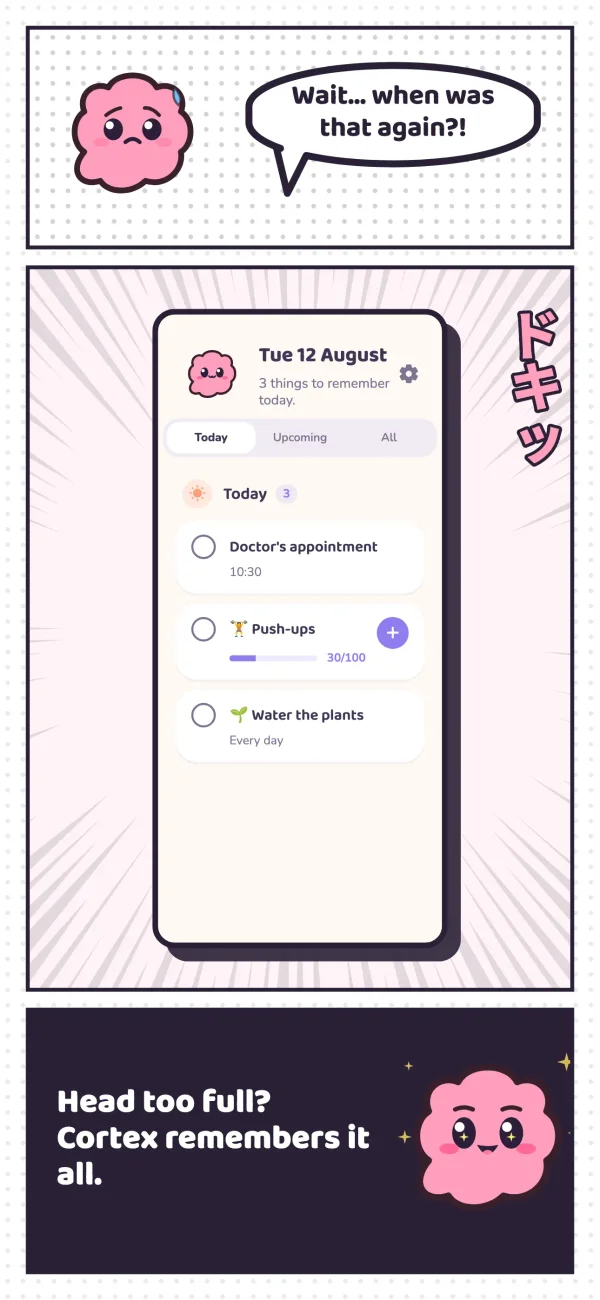
Head too full? Just hand it all over, I've got this.
I'm Cortex, your pocket-sized second brain. Tell me what you don't want to forget, and I'll bring it back up at exactly the right moment. No account to create, no dashboard to set up: you open the app, you type, done.
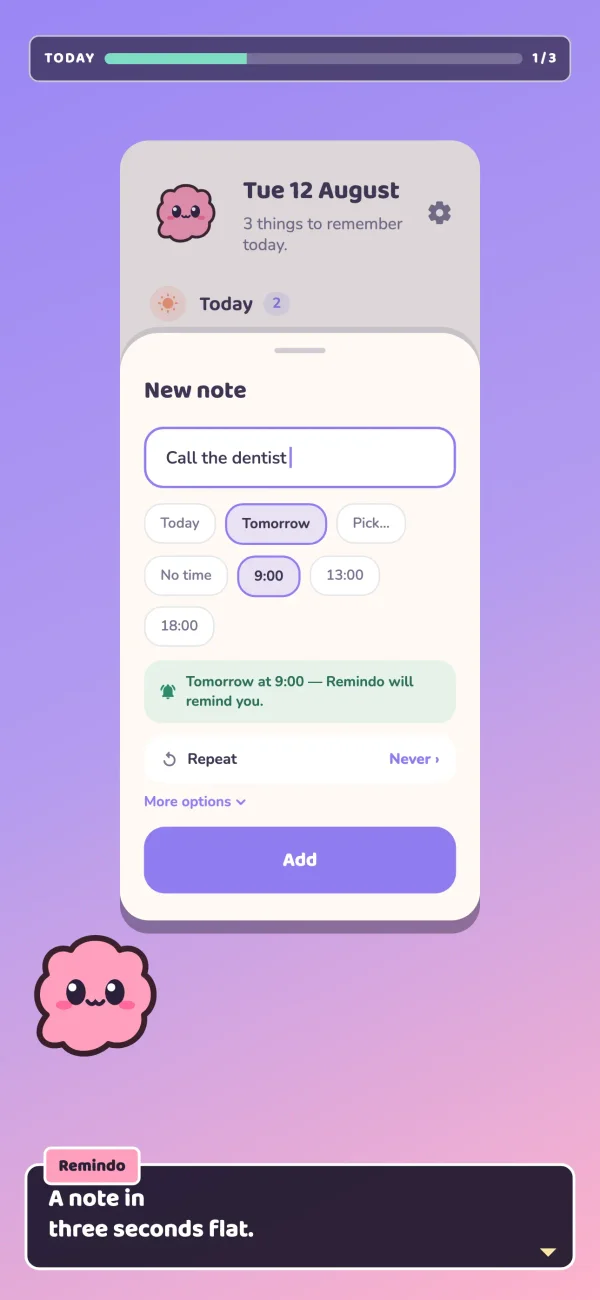
A TITLE, “WHEN?”, DONE
An idea, an errand, a birthday… Type it, pick Today, Tomorrow or a date, and I'll tell you right away whether I'll ping you. Category, steps, a goal or a description? They wait quietly under “More options”.
YOUR NOTES, ORGANIZED WITHOUT EFFORT
Codes, shoe sizes, gift ideas: your notes get their own tab. Pin the ones you keep reopening, sort them by category, and find any of them by typing a word. Bold, italics, bullets and little callouts keep your lists readable.
TODAY FIRST
I open on what matters today, with what's coming up and everything else one tap away. A reminder is overdue? Move it to tonight or tomorrow in one gesture. Checked it too soon? “Undo”, and it's as if nothing happened. And if it doesn't need a time, it doesn't get one.
YOUR ROUTINES, ON AUTOPILOT
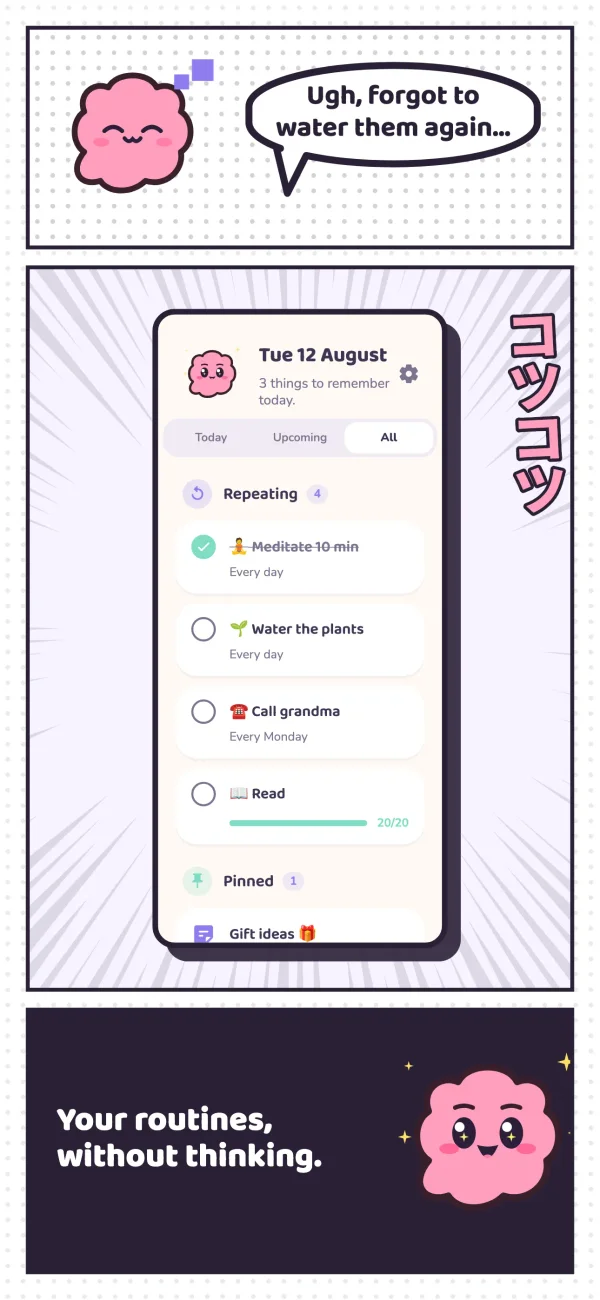
Just “Repeat”: every day, every week, every two weeks or every month. Water the plants, meditate, call grandma: they come back on their own, on the right day, all you do is tick them off.
GOALS THAT ACTUALLY MOVE
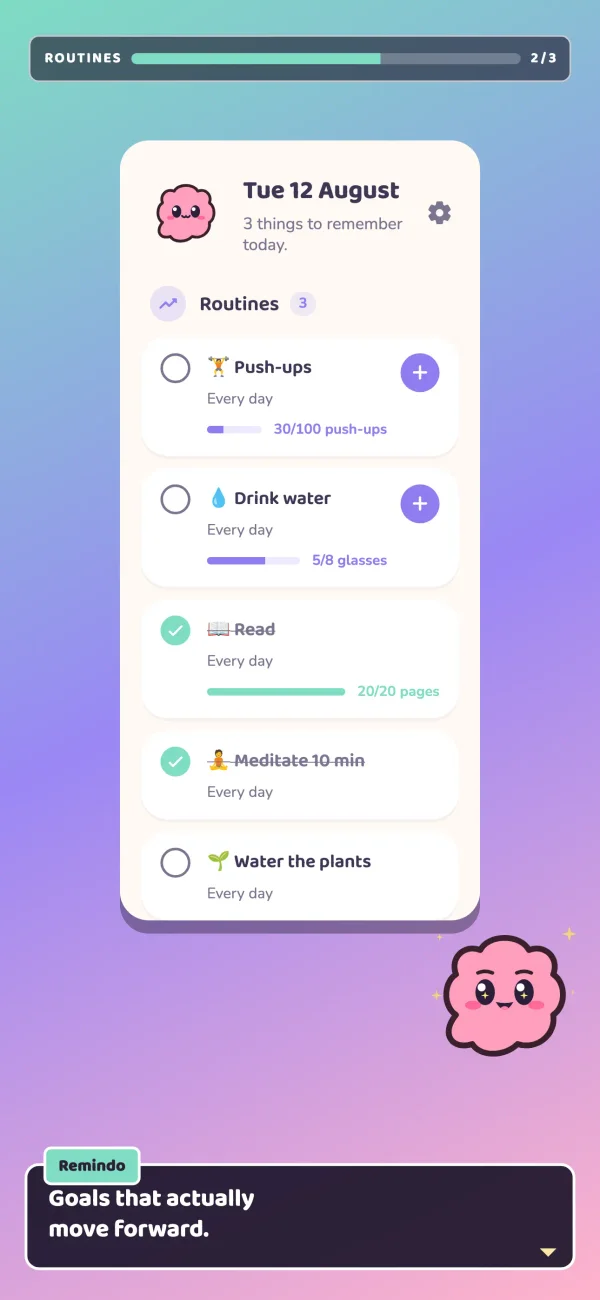
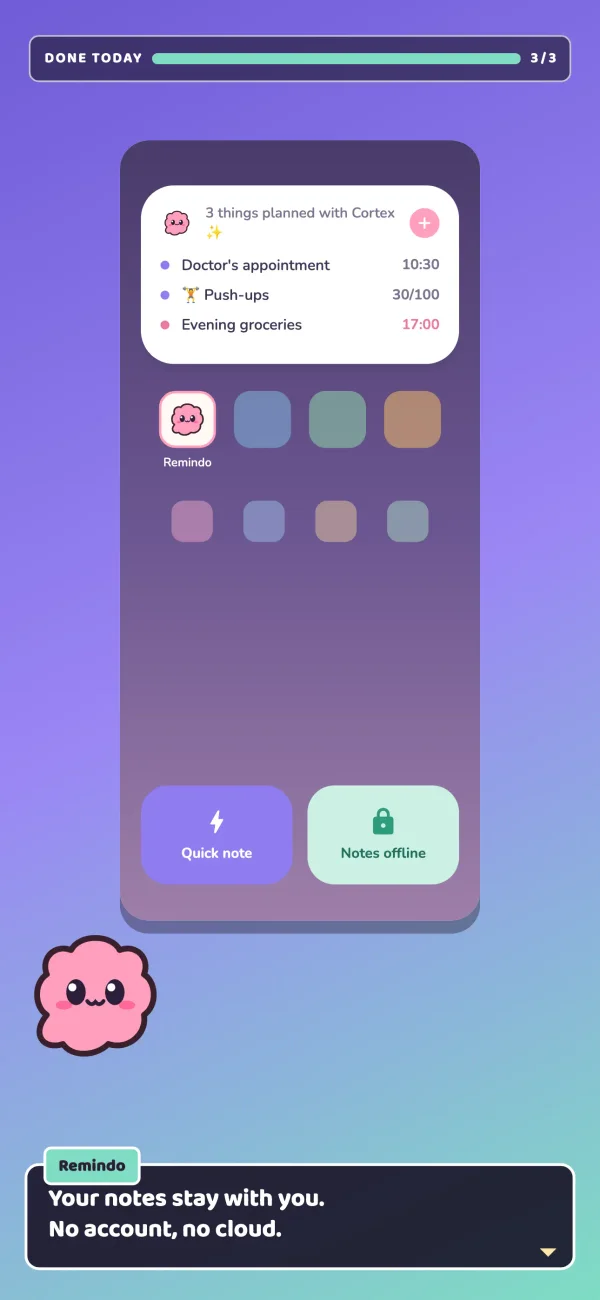
30 push-ups, 8 glasses of water, 20 pages. Set a number, add your progress through the day, and watch the bar fill up. 30/100, then 60/100, then… there you go.
I'LL CHECK IN, GENTLY
A midday check-in, an evening nudge. You set the times, and I go quiet the moment there's nothing left to do. Promise, I'm not the clingy type.
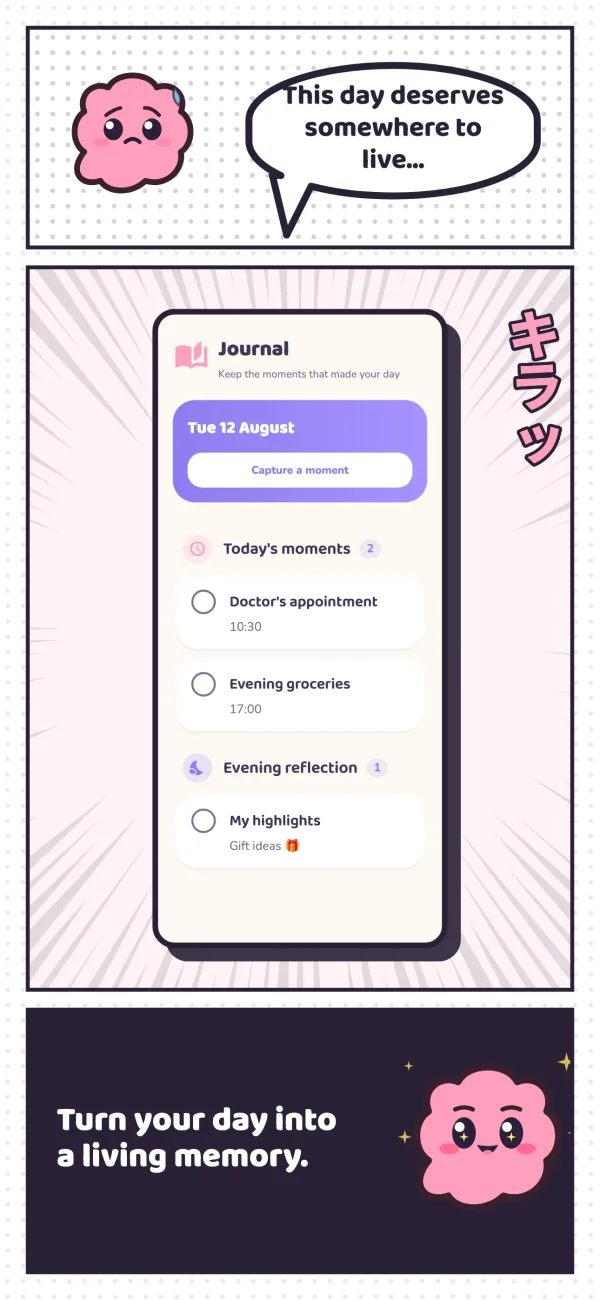
YOUR JOURNAL, GENTLY
Capture your day's moments with their time, hashtags and a few photos. A small review in the evening; later, your memories by week, month or year.
YOUR WIDGET, RIGHT ON THE HOME SCREEN
Your day right on the home screen, plus a shortcut in your phone's quick settings to jot an idea down in two seconds. You can even share text from another app — it lands straight with me.
YOUR DAY ON YOUR WRIST
Today's reminders show up on your watch. On Wear OS, the Remindo app and its tile put today's list one swipe from your watch face. Tick them off, add +1 to your goals, without pulling out your phone — and everything syncs back on its own.
YOUR NOTES STAY WITH YOU
No account. No cloud. No ads. Your notes live on your phone and are never sent anywhere — the app works fully offline.
Only anonymous usage statistics and crash reports are sent, to fix bugs. Never the content of your notes, and you can switch it all off in the settings.
Come on, empty your head. I'll take it from here.
What’s new
Version 2.3.0 · Nov 13, 2026
Just type, Remindo understands
• Type “Call mom tomorrow at 6pm”: the date and time fill in by themselves.
• Routines too: “Gym every Monday at 8am”.
• What was understood is highlighted, and one tap ignores it.
• Adding, checking off, deleting: everything is instant, with smoother animations.
• The app starts faster.
• A useless daily notification is gone.
App privacy
What Nicolas Zanette declares on the App Store about how this app handles data.
-
Data not linked to you
May be collected but is not linked to your identity.
- Identifiers
- Usage data
- Diagnostics
Privacy practices may vary, for example with the features you use or your age.
Information
- Seller
- Nicolas Zanette
- Category
- Productivity
- Version
- 2.3.0
- Updated
- Nov 13, 2026
- Released
- Aug 25, 2026
- Size
- 27.2 MB
- Requires
- iOS 15.0 or later
- Age rating
- 4+
- In-app purchases
- Yes
- Languages
- English
- Copyright
- © 2026 AppCraft31
You might also like
-
 Yoku: Photo Reminder WidgetADHD Visual Planner & Notes
-
 NextStep: Visual Routine TimerMorning steps, finish-by time
-
 FibotreeTasks and routines, together
-
 ProjiKit: Project Notes & WikiPlanner, Kanban Board & Tasks
-
 WatchPenNotes you write on your watch
-
 Tasker: Couple PlannerProductivity
-
 QuranLock: Screen Time ControlRead Quran, earn screen time
-
 toDone: Done List & To-Do LogProductivity
-
 Easy Daily Habits and BMIHealthy habits, BMI calculator