Remote Control (TV)
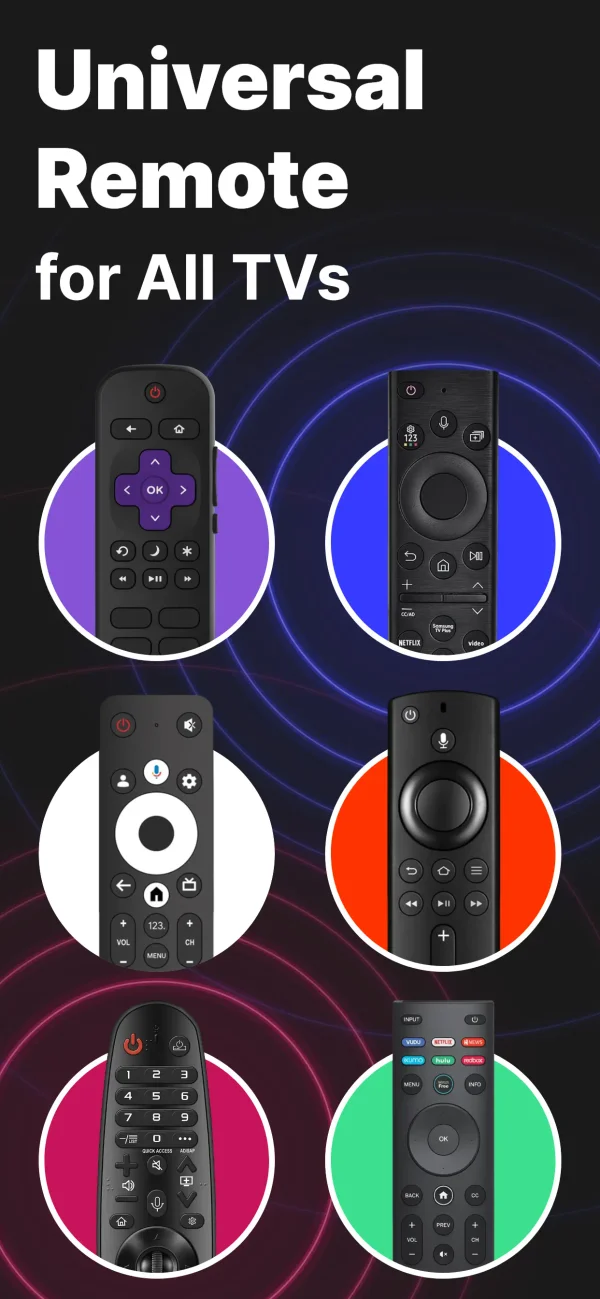
1,000+ Smart TV Models
Designed for iPhone, iPad, iPod touch
Free · In-app purchases
- Age rating4+
- CategoryUtilities
- DeveloperTap Node S.A.L (Offshore)
- LanguagesEnglish+ 46 more
- Size65.2 MB
Links to the official App Store page
Download.org hosts no file of Remote Control (TV). The button opens its official App Store page, published by Tap Node S.A.L (Offshore). Listing last checked on Nov 23, 2026.
Screenshots
About
Lost your remote? Turn your phone into a universal TV remote control in seconds.
TV EVO is a universal remote control app for compatible smart TVs and media devices. Connect over Wi-Fi and use your phone for volume, channels, navigation, apps, inputs, playback, and more.
Your Remote, Always Within Reach
Forget searching between couch cushions, replacing batteries, or keeping a different remote for every screen. TV EVO puts useful controls on the phone already in your hand.
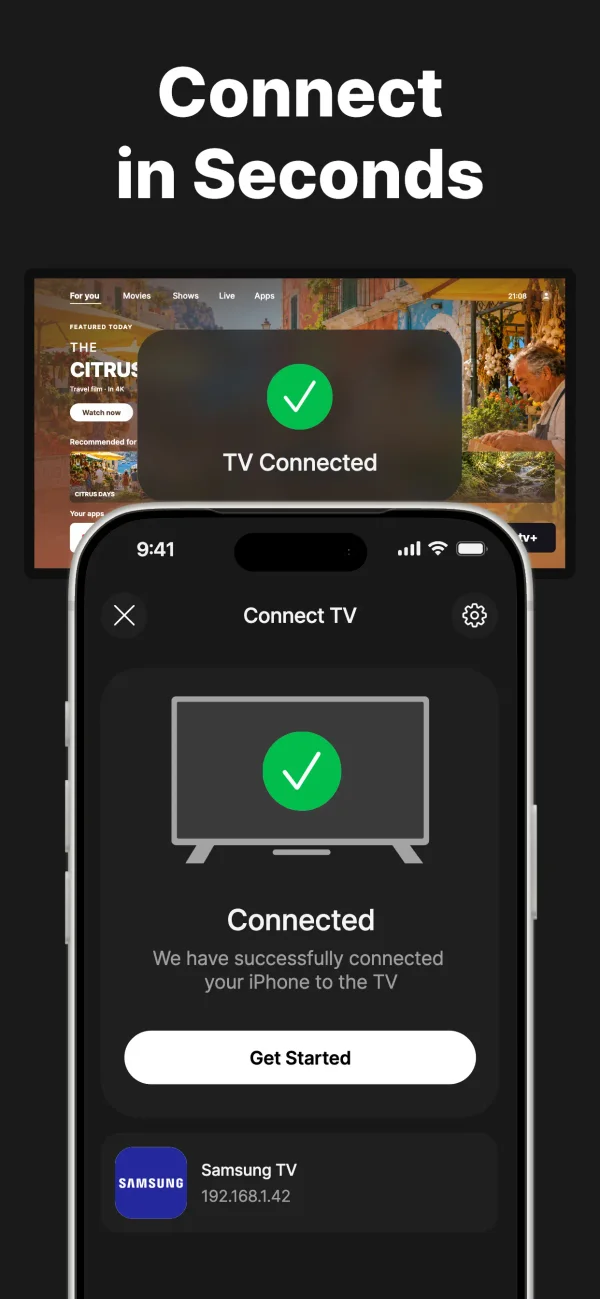
Quick Wi-Fi Setup
Getting connected is simple:
- Connect your phone or tablet and TV to the same Wi-Fi network
- Open TV EVO and select a discovered device
- Confirm the connection on your TV or enter a pairing code when required
- Start using your phone as a remote
The app can remember supported connection details and reconnect automatically when your devices and network allow it.
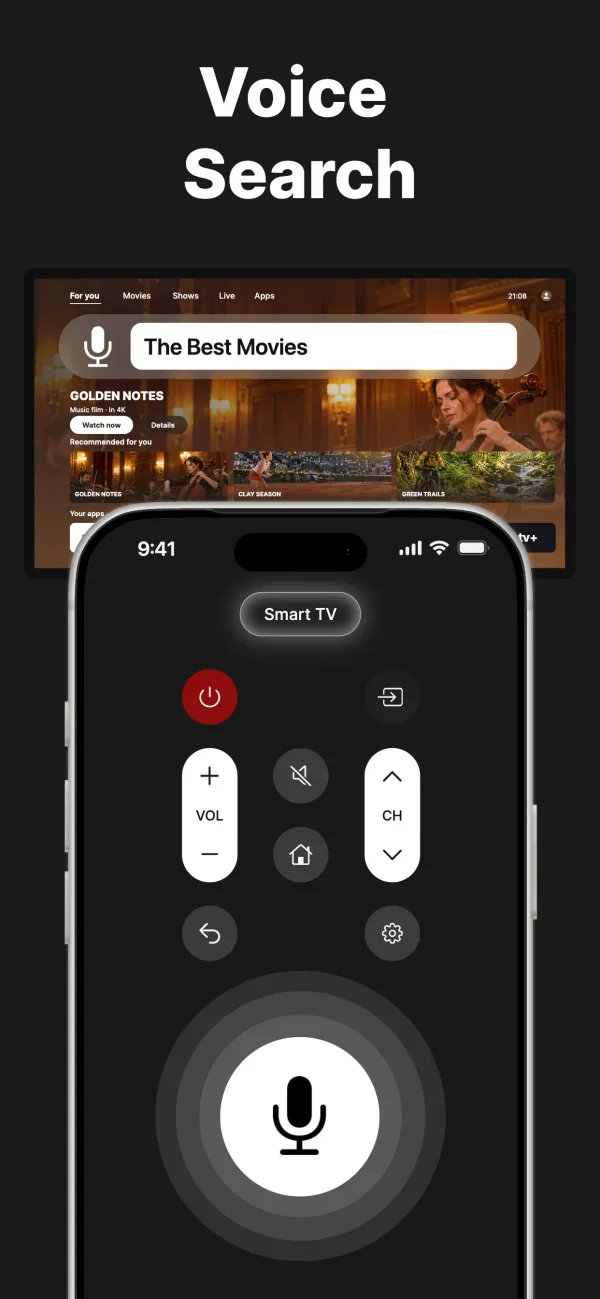
Complete Remote Control
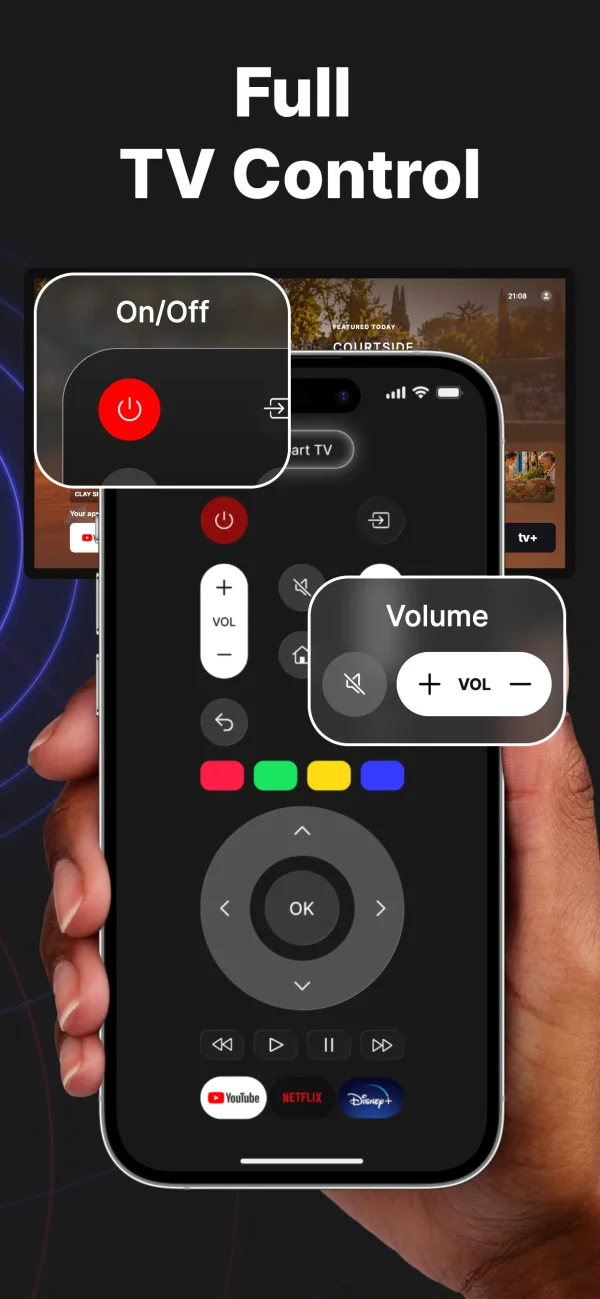
Use a familiar remote layout with the controls you expect:
- Turn the TV on or off when supported
- Adjust volume and mute sound
- Change channels or enter channel numbers directly
- Open Home and Settings, go Back, and navigate menus
- Switch between available inputs
- Play, pause, rewind, and fast-forward content
Available controls depend on the connected device and its supported features.
Navigate, Type, and Search Faster
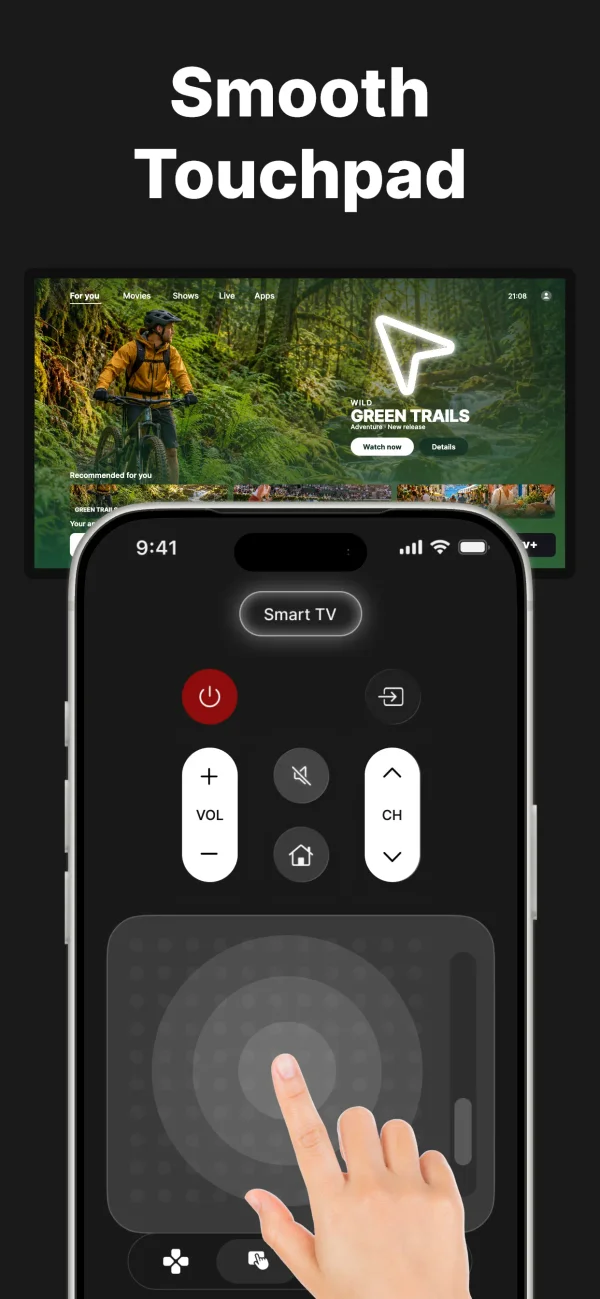
Choose classic directional buttons for precise navigation, or use the touchpad to swipe, tap, and scroll through compatible interfaces. When supported, it can also move the on-screen cursor.
On compatible devices, TV EVO lets you use your phone keyboard to search and enter text more quickly. Additional search and input features depend on the connected device.
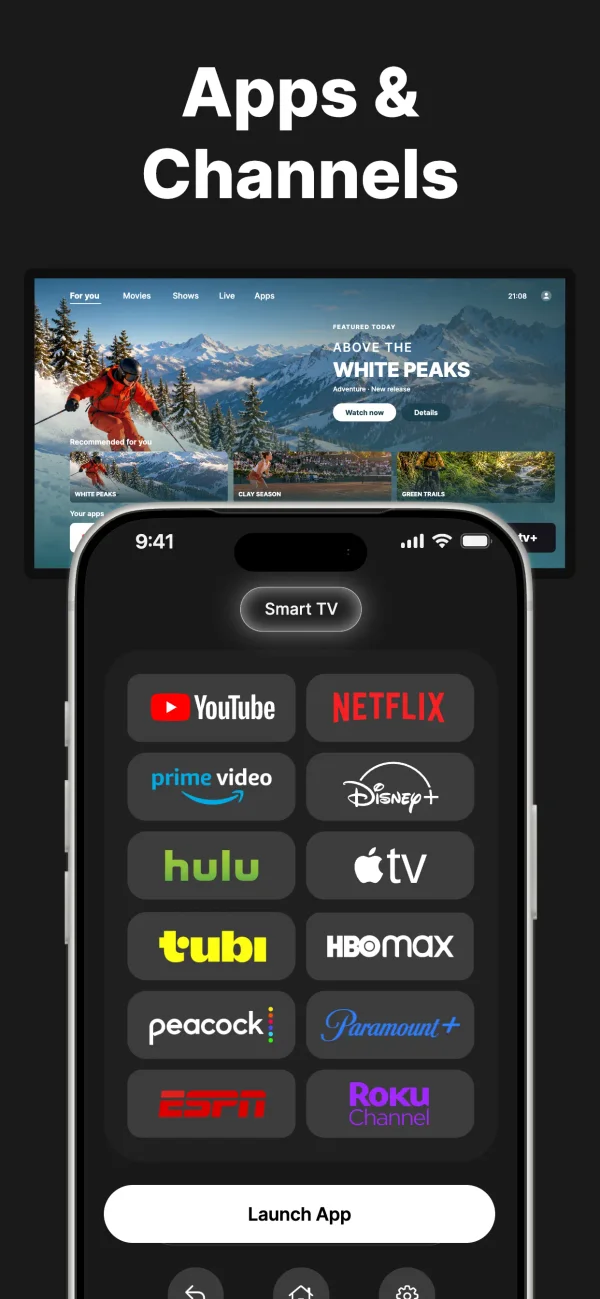
Open Apps with Fewer Steps
Access supported apps directly from your remote screen. When a device provides its installed-app list, TV EVO can display available apps and open supported ones without navigating through multiple menus.
Designed for Everyday Use
TV EVO includes clear, responsive controls adapted to the connected device, automatic reconnection when available, easy switching between discovered devices, connection status checks, guided troubleshooting, and support for multiple compatible devices.
Helpful Connection Guidance
Some TVs become unavailable in standby or when network settings are disabled. TV EVO provides guidance for local-network access, pairing, network standby, remote startup, quick startup, and network wake features when relevant to your device.
One Remote for Compatible TVs and Media Devices
TV EVO works with a wide range of compatible smart TVs and media devices. Control supported devices from one app instead of keeping separate remote apps for different screens.
Compatibility and available features vary by model, firmware, region, network configuration, and device settings. Your phone or tablet and the controlled device normally need the same Wi-Fi network. Some devices require a pairing code or confirmation on the TV screen.
Power control, touchpad navigation, keyboard input, search, input selection, app launching, and network wake may not be available on every device.
TV EVO is an independent application and is not affiliated with, sponsored by, or endorsed by any of the manufacturers, platform providers, or streaming services referenced in the app. Third-party names and trademarks are used to identify the respective devices, platforms, and services and belong to their respective owners.
Some features require an active subscription. Available options are shown in the app before purchase.
Privacy Policy: https://remoteforanytv.com/privacy
Terms of Use: https://remoteforanytv.com/terms
What’s new
Version 2.7.2 · Nov 22, 2026
Improved app stability.
App privacy
What Tap Node S.A.L (Offshore) declares on the App Store about how this app handles data.
-
Data used to track you
May be used to track you across apps and websites owned by other companies.
- Usage data
-
Data linked to you
May be collected and linked to your identity.
- Usage data
-
Data not linked to you
May be collected but is not linked to your identity.
- Diagnostics
Privacy practices may vary, for example with the features you use or your age.
Information
- Seller
- Tap Node S.A.L (Offshore) - Single Partner
- Category
- Utilities
- Version
- 2.7.2
- Updated
- Nov 22, 2026
- Released
- Sep 8, 2026
- Size
- 65.2 MB
- Requires
- iOS 15.6 or later
- Age rating
- 4+
- Price
- Free
- In-app purchases
- Yes
- Languages
- English, Arabic, Bengali, Bulgarian, Catalan, Croatian, Czech, Danish, Dutch, Filipino, Finnish, French + 35 more
- Copyright
- 2026 © Tap Node S.A.L
You might also like
-
 TV Remote Control for TV APPSmart TV Remote
-
 Universal - TV Remote ControlRoku, Samsung, LG & Touchpad
-
 OmniRemote TVRemote for LG, Samsung, Roku
-
 TV Remote Control | UniversalRemote Control for Smart TV
-
 Universal: TV Remote ControlSmart Cast, Keyboard & Wi-Fi
-
 Universal TV Remote: Smart TVsSmart TV & Streaming Control
-
 TV Remote – Universal ControlRemote for Roku, LG, Samsung
-
 TV Remote Control Universal.Smart Remote For All TVs
-
 Smart TV Remote SamsungSmart Things App
-
 TV Remote | Control UniversalSmart Controller for all TVs