TV Remote Control | Universal
Remote Control for Smart TV
Designed for iPhone, iPad
Free · In-app purchases
- Age rating4+
- CategoryUtilities
- DeveloperMehmet Alan
- LanguagesEnglish+ 35 more
- Size14.5 MB
Links to the official App Store page
Download.org hosts no file of TV Remote Control | Universal. The button opens its official App Store page, published by Mehmet Alan. Listing last checked on Nov 22, 2026.
Screenshots


About
Turn your iPhone into a smart and powerful TV remote.
Universal TV Remote Control lets you control compatible Smart TVs over Wi-Fi. Adjust the volume, change channels, navigate with a touchpad or D-pad, type with your iPhone keyboard, launch TV apps, switch inputs, and cast photos and videos to the big screen.
KEY FEATURES:
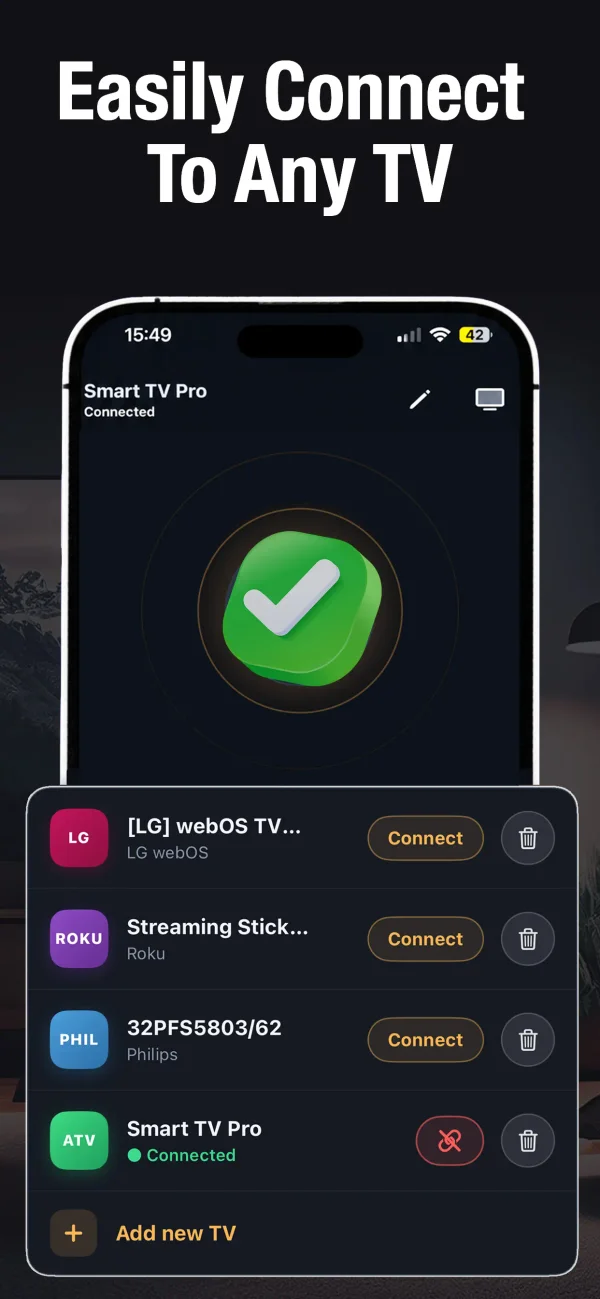
• Automatic TV discovery and fast connection
• Touchpad, D-pad, and number pad controls
• Volume, channel, power, mute, home, and playback buttons
• Keyboard input for faster TV searches
• Quick access to supported TV apps
• HDMI and input source selection
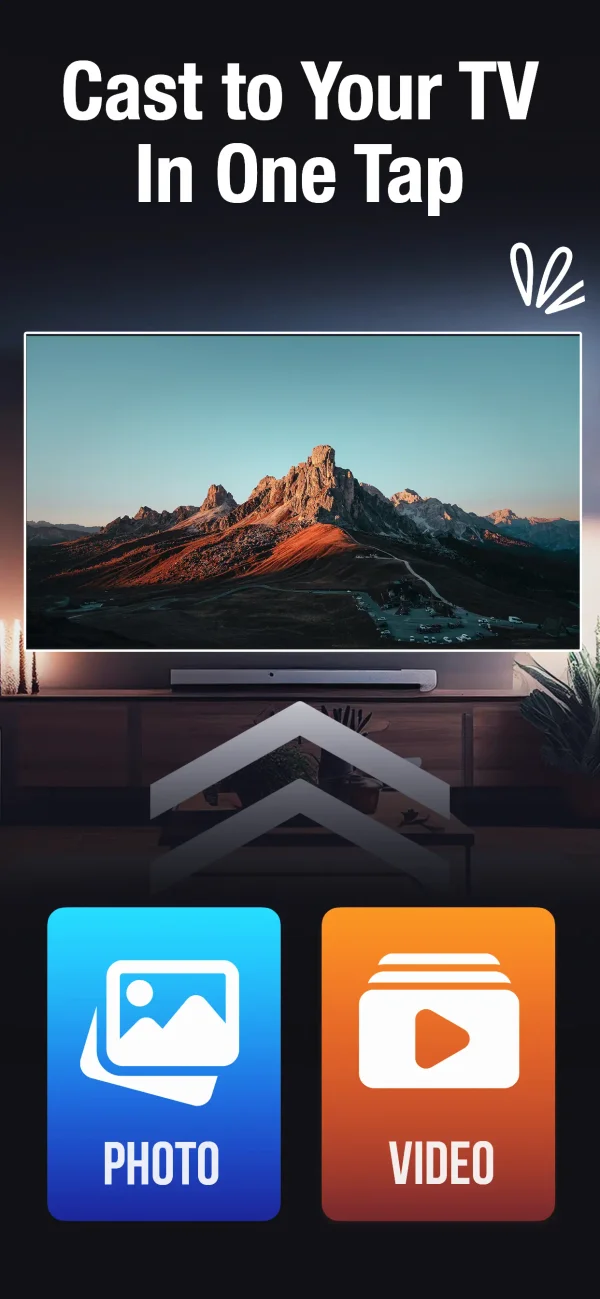
• Photo and video casting
• Multiple TV support
• Automatic reconnection
• Wake-on-LAN for supported TVs
• Dark mode and haptic feedback
SUPPORTED TVs AND PLATFORMS:
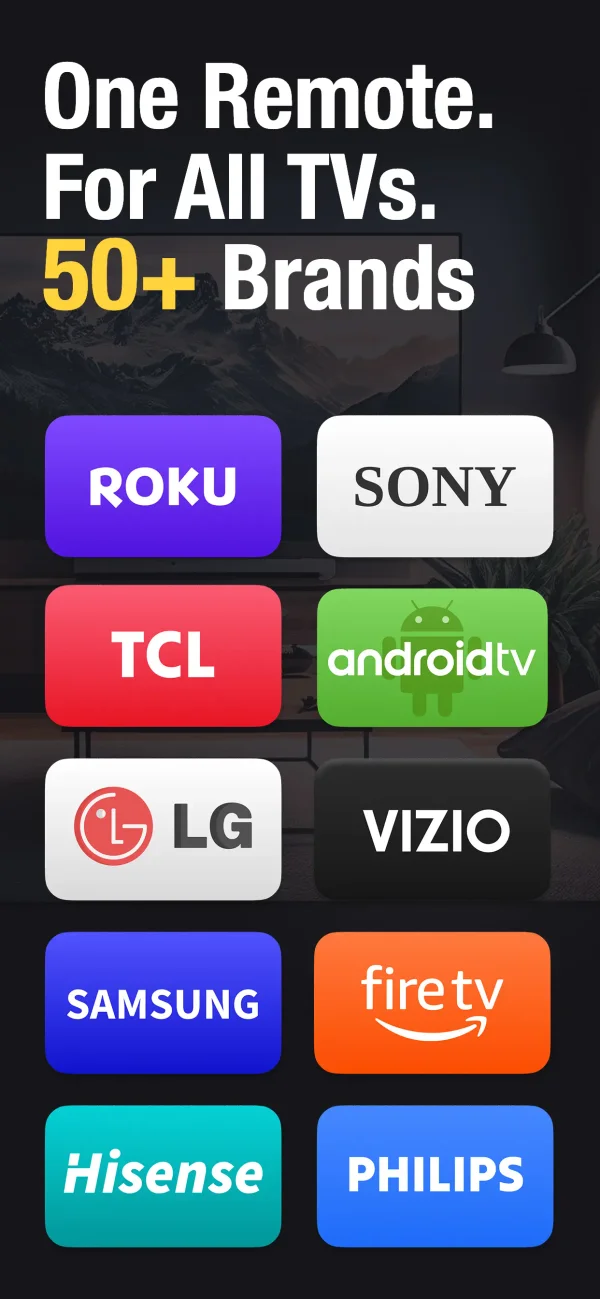
• Samsung Smart TV
• LG Smart TV and webOS
• Roku TV and Roku devices
• Android TV and Google TV
• Amazon Fire TV
• Vizio SmartCast
• Hisense Smart TV
• Sony Smart TV
• Philips Smart TV
• Other compatible Wi-Fi-enabled televisions
Your iPhone and TV usually need to be connected to the same Wi-Fi network. Some TVs may require a one-time confirmation or pairing code.
Available controls, casting features, app launching, and power-on support may vary depending on the TV brand, model, operating system, and network settings.
Universal TV Remote Control is an independent application and is not affiliated with, endorsed by, or sponsored by any television manufacturer or platform.
Premium:
To receive full access to TV Remote Control Universal features, you will need to subscribe to Premium.
Subscription Information:
– Payment will be charged to iTunes Account at confirmation of purchase (After free trial period if offered).
– Subscription automatically renews unless auto-renew is turned off at least 24-hours before the end of the current period.
– Account will be charged for renewal within 24-hours prior to the end of the current period, and identify the cost of the renewal.
– Subscriptions may be managed by the user and auto-renewal may be turned off by going to the user’s Account Settings after purchase.
– Any unused portion of a free trial period, if offered, will be forfeited when the user purchases a subscription to that publication, where applicable.
This app is not affiliated with or endorsed by Samsung, Roku, or any other TV brands listed above.
Privacy : https://mlnapps.github.io/privacy.html
Terms. : https://mlnapps.github.io/terms.html
App privacy
What Mehmet Alan declares on the App Store about how this app handles data.
-
Data not linked to you
May be collected but is not linked to your identity.
- Purchases
- Identifiers
- Usage data
Privacy practices may vary, for example with the features you use or your age.
Information
- Seller
- Mehmet Alan
- Category
- Utilities
- Version
- 1.0
- Updated
- Aug 30, 2026
- Released
- Aug 30, 2026
- Size
- 14.5 MB
- Requires
- iOS 16.0 or later
- Age rating
- 4+
- Price
- Free
- In-app purchases
- Yes
- Languages
- English, Arabic, Bengali, Bulgarian, Catalan, Croatian, Czech, Danish, Dutch, Finnish, French, German + 24 more
- Copyright
- © Mehmet Alan
You might also like
-
 TV Remote Control for TV APPSmart TV Remote
-
 TV Remote - Universal Control™Remote control for Smart TV
-
 Remote Control (TV)1,000+ Smart TV Models
-
 Universal TV Remote: Smart TVsSmart TV & Streaming Control
-
 Universal: TV Remote ControlSmart Cast, Keyboard & Wi-Fi
-
 TV Remote – Universal ControlRemote for Roku, LG, Samsung
-
 TV Remote, Universal ControlRemote Control for TV
-
 Universal TV Remote: All TVsControl any TV from your phone
-
 Universal - TV Remote ControlRoku, Samsung, LG & Touchpad
-
 TV Remote Control - ZappingFor Samsung, LG, Roku & more