Remote for LG
Remote Control for LG Smart TV
Designed for iPhone, iPad
Free · In-app purchases
- Age rating17+
- CategoryUtilities
- DeveloperQuick Smart
- LanguagesEnglish+ 8 more
- Size72.9 MB
Links to the official App Store page
Download.org hosts no file of Remote for LG. The button opens its official App Store page, published by Quick Smart. Listing last checked on Nov 23, 2026.
Screenshots
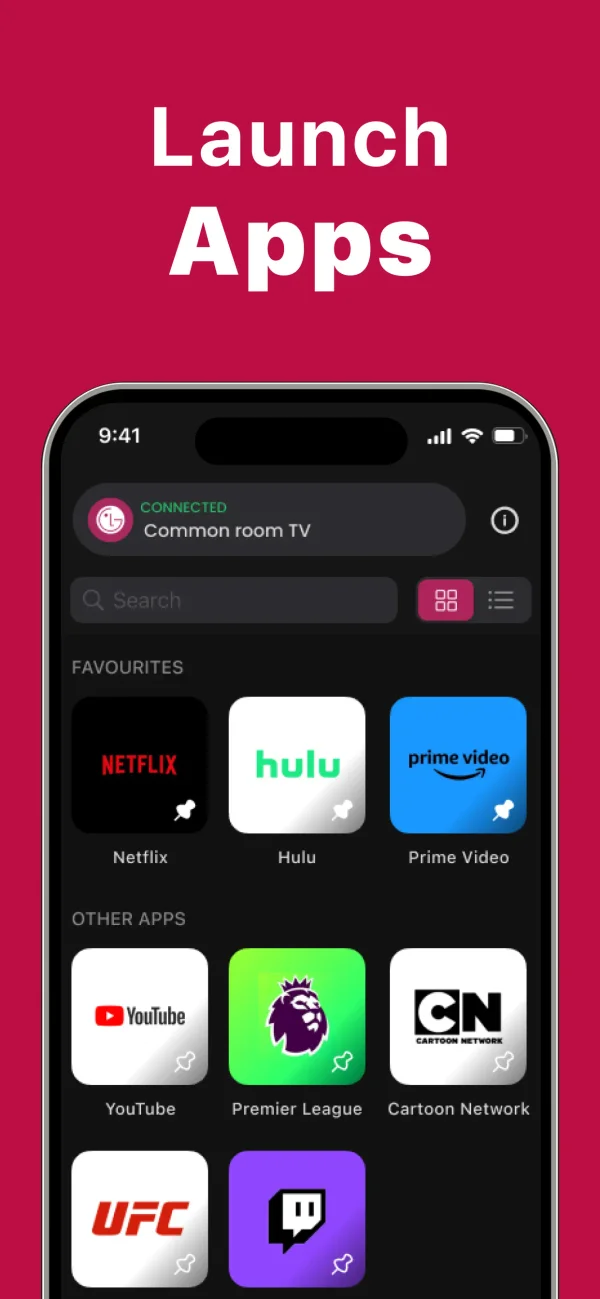
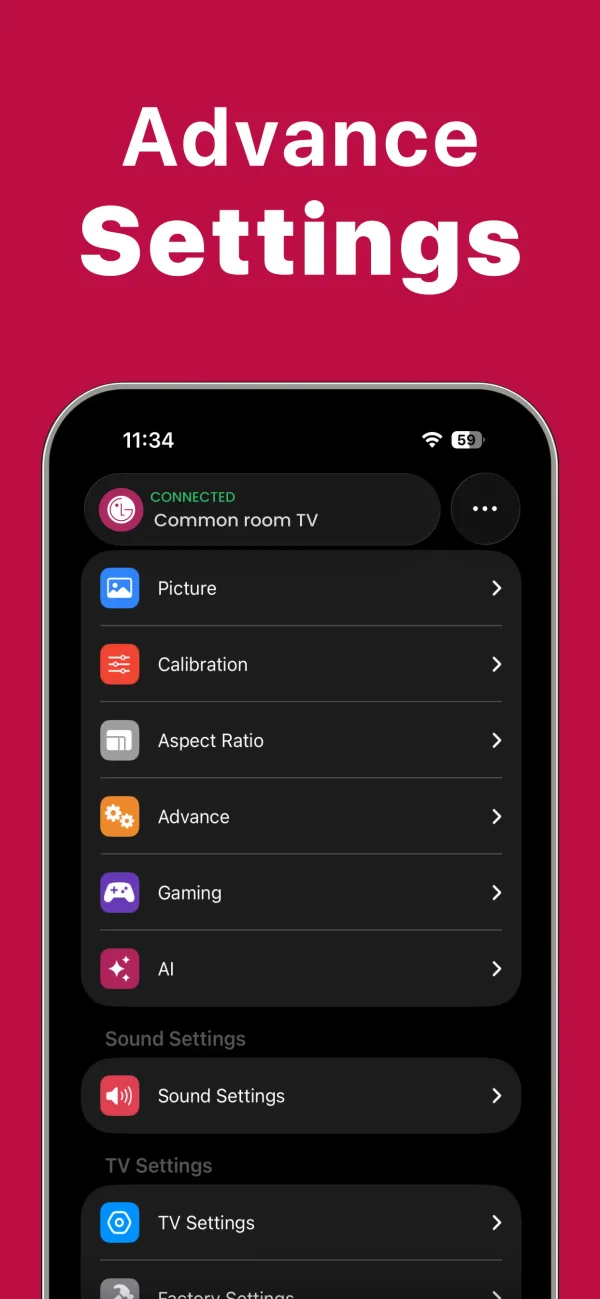
About
DISCLAIMER: This app is neither an official LG product, nor we are affiliated with the LG company.
Cast on Bigger LG TV Screens to enjoy memories with your Loved ones.
RemQ is a casting app for LG Smart TVs. You can cast and stream your Music, Videos, Photos, and mirror screen on Smart TVs for a Larger view to enjoy moments with your gathering. You can also control your LG smart TVs.
This app is the best streaming app with minimum delays and gives the best streaming experience on LG TV screens from your small iPhone and iPad screen
==========
Features
==========
**Remote Control**
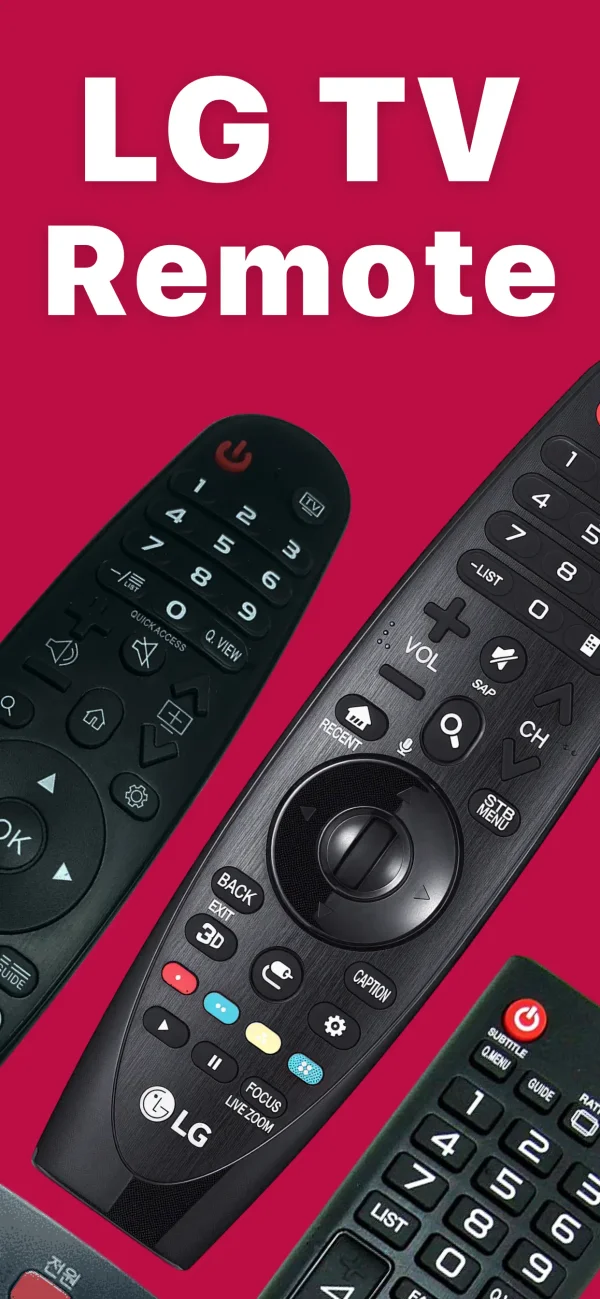
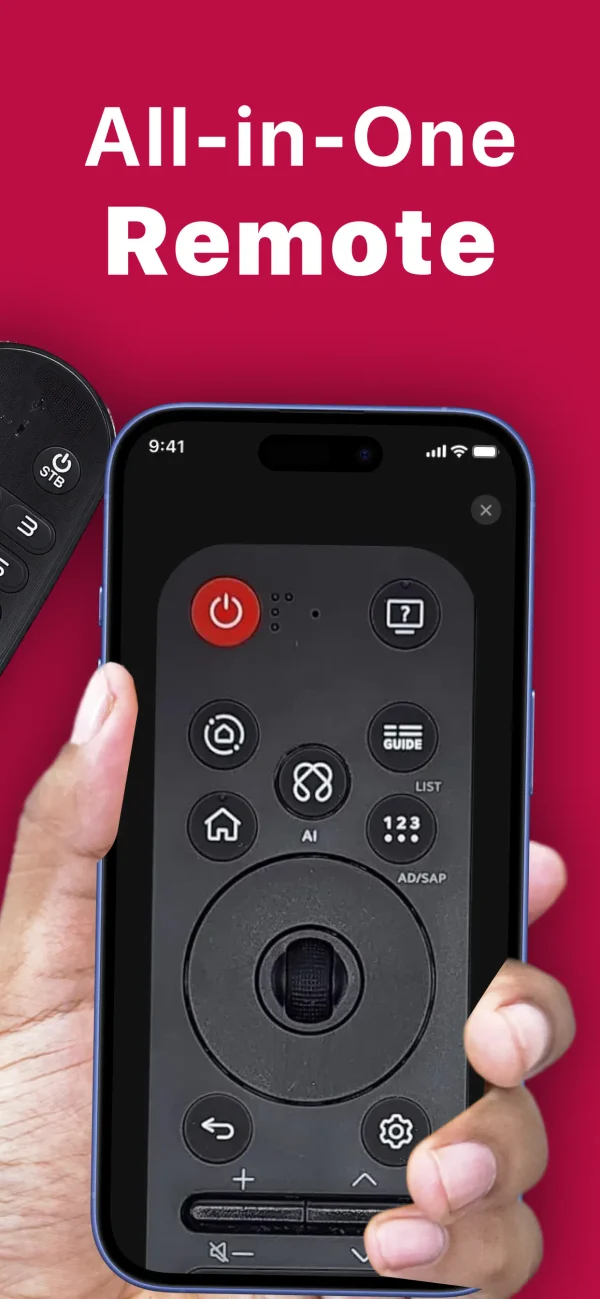
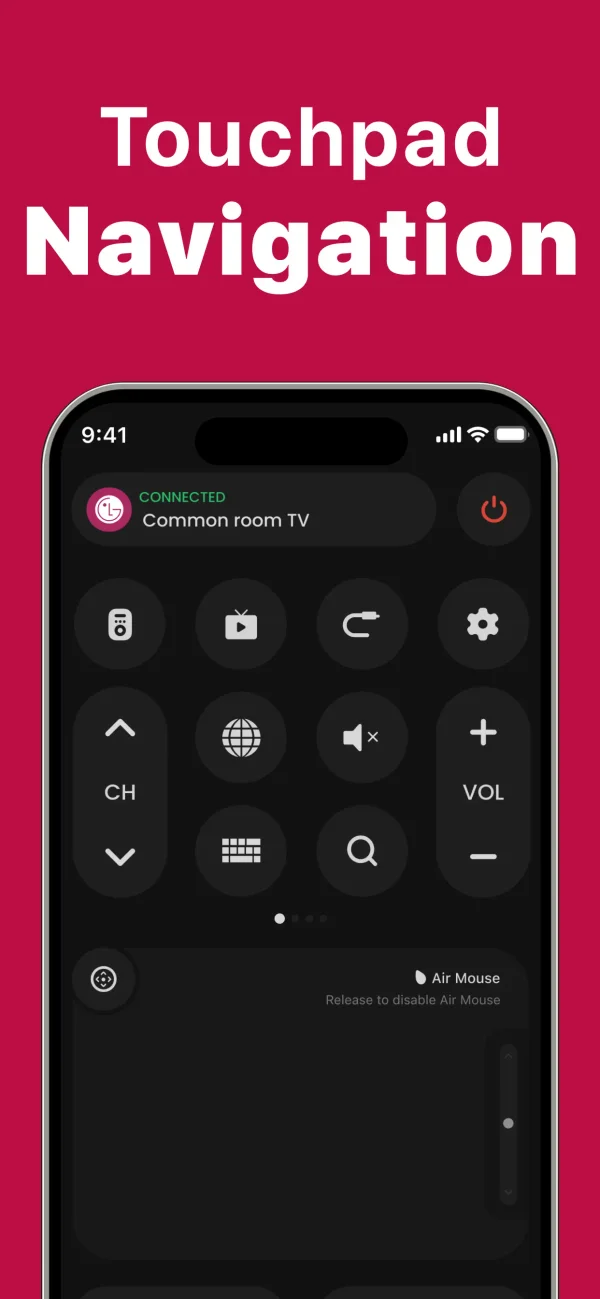
You can control your LG smart TV and turn it on and off with a single tap.
**Cast Photos and Videos from the Library**
You can cast your photos and video collection from your Gallery to your TV with a slideshow feature. You get to cast all quality photos and videos.
**Cast directly from Browser**
This app makes it easy for users to search movies, videos, and live streaming and cast on the Smart TV through its browser feature. Play any video or link through the browser and tap on the Cast button.
Note: You need to have the same and stable network connection on your IOS device and Smart TV.
Enjoy Casting with the Best streamer App!
—------------------------------------------------------
In-App Purchase and Subscription Information:
—------------------------------------------------------
Subscription automatically renews unless auto-renew is turned off at least 24 hours before the end of the current period.
Payment will be charged to the iTunes account within 24 hours prior to the end of the free trial period.
The account will be charged for renewal within 24 hours prior to the end of the current period.
To manage your subscriptions or turn off auto-renewal:
- Go to settings > iTunes & App Store;
- Tap your Apple ID at the top of the screen;
- Tap View Apple ID. You might need to sign in or use Touch ID;
- Tap Subscriptions;
- Tap the subscription you want to manage;
- Use the options to manage your subscription.
No cancellation of the current subscription is allowed during the active subscription period.
Any unused portion of a free trial period will be forfeited if you purchase a subscription to that publication.
Terms & Conditions:
https://fivestreamstech.com/apps/lgs/terms.html
Subscription URL:
https://fivestreamstech.com/apps/lgs/subscription.html
Privacy Policy:
https://fivestreamstech.com/apps/lgs/privacy.html
What’s new
Version 2.4.1 · Nov 11, 2026
Bug Fixes
App privacy
What Quick Smart declares on the App Store about how this app handles data.
-
Data used to track you
May be used to track you across apps and websites owned by other companies.
- Identifiers
-
Data not linked to you
May be collected but is not linked to your identity.
- Identifiers
- Diagnostics
Privacy practices may vary, for example with the features you use or your age.
Information
- Seller
- QUICK SMART
- Category
- Utilities
- Version
- 2.4.1
- Updated
- Nov 11, 2026
- Released
- Feb 2, 2022
- Size
- 72.9 MB
- Requires
- iOS 16.0 or later
- Age rating
- 17+
- Price
- Free
- In-app purchases
- Yes
- Languages
- English, Dutch, French, German, Japanese, Portuguese, Russian, Simplified Chinese, Spanish
- Copyright
- © Quick Smart
You might also like
-
 AFS TV RemoteControl TV from Your Phone
-
 Measuring Tape AR.Level Tool, Ruler, AR Measure
-
 PDF Editor-Converter & ViewerScan Documents: Reader & Maker
-
 Samsung Remote Smart TV・ThingsUniversal Remoto Control・View
-
 EIOTCLUB IoT SIM & eSIMTravel&unlimited data eSIM app
-
 LG Smart TV Remote Control・Magic Remoto Universal, Plus
-
 Cast for ChromecastThe best app for Chromecast TV
-
 TCL Remote Control for TVSmart app for home & channels
-
 Authenticator: Secure 2FA, MFATwo-Factor Verification Codes
-
 Universal TV • Remote ControlCast & Smart Controller