
- Age rating4+
- CategoryUtilities
- DeveloperAnhui Huayu Electronic Technology Co., Ltd.
- LanguagesEnglish+ 1 more
- Size30.0 MB
Links to the official App Store page
Download.org hosts no file of Remote Mate Setup. The button opens its official App Store page, published by Anhui Huayu Electronic Technology Co., Ltd. Listing last checked on Nov 20, 2026.
Screenshots

About
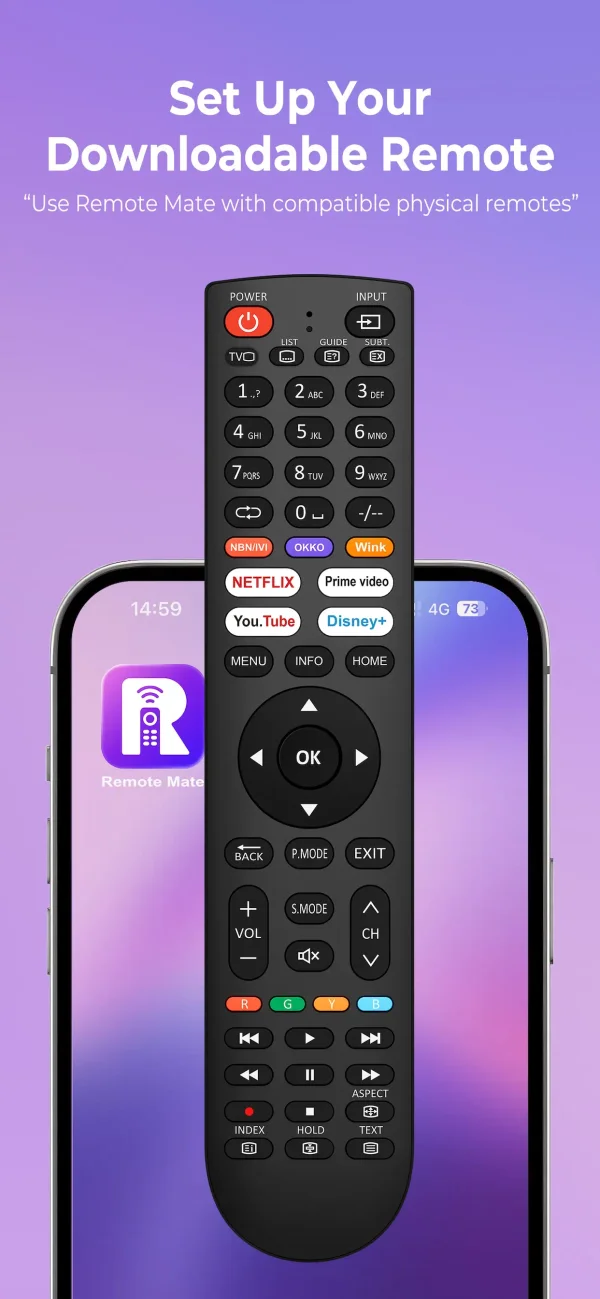
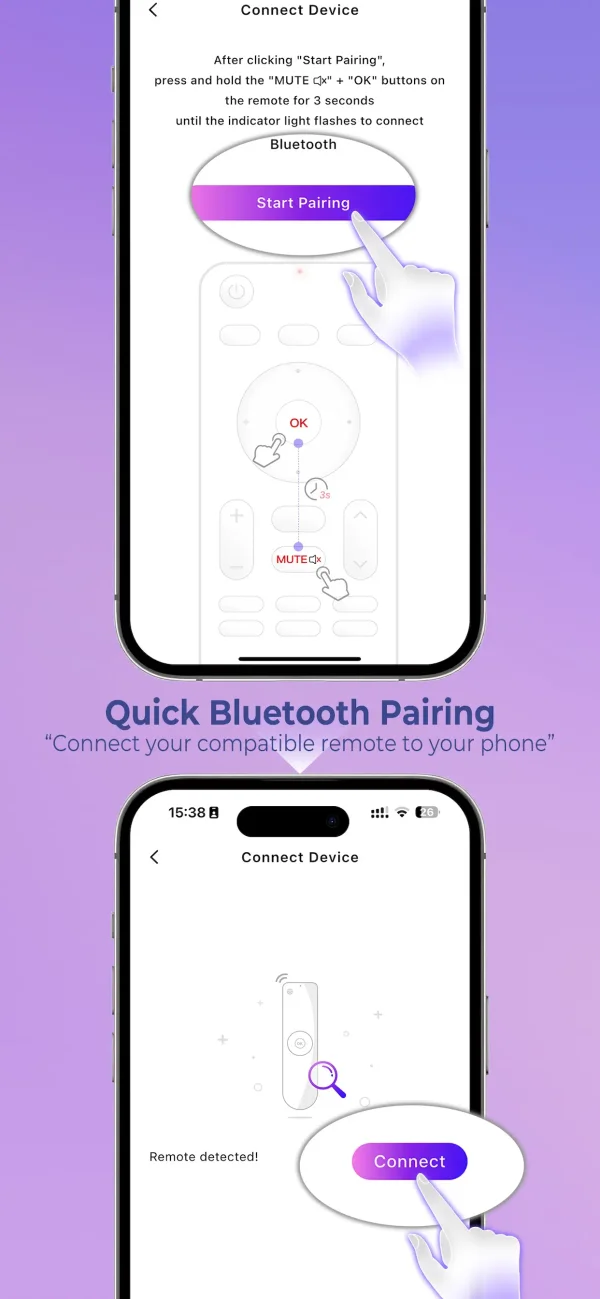
Remote Mate Setup is a companion application for compatible downloadable remote controls. It helps users connect a supported remote control to a smartphone via Bluetooth, select the matching brand and remote model, and download the corresponding control data to the remote within minutes.
With Remote Mate Setup, users can easily set up a compatible physical remote control without complicated code searching. The app provides access to a cloud-based control data library, helping the remote work with supported TV models, including selected rare, regional, or discontinued remote models.
Key Features
· Bluetooth Connection: Quickly connect compatible remote controls to your smartphone for setup and data transfer.
· Control Data Download: Select the supported brand and remote model, then download matching control data to your remote.
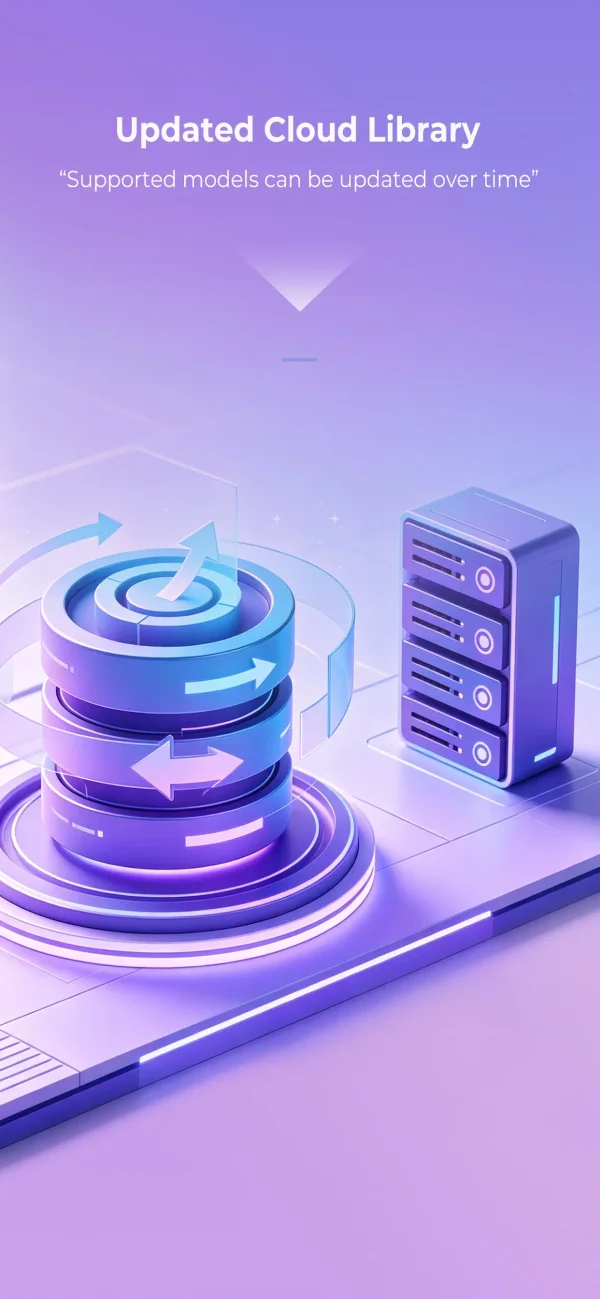
· Cloud-Based Library: Access a continuously updated database of supported brands, models, and control data.
· Support for Rare and Legacy Models: Find matching control data for selected discontinued, region-specific, or hard-to-find remote models.
· Guided Setup Process: Follow simple steps to connect, select, download, and complete remote setup.
· Secure Data Transfer: Control data is transferred through a controlled process to help ensure stable and reliable use.
Benefits
· Simple setup for compatible downloadable remote controls.
· No complicated manual code searching.
· Helps extend the usability of compatible physical remotes.
· Useful for home users, service teams, repair shops, and distributors.
· Cloud data can be updated over time for long-term support.
How to Use
1. Enable Bluetooth on your smartphone.
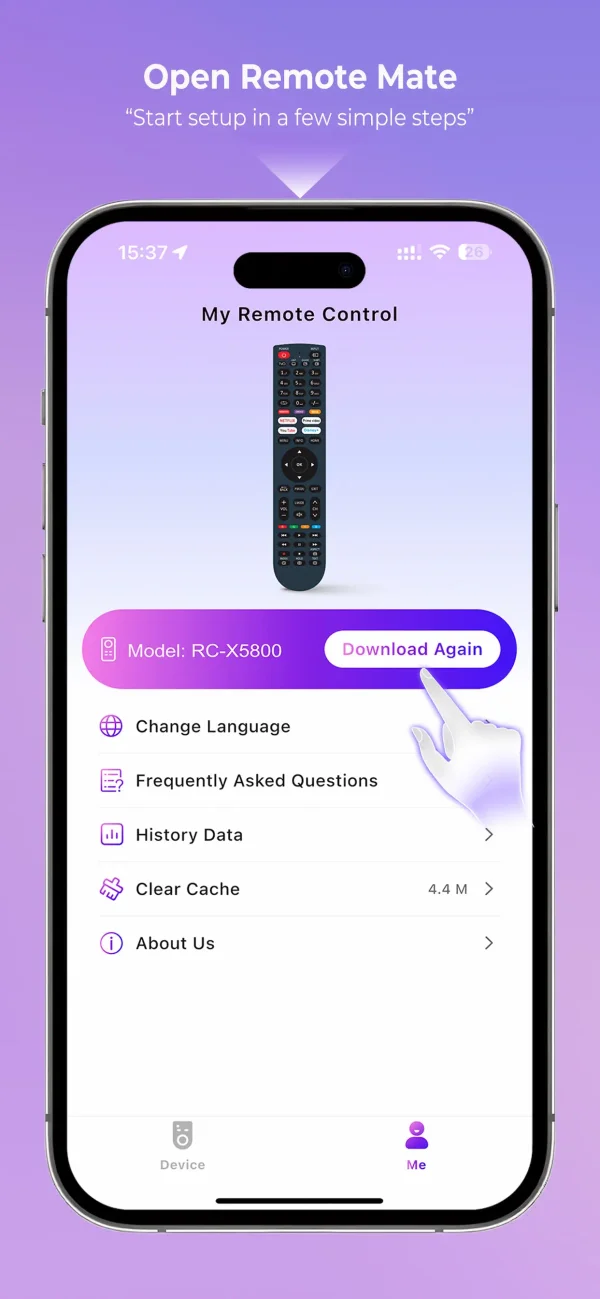
2. Open Remote Mate Setup.
3. Connect your compatible remote control.
4. Select the supported brand and remote model.
5. Download the matching control data to your remote.
6. Test the remote and start using it.
Important Notice
Remote Mate Setup is not a phone-based universal remote control app. It is used to set up compatible physical remote controls and download matching control data. Compatibility may vary depending on the remote control model, device type, firmware version, and regional product version. Please use this app only with supported remote control models.
Support & Updates
We continuously improve the App and expand the firmware database to support more devices and brands. Stay connected to receive the latest compatibility and features.
Contact Us
If you have any questions regarding privacy while using this Application, or inquiries about our practices, please contact us at:
feedback@huayu.cc
What’s new
Version 1.0.4 · Nov 17, 2026
1.Fixed known issues.
App privacy
What Anhui Huayu Electronic Technology Co., Ltd. declares on the App Store about how this app handles data.
-
Data not collected
The developer does not collect any data from this app.
Privacy practices may vary, for example with the features you use or your age.
Information
- Seller
- Anhui Huayu Electronic Technology Co., Ltd.
- Category
- Utilities
- Version
- 1.0.4
- Updated
- Nov 17, 2026
- Released
- Jun 30, 2026
- Size
- 30.0 MB
- Requires
- iOS 13.1 or later
- Age rating
- 4+
- Price
- Free
- Languages
- English, Simplified Chinese
- Copyright
- © Anhui Huayu
You might also like
-
 Cardugo - Offline Card WalletNo Tracking. Fully Encrypted.
-
 ChronosMapUtilities
-
 AnyCard StorageOffline loyalty card wallet
-
 AutoLog: Car & Trip LogVehicle Logbook & Maintenance
-
 Roi TV - Remote for Android TVRemote TV Androie
-
 BarcodeClipAll points Cards in 1 Place
-
 Jumpstart - Client for UpSnapA mobile client for UpSnap
-
 Ad Blocker: Block Ads & Pop-upBlock ads and browse cleaner
-
 0.05 Player0.05-16x / Reverse / A-B Loop
-
 NEC Box Fill CalcCatch Overfilled Boxes Early