- Độ tuổi4+
- Danh mụcTiện Ích
- Nhà phát triểnAnhui Huayu Electronic Technology Co., Ltd.
- Ngôn ngữTiếng Anh+ 1 ngôn ngữ khác
- Kích thước30,0 MB
Liên kết đến trang App Store chính thức
Download.org không lưu trữ tệp nào của Remote Mate Setup. Nút này mở trang ứng dụng trên App Store, nơi Anhui Huayu Electronic Technology Co., Ltd. phát hành ứng dụng. Trang được kiểm tra lần cuối: 20/11/2026.
Ảnh chụp màn hình

Giới thiệu
Nhà phát triển chưa cung cấp nội dung này bằng ngôn ngữ của bạn.
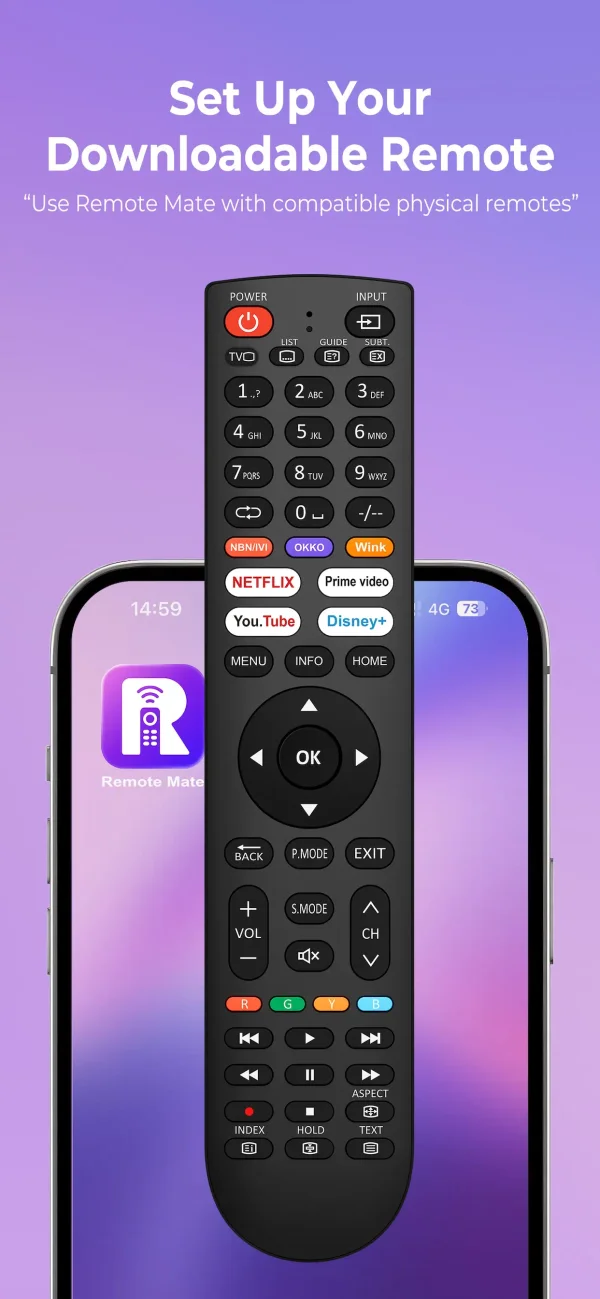
Remote Mate Setup is a companion application for compatible downloadable remote controls. It helps users connect a supported remote control to a smartphone via Bluetooth, select the matching brand and remote model, and download the corresponding control data to the remote within minutes.
With Remote Mate Setup, users can easily set up a compatible physical remote control without complicated code searching. The app provides access to a cloud-based control data library, helping the remote work with supported TV models, including selected rare, regional, or discontinued remote models.
Key Features
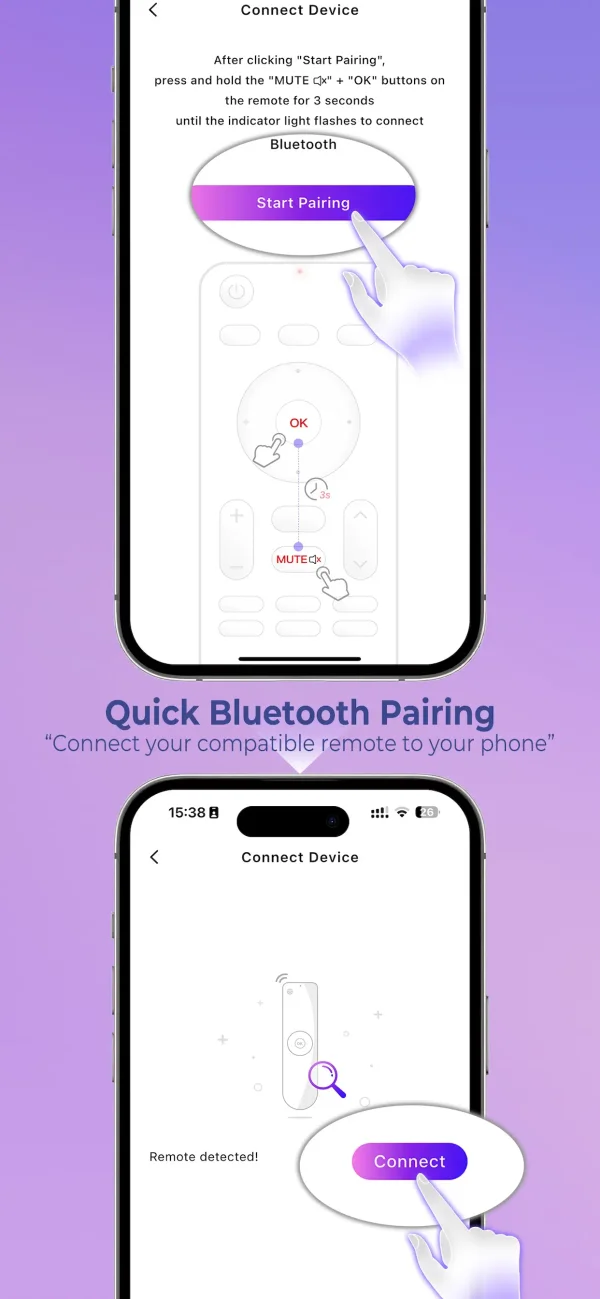
· Bluetooth Connection: Quickly connect compatible remote controls to your smartphone for setup and data transfer.
· Control Data Download: Select the supported brand and remote model, then download matching control data to your remote.
· Cloud-Based Library: Access a continuously updated database of supported brands, models, and control data.
· Support for Rare and Legacy Models: Find matching control data for selected discontinued, region-specific, or hard-to-find remote models.
· Guided Setup Process: Follow simple steps to connect, select, download, and complete remote setup.
· Secure Data Transfer: Control data is transferred through a controlled process to help ensure stable and reliable use.
Benefits
· Simple setup for compatible downloadable remote controls.
· No complicated manual code searching.
· Helps extend the usability of compatible physical remotes.
· Useful for home users, service teams, repair shops, and distributors.
· Cloud data can be updated over time for long-term support.
How to Use
1. Enable Bluetooth on your smartphone.
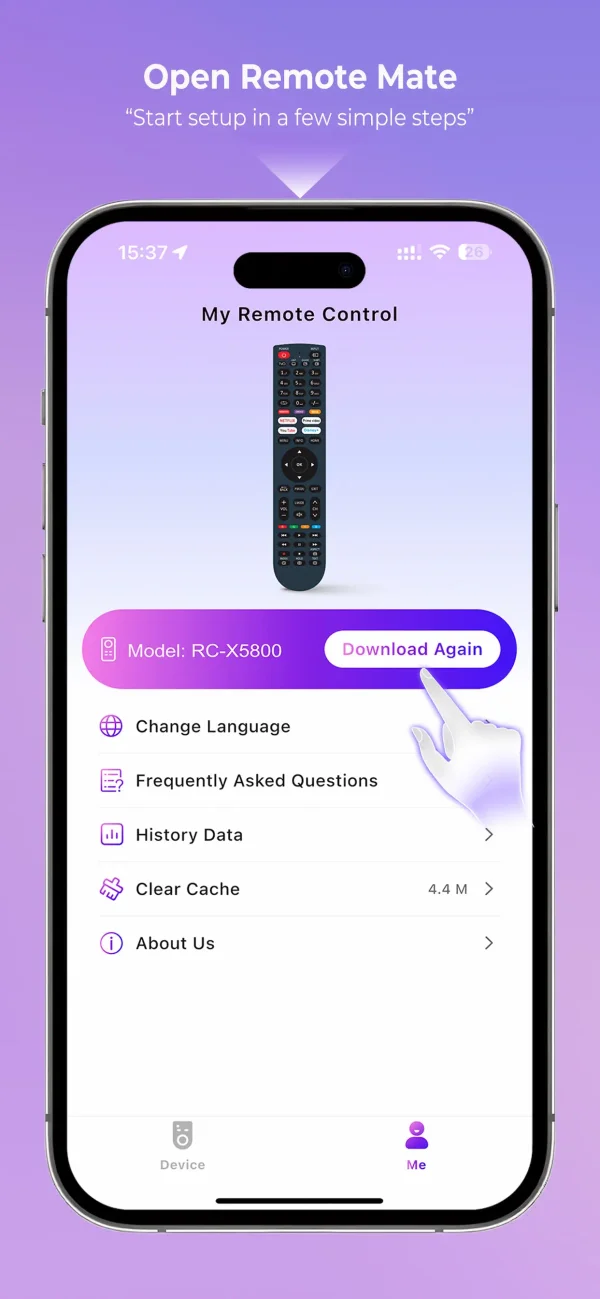
2. Open Remote Mate Setup.
3. Connect your compatible remote control.
4. Select the supported brand and remote model.
5. Download the matching control data to your remote.
6. Test the remote and start using it.
Important Notice
Remote Mate Setup is not a phone-based universal remote control app. It is used to set up compatible physical remote controls and download matching control data. Compatibility may vary depending on the remote control model, device type, firmware version, and regional product version. Please use this app only with supported remote control models.
Support & Updates
We continuously improve the App and expand the firmware database to support more devices and brands. Stay connected to receive the latest compatibility and features.
Contact Us
If you have any questions regarding privacy while using this Application, or inquiries about our practices, please contact us at:
feedback@huayu.cc
Có gì mới
Phiên bản 1.0.4 · 17/11/2026
1.Fixed known issues.
Quyền riêng tư của ứng dụng
Những gì Anhui Huayu Electronic Technology Co., Ltd. khai báo trên App Store về cách ứng dụng này xử lý dữ liệu.
-
Dữ liệu không được thu thập
Nhà phát triển không thu thập bất kỳ dữ liệu nào từ ứng dụng này.
Phương thức đảm bảo quyền riêng tư có thể khác nhau, chẳng hạn như tuỳ theo các tính năng bạn sử dụng hoặc độ tuổi của bạn.
Thông tin
- Người bán
- Anhui Huayu Electronic Technology Co., Ltd.
- Danh mục
- Tiện Ích
- Phiên bản
- 1.0.4
- Cập nhật
- 17/11/2026
- Phát hành
- 30/06/2026
- Kích thước
- 30,0 MB
- Yêu cầu
- iOS 13.1 trở lên
- Độ tuổi
- 4+
- Giá
- Miễn phí
- Ngôn ngữ
- Tiếng Anh, Tiếng Trung Giản thể
- Bản quyền
- © Anhui Huayu