Remote TV : Control Universal
Smart TV Remote & Screen Cast
Designed for iPhone, iPad
Free · In-app purchases
- Age rating4+
- CategoryUtilities
- DeveloperVitalii Peregudov
- LanguagesEnglish+ 9 more
- Size148.0 MB
Links to the official App Store page
Download.org hosts no file of Remote TV : Control Universal. The button opens its official App Store page, published by Vitalii Peregudov. Listing last checked on Nov 12, 2026.
Screenshots

About
Turn your iPhone or iPad into the ultimate Universal Smart TV Remote Control. Effortlessly navigate, cast media, and control your Smart TVs over Wi-Fi without needing physical remotes, tangled cables, or battery changes.
Designed with precision tactile feedback, fluid touchpad navigation, and instant Wi-Fi reconnection, Remote TV gives you complete control over your home entertainment.
◆ UNIVERSAL BRAND COMPATIBILITY
• LG Smart TVs (webOS & NetCast) — with full Magic Remote and air-pointer support
• Samsung Smart TVs (Tizen & Smart View)
• Roku Streaming Players & Roku TVs (TCL, Hisense, Sharp, Philips)
• Google TV & Smart TV systems (Sony BRAVIA, Xiaomi, Philips, Panasonic, TCL)
• Apple TV & generic Smart TV streaming receivers
◆ KEY FEATURES & HIGHLIGHTS
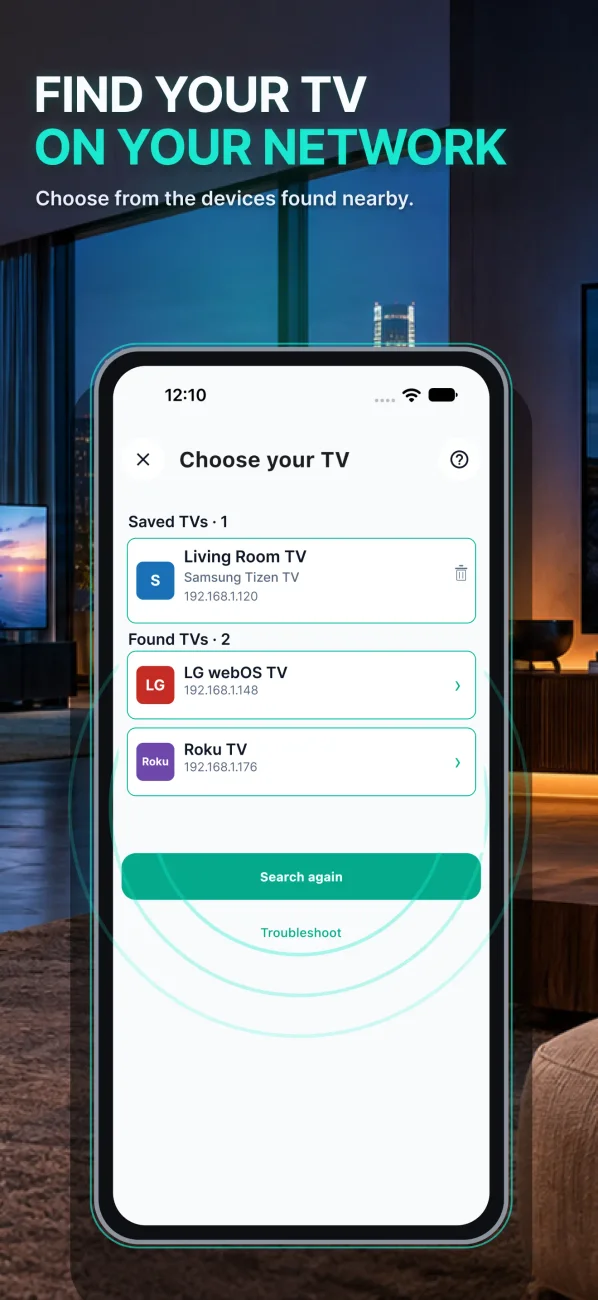
• Instant Wi-Fi Auto-Discovery: Detects your TV on the home network in less than a second.
• LG Magic Stick & Gyro Air Mouse: Shake or drag to glide an on-screen cursor across apps and menus.
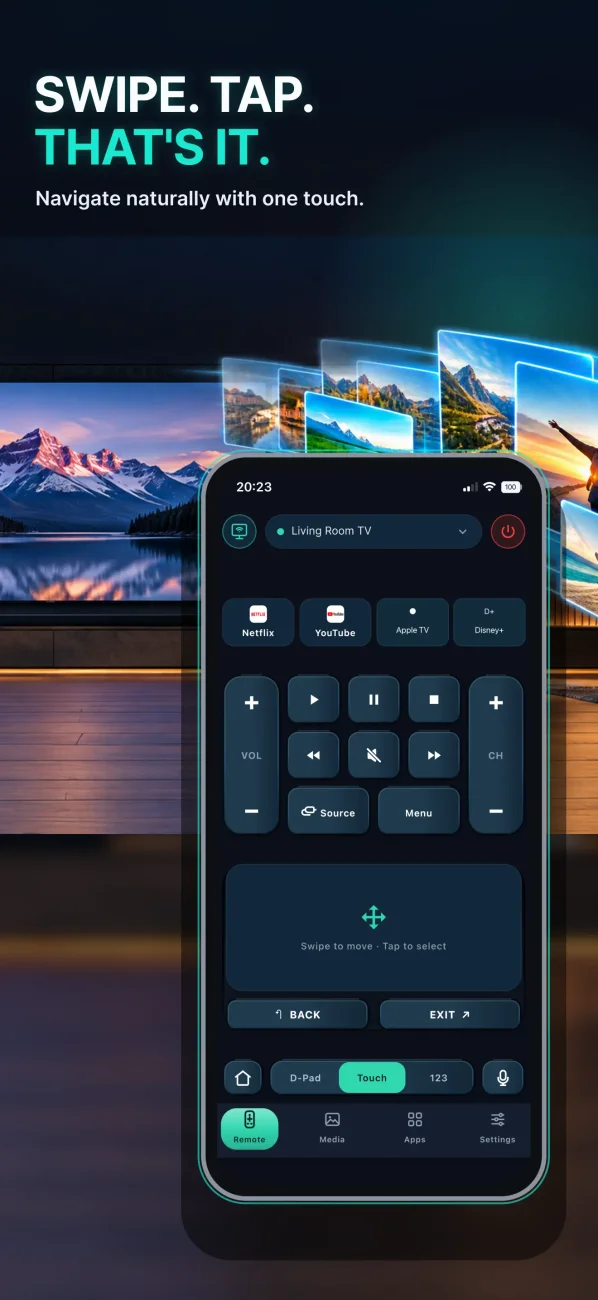
• Precision Virtual Touchpad: Smooth gesture navigation for effortless web browsing and app scrolling.
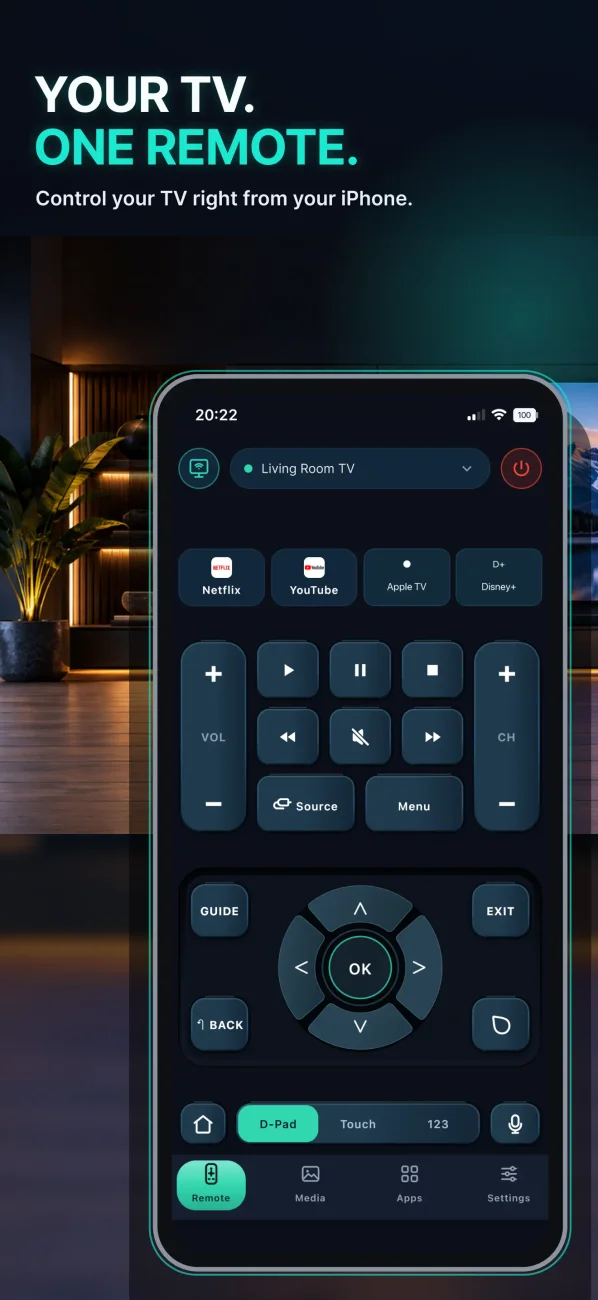
• 3D Tactile Remote Controls: Responsive buttons with haptic vibration and sound clicks matching physical remotes.
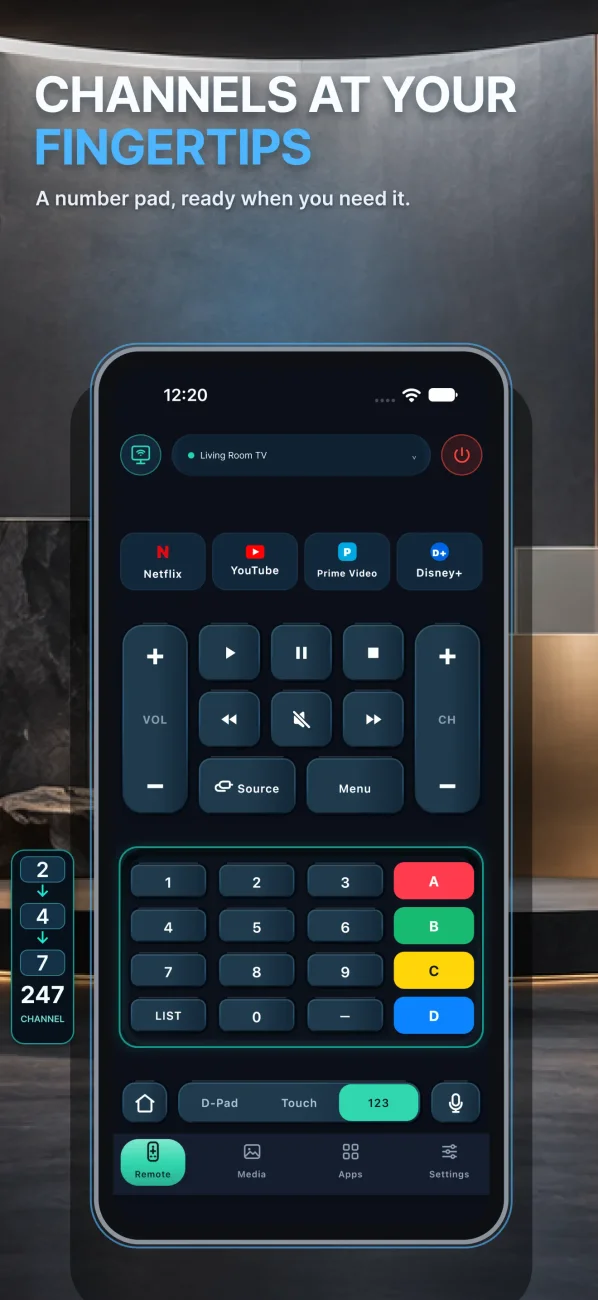
• Direct Number & Playback Controls: Dedicated 123 number keypad, volume and channel rockers, mute, and input source selectors.
• Easy Text & Voice Input: Type searches, passwords, and YouTube queries instantly using your phone keyboard.
• Multi-Media Casting: Stream personal photos, home videos, and movies directly to your TV screen in high definition with continuous background playback.
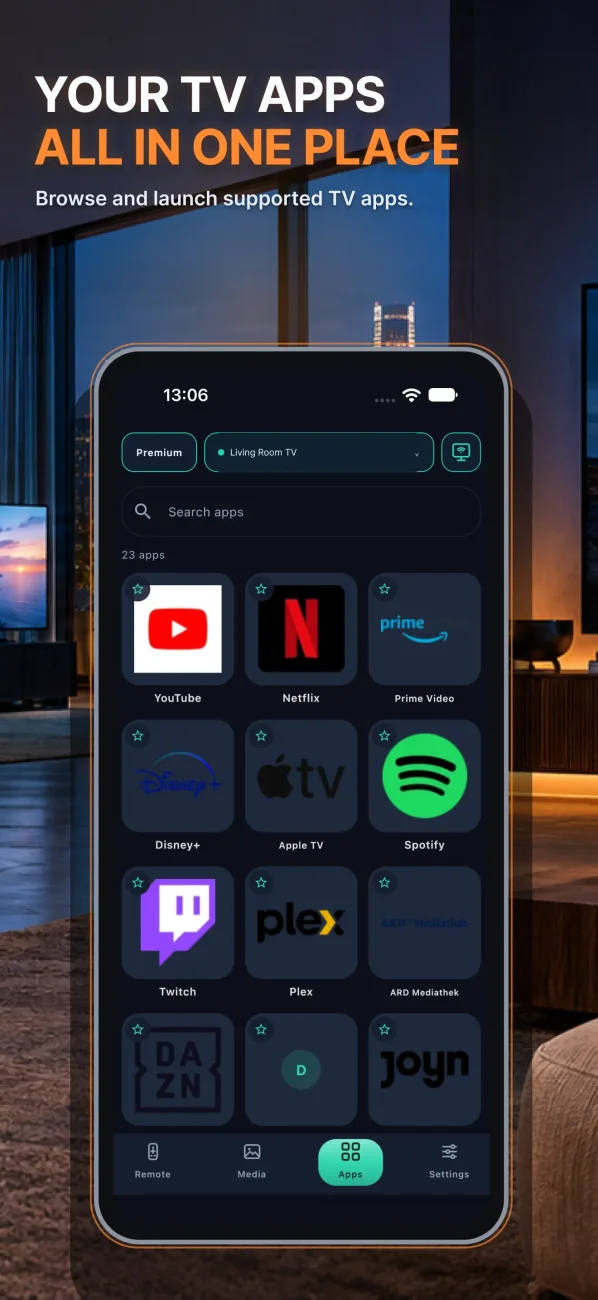
• Quick App Launcher: Launch YouTube, Netflix, Prime Video, Disney+, Spotify, and local streaming apps with a single tap.
• Multi-TV Management: Easily switch between living room, bedroom, and kitchen TVs without re-pairing.
◆ HOW IT WORKS
1. Connect your iPhone and Smart TV to the same Wi-Fi network.
2. Open the app and select your TV from the quick discovery list.
3. Accept the one-time pairing prompt on your TV screen (or enter the on-screen PIN).
4. Enjoy instant, seamless control of your Smart TV!
◆ PRIVACY FIRST
We respect your privacy. Remote TV communicates directly with your Smart TV inside your local Wi-Fi network. No personal photos, media files, passwords, or TV viewing habits are ever stored on external servers or shared with third parties.
----------------------------------
SUBSCRIPTION & LEGAL INFORMATION
• Subscriptions automatically renew unless auto-renew is turned off at least 24 hours before the end of the current billing cycle.
• Account will be charged for renewal within 24 hours prior to the end of the current period.
• Manage your subscription and turn off auto-renewal anytime in your Apple ID Account Settings.
• Any unused portion of a free trial period, if offered, will be forfeited when purchasing a subscription.
Privacy Policy: https://vitelio.web.app/apps/universal-remote/privacy
Terms of Service: https://vitelio.web.app/apps/universal-remote/terms
Support: viteliolabs@icloud.com
What’s new
Version 2.2.0 · Oct 24, 2026
Version 2.2.0 brings major performance, connectivity, and design improvements:
• Reactive Wi-Fi Reconnection: Seamless auto-reconnect when switching between apps or returning from Control Center.
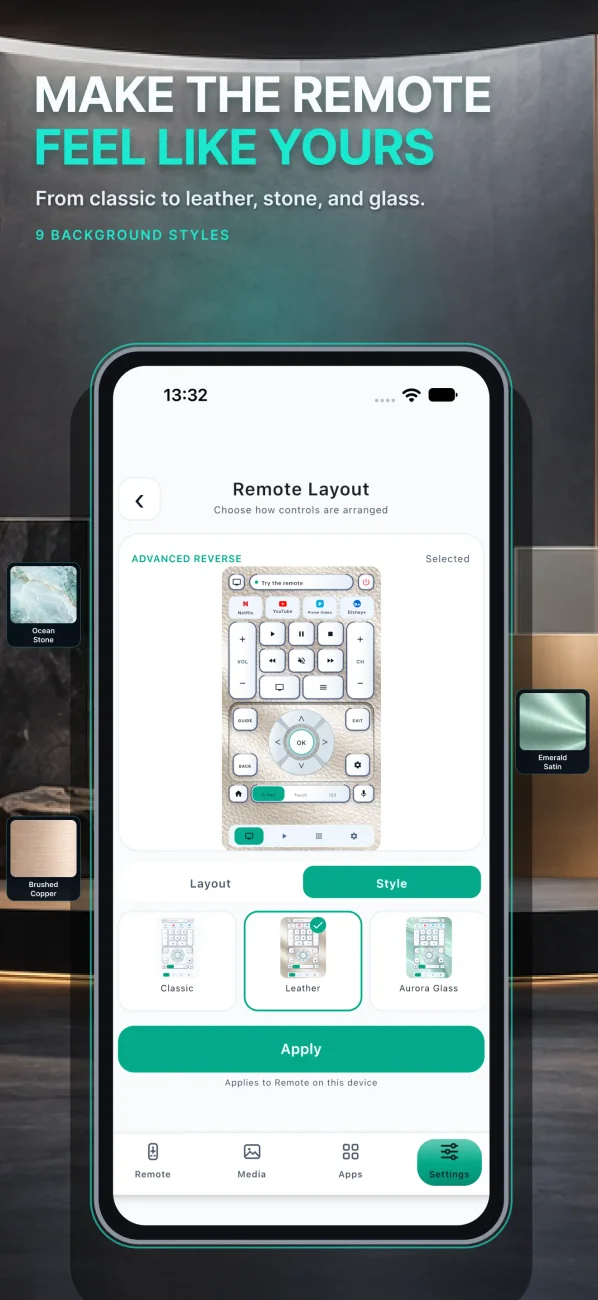
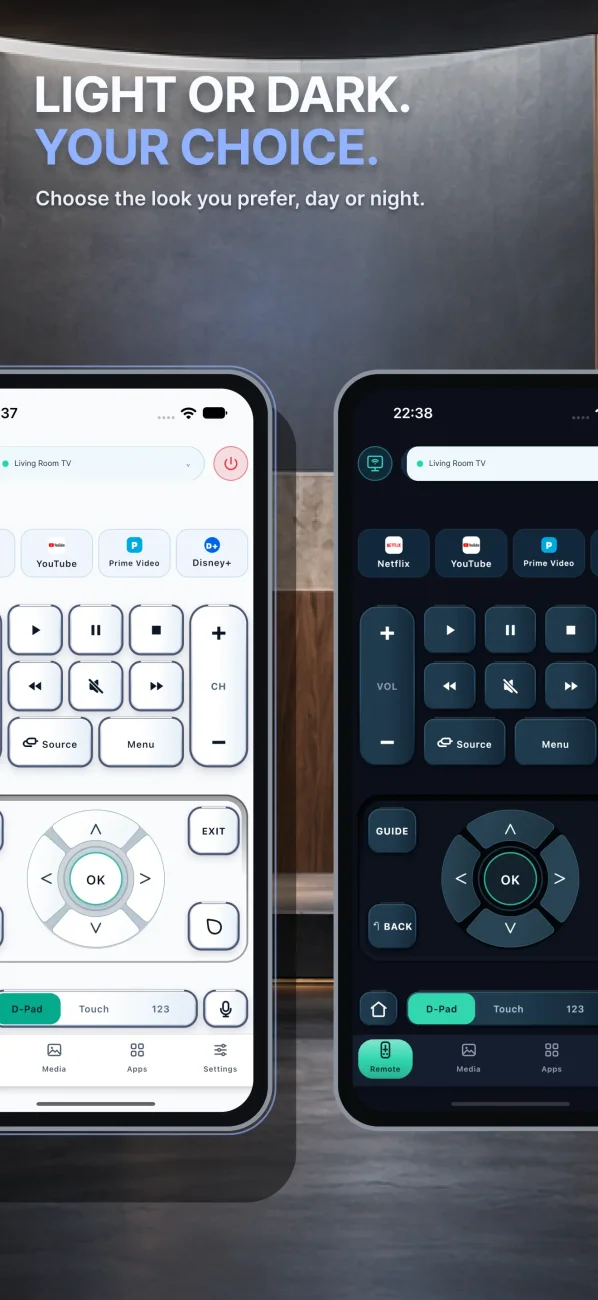
• Next-Gen 3D Remote Design: Brand-new sculpted buttons with tactile haptic feedback and realistic key press depth.
• Enhanced LG Magic Stick: Smoother air mouse cursor tracking and precision virtual touchpad navigation.
• Persistent Media Casting: Cast personal videos and photo albums to your TV without interruptions while browsing the app.
• Expanded TV Compatibility: Improved handshake reliability for Sony BRAVIA, Philips, Panasonic, Hisense, and Google TV.
• General stability enhancements and network performance optimizations.
App privacy
What Vitalii Peregudov declares on the App Store about how this app handles data.
-
Data not collected
The developer does not collect any data from this app.
Privacy practices may vary, for example with the features you use or your age.
Information
- Seller
- Vitalii Peregudov
- Category
- Utilities
- Version
- 2.2.0
- Updated
- Oct 24, 2026
- Released
- Jul 7, 2025
- Size
- 148.0 MB
- Requires
- iOS 17.0 or later
- Age rating
- 4+
- Price
- Free
- In-app purchases
- Yes
- Languages
- English, French, German, Hindi, Italian, Japanese, Korean, Portuguese, Russian, Spanish
- Copyright
- © Vitalii Peregudov
You might also like
-
 Vetrio: Universal TV RemoteSmart Remote. No Ads. Ever.
-
 Smart Remote Control - SRemoteUniversal Samsung & Roku TV
-
 Universal TV Remote to ControlMiracast With LG, Sony & Roku
-
 Smart Remote: TV RemoteRemote Control for TV
-
 Remote Control for TV ‧Universal Remote Controller
-
 Universal TV Remote TelePadScan, pair & mirror media
-
 Unimote - Universal TV RemoteSmart TV Control & Keyboard
-
 Beam – Universal TV RemoteRemote for Roku, Samsung & LG
-
 Remote for Roku TV,AD-Free AppUniversal TV Remote Controller
-
 TV Remote Universal PlusUse for All Popular TVs