Remote TV • Universal Control
Smart TV remote & casting
Designed for iPhone, iPad, iPod touch
Free · In-app purchases
- Age rating4+
- CategoryUtilities
- DeveloperTAM PHAT INTERIOR TRADING COMPANY LIMITED
- LanguagesEnglish+ 1 more
- Size62.9 MB
Links to the official App Store page
Download.org hosts no file of Remote TV • Universal Control. The button opens its official App Store page, published by TAM PHAT INTERIOR TRADING COMPANY LIMITED. Listing last checked on Nov 23, 2026.
Screenshots
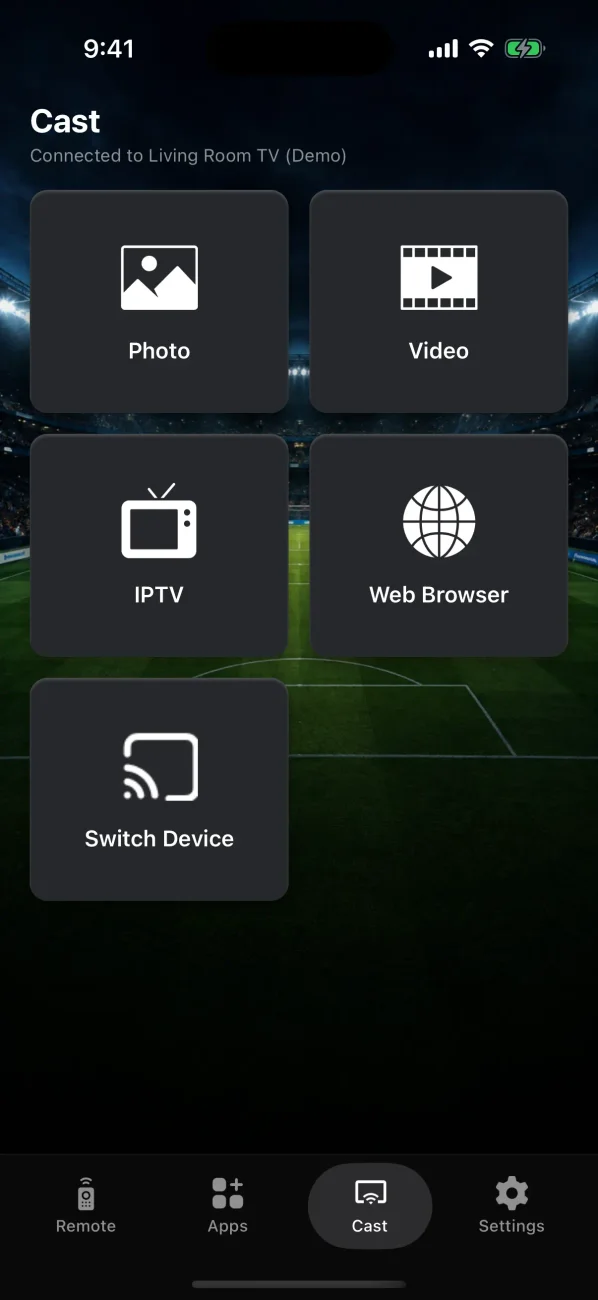
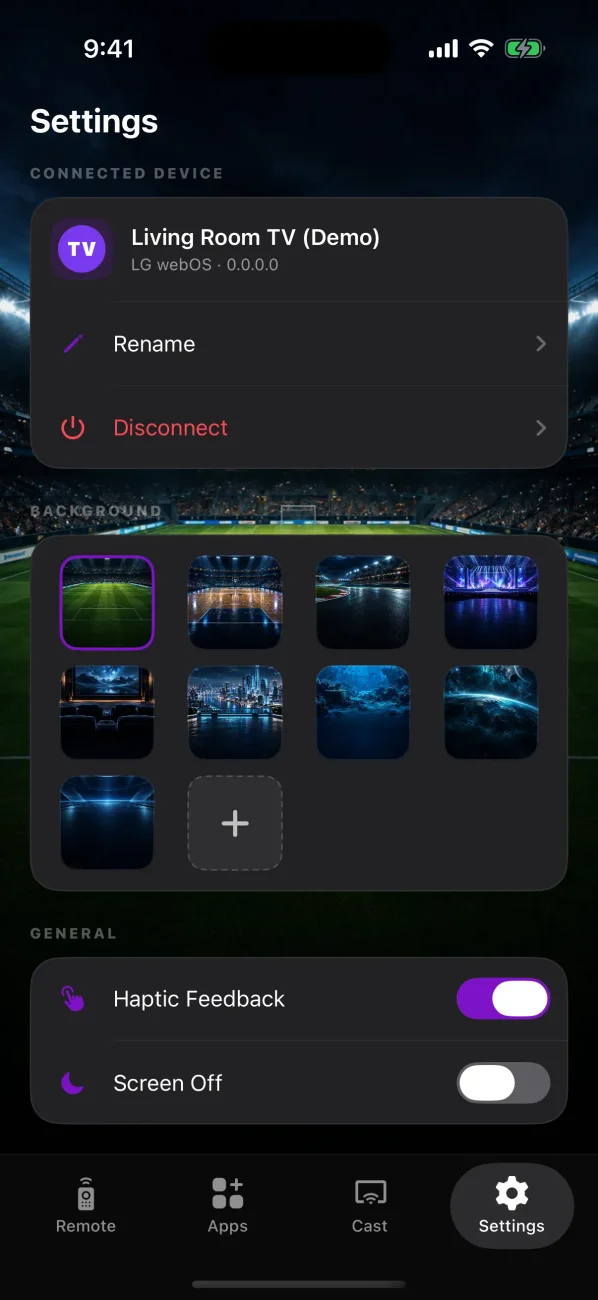
About
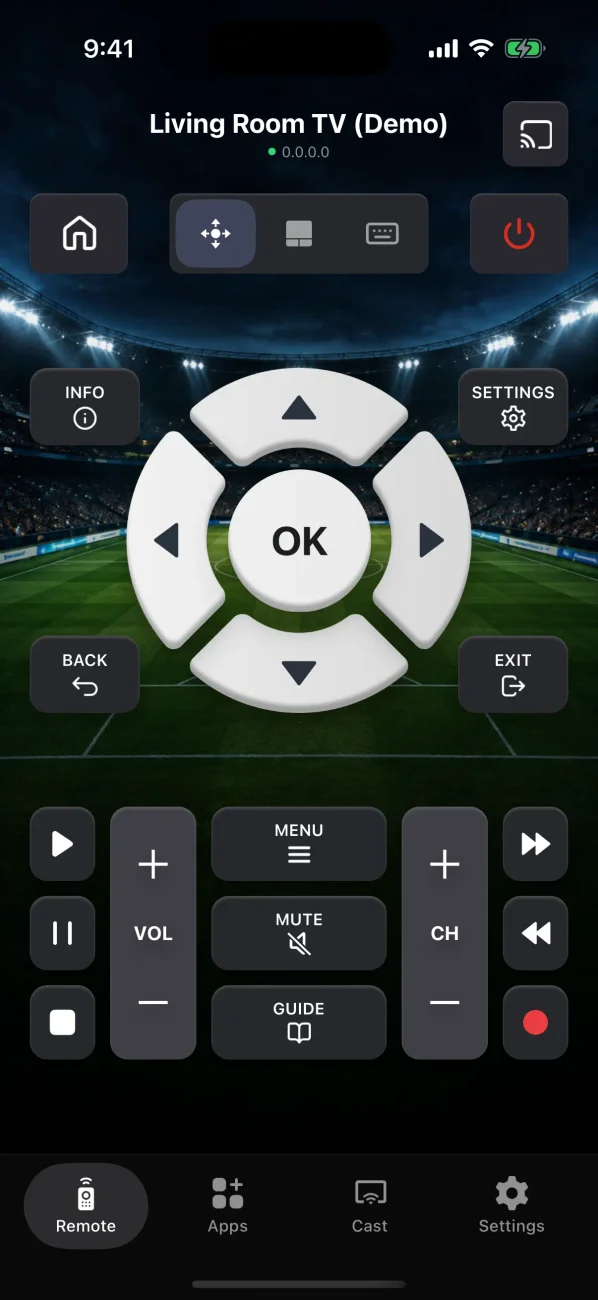
Remote TV • Universal Control turns your iPhone and iPad into a remote for the smart TVs on your Wi‑Fi network. No account needed and nothing to install on the TV.
COMPATIBILITY
Couchpad works with many popular TVs and streaming devices, including LG webOS, Samsung Tizen, Roku, Android TV / Google TV, Fire TV, Xiaomi and DLNA-capable TVs.
FULL REMOTE
D-pad, OK, volume, channels, Home, Back, play, pause and more, laid out for one-handed use.
TOUCHPAD AND KEYBOARD
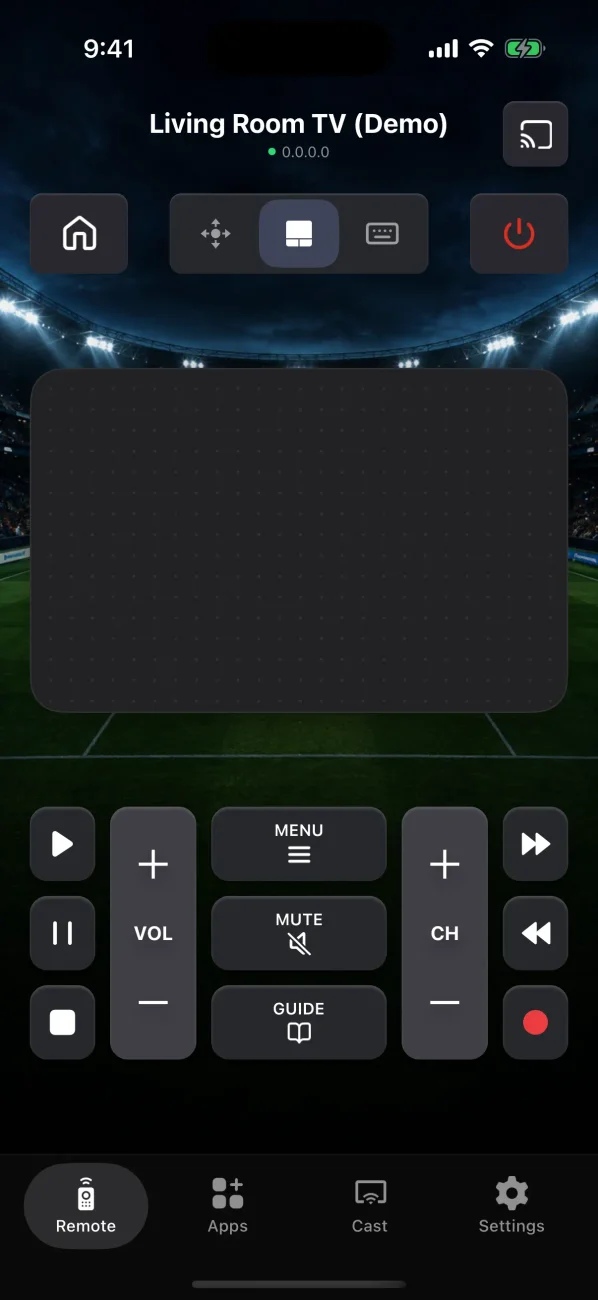
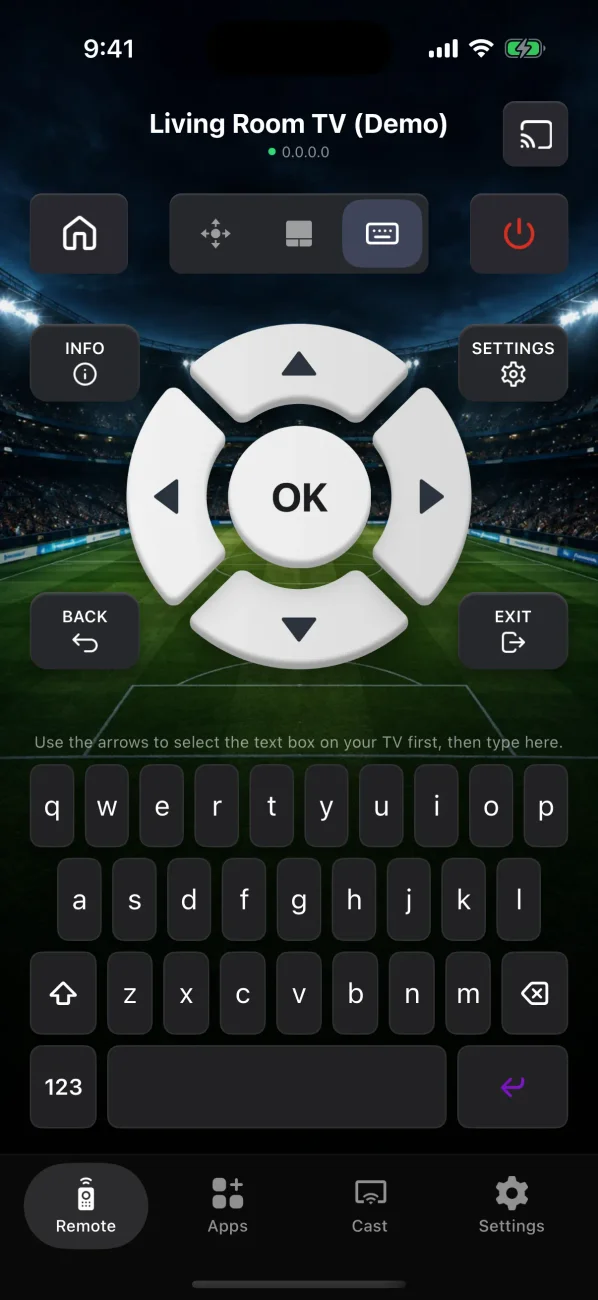
Move a pointer on TVs that support one. Type straight into the TV's search box instead of picking letters with the arrow keys.
VOICE CONTROL
Say “Volume up”, “Open YouTube” or “Turn off the screen” and Couchpad does the rest.
QUICK APP LAUNCH
See the apps installed on your TV, pin your favourites and open them with one tap.
CAST PHOTOS, VIDEOS AND IPTV
Send photos and videos from your device, IPTV playlists (M3U) or videos from a web page to the big screen.
SCREEN OFF, TV ON
Turn the picture off while the TV keeps playing audio, and bring it back from your phone.
FINDS YOUR TV
Couchpad finds TVs on your network automatically, remembers the ones you use and can wake a TV that is off over Wi‑Fi (where supported). You can also add a TV by IP address.
BUILT FOR IPAD
A dedicated iPad layout with landscape and Split View support.
PRIVACY
No account, no ads, no tracking. TV details and the media you cast stay on your home network.
REQUIREMENTS
Your device and TV must be on the same Wi‑Fi network. Some TVs ask you to confirm pairing on the TV screen the first time. Fire TV and some Android TVs need ADB debugging turned on for typing. Casting photos and videos requires a DLNA-capable TV.
NOTE
Couchpad is an independent app and is not affiliated with, sponsored or endorsed by any TV manufacturer. Brand names are used only to describe compatibility and belong to their respective owners.
Privacy and Policy: https://couchpad-app.pages.dev/app/privacy-policy/couchpad/
Term of Use: https://couchpad-app.pages.dev/app/terms-of-uses/couchpad/
What’s new
Version 1.2 · Nov 18, 2026
Fix some bugs and improve user experience
App privacy
What TAM PHAT INTERIOR TRADING COMPANY LIMITED declares on the App Store about how this app handles data.
-
Data not collected
The developer does not collect any data from this app.
Privacy practices may vary, for example with the features you use or your age.
Information
- Seller
- TAM PHAT INTERIOR TRADING COMPANY LIMITED
- Category
- Utilities
- Version
- 1.2
- Updated
- Nov 18, 2026
- Released
- Oct 7, 2026
- Size
- 62.9 MB
- Requires
- iOS 15.0 or later
- Age rating
- 4+
- Price
- Free
- In-app purchases
- Yes
- Languages
- English, Vietnamese
- Copyright
- © TAM PHAT INTERIOR TRADING COMPANY LIMITED
You might also like
-
 SofaKey: TV Remote ControlFor Hisense & VIDAA Smart TVs
-
 Universal TV Remote Control ・Smart TV Remote Control
-
 Guru Remote: TV ControllerTouchpad, Keyboard & Wi-Fi
-
 Just Remote: Smart TV RemoteScreen Mirroring & Cast to TV
-
 Smart TV Remote - Cast to TVUniversal Remote & TV Casting
-
 TV Controller: Smart RemoteSmart TV Controller & Remote
-
 Remote Stick Control For TVMaster volume control stik
-
 TV Remote - Universal ControIRemote Control for Smart TV
-
 TV Remote: All Smart TV RemoteUniversal Remote for Smart TV
-
 Universal Remote for All TVs .Control All Smart TVs via WiFi