
- Age rating4+
- CategoryProductivity
- LanguagesEnglish+ 22 more
- Size49.0 MB
Links to the official App Store page
Download.org hosts no file of Remote Utilities. The button opens its official App Store page, published by . Listing last checked on Nov 12, 2026.
Screenshots


About
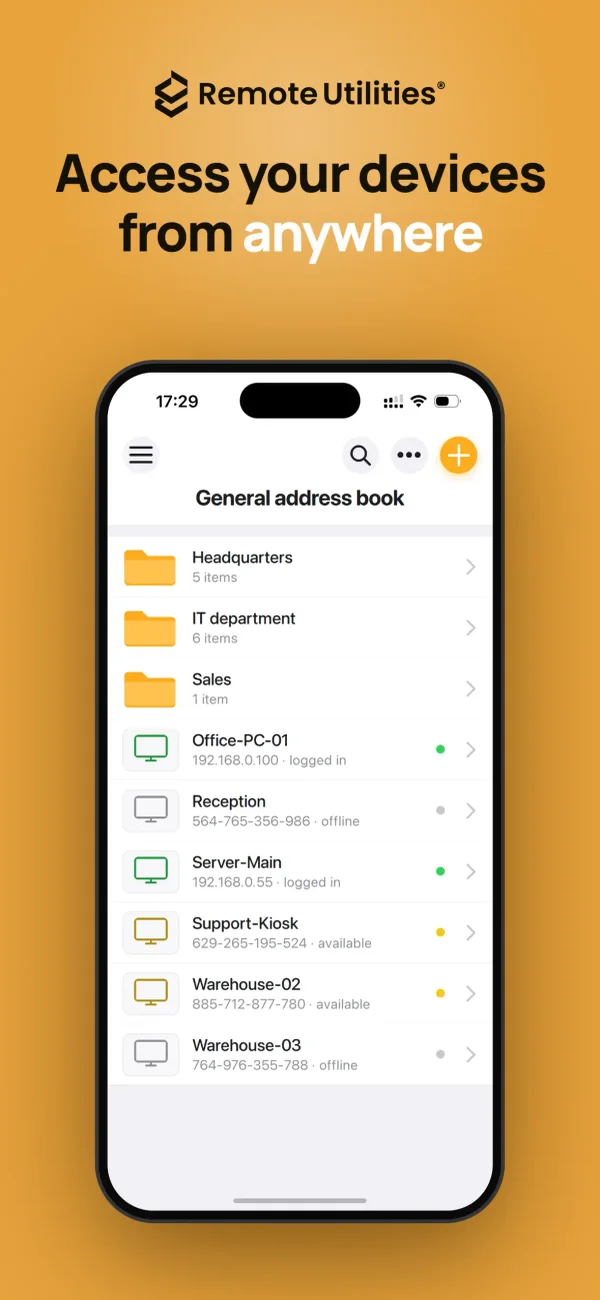
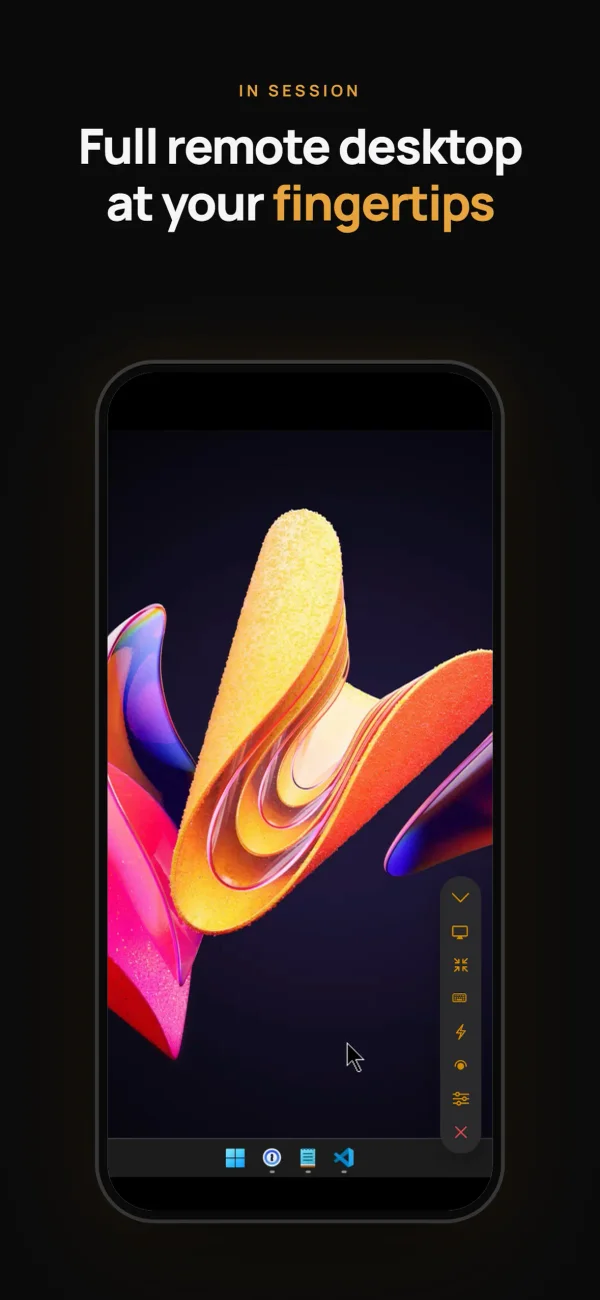
Remote Utilities gives you full remote access to your Windows, macOS and Linux computers from your iPhone or iPad — over the Internet or LAN, with zero network configuration. View the remote desktop, control the mouse and keyboard, transfer files and manage power, all from one app.
Free for personal and business use alike — no ads.
REMOTE CONTROL
• Full Control and View modes with a convenient toolbar — quick actions and commands at hand
• Two input methods in Full Control: Trackpad (mouse pointer, with optional cursor momentum) or Touch — choose what suits your habits
• Multi-monitor support — switch to a single remote monitor or view all at once
• Next-generation screen capture codec for faster performance, with the classic codec available as an option
• Blank the remote screen and block remote input for privacy
• Lock the remote computer and close the session in one step
FILE TRANSFER
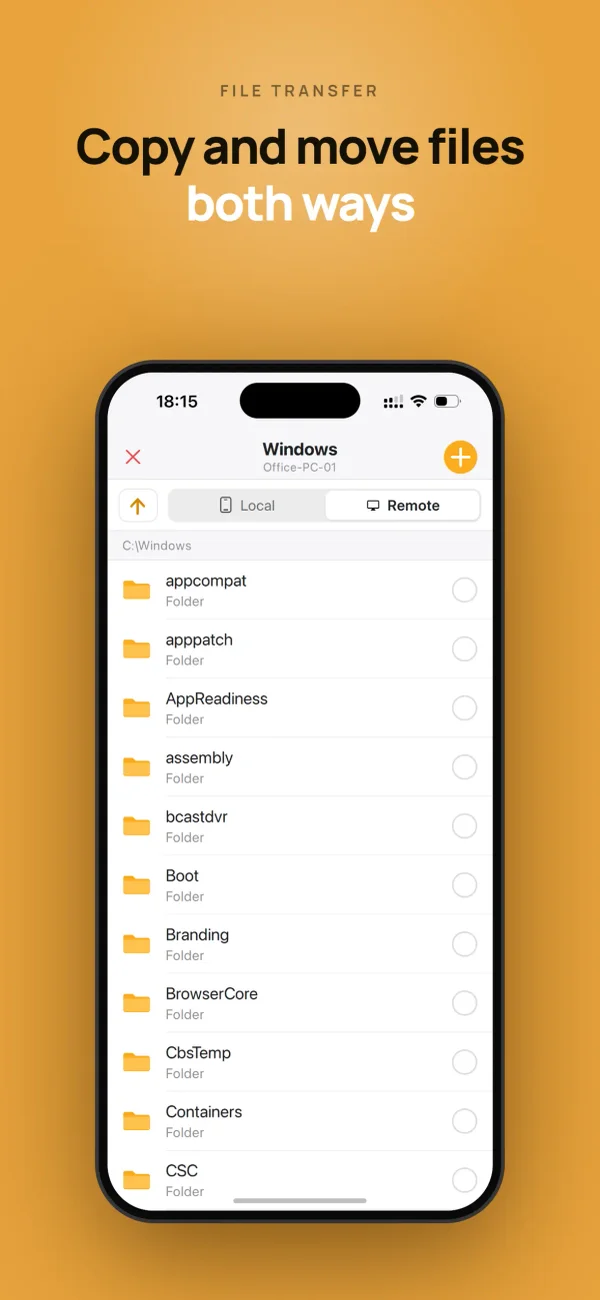
• Copy and move files both ways between your device and the remote PC
• Resume interrupted downloads and uploads
POWER CONTROL
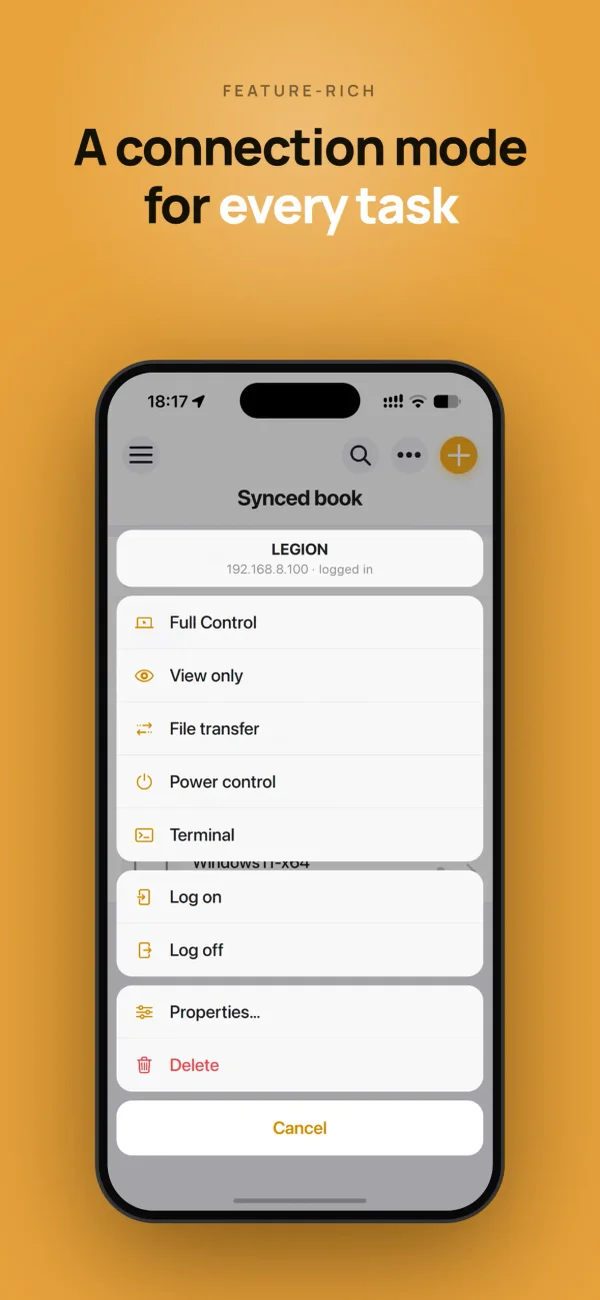
• Shut down, restart, lock, sleep or hibernate the remote computer
CONNECTIVITY & SECURITY
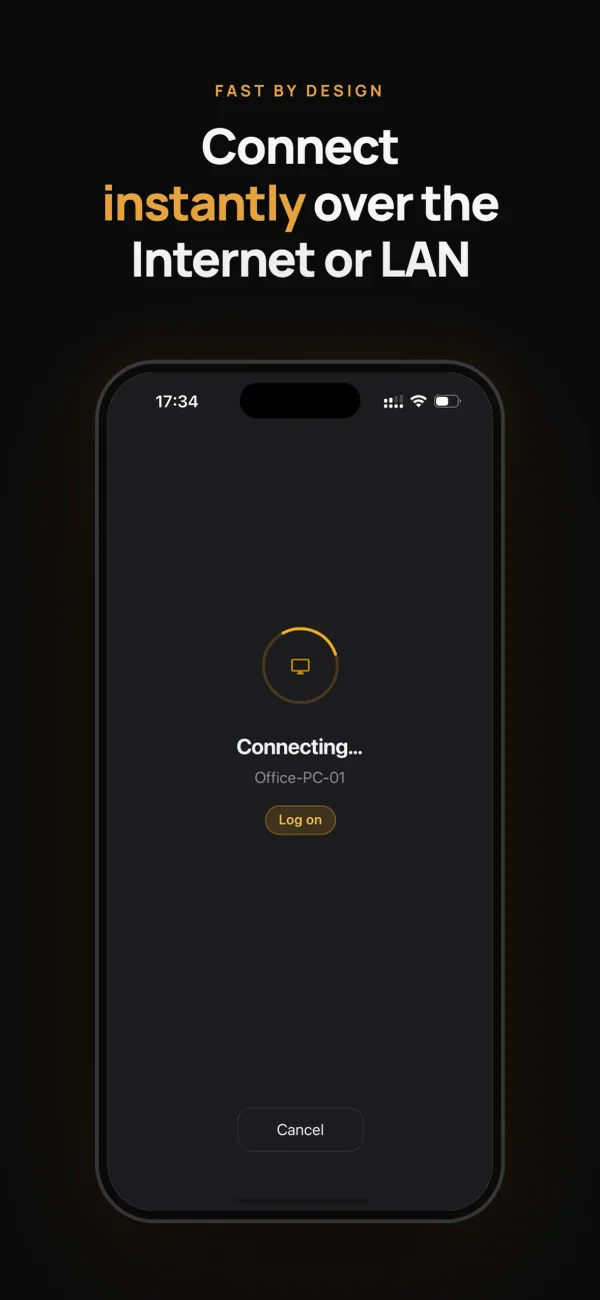
• Connect directly by IP address or instantly via Internet-ID — no router or firewall setup needed
• Three authentication modes: single password, login and password, or custom server security
ADDRESS BOOK
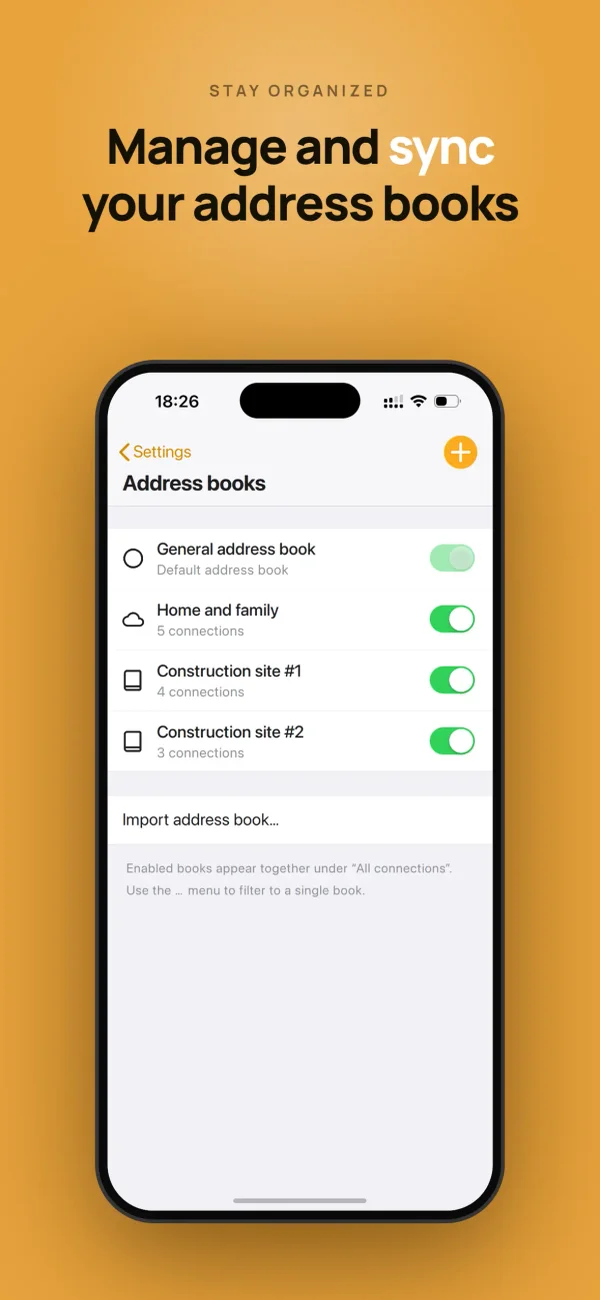
• Full-fledged address book with folders and per-connection properties
• Set default connection properties as a template for new entries
• Multiple address books of different types — local or synced
• Full import, export and sync capabilities
SELF-HOSTED SERVER
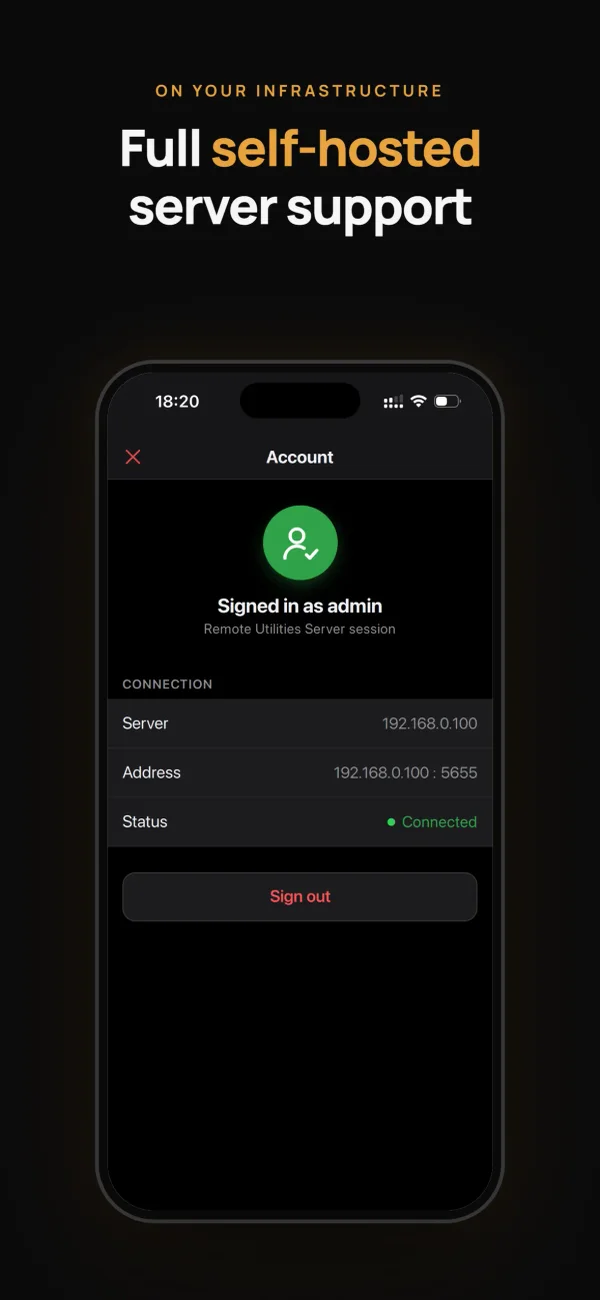
• Complete support for your own Remote Utilities server: address book sync, server-based authentication and relay through your own infrastructure
To connect, install the free Host module on the remote computer — available for Windows, macOS and Linux at https://www.remoteutilities.com
What’s new
Version 14.3.0 · Oct 23, 2026
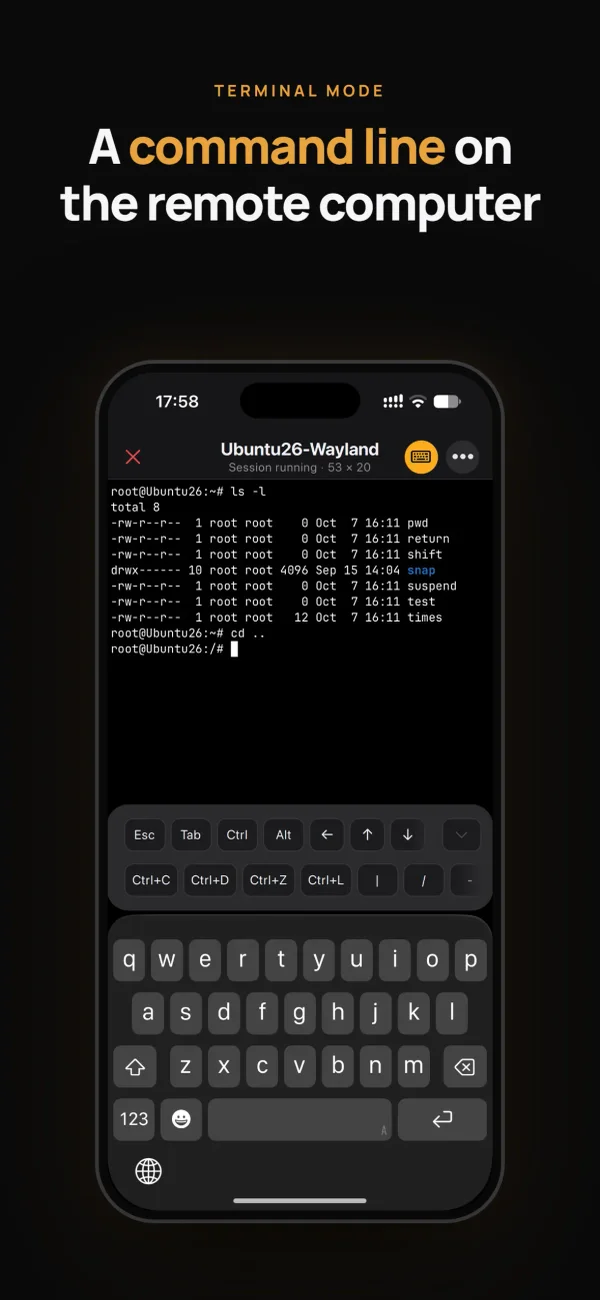
New: Terminal mode. A command line on the remote computer, right on your phone or tablet. Works with Host for Windows 7.9 and later (Command Prompt, PowerShell) and with Host for Linux and macOS 2.1.1 and later (the shells installed on the computer). Choose the shell and the user context (System or the logged-on user). A key bar above the keyboard adds Esc, Tab, Ctrl, Alt and the arrow keys; the output history scrolls, text can be selected, copied and pasted, and the text size changes with a pinch. Terminal is available in the connection mode menu, as the default tap action and from the session toolbar.
Also in this version:
- Fixed: in a synced address book, a password saved after it had been changed on the Host was requested again at the next connection.
- After an automatic reconnection the session restores the previous zoom and screen position.
- iOS 27: fixed the missing edit menu (Paste, Copy, Cut, Select) in text fields, including the password prompt.
- File Transfer: a file that the Host cannot provide is skipped with a message and the remaining files are copied. A message is shown when the Host denies access to a folder.
- Clipboard: text copied while the app was in the background is sent to the Host when you return to the session; HTML content from a Host for Windows is now transferred correctly.
- Fixed: the connection thumbnail was not updated after a session.
- Improved compatibility with Hosts of version 7.2 and older.
- Help: new Terminal and Clipboard sections in all 24 languages. Interface translations updated.
- Minor fixes and improvements. Requires iOS 18 or later.
App privacy
What declares on the App Store about how this app handles data.
-
Data not collected
The developer does not collect any data from this app.
Privacy practices may vary, for example with the features you use or your age.
Information
- Seller
- Remote Utilities Pte. Ltd.
- Category
- Productivity
- Version
- 14.3.0
- Updated
- Oct 23, 2026
- Released
- Jan 11, 2014
- Size
- 49.0 MB
- Requires
- iOS 18 or later
- Age rating
- 4+
- Price
- Free
- Languages
- English, Arabic, Czech, Danish, Dutch, French, German, Greek, Hebrew, Italian, Japanese, Korean + 11 more
- Copyright
- © 2026 Remote Utilities Pte. Ltd.
You might also like
-
 NetSupport Manager ControlProductivity
-
 ThinfinityWork from anywhere
-
 LiteManagerProductivity
-
 Blue LiteProductivity
-
 NoMachineRemote desktop for everybody
-
 Avica Remote DesktopRemote access from anywhere
-
 MGRDPMGRDP Connection Helper
-
 HelpDesk ViewerProductivity
-
 Connect My ComputerDesigned for Mac computers
-
 Inuvika OVD Mobile ClientEnterprise Mobile Client iOS