
RemotePC Remote Desktop
Remote Desktop Access
Designed for iPhone, iPad, iPod touch
Free · In-app purchases
- Age rating4+
- CategoryProductivity
- DeveloperIDrive Incorporated
- LanguagesEnglish+ 29 more
- Size48.5 MB
Links to the official App Store page
Download.org hosts no file of RemotePC Remote Desktop. The button opens its official App Store page, published by IDrive Incorporated. Listing last checked on Nov 24, 2026.
Screenshots

About
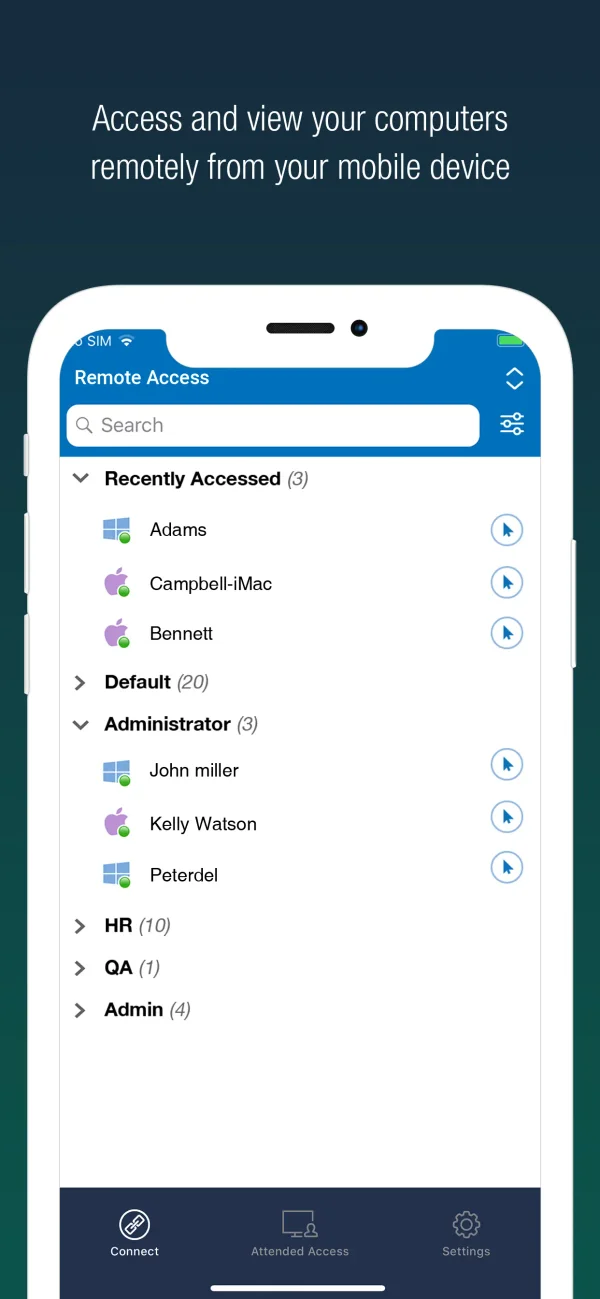
Access remote computers anytime by installing the RemotePC application on your iOS devices.
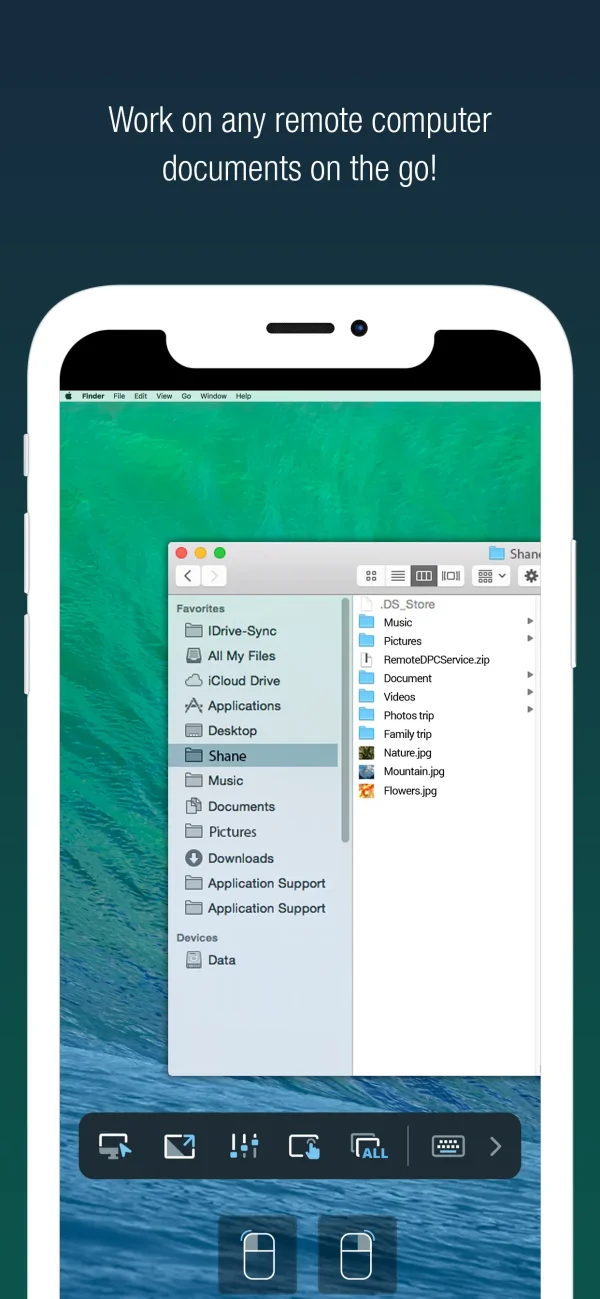
Connect to your office or home computers from anywhere with a speed of 60 FPS and 4K quality. Access files, folders, emails, and software applications on remote machines, whether it's after-hours or while on the go.
Features:
• Instant remote computer access, provided there is an active internet connection and RemotePC application installed on it
•. Connect to multiple remote computers at the same time and manage each session independently.
• Provides efficient team work with friends or colleagues by accessing their remote computers to work on presentations, documents, view/edit media files, etc.
• Access PCs and MACs using your iOS devices.
• Enhanced performance and low latency
• Cross-platform compatibility
• 60 FPS speed allowing 4K quality
• Faster remote streaming for gamers
•. Supports Apple Pencil for precise navigation and control on compatible iPad devices.
Functionalities:
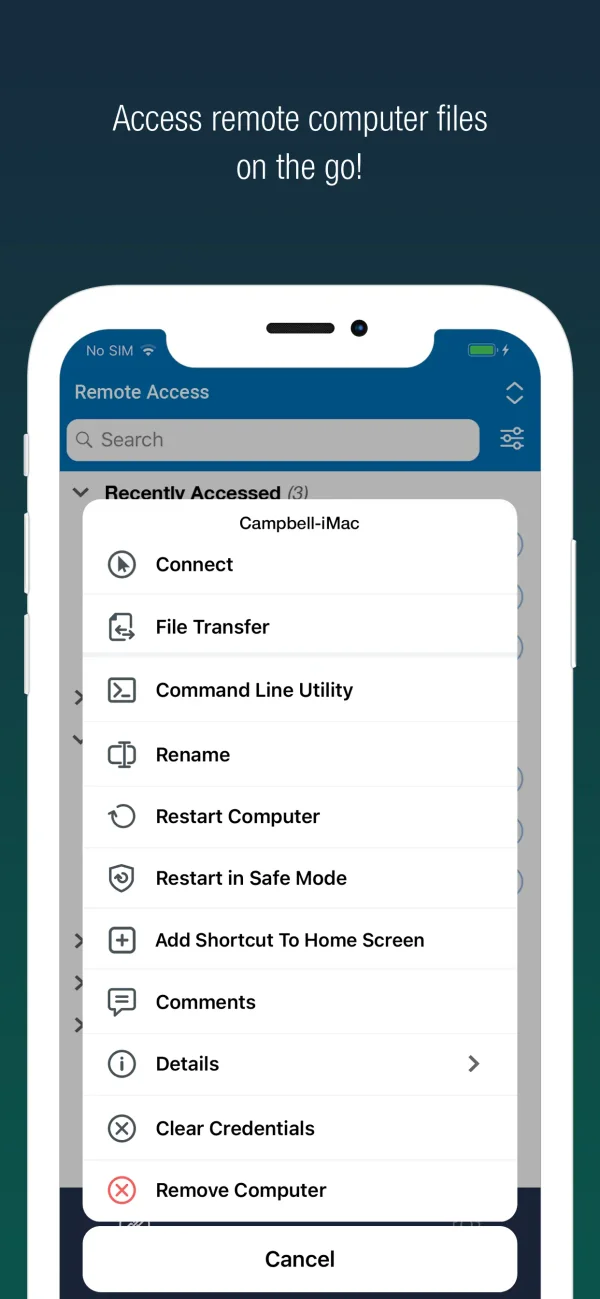
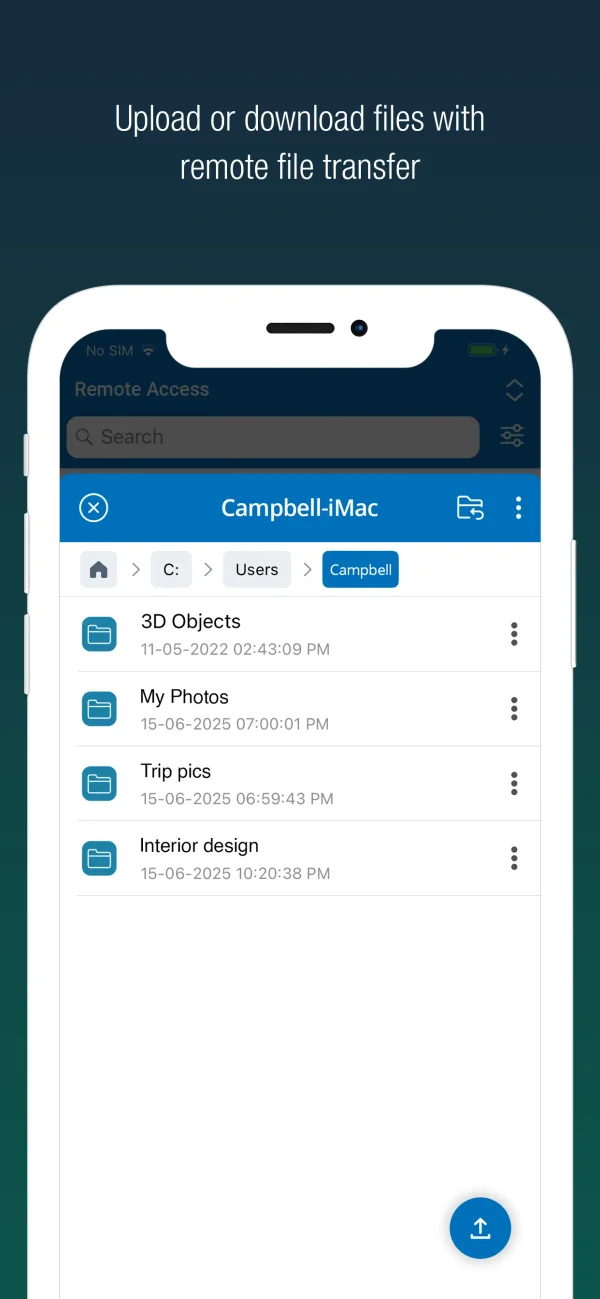
• Transfer files via your iOS devices and computers with/without remote session.
• Enable inactivity timeout to retain remote session running in the background for the specified time.
• Lock the remote system via your iOS device.
• Configure the display quality and speed of the remote session.
• Modify the screen resolution of the remote display
• Record remote sessions while accessing via iOS devices.
• Control clipboard actions (copy and paste) from your iOS devices.
• Access and manage logged off and locked devices remotely.
• Remote printing of documents and images using a local printer.
• Chat with the recipients for effective communication.
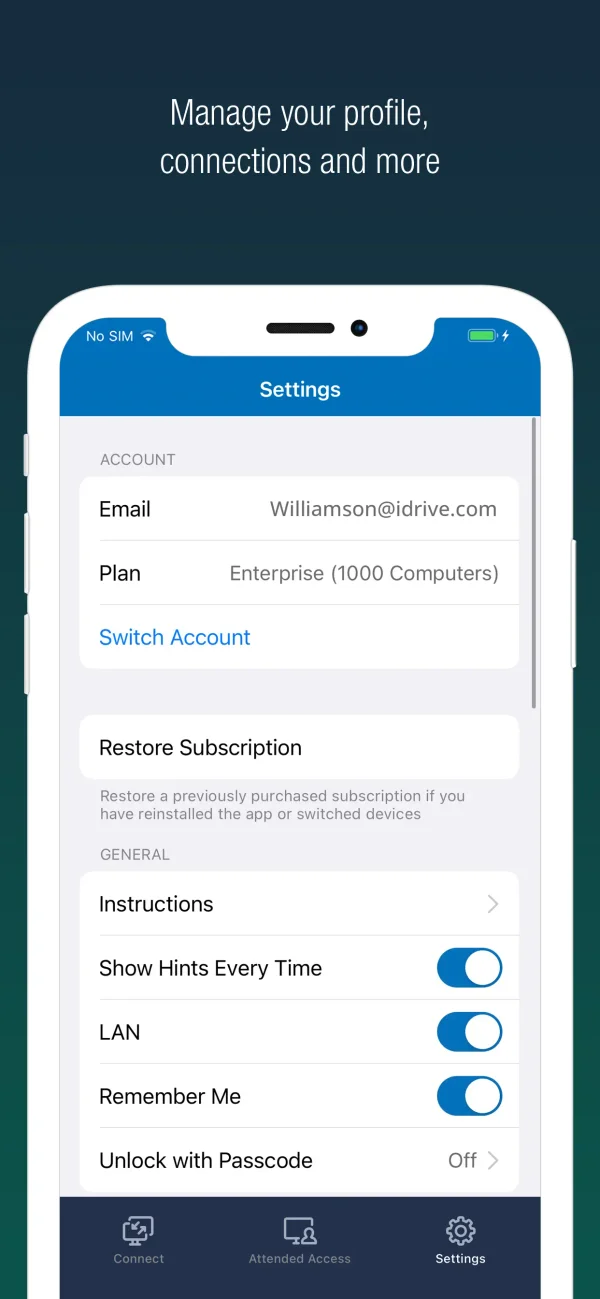
• Enable ‘Trusted Devices’ for enhanced security of your RemotePC account.
• Enable ‘Blank Host Screen’ to work privately on your remote device by turning the screen blank.
• View multiple monitors at the same time for Enterprise accounts.
• Restart your remote system via the iOS device in a safe mode.
• Collaborate effectively by using Whiteboard to draw on the remote screen.
• Multiple users can simultaneously access and work on a single remote machine.
• Multitask during remote sessions by opening multiple iPad apps simultaneously
What’s new
Version 9.9.3 · Nov 23, 2026
Bug fixes
App privacy
What IDrive Incorporated declares on the App Store about how this app handles data.
-
Data not collected
The developer does not collect any data from this app.
Privacy practices may vary, for example with the features you use or your age.
Information
- Seller
- IDrive Incorporated
- Category
- Productivity
- Version
- 9.9.3
- Updated
- Nov 23, 2026
- Released
- Dec 1, 2010
- Size
- 48.5 MB
- Requires
- iOS 15.6 or later
- Age rating
- 4+
- Price
- Free
- In-app purchases
- Yes
- Languages
- English, Bulgarian, Croatian, Czech, Danish, Dutch, French, German, Greek, Hungarian, Indonesian, Italian + 18 more
- Copyright
- © IDrive Inc.
You might also like
-
 RealVNC Viewer: Remote DesktopProductivity
-
 Duet Air - Remote DesktopThe fastest Remote Desktop
-
 DeskIn Remote DesktopAccess any device from mobile
-
 NoMachineRemote desktop for everybody
-
 UTM Remote Virtual MachinesRemote desktop for VMs
-
 Avica Remote DesktopRemote access from anywhere
-
 TeamViewer Remote ControlProductivity
-
 Network Toolbox Net securityWiFi Cell LAN scanning tools
-
 Connect My ComputerDesigned for Mac computers
-
 Shadow PCShadow PC mobile access