Remotly – Remote Desktop
Low-latency PC access & games
Designed for iPhone, iPad, iPod touch
Free
- Age rating4+
- CategoryUtilities
- DeveloperMirillis
- LanguagesEnglish+ 6 more
- Size7.2 MB
Links to the official App Store page
Download.org hosts no file of Remotly – Remote Desktop. The button opens its official App Store page, published by Mirillis. Listing last checked on Nov 25, 2026.
Screenshots


About
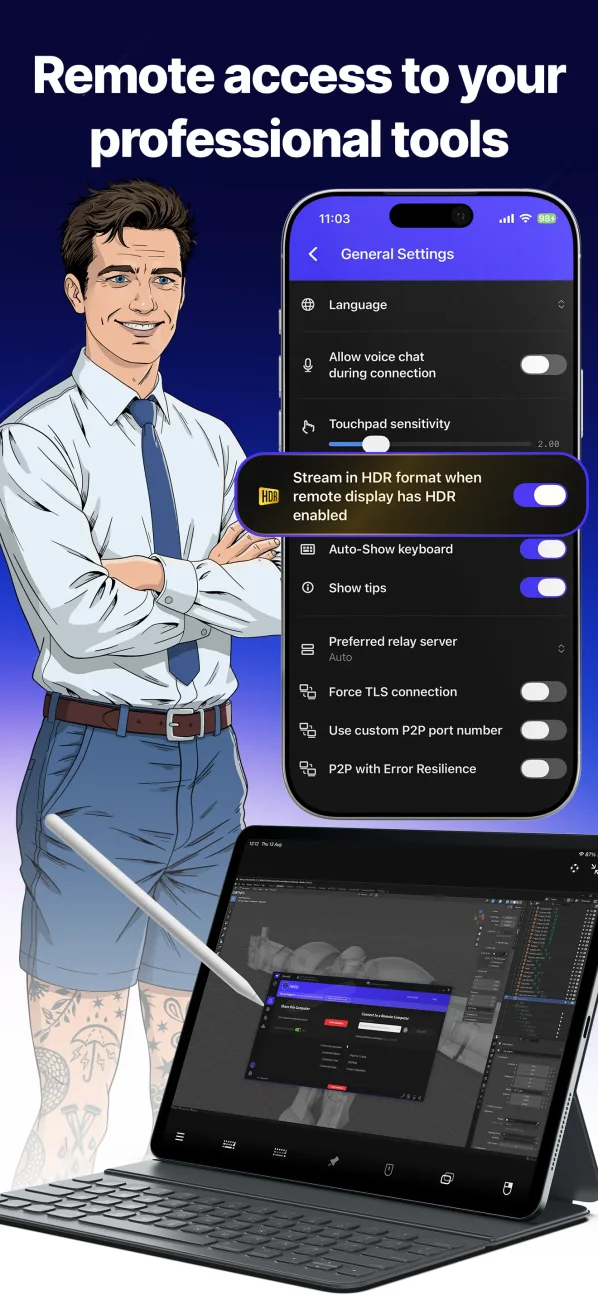
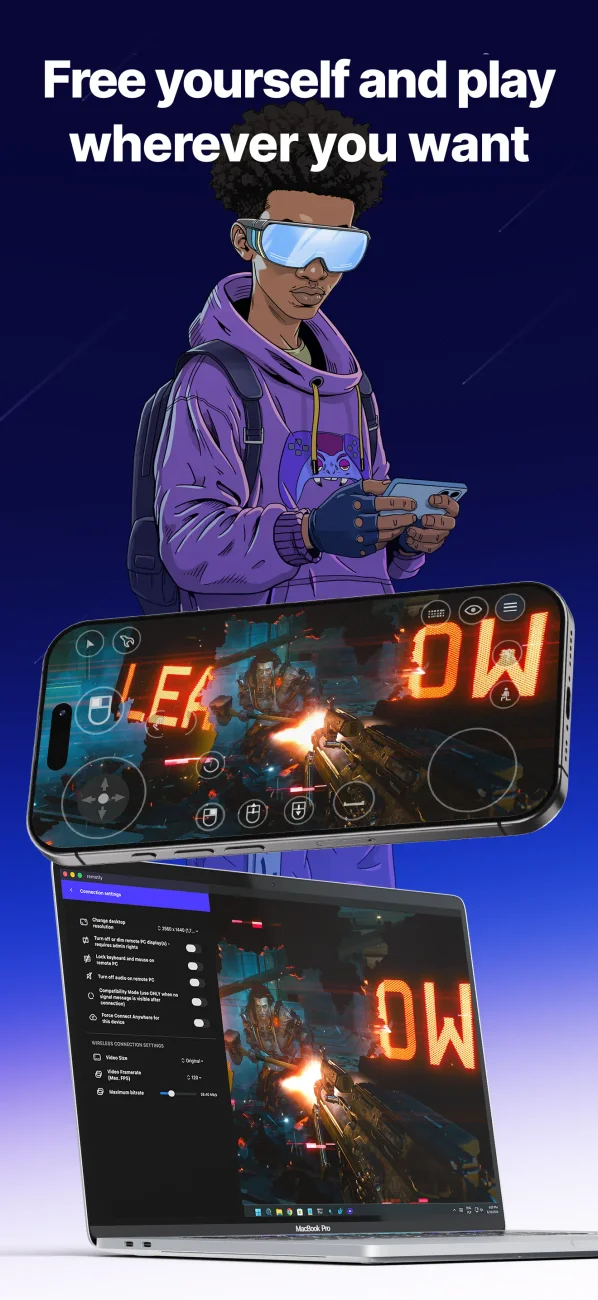
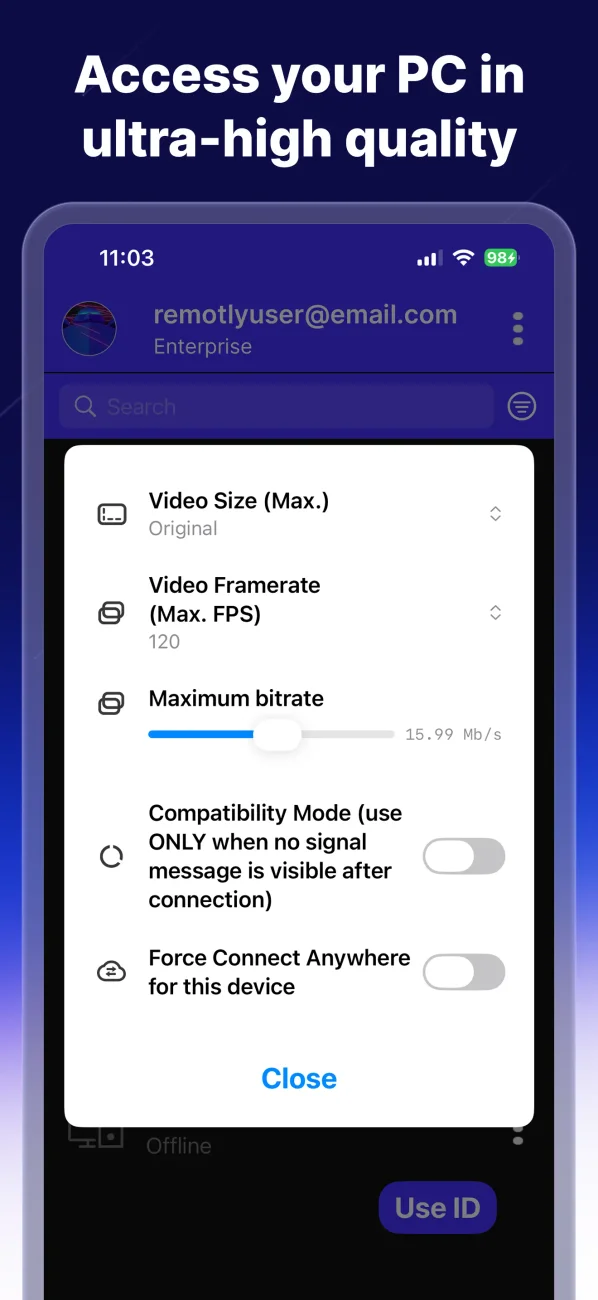
Remotly turns your iPhone or iPad into a fast, secure remote desktop for your Windows PC. Work, support, and play games remotely — in up to 4K with HDR and up to 120 fps, built on Mirillis' award-winning streaming technology known from Action!.
FOR WORK AND STUDY
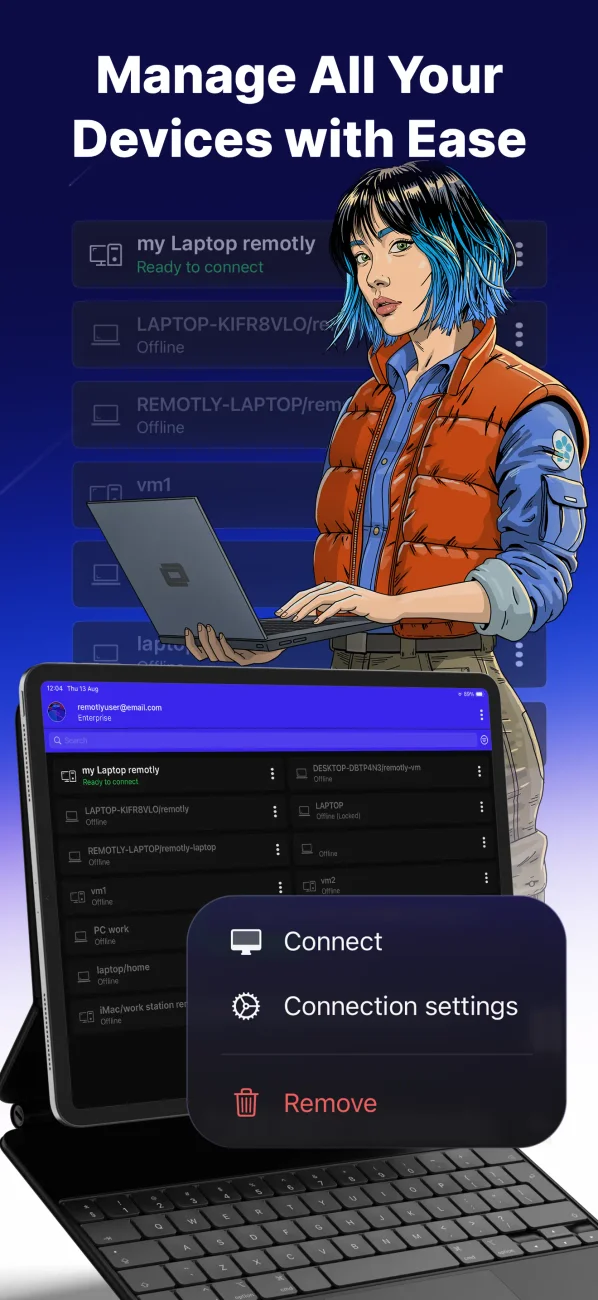
• Connect to any of your Windows PCs in a few taps — stable connection, ultra-low latency, and crisp image quality.
• Full keyboard, mouse, trackpad, and Apple Pencil support.
• Switch between the remote PC's monitors, or change its resolution to fit your screen.
• Voice chat during a session — work with colleagues or help family in real time.
• Picture in Picture: keep an eye on the remote screen while using other apps.
FOR GAMING
• Play your PC games on iPhone or iPad in stunning quality — up to 4K at up to 120 fps, with ultra-low latency and low battery usage.
• True HDR streaming with 10-bit color — a rarity among remote access apps.
• Use any Bluetooth game controller (Xbox, PlayStation, Nintendo Joy-Con, and more) or play with on-screen controls.
• Fully customizable control layouts: build your own touch layouts with joysticks, buttons, and touchpads in the built-in editor.
CONNECT FROM ANYWHERE
• Direct P2P connections with bitrate up to 100 Mbps, plus the Connect Anywhere cloud when a direct link isn't possible — double NAT and firewalls are not a problem.
• Connect via your device list, a one-time connection code, or an invitation with controlled, time-limited access.
• Choose your preferred relay server, or run your own private relay for full data ownership.
• Wake-on-LAN: wake your PC remotely and get to work.
SECURITY FIRST
• End-to-end encryption of the entire transmission: AES-256 for data streams, TLS 1.2/1.3, RSA-4096 key exchange.
• Two-step device authorization for new devices connecting to your PC.
• Sign in with your Microsoft or Google account; enterprise integration with Microsoft Entra ID (Active Directory).
REQUIREMENTS
Remotly requires the free Remotly host application installed on your Windows PC (Windows 7, 8.1, 10, or 11). Download it at remotly.com.
The interface is available in English, Polish, Spanish, French, Turkish, Portuguese (Brazil), and Simplified Chinese.
What’s new
Version 1.1 · Nov 24, 2026
What's new in Remotly 1.1:
• Picture in Picture now works on iOS 15
• Faster panning of a zoomed-in desktop, which no longer stops halfway across the screen
• The side menu opens faster
• Key labels in the layout editor update right after choosing a key preset
• Tapping a device's options menu no longer starts a connection
• The "Connection lost" screen no longer spins forever and returns to the device list if reconnecting fails
• Clearer device list when a search or filter finds no devices
• Connecting to another device right after disconnecting no longer fails with "Connection error -1" or connects without a picture
• The connecting dialog appears as soon as you tap a device
• Devices that just went offline no longer briefly show as ready to connect
• More reliable switch to Connect Anywhere when a direct connection fails
• Tidier empty device list in portrait
• The "Signal lost!" window has readable buttons and is no longer covered by the keyboard
• The picture keeps full resolution after switching the computer between monitors with different resolutions
• Invited users can join a shared computer that has a free stream, whatever their plan
• A slow drag on the touchpad no longer presses the left mouse button
• A direct connection gives the computer more time to wake its screen before switching to Connect Anywhere
• Staying signed in uses a sign-in token instead of keeping your password on the device
• The mobile data warning no longer appears at launch while on Wi-Fi
• The side (back/forward) buttons of a connected mouse now work on the remote PC
App privacy
What Mirillis declares on the App Store about how this app handles data.
-
Data linked to you
May be collected and linked to your identity.
- Contact info
- Identifiers
Privacy practices may vary, for example with the features you use or your age.
Information
- Seller
- Mirillis Core Sp. z o.o.
- Category
- Utilities
- Version
- 1.1
- Updated
- Nov 24, 2026
- Released
- Sep 13, 2026
- Size
- 7.2 MB
- Requires
- iOS 15.0 or later
- Age rating
- 4+
- Price
- Free
- Languages
- English, French, Polish, Portuguese, Simplified Chinese, Spanish, Turkish
- Copyright
- © 2026 Mirillis Core Sp. z o.o.