
Remote Desktop - by Threadmark
No-setup Remote Desktop
Designed for iPhone, iPad
Free
- Age rating17+
- CategoryUtilities
- DeveloperMichael Inal
- LanguagesEnglish
- Size15.1 MB
Links to the official App Store page
Download.org hosts no file of Remote Desktop - by Threadmark. The button opens its official App Store page, published by Michael Inal. Listing last checked on Nov 15, 2026.
Screenshots
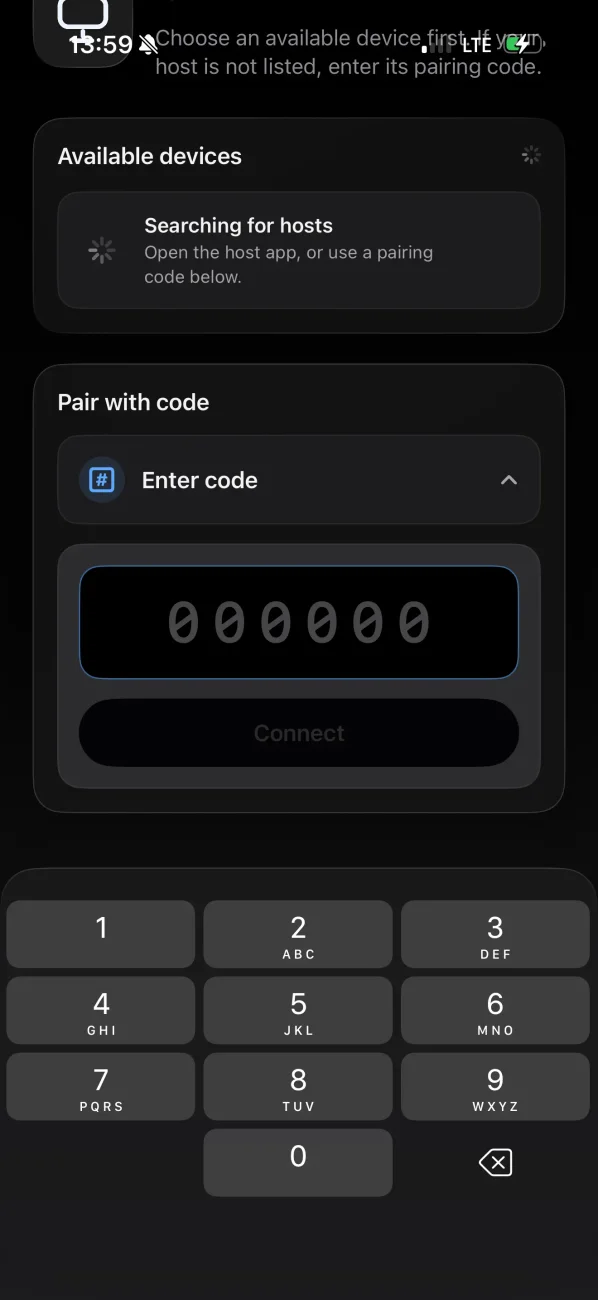
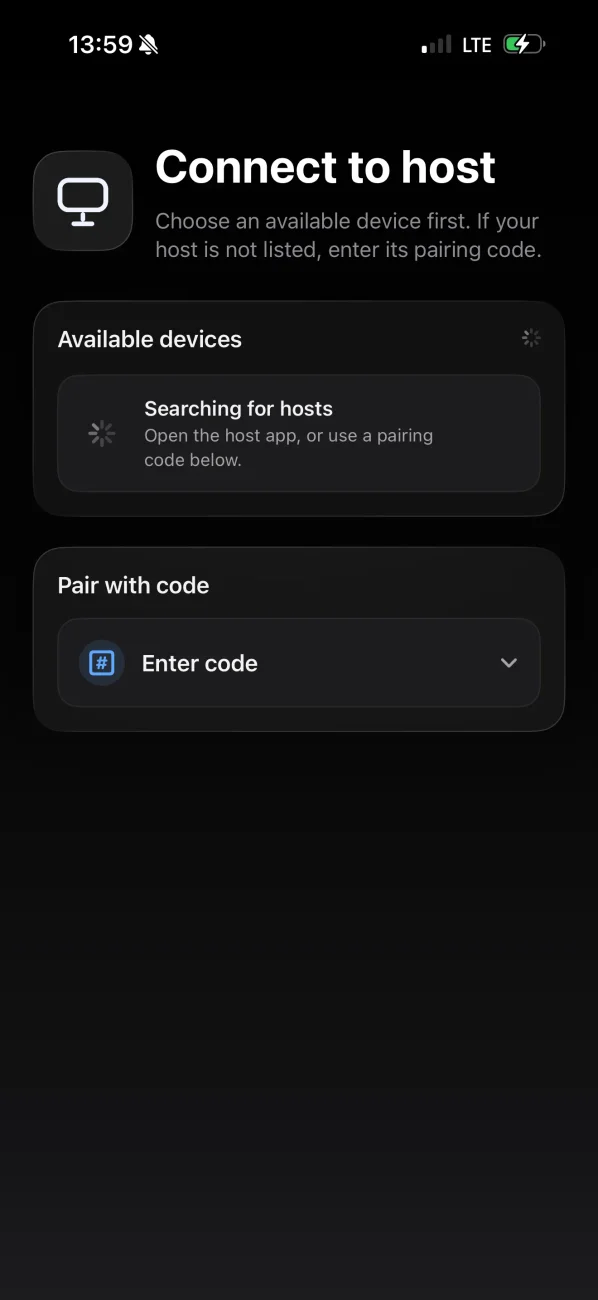
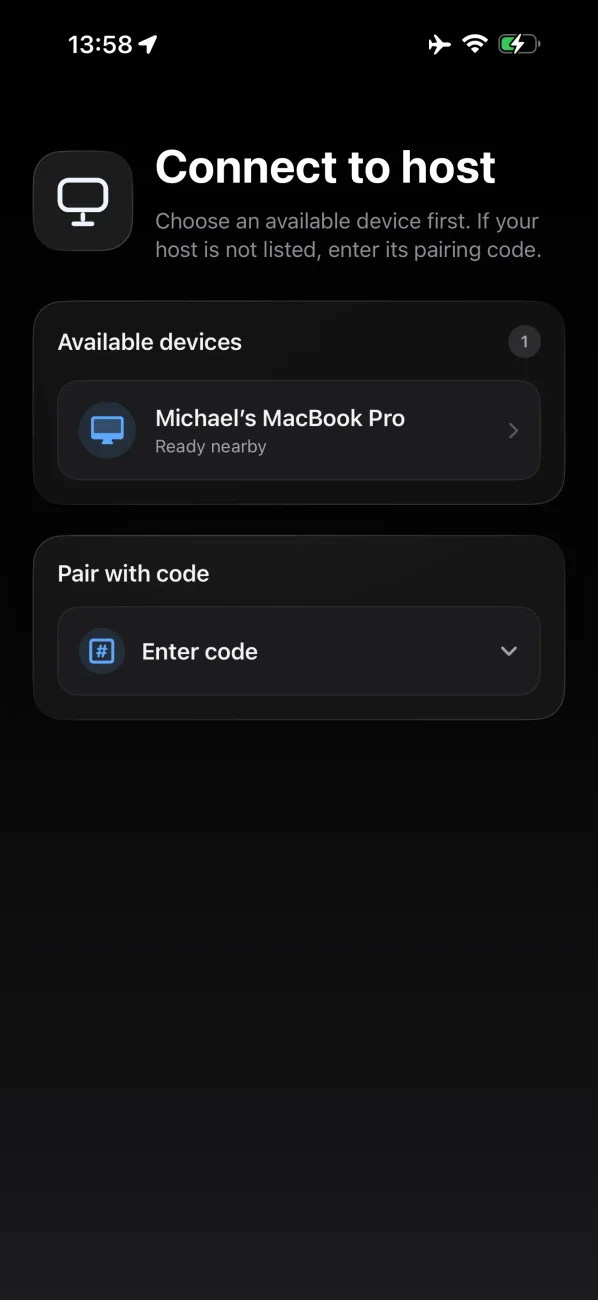
About
Your computer, in your pocket.
Remote Desktop lets you see and control your Mac or Windows PC right from your iPhone or iPad — anywhere you have internet. No complicated setup, no servers to run, no port forwarding, no monthly fees. Install the free host app on your computer, select your device, and you're connected.
Beautifully simple
Most remote desktop tools are built for IT departments. This one is built for you. There's nothing to configure. Open the app, click once, and your computer appears on screen — live, with sound, and fully controllable.
What you can do
• See your computer's screen in crisp, real-time video
• Hear your computer's audio streamed straight to your device
• Tap, scroll, and drag with an intuitive touch-cursor
• Type with your on-screen or hardware keyboard
• Use a connected trackpad or mouse for precise control
• Works great on both iPhone and iPad
Set up in seconds
Download the free Mac or Windows host app
Sign in with the same Apple Account on both devices
Select the device you want to control
Done — you're connected
Private by design
Your connection is direct and end-to-end. Pairing only works between devices signed into your own Apple Account, so no stranger can ever reach your computer. There's no middle-man server storing your screen or your data — the video, audio, and controls flow straight between your devices.
• Free to use
• No account to create
• No router settings to change
• No subscriptions
• Just works
Whether you need to grab a file, check on a long-running task, run a desktop app on the go, or help yourself from the couch — Remote Desktop keeps your whole computer one tap away.
Note: Requires the free companion host app for Mac or Windows, and both devices must be signed into the same Apple Account. A reliable internet connection is recommended for the best experience.
App privacy
What Michael Inal declares on the App Store about how this app handles data.
-
Data not collected
The developer does not collect any data from this app.
Privacy practices may vary, for example with the features you use or your age.
Information
- Seller
- Michael Inal
- Category
- Utilities
- Version
- 0.1.6
- Updated
- Jun 23, 2026
- Released
- Jun 23, 2026
- Size
- 15.1 MB
- Requires
- iOS 17.0 or later
- Age rating
- 17+
- Price
- Free
- Languages
- English
- Copyright
- © 2026 Michael Inal
You might also like
-
 RemoteX: Remote DesktopRemote desktop, both ways
-
 Remote Pane: RDP & VNCRemote desktop for PC and Mac
-
 Scry: Remote Desktop for PCAccess & Control Any Computer
-
 XConnect - SSH & RDP ClientRemote Desktop & SSH Client
-
 Remotly – Remote DesktopLow-latency PC access & games
-
 QuickRemote - Desktop ManagerFast VNC, RDP & Screen Share
-
 Beam: Stream & Remote DesktopMirror, click, type and play
-
 Tomaco: Remote DesktopSilky remote desktop · 120Hz
-
 RootWatchSSH Server Monitor & Alerts
-
 Reach RemoteRemote Desktop, Simply