
Remove Objects: Photo DsignAI
AI Retouch & Background Edit
Designed for iPhone
In-app purchases
- Age rating4+
- CategoryPhoto & Video
- DeveloperAleksandr Timonchev
- LanguagesEnglish+ 32 more
- Size270.4 MB
Links to the official App Store page
Download.org hosts no file of Remove Objects: Photo DsignAI. The button opens its official App Store page, published by Aleksandr Timonchev. Listing last checked on Nov 12, 2026.
Screenshots
About
One app for cutouts, cleanup, color edits, and collages.
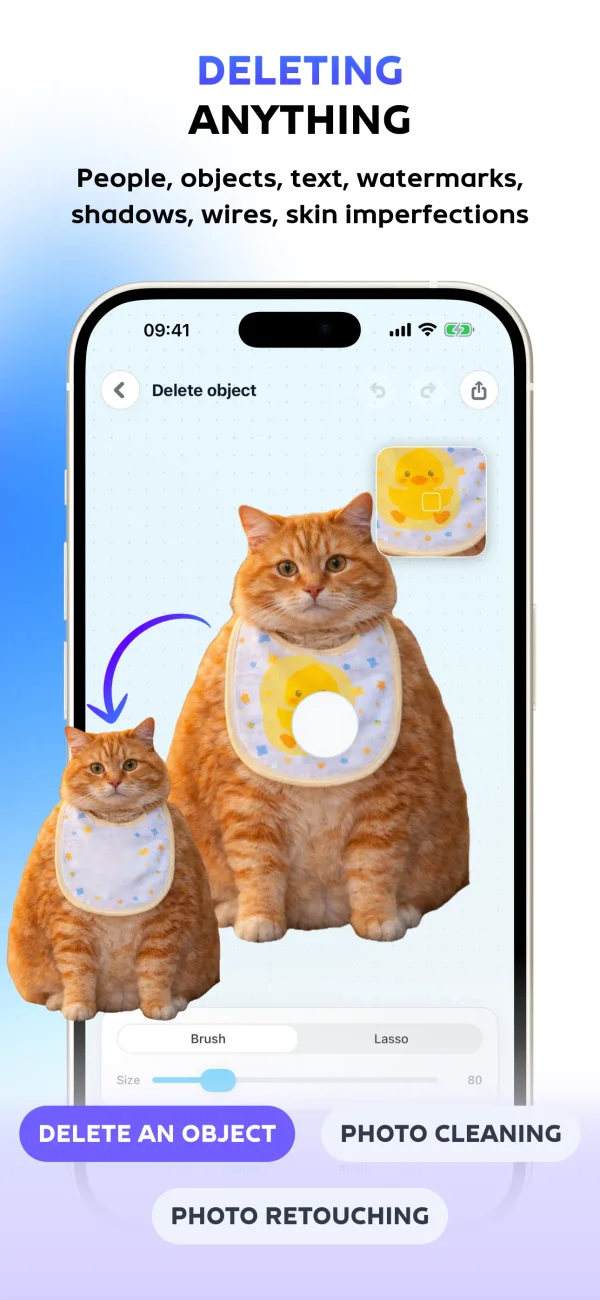
Remove backgrounds, erase unwanted objects, replace backgrounds, change colors, and create photo or video layouts in one place.
WHY CREATORS CHOOSE DSIGN AI
→ Remove backgrounds from photos and videos in one tap
→ Erase unwanted objects with clean, natural-looking results
→ Replace backgrounds with solid colors, gradients, blur, or your own image
→ Change the color of selected objects, hair, eyes, skin, clothing, or product details
→ Add outlines, glow, gradients, and shadow effects
→ Create collages with photos and videos in stylish reusable layouts
→ Export in PNG, JPEG, or HEIC up to 4K
→ Edit multiple images faster with batch processing
BACKGROUND REMOVAL
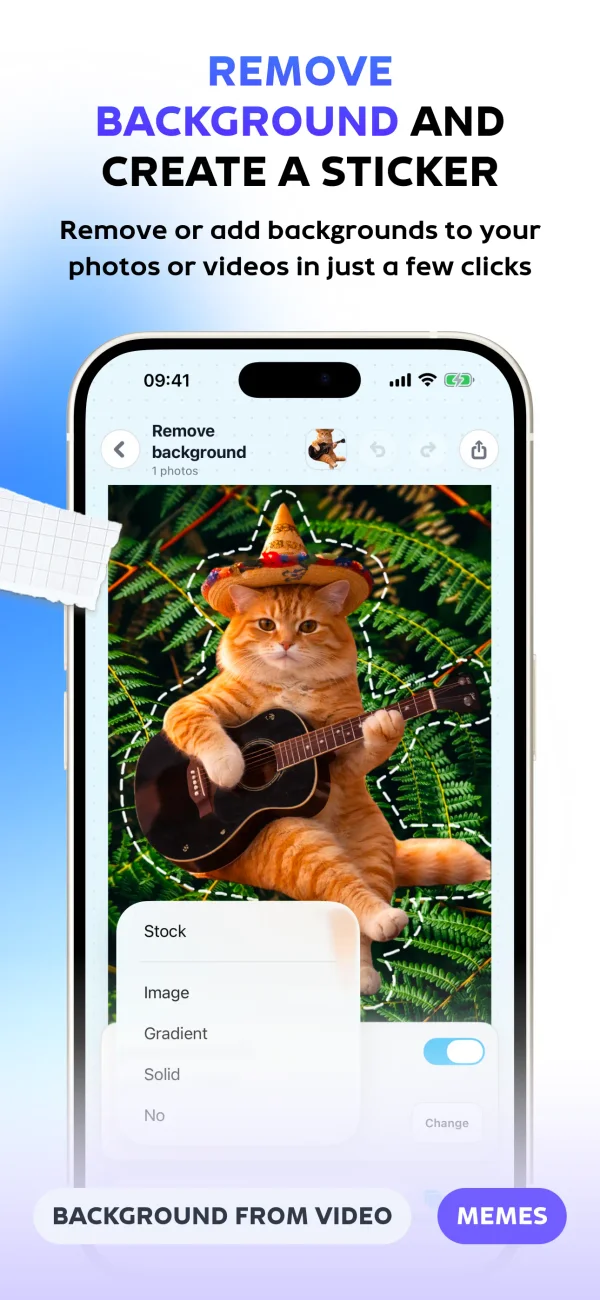
Create clean cutouts with AI-powered background removal.
Make transparent PNGs, product photos, stickers, and social content in seconds.
Need more precision? Use erase and restore brushes to refine edges exactly the way you want.
OBJECT REMOVAL
Remove people, clutter, text, blemishes, distractions, or unwanted details with a tap.
DSIGN AI keeps the result clean and natural, so your edits look polished instead of overprocessed.
BACKGROUND REPLACEMENT
Swap any background in seconds.
Use a solid color, gradient, blur, or your own photo to create the exact look you need for content, branding, or product visuals.
COLOR CHANGER
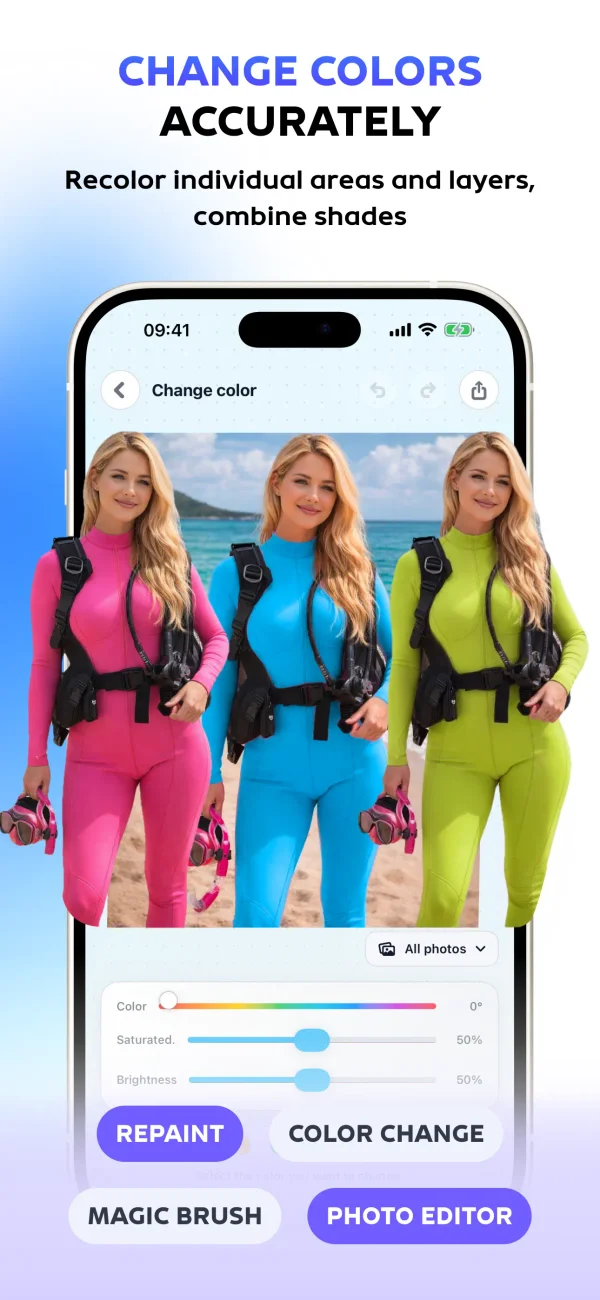
Change the color of any selected area in your photo.
Recolor hair, eyes, skin tone, clothes, accessories, furniture, packaging, or any object to match your style, mood, or brand palette.
EFFECTS & STYLING
Add outlines with solid, gradient, glow, or shadow effects.
Adjust the position and look of every element for more control and more expressive edits.
COLLAGE BUILDER
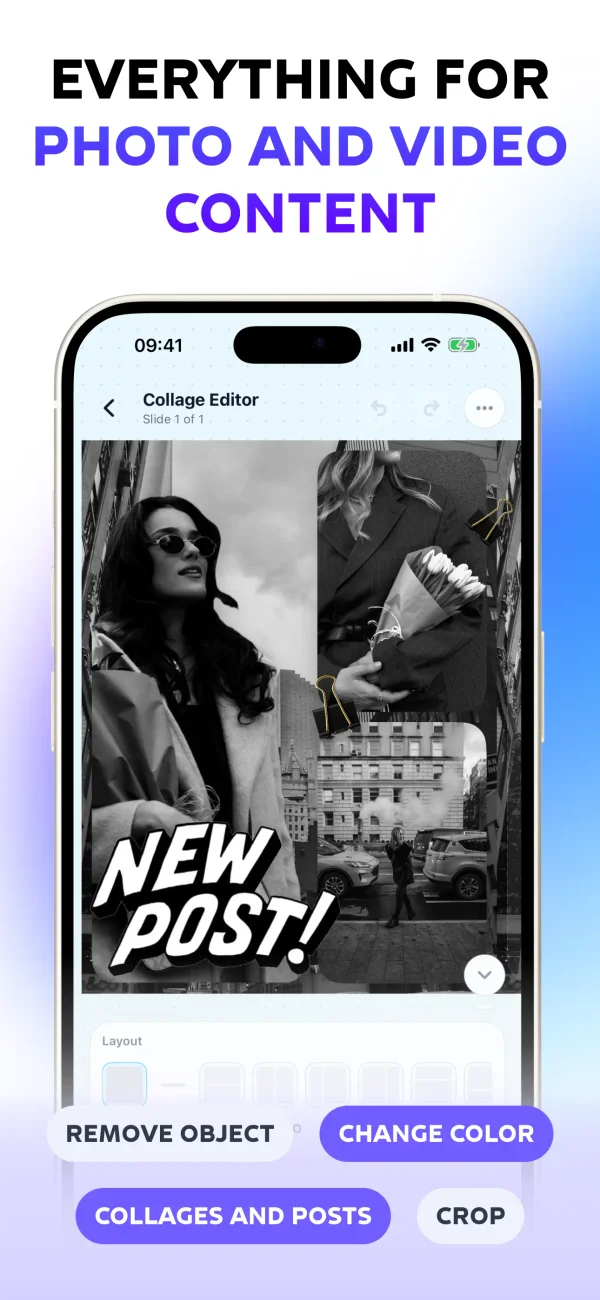
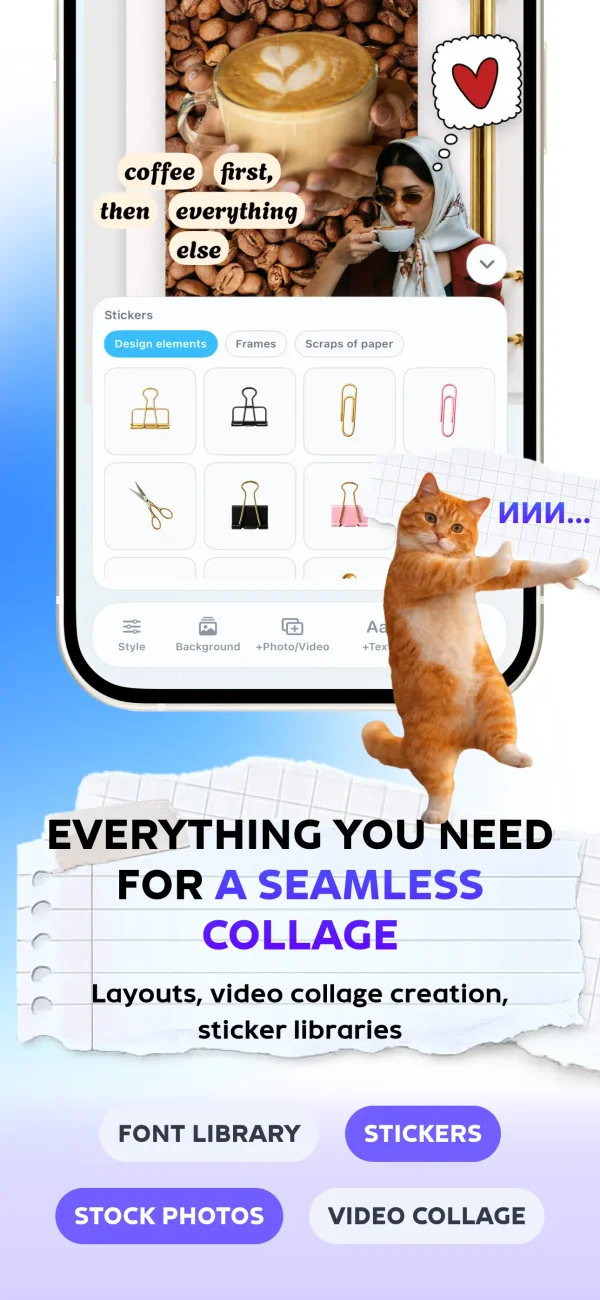
Combine photos and videos into clean, modern layouts.
Add text, stickers, and design elements, then save your favorite styles for faster content creation later.
EXPORT
Save in PNG, JPEG, or HEIC.
Choose original quality, 1080p, 4K, or custom size.
Export, save, share, or batch process your content with ease.
Built for creators, brands, sellers, and anyone who wants cleaner visuals and faster editing.
Some features require a subscription.
Terms of use: https://bit.ly/4e4YXvk
What’s new
Version 1.3 · May 28, 2026
- minor improvements
App privacy
What Aleksandr Timonchev declares on the App Store about how this app handles data.
-
Data not linked to you
May be collected but is not linked to your identity.
- Usage data
- Diagnostics
Privacy practices may vary, for example with the features you use or your age.
Information
- Seller
- Aleksandr Timonchev
- Category
- Photo & Video
- Version
- 1.3
- Updated
- May 28, 2026
- Released
- Apr 6, 2026
- Size
- 270.4 MB
- Requires
- iOS 17.0 or later
- Age rating
- 4+
- In-app purchases
- Yes
- Languages
- English, Arabic, Catalan, Croatian, Czech, Danish, Dutch, Finnish, French, German, Greek, Hebrew + 21 more
- Copyright
- © Aleksandr Timonchev, Ella Timoncheva
You might also like
-
 Photo Retouch: Object EraserRemove People & Distractions
-
 Imagic: AI Object RemoverAI Object & Person Remover
-
 Lasto - Photo Card CameraKeep memories as photo cards
-
 HV AI - AI Video GeneratorFull HD Video Generator
-
 Remove Objects – CiaoPeople Remover & Photo Eraser
-
 Noema Noir — AI ФотосессииPhoto & Video
-
 Timestamp Camera: LokmiGPS, Map & Address · No Ads
-
 AVideo AI: Photo & Video EditsTurn photos into AI videos
-
 Erasly: AI Photo EraserRemove Objects, People, Acne
-
 Shotly - Screenshot EditorScreenshots & Video for Posts