Shotly - Screenshot Editor
Screenshots & Video for Posts
Designed for iPhone, iPad, iPod touch
Free · In-app purchases
- Age rating4+
- CategoryPhoto & Video
- DeveloperAnton Georgiev
- LanguagesEnglish+ 12 more
- Size61.3 MB
Links to the official App Store page
Download.org hosts no file of Shotly - Screenshot Editor. The button opens its official App Store page, published by Anton Georgiev. Listing last checked on Nov 15, 2026.
Screenshots
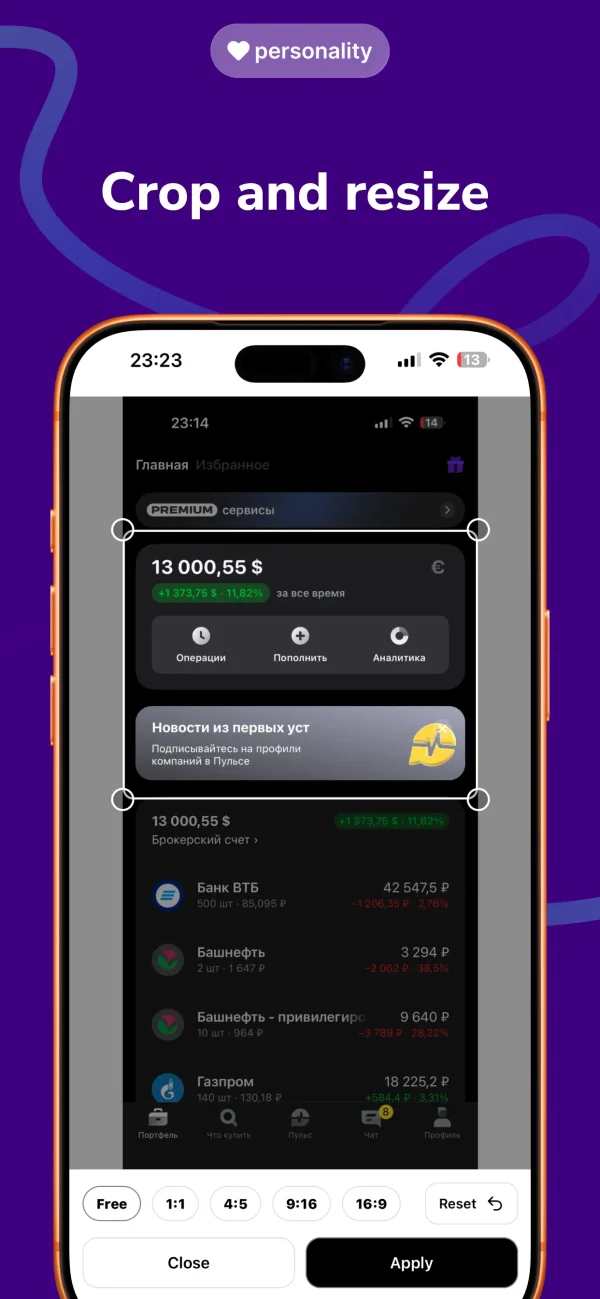

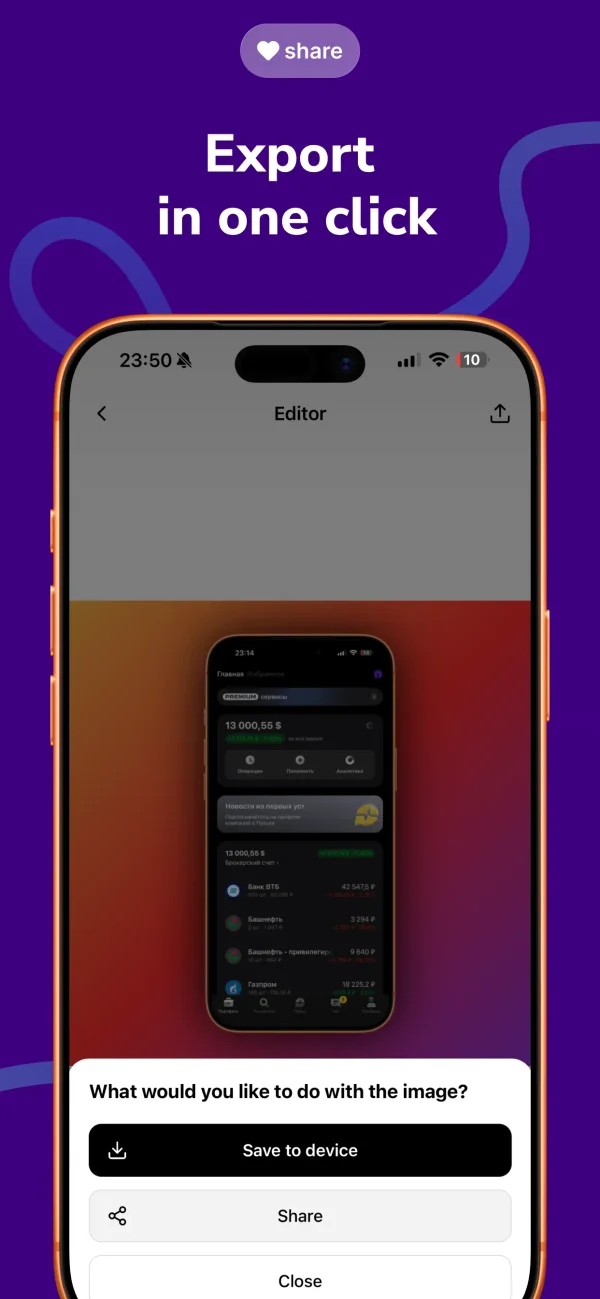

About
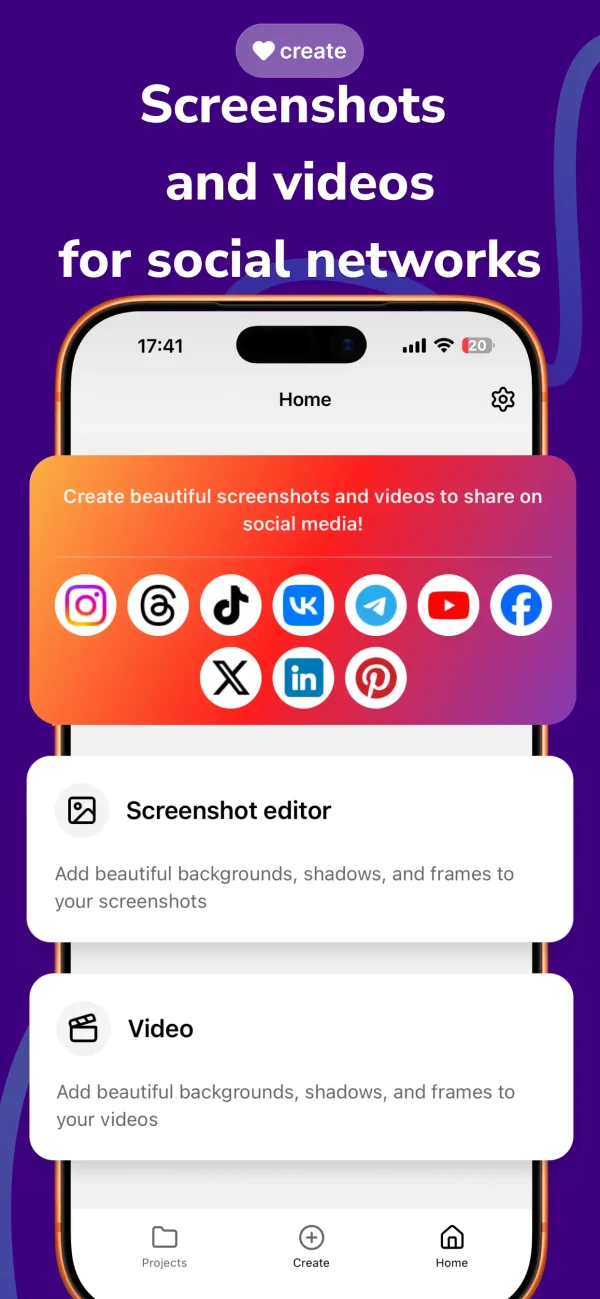
Create beautiful, professional screenshots, photos, and videos for social media in seconds.
This app is designed for authors, developers, marketers, and anyone who wants to share screenshots.
Key Features:
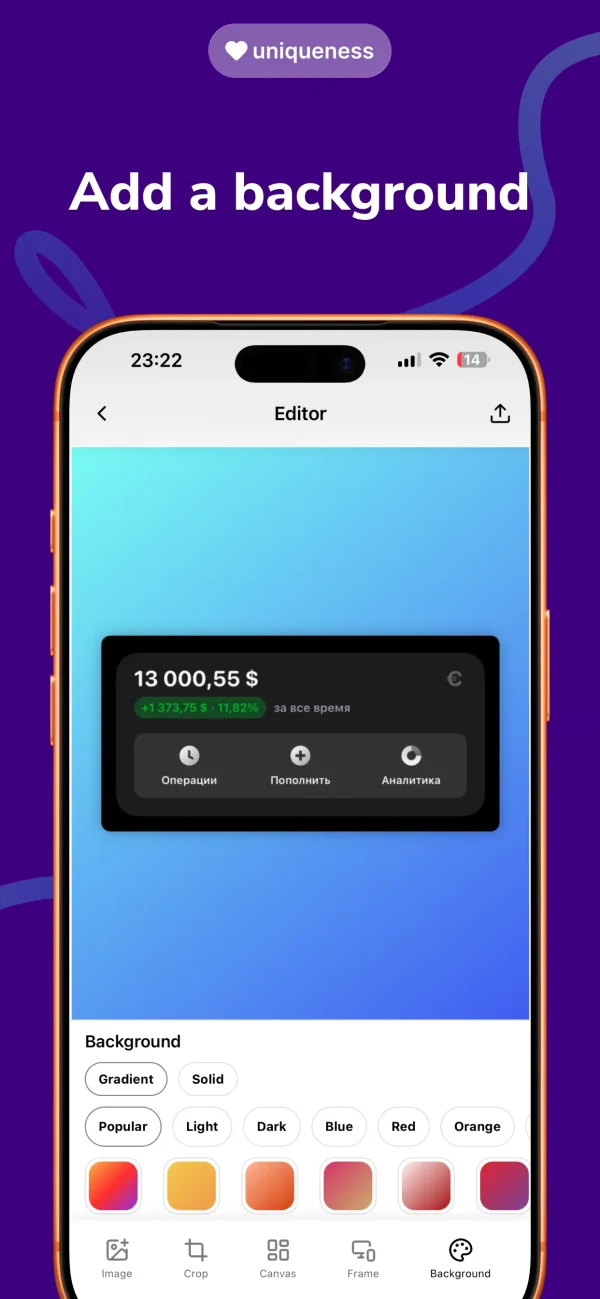
• 800+ backgrounds: solid colors and gradients
• Popular canvas sizes for social media
• Screenshot editor with precise positioning and crop
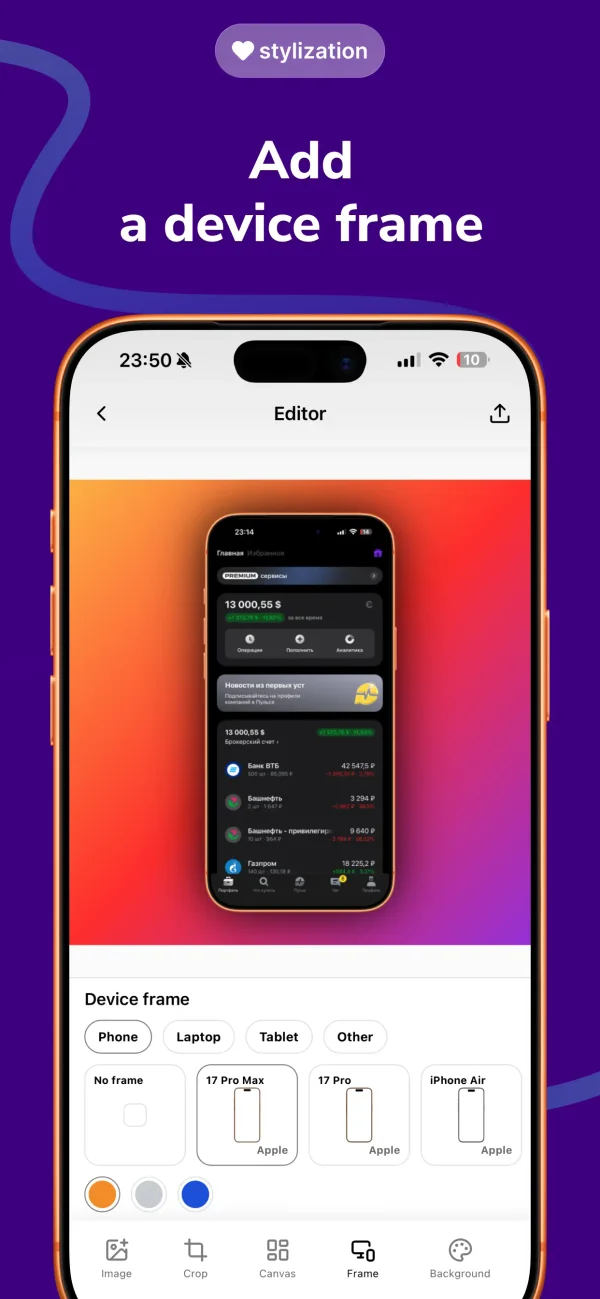
• Add realistic and popular device frames
• Multiple editing photos or videos
• Video editing: trim, crop, adjust volume
• Easy export and instant sharing
• Save history for quick access
• Offline app
Perfect for:
• Social media posts
• Product presentations
• Marketing visuals
• UI/UX showcases
Make your screenshots stand out with minimal effort!
What’s new
Version 1.0.1 · Aug 19, 2026
• Added bulk multiple editing photos or videos
• Added Unsplash and Pexels
• Improved the "Move" tool
• New device frames
• Templates
App privacy
What Anton Georgiev declares on the App Store about how this app handles data.
-
Data not collected
The developer does not collect any data from this app.
Privacy practices may vary, for example with the features you use or your age.
Information
- Seller
- Anton Georgiev
- Category
- Photo & Video
- Version
- 1.0.1
- Updated
- Aug 19, 2026
- Released
- Jun 4, 2026
- Size
- 61.3 MB
- Requires
- iOS 15.1 or later
- Age rating
- 4+
- Price
- Free
- In-app purchases
- Yes
- Languages
- English, French, German, Hindi, Indonesian, Italian, Japanese, Korean, Portuguese, Russian, Simplified Chinese, Spanish + 1 more
- Copyright
- © 2026 Roman Shehovcev
You might also like
-
 Scatto - Retro Film CameraVintage film looks in one tap
-
 Clapo - Clap Camera TimerClap to start countdown photos
-
 Pocket EditorPrivate, offline photo editor
-
 Exporty - Batch Photo ExportWhite Borders, No Crop, TIFF
-
 Glimmer: AI Photo Video MakerAI Gallery:One-Tap Video Maker
-
 Photo Collage Maker – PicframePhoto Grid & Collage Layouts
-
 FILMIQUEAnalog Film Camera for iPhone
-
 Photo Organizer: Memory AIOrganize Photos Automatically
-
 PhotiumRediscover forgotten memories
-
 Metadata Remover: SafeShareFace Blur for Photos