PDF Page Remover: Delete Pages
Remove Odd, Even or Any Pages
Designed for iPhone, iPad, iPod touch
Free · In-app purchases
- Age rating4+
- CategoryProductivity
- DeveloperMuhammad Awais Younas
- LanguagesEnglish
- Size43.5 MB
Links to the official App Store page
Download.org hosts no file of PDF Page Remover: Delete Pages. The button opens its official App Store page, published by Muhammad Awais Younas. Listing last checked on Nov 28, 2026.
Screenshots
About
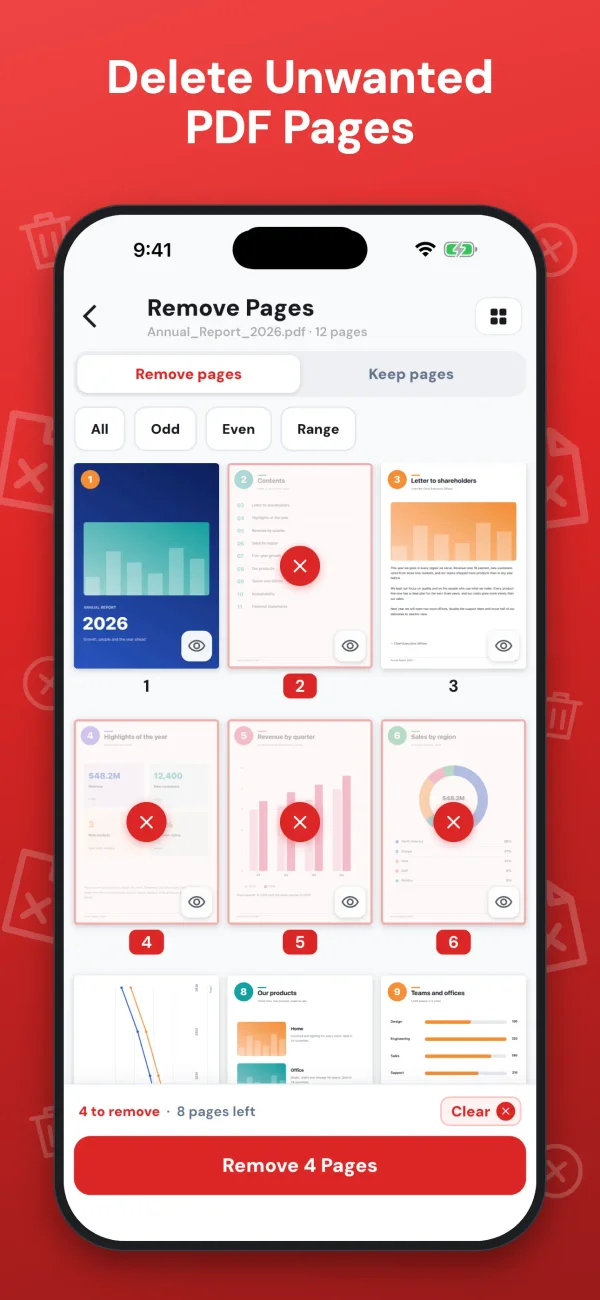
PDF Page Remover is the quick and easy way to remove pages from PDF files on your iPhone and iPad. Delete one page or many pages at once, keep only the pages you need and save a clean new PDF in seconds.
DELETE PDF PAGES YOUR WAY
• Tap any page to remove it, or delete multiple pages from a PDF in one go
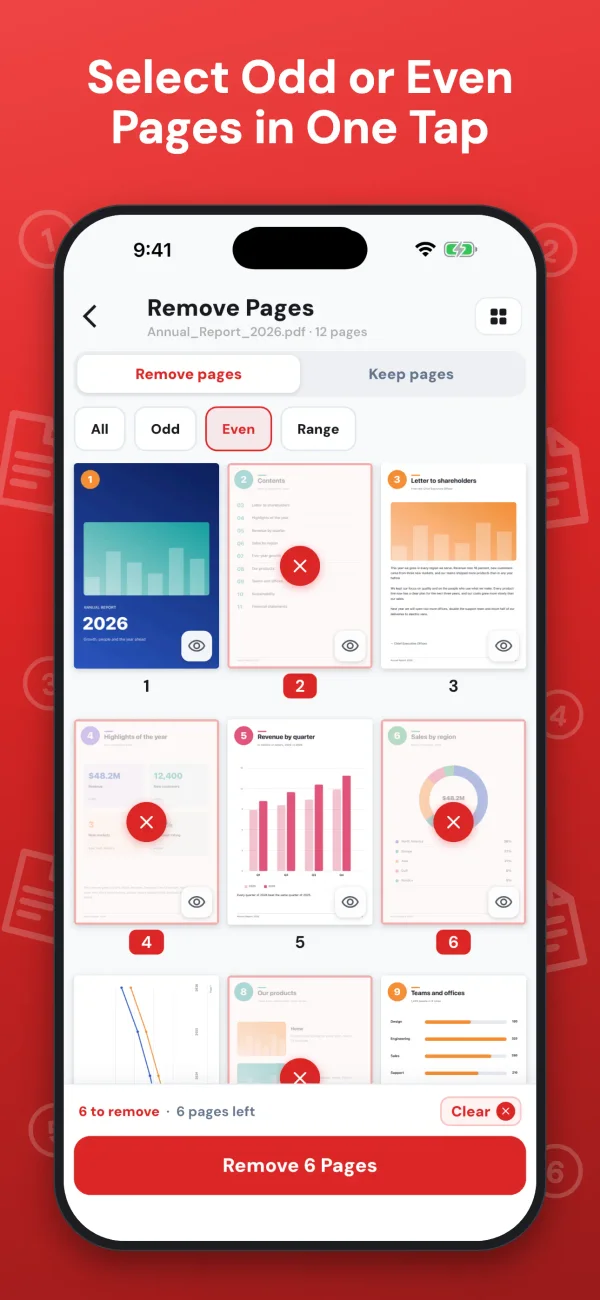
• Select all odd or all even pages with one tap
• Choose a page range, such as pages 5 to 12
• Slide your finger across pages to select many at once
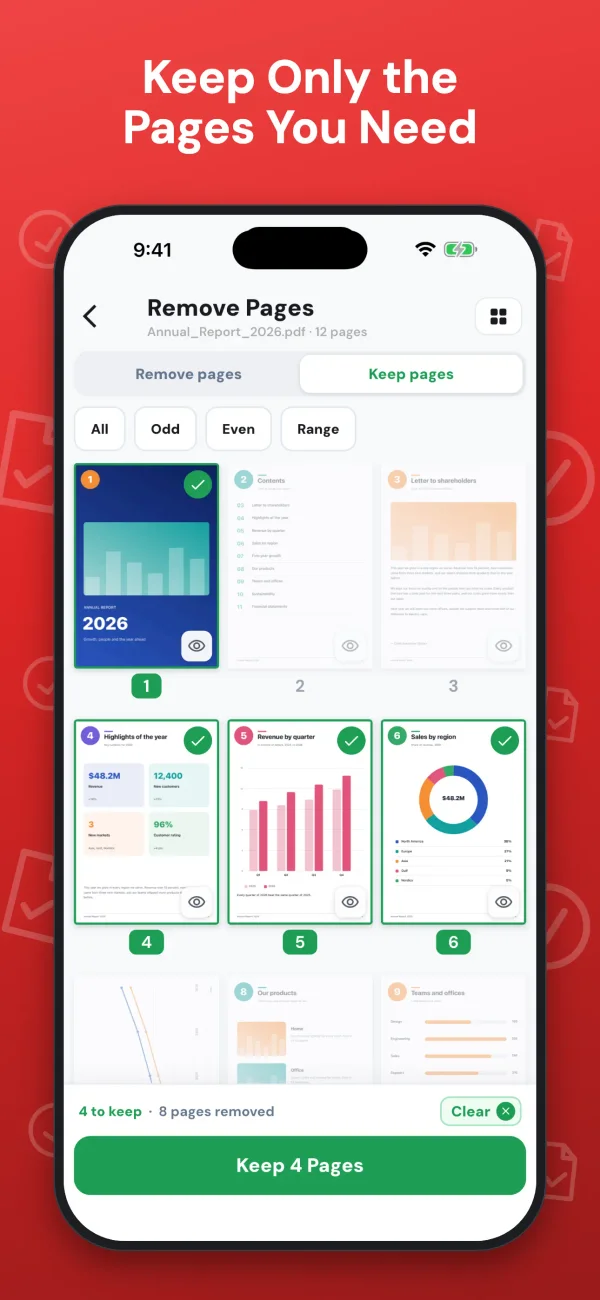
• Keep mode: tick the pages you want to keep and the rest are removed
• Open a large preview of any page before you delete it
• Works smoothly with large PDFs, even hundreds of pages
PERFECT FOR DOUBLE-SIDED PRINTING
Printing a long PDF on both sides? Keep only the odd pages and print them, then keep only the even pages and print the other side. No more pages in the wrong order.
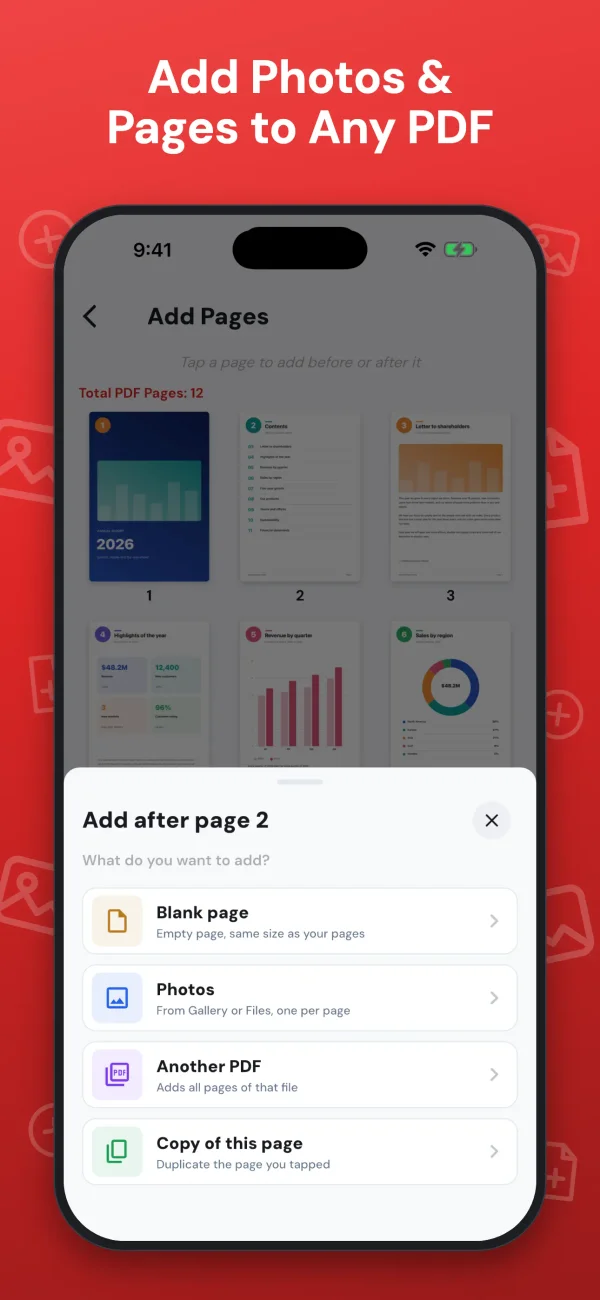
ADD PAGES TO ANY PDF
• Insert photos from your library as new pages
• Add a blank page exactly where you need it
• Add all the pages of another PDF
• Copy a page and place the copy anywhere
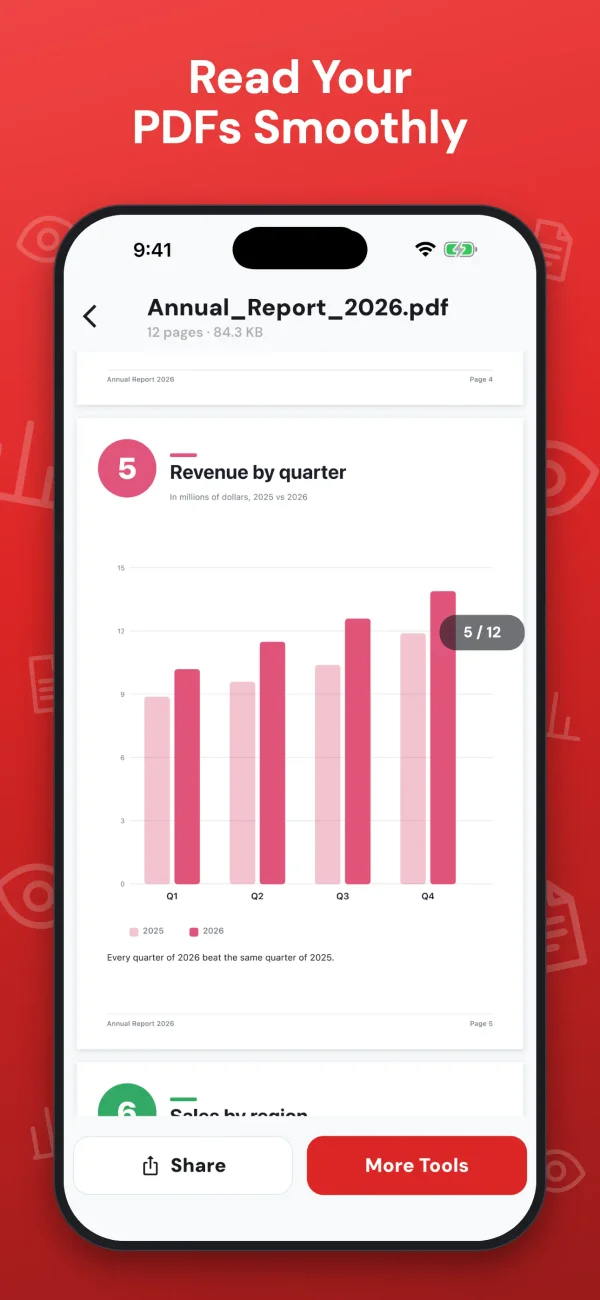
READ YOUR PDFS
Open any PDF in the built-in reader with smooth scrolling and double-tap zoom. Password-protected files open right in the app.
MORE HANDY PDF TOOLS
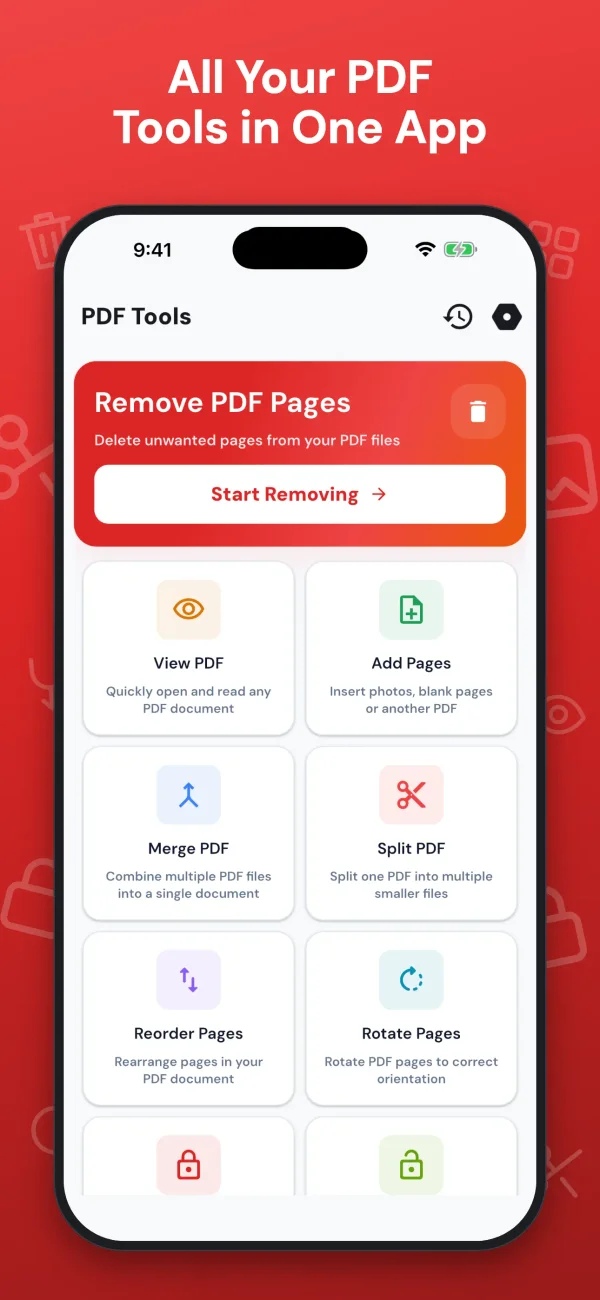
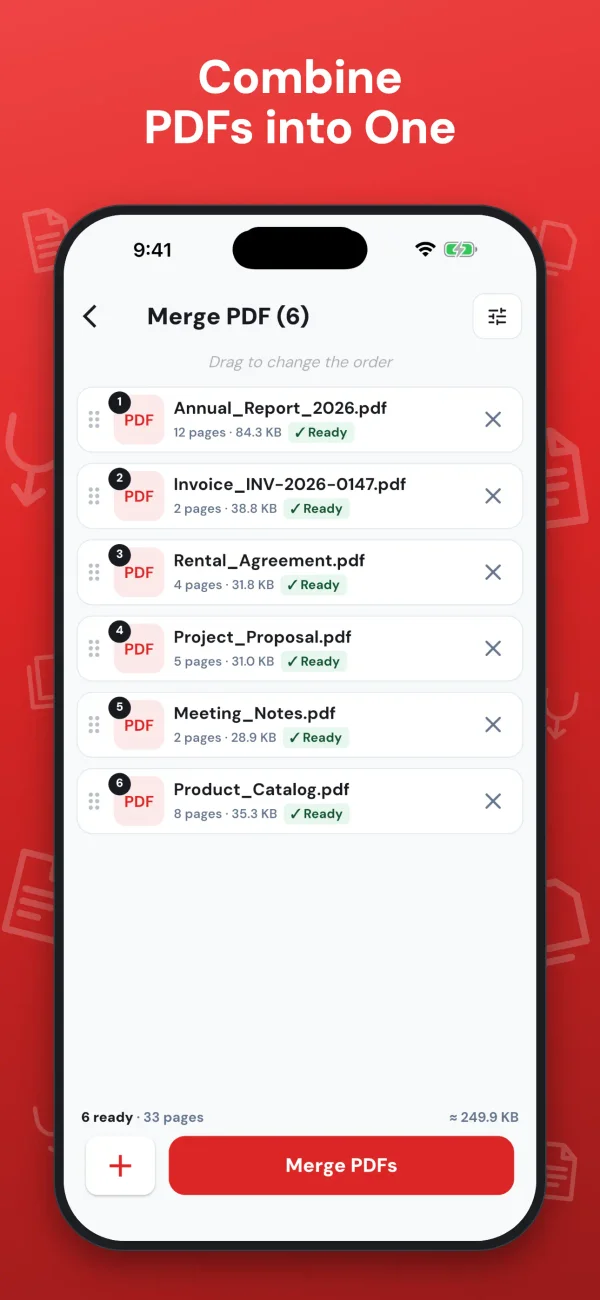
• Merge: combine several PDFs into one file
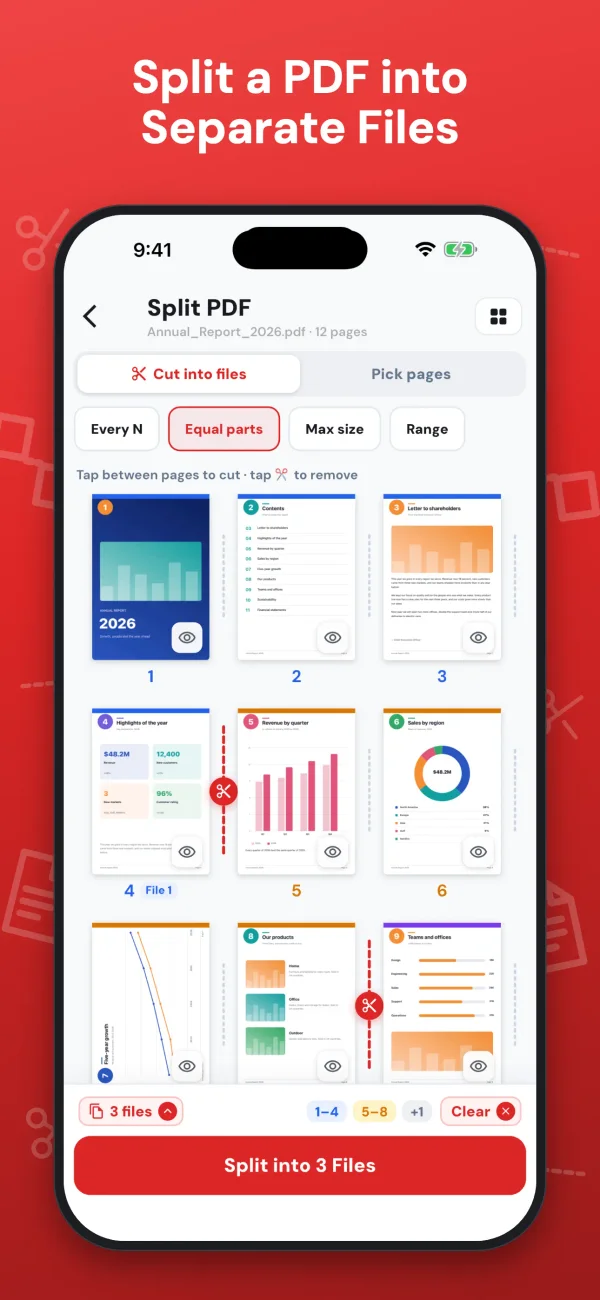
• Split: cut one PDF into separate files
• Reorder: drag pages into the right order
• Rotate: fix sideways or upside-down pages
• Lock and unlock: add or remove a PDF password
• Remove links: clear clickable links from a document
• PDF to JPG or PNG: save pages as pictures
• Photos to PDF: turn your pictures into a PDF
• Recent files: find and open your latest PDFs
WHO IS IT FOR?
• Students: remove extra pages from notes, books and assignments before you submit them
• Office work: delete blank or unwanted pages from reports, invoices and contracts
• Forms and applications: keep only the pages you need to upload
• Everyone: tidy up scanned documents and keep your files neat and small
HOW TO REMOVE PDF PAGES
1. Open the app and pick your PDF
2. Tap the pages you want to delete, or use Odd, Even or Range
3. Tap Remove and your new PDF is ready
4. Share it by email, chat or cloud storage, or save it to Files
SIMPLE AND PRIVATE
Your PDFs are processed on your device and are never uploaded. The clean, simple design lets anyone delete pages from PDF files in just a few taps.
Download PDF Page Remover today to remove pages from PDF files and delete PDF pages in seconds.
Terms of Use: https://codifyappsprivacy.blogspot.com/p/terms-of-use.html
What’s new
Version 1.3 · Nov 26, 2026
• Add pages: insert photos, a blank page, another PDF or a copy of a page
• New Split tool: tap between pages to cut your PDF into separate files, or split into equal parts or by page range
• Keep mode: tick the pages you want to keep and the rest are removed
• Slide your finger across pages to select many at once
• Built-in PDF reader with smooth scrolling and double-tap zoom
• Large PDFs open faster, with a progress bar and Cancel
• Undo after clearing your page selection
• Report a problem from Settings, with screenshots or a short video
• Small fixes and improvements
App privacy
What Muhammad Awais Younas declares on the App Store about how this app handles data.
-
Data not linked to you
May be collected but is not linked to your identity.
- Identifiers
Privacy practices may vary, for example with the features you use or your age.
Information
- Seller
- Muhammad Awais Younas
- Category
- Productivity
- Version
- 1.3
- Updated
- Nov 26, 2026
- Released
- Mar 10, 2025
- Size
- 43.5 MB
- Requires
- iOS 15.0 or later
- Age rating
- 4+
- Price
- Free
- In-app purchases
- Yes
- Languages
- English
- Copyright
- © Muhammad Awais Younas
You might also like
-
 PDF Page RemoverRemove PDF Page & Password
-
 PDF Merge X: PDF MergerMerge, Rotate & Organize PDF
-
 PDF Splitter + PDF Mergesplit pdf & merge pdf
-
 Merge PDF - Combine PDFJPG to PDF Converter & Merger
-
 PDF Combiner - Merge & SplitPhoto to PDF & Image Converter
-
 Image to PDF : PDF MakerAll in One Pdf Maker
-
 Merge PDF Files-Split PDF DocsCombine PDF Files In Seconds
-
 PDF Compressor-Compress PDFReduce PDF Size & Keep Quality
-
 PDF to Word Converter - DocxConvert PDF Files to Word Docs
-
 Free PDF Editor, Converter AppReader Maker Pro: Edit & Sign