
Remove Unwanted Object
AI-powered Video/Image retouch
Designed for iPhone, iPad, iPod touch
Free
- Age rating4+
- CategoryPhoto & Video
- DeveloperZain Ali
- LanguagesEnglish+ 14 more
- Size424.0 MB
Links to the official App Store page
Download.org hosts no file of Remove Unwanted Object. The button opens its official App Store page, published by Zain Ali. Listing last checked on Nov 12, 2026.
Screenshots


About
With this AI-powered app you can remove unwanted object of photo & video, you can eraser person, eraser object, eraser sticker or text on your photo & video. It's all free!
Compared to traditional tools, This app recreates realistic backgrounds without the need for selecting a background reference like the clone stamp tool.
Key features:
- Delete telephone wires and posts, power lines
- Remove surface breaks and scratches
- Remove unwanted person
- Erase pimples and skin blemishes
- Delete human-made objects like stop lights, street signs, trash cans
- Remove unwanted sticker or text
- Remove whatever you feel is spoiling your photos or videos
HOW TO USE?
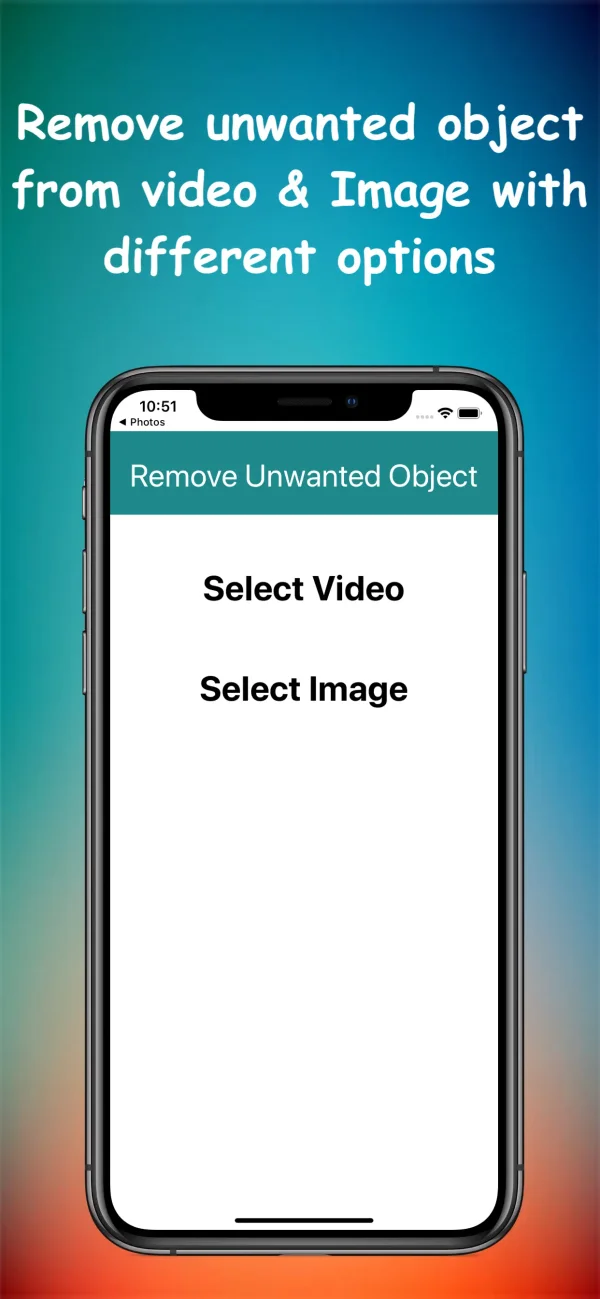
As soon as you start the app it show you option to select image or video
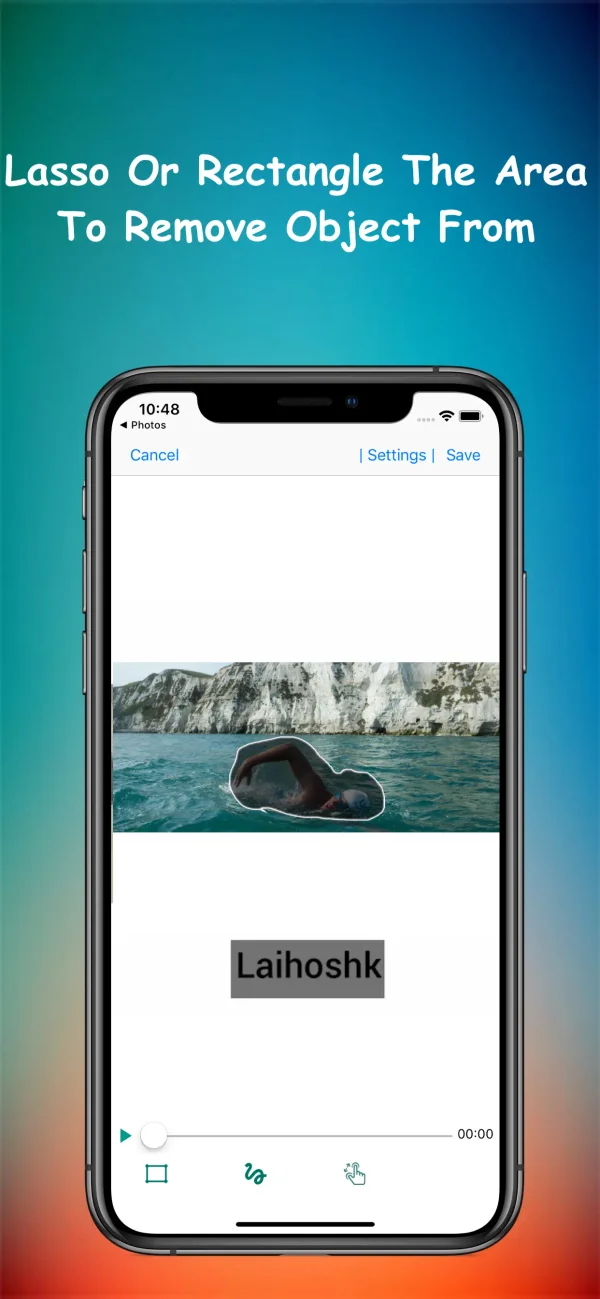
After selection you are you are taken to screen with preview and adjustable rectangle/lasso select with actions(specify more than 1 areas) to specify the unwanted object you want to remove.
You can also choose zoom option and pinch with fingers to better select small objects.
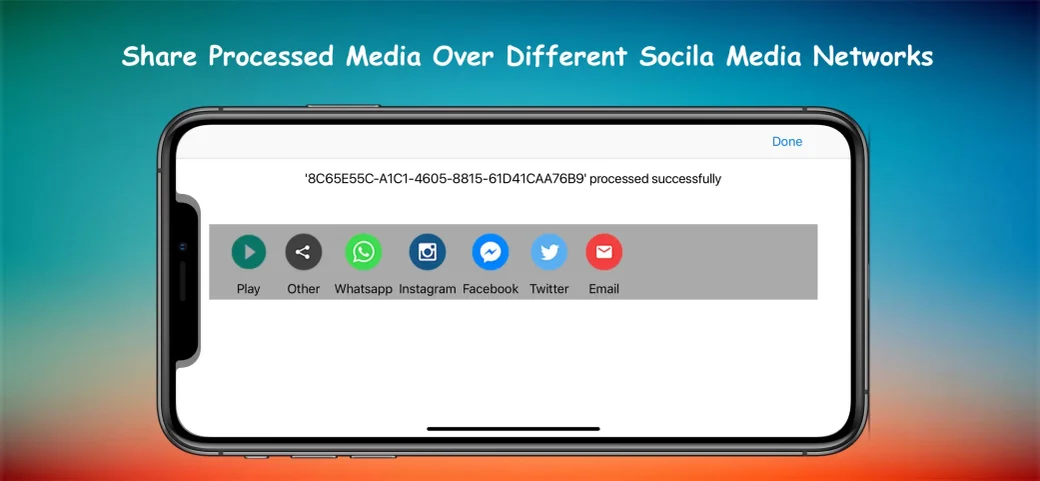
Press Save button and wait for process to complete and view or share the results.
FAQ'S
How to get better result
When selecting an area, you can select it a bit larger, and completely cover the part you want to remove (including the shadow), which can help the algorithm achieve better results.
Will my videos/pictures be uploaded to any server?
No. app will process your images locally and will not upload to any server.
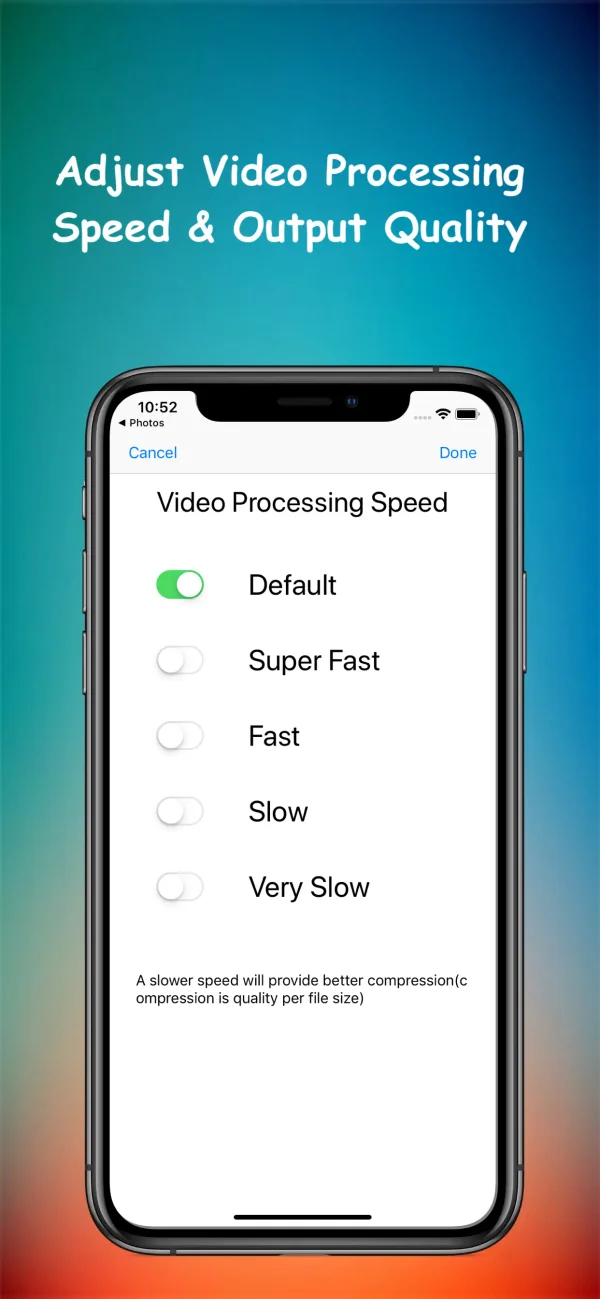
How to improve processing speed
In edit screen(where you specify watermark area and other components)
there is a gear icon on top right corner, you can use fast/very fast processing speed but output may be not very good, to improve output select default/slow/very-slow as processing speed
How this app works
In case of images this app always use A.I model to retouch, but in case of video depending on speed selected it suppress area by interpolation of the
surrounding pixels or use A.I model.
All exports are saved in 'REMOVE UNWANTED OBJECT' album
What’s new
Version 2.2 · Aug 5, 2024
Used AI-powered algorithm to improve the results.
Improved processing speed
App privacy
What Zain Ali declares on the App Store about how this app handles data.
-
Data used to track you
May be used to track you across apps and websites owned by other companies.
- Location
- Identifiers
- Usage data
- Diagnostics
-
Data linked to you
May be collected and linked to your identity.
- Location
- Identifiers
- Usage data
- Diagnostics
-
Data not linked to you
May be collected but is not linked to your identity.
- Diagnostics
Privacy practices may vary, for example with the features you use or your age.
Information
- Seller
- Zain Ali
- Category
- Photo & Video
- Version
- 2.2
- Updated
- Aug 5, 2024
- Released
- Jan 17, 2020
- Size
- 424.0 MB
- Requires
- iOS 12.0 or later
- Age rating
- 4+
- Price
- Free
- Languages
- English, Arabic, French, German, Indonesian, Italian, Japanese, Korean, Persian, Portuguese, Russian, Simplified Chinese + 3 more
- Copyright
- © Zain Ali
You might also like
-
 Video Retouch:Object RemovalVideo Eraser & Collage Maker
-
 Video Eraser & Remove ObjectsVideo retouch & object remover
-
 Video Eraser .AI Remove Objects
-
 CutVibe: Video Eraser & EditorRemove Objects, AI Edit, Music
-
 Video Eraser - Remove ObjectErase text & people from video
-
 Video Eraser: AI Remove ObjectMagic eraser, object removal
-
 Remove unwanted object RetouchApp remove unwanted objects
-
 AniEraser: AI Object RemoverRetouch, Enhance & Restore
-
 Erase&Change Video BackgroundRemove& Edit Video Scene by AI
-
 BgRem: AI background removerchange video, photo background