
Remove Unwanted Object
AI-powered Video/Image retouch
iPhone, iPad, iPod touch için tasarlandı
Ücretsiz
- Yaş sınırı4+
- KategoriFotoğraf ve Video
- GeliştiriciZain Ali
- Dillerİngilizce+ 14 dil daha
- Boyut424,0 MB
Resmi App Store sayfasına bağlanır
Download.org, Remove Unwanted Object için hiçbir dosya barındırmaz. Düğme, uygulamanın App Store üzerindeki sayfasını açar; uygulamayı orada Zain Ali yayınlar. Sayfanın son kontrolü: 12.11.2026.
Ekran görüntüleri
Hakkında
Geliştirici bu metni dilinizde sunmamış.
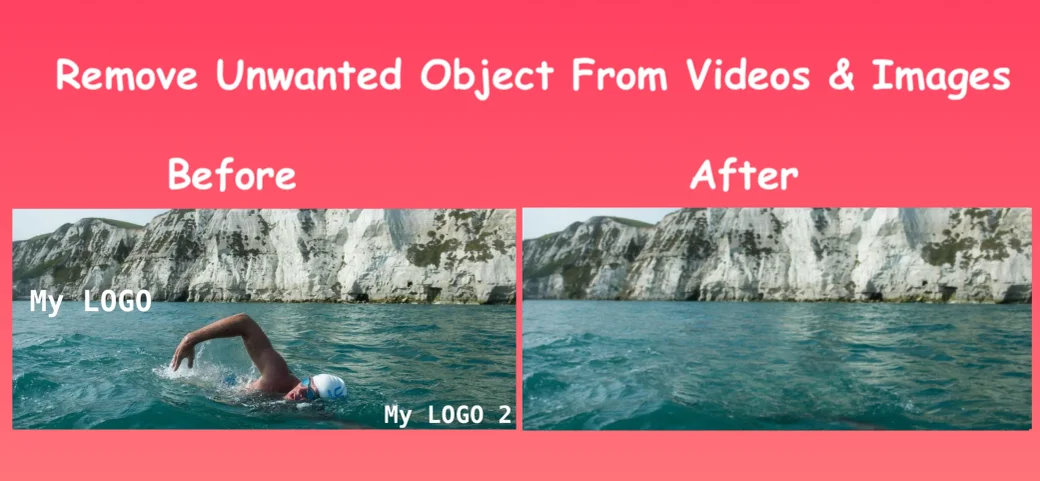
With this AI-powered app you can remove unwanted object of photo & video, you can eraser person, eraser object, eraser sticker or text on your photo & video. It's all free!
Compared to traditional tools, This app recreates realistic backgrounds without the need for selecting a background reference like the clone stamp tool.
Key features:
- Delete telephone wires and posts, power lines
- Remove surface breaks and scratches
- Remove unwanted person
- Erase pimples and skin blemishes
- Delete human-made objects like stop lights, street signs, trash cans
- Remove unwanted sticker or text
- Remove whatever you feel is spoiling your photos or videos
HOW TO USE?
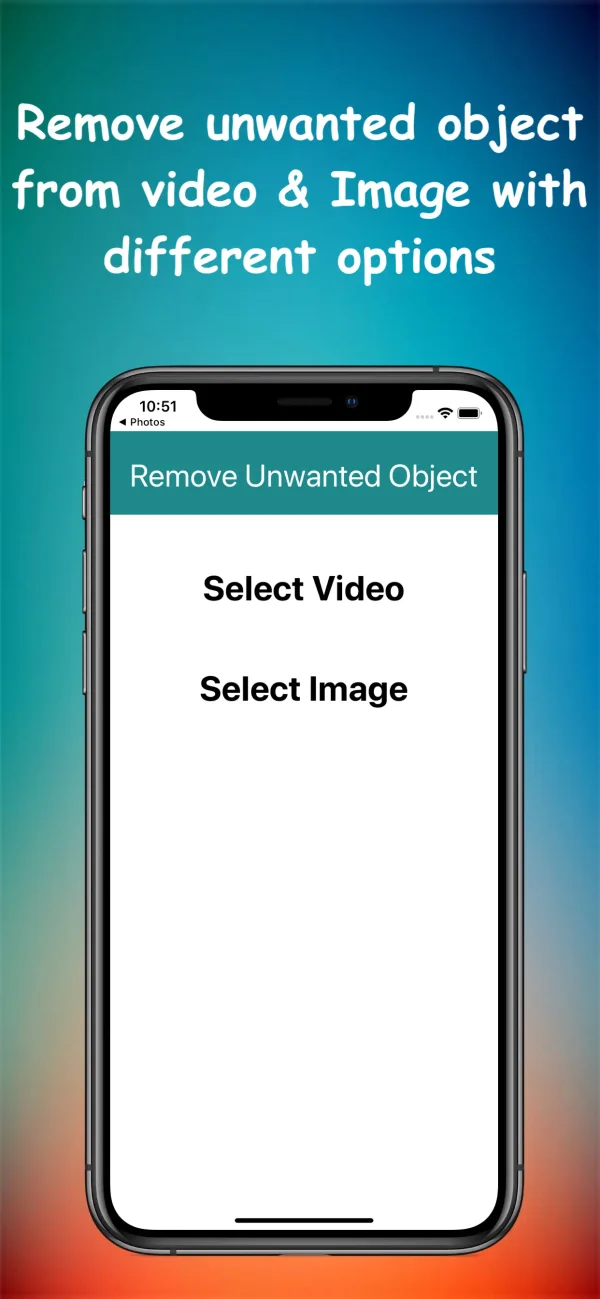
As soon as you start the app it show you option to select image or video
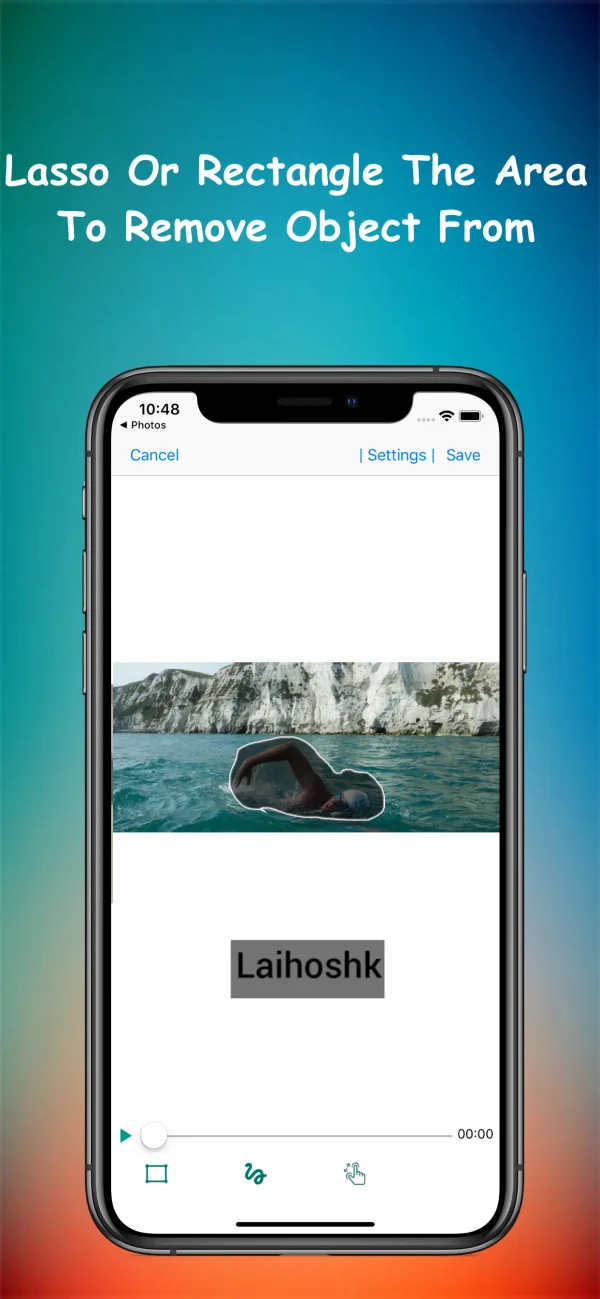
After selection you are you are taken to screen with preview and adjustable rectangle/lasso select with actions(specify more than 1 areas) to specify the unwanted object you want to remove.
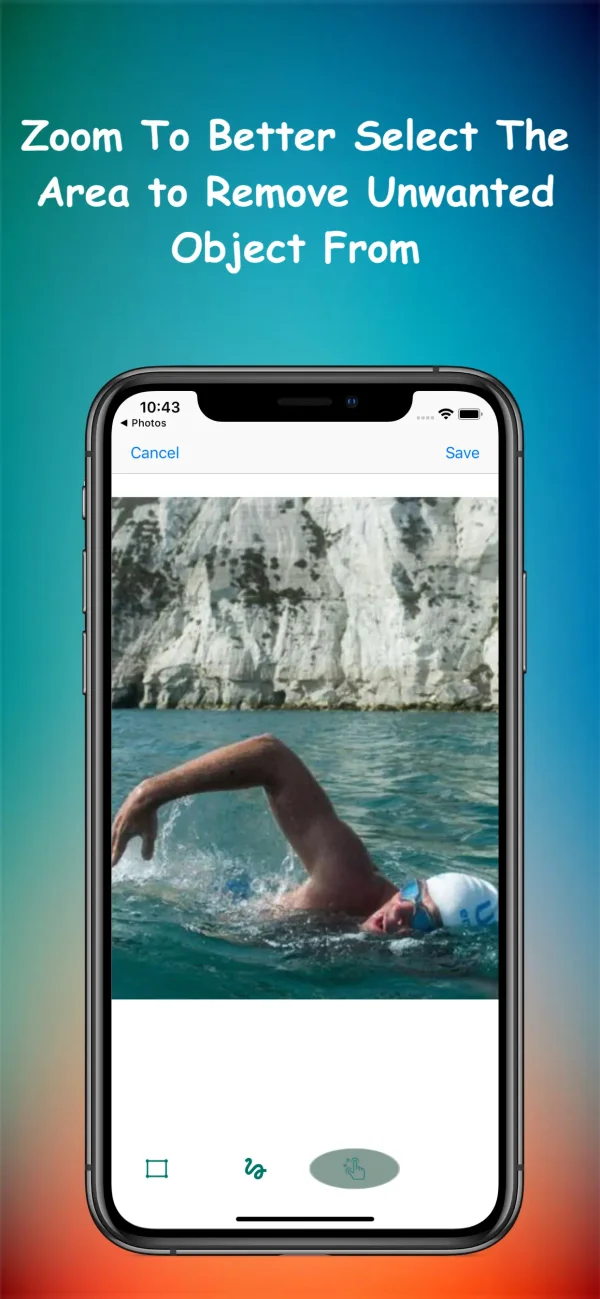
You can also choose zoom option and pinch with fingers to better select small objects.
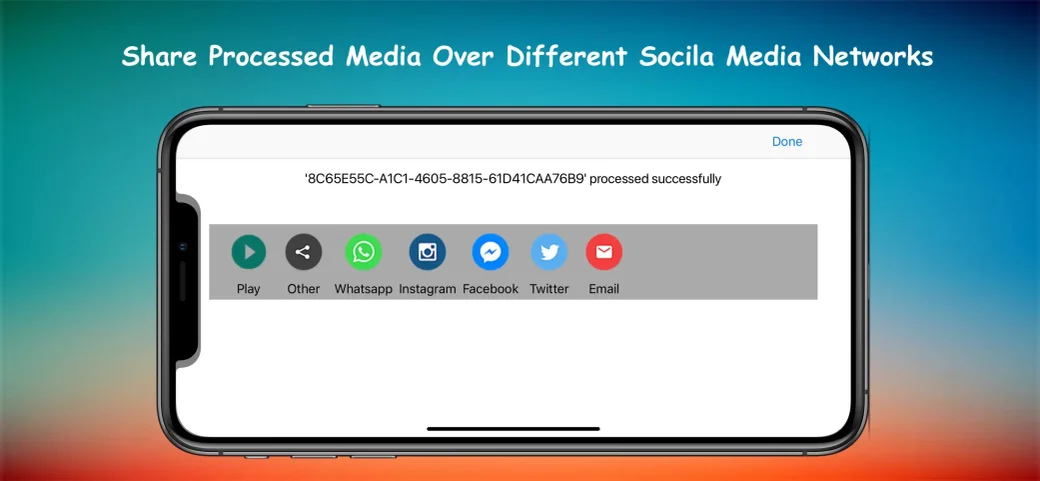
Press Save button and wait for process to complete and view or share the results.
FAQ'S
How to get better result
When selecting an area, you can select it a bit larger, and completely cover the part you want to remove (including the shadow), which can help the algorithm achieve better results.
Will my videos/pictures be uploaded to any server?
No. app will process your images locally and will not upload to any server.
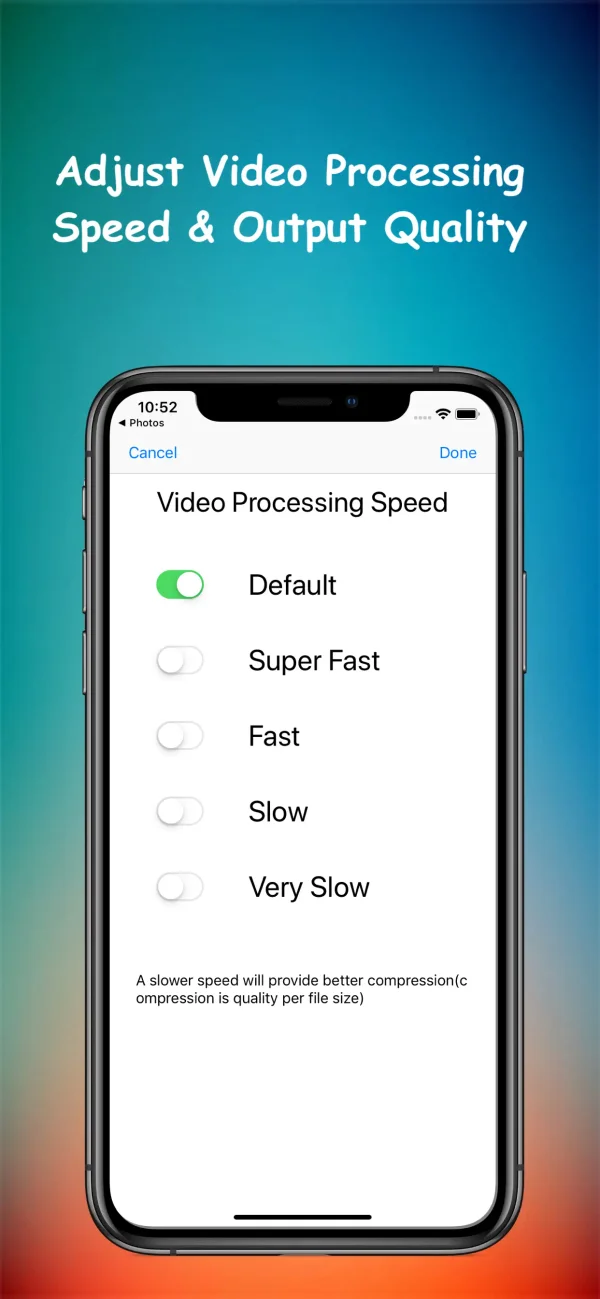
How to improve processing speed
In edit screen(where you specify watermark area and other components)
there is a gear icon on top right corner, you can use fast/very fast processing speed but output may be not very good, to improve output select default/slow/very-slow as processing speed
How this app works
In case of images this app always use A.I model to retouch, but in case of video depending on speed selected it suppress area by interpolation of the
surrounding pixels or use A.I model.
All exports are saved in 'REMOVE UNWANTED OBJECT' album
Yenilikler
Sürüm 2.2 · 05.08.2024
Used AI-powered algorithm to improve the results.
Improved processing speed
Uygulama gizliliği
Bu uygulamanın verileri nasıl işlediği hakkında Zain Ali tarafından App Store üzerinde yapılan beyan.
-
Sizi izlemek için kullanılan veriler
Başka şirketlere ait uygulamalarda ve web sitelerinde sizi izlemek için kullanılabilir.
- Konum
- Tanımlayıcılar
- Kullanım verileri
- Tanılama
-
Sizinle ilişkilendirilen veriler
Toplanabilir ve kimliğinizle ilişkilendirilebilir.
- Konum
- Tanımlayıcılar
- Kullanım verileri
- Tanılama
-
Sizinle ilişkilendirilmeyen veriler
Toplanabilir ancak kimliğinizle ilişkilendirilmez.
- Tanılama
Gizlilik uygulamaları, örneğin kullandığınız özelliklere veya yaşınıza göre değişiklik gösterebilir.
Bilgiler
- Satıcı
- Zain Ali
- Kategori
- Fotoğraf ve Video
- Sürüm
- 2.2
- Güncellendi
- 05.08.2024
- Yayın tarihi
- 17.01.2020
- Boyut
- 424,0 MB
- Gereksinim
- iOS 12.0 veya sonrası
- Yaş sınırı
- 4+
- Fiyat
- Ücretsiz
- Diller
- İngilizce, Arapça, Fransızca, Almanca, Endonezce, İtalyanca, Japonca, Korece, Persian, Portekizce, Rusça, Basitleştirilmiş Çince + 3 dil daha
- Telif hakkı
- © Zain Ali
Bunları da beğenebilirsiniz
-
 Video Retouch:Object RemovalFotoğraf ve Video
-
 Video Silgisi ve Rötuş: VidFixAI nesneleri kaldır,arka plan
-
 Video Silgisi Nesneleri KaldırAI Remove Objects
-
 CutVibe: Videodan Nesne SilmeObje Kaldırma, Kesmek, Filtre
-
 Videodan Nesneleri SilMetin, logo ve filigran ekle
-
 Video Eraser: AI Remove ObjectFotoğraf ve Video
-
 Remove unwanted object RetouchFotoğraf ve Video
-
 AniEraser: AI Object RemoverFotoğraf ve Video
-
 Erase&Change Video BackgroundFotoğraf ve Video
-
 BgRem: AI background removerFotoğraf ve Video