Replica・Screen Mirroring・Cast
Mirror Share Smart TV & Phone
Designed for iPhone, iPad, iPod touch
Free · In-app purchases
- Age rating17+
- CategoryUtilities
- DeveloperTiago Martinho LTD
- LanguagesEnglish+ 43 more
- Size110.0 MB
Links to the official App Store page
Download.org hosts no file of Replica・Screen Mirroring・Cast. The button opens its official App Store page, published by Tiago Martinho LTD. Listing last checked on Nov 25, 2026.
Screenshots

About
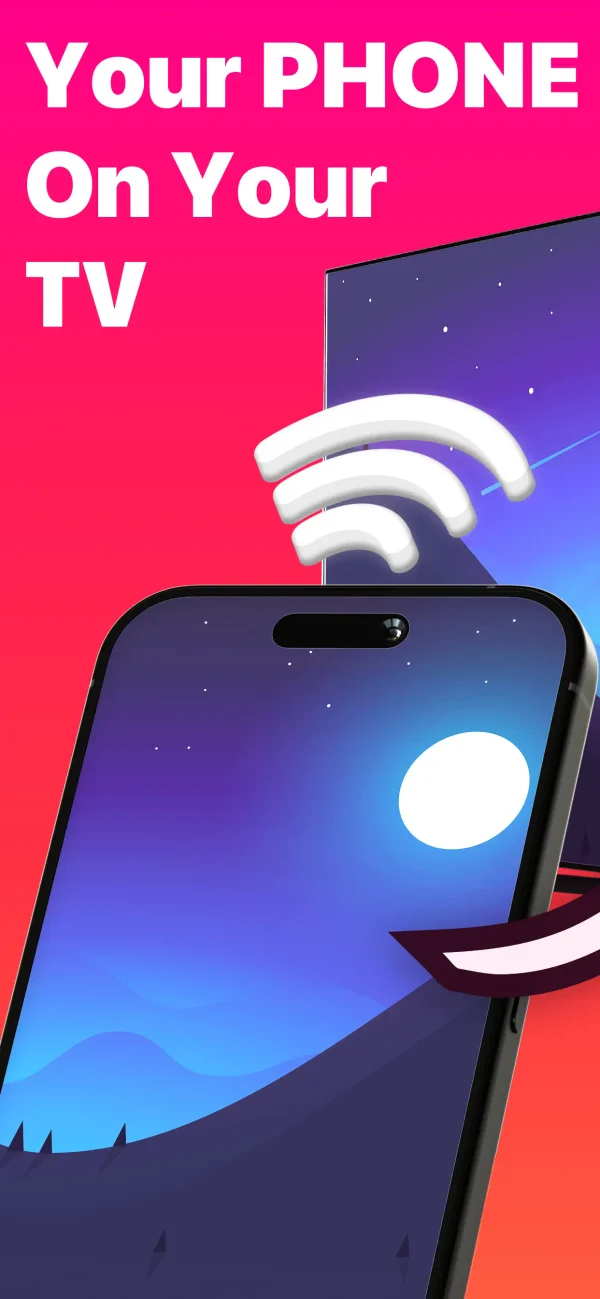
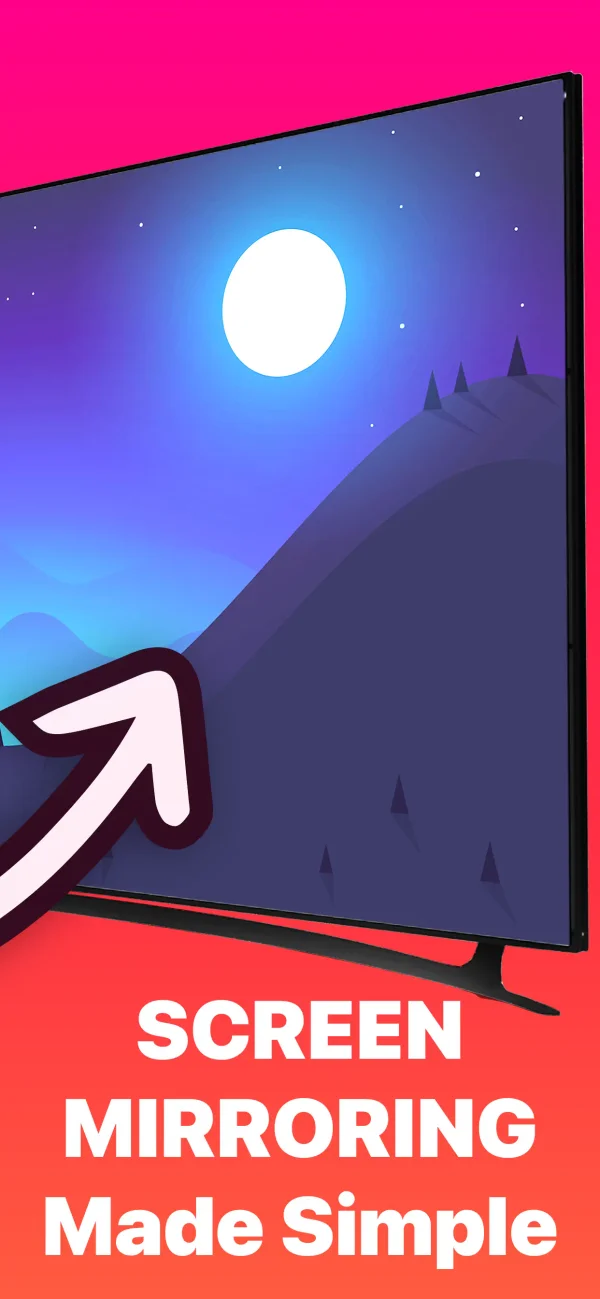
Replica is an app that takes video from your iPhone or iPad and puts it onto your TV using screen mirroring.
Normally you'd need a device that supports AirPlay but not with Replica!
With Replica installed you can send video to almost any TV or computer.
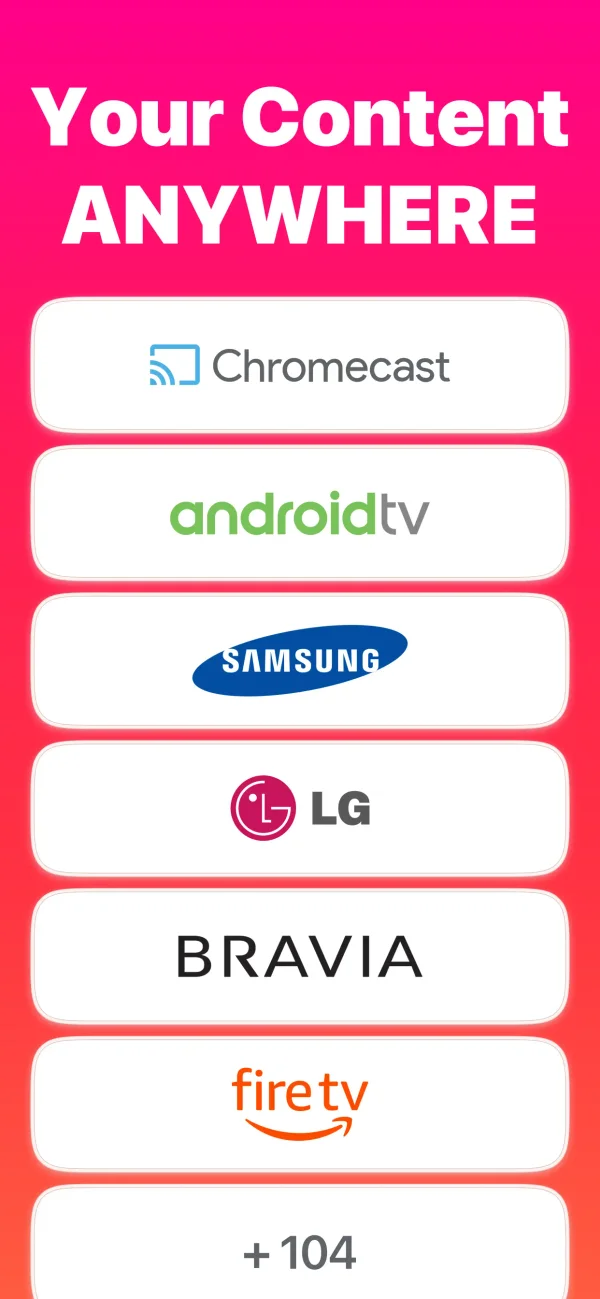
Supported devices include streaming devices such as Google Chromecast, Amazon Fire TV, Android TV, and many more.
Smart televisions from Samsung, LG, TCL, Xiaomi, Sony Bravia, Philips, Hitachi, and Toshiba are just some of those supported.
You can even use Replica to put video onto your Tesla's big screen, too. In fact, any device with Apple Safari, Google Chrome, or Microsoft Edge installed can receive video from Replica.
Being able to mirror your screen can come in super handy.
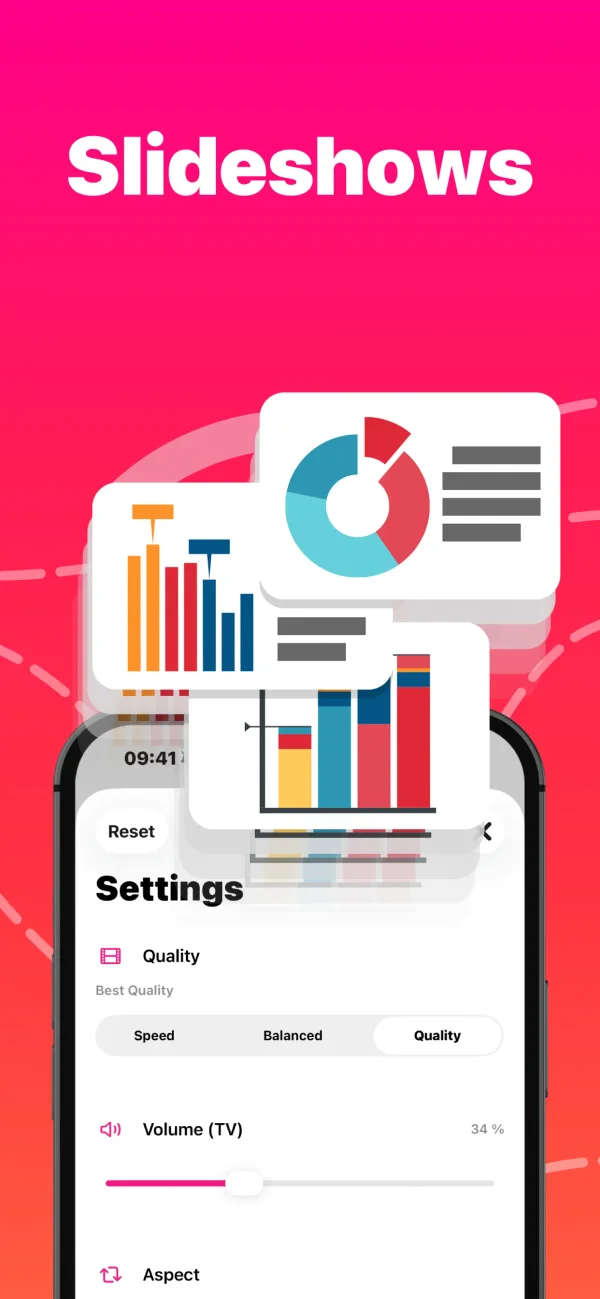
- Need to run a Keynote presentation at work, but want to be able to show everyone on a large screen? No problem.
- Want to show off photos from your vacation, but don't have an AirPlay-compatible TV? Replica has the answer.
- Want to be able to watch your home movies on almost any TV or computer? Now you can.
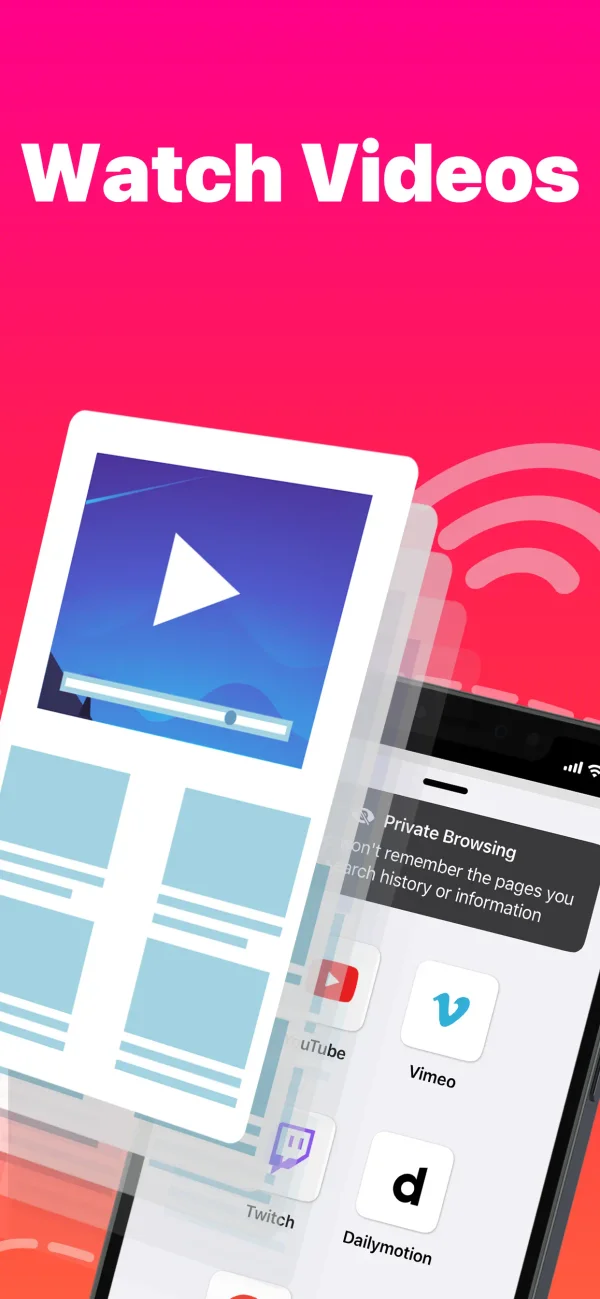
- Need to watch web-based video from your browser on a bigger screen? We've got you.
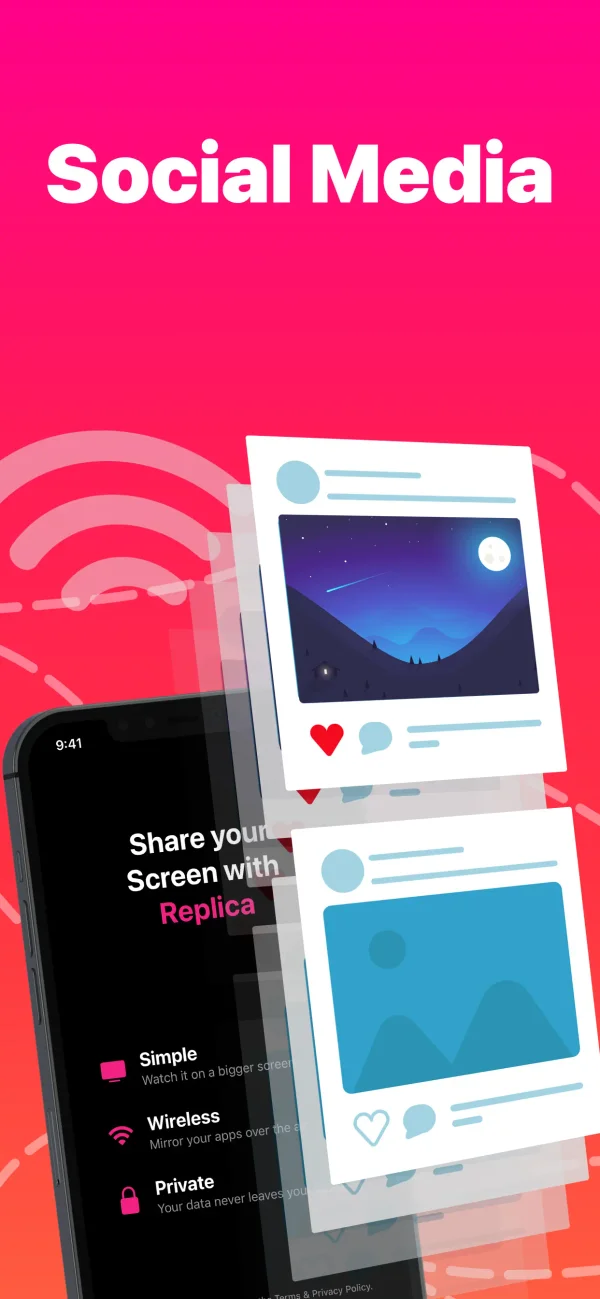
- Want to cast social media apps like Instagram or TikTok onto the TV? Replica handles it.
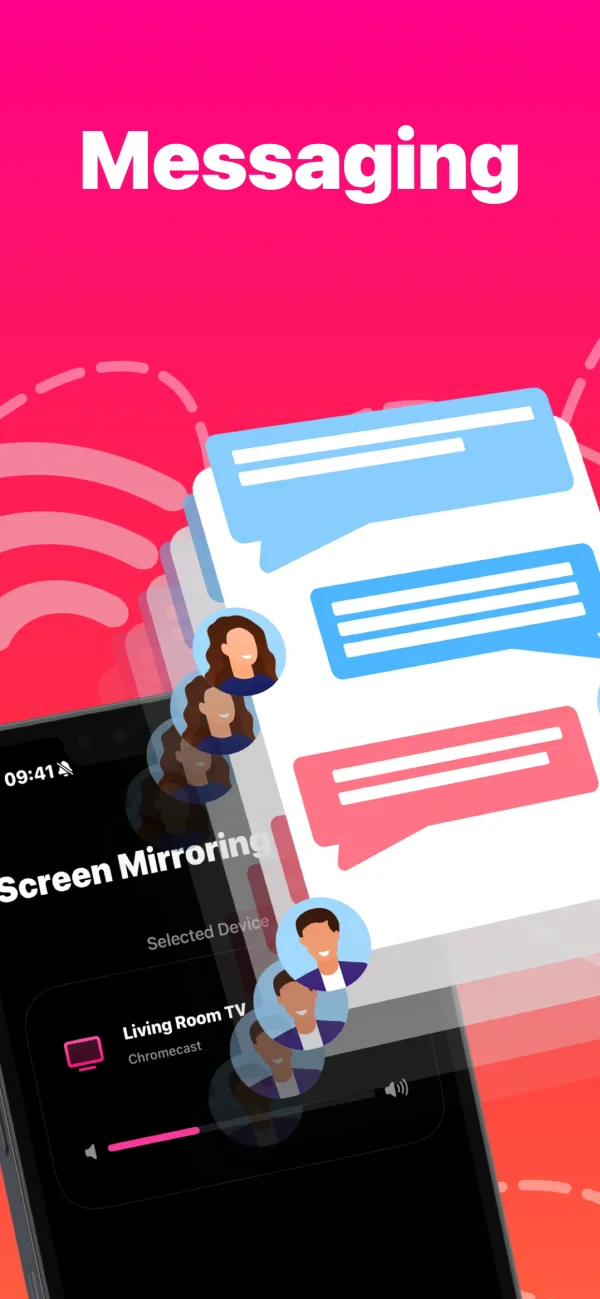
- Need to show messaging apps like Whatsapp or Telegram to everyone? Show it with Replica.
Using Replica is as easy as can be and is as simple as downloading the app onto your iPhone or iPad, connecting to the display device following on-screen instructions, and enjoying the show. With great video quality and low latency, Replica is the only app you need to put any iPhone or iPad into the big screen.
We're so confident that you'll love Replica that we offer a referral program invite a friend and get an extended free trial, plus a discounted annual plan!
DISCLAIMER: Some apps with copyrighted content (Apple TV, Fitness, Music, Netflix or Prime) will not work when using screen mirroring via Replica. In the case of protected content, a black screen will appear. This is not a fault of Replica, but rather a feature implemented by the content providers.
A note for Tesla users: Do not use this app while driving. The use of this app may be restricted based on your local jurisdiction. This app should only be used when the car is parked. A vehicle with the MCU2 hardware is required for screen mirroring.
The app is not affiliated with Google, Amazon, Tesla or any other trademark mentioned.
This is not an official app of Google, Amazon, or Tesla.
For any questions or concerns, please contact:
replica.cast.app@gmail.com
Website
https://www.tryreplica.com
Privacy Policy
https://www.tryreplica.com/privacy-policy/
Terms of Use
https://www.tryreplica.com/terms-of-use/
What’s new
Version 20261124 · Nov 24, 2026
Bug fixes and improvements
App privacy
What Tiago Martinho LTD declares on the App Store about how this app handles data.
-
Data not linked to you
May be collected but is not linked to your identity.
- Purchases
- Identifiers
- Usage data
- Diagnostics
Privacy practices may vary, for example with the features you use or your age.
Information
- Seller
- TIAGO MARTINHO LTD
- Category
- Utilities
- Version
- 20261124
- Updated
- Nov 24, 2026
- Released
- Jan 23, 2020
- Size
- 110.0 MB
- Requires
- iOS 15.0 or later
- Age rating
- 17+
- Price
- Free
- In-app purchases
- Yes
- Languages
- English, Arabic, Bengali, Catalan, Croatian, Czech, Danish, Dutch, Finnish, French, German, Greek + 32 more
- Copyright
- © Tiago Martinho 2020-2026
You might also like
-
 Screen Mirroring・View Smart TVMirror Stream・Share Video Cast
-
 Screen Mirroring - TV CastAirplay, SmartView, Mirror App
-
 Screen Mirroring・Smart View TVShare all things・Mirror & Cast
-
 Screen Mirroring・Smart TV CastCar TV for Chromecast-Webcast
-
 Screen Mirroring · TV CastMirror & Share・Smart TV
-
 Screen Mirroring – ChromecastScreen Mirroring Cast Share TV
-
 Screen Mirroring | Smart TVVideo Cast & AirPlay Mirror TV
-
 TV Cast & Stayconnect AppScreen Mirroring for Smart TV
-
 Screen Mirroring · Smart TVSmart View · Share & Cast