
Resamplr
Hardware-Inspired Sampler
Designed for iPhone, iPad
$4.99 · In-app purchases
- Age rating4+
- CategoryMusic
- DeveloperScott Paterson
- LanguagesEnglish
- Size331.0 MB
Links to the official App Store page
Download.org hosts no file of Resamplr. The button opens its official App Store page, published by Scott Paterson. Listing last checked on Nov 23, 2026.
Screenshots



About
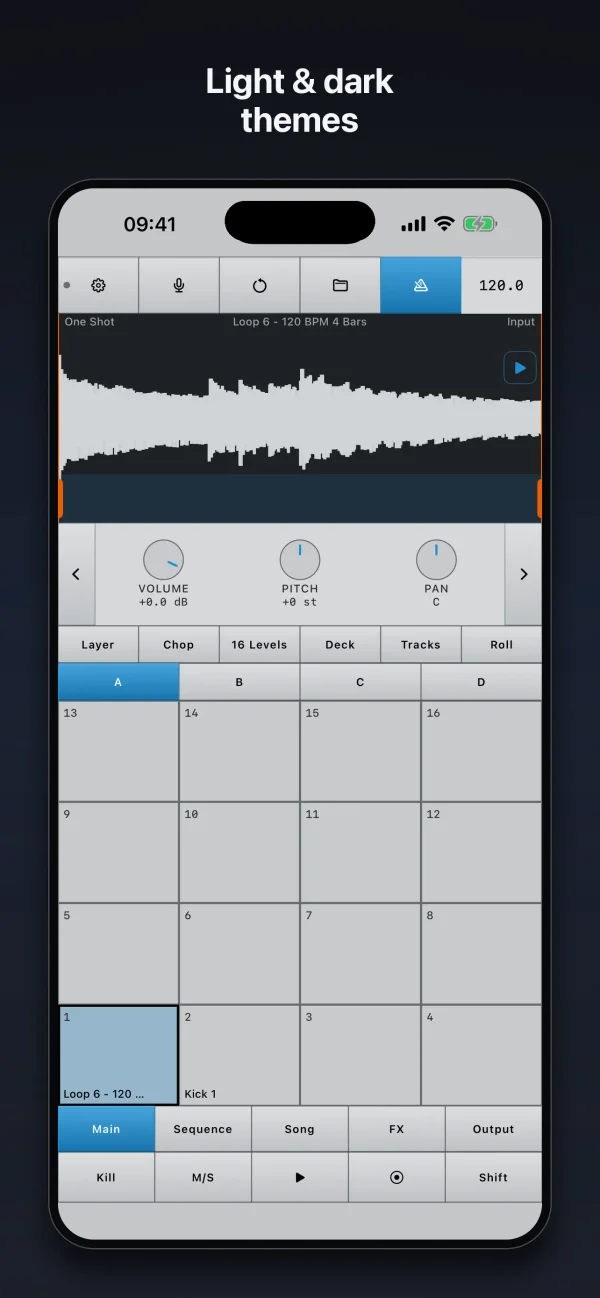
Resamplr is a fast, hardware-inspired sampler and beatmaking app for iPhone and iPad. Capture ideas quickly, shape them on a 4x4 pad workflow, and keep moving from sampling to sequencing to resampling without ever breaking flow.
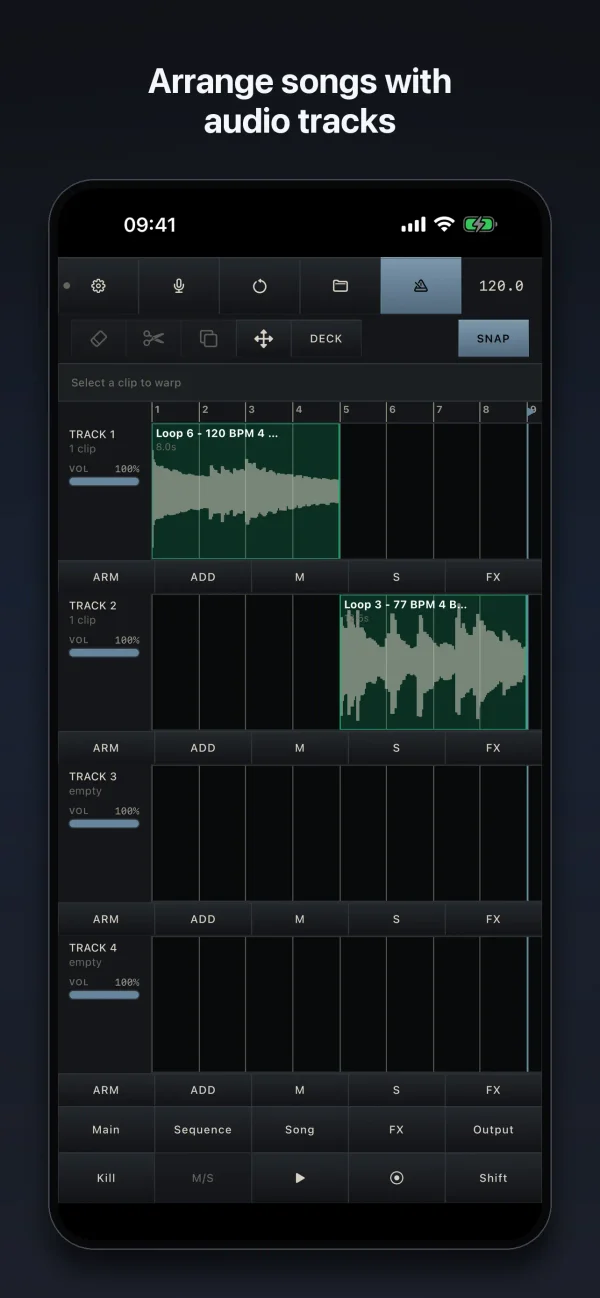
2.0 turns Resamplr into a full workstation. Lay your beats and loops onto audio tracks with a proper timeline, record straight in through the mic or an audio interface, warp anything to tempo, and host your favourite AUv3 instruments and effects right inside the app.
Load sounds from the built-in library, import your own files, or extract audio from video. Drop a loop in and it auto-warps to your project tempo at the right bar count — no manual correction. Record through the microphone or a connected audio interface with live input metering, threshold recording, and quick pad assignment.
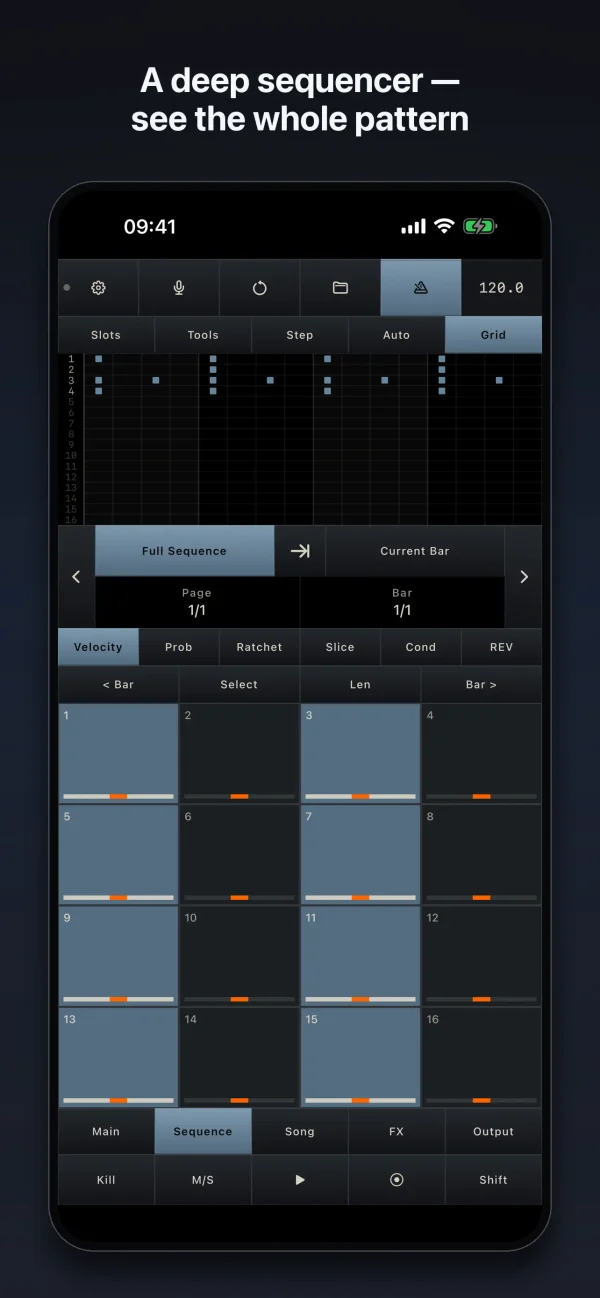
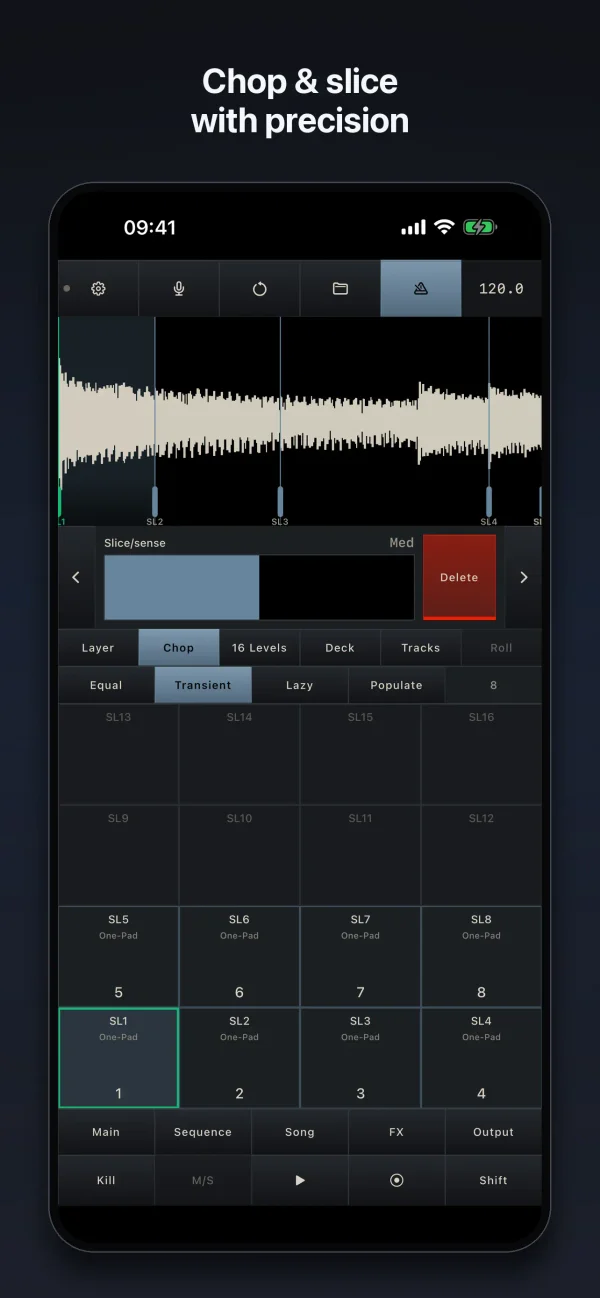
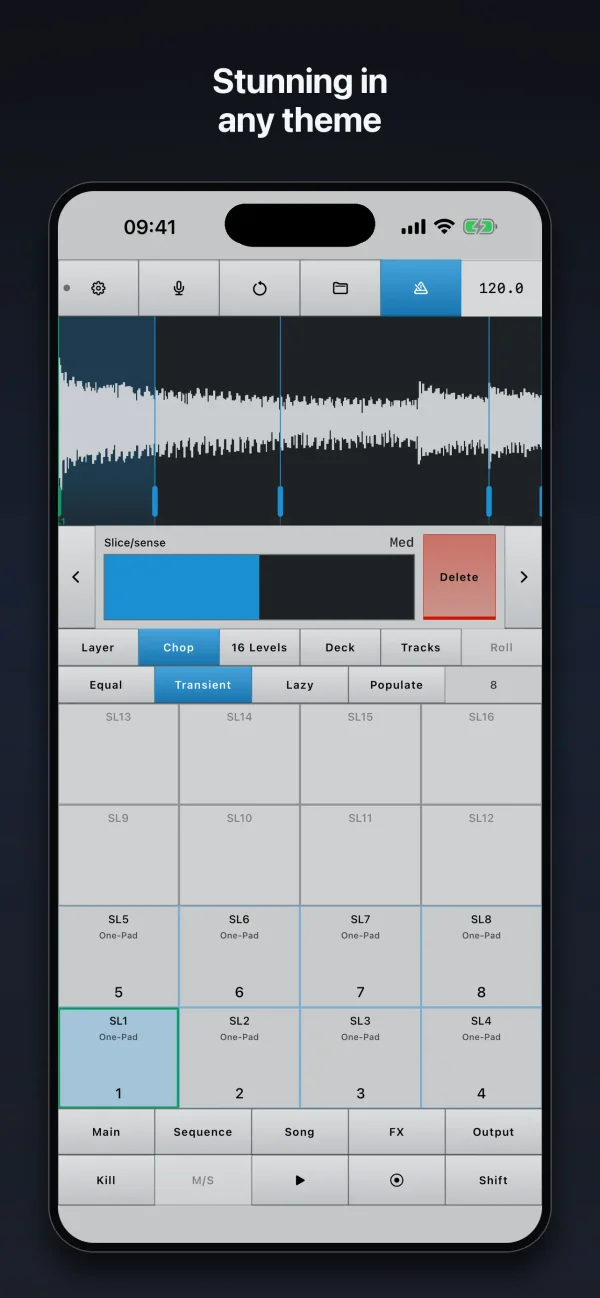
Chop samples non-destructively, build layered pads, tweak pitch, filters, envelopes, playback modes, and bus routing. Lock a pad's pitch independently of its speed with Sharp and Smooth timestretch modes, then sequence patterns with velocity, probability, ratchets, and live performance controls like 16 Levels and Roll. Scratch and perform on the deck, and when a pattern hits, resample it back to a pad and keep transforming it.
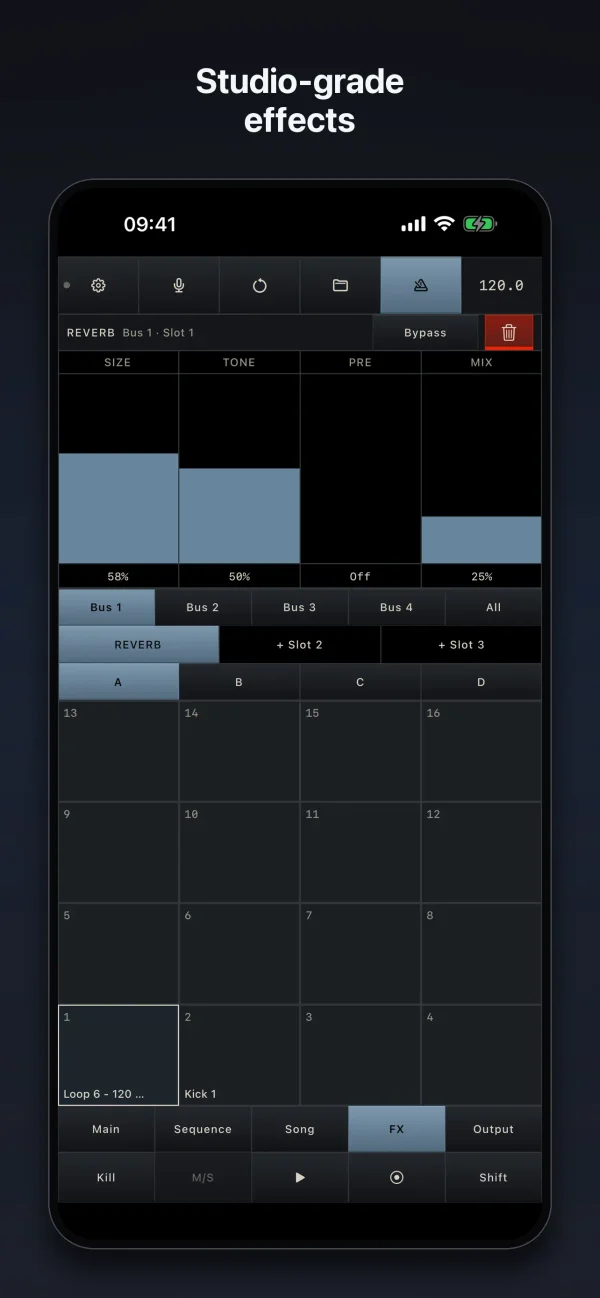
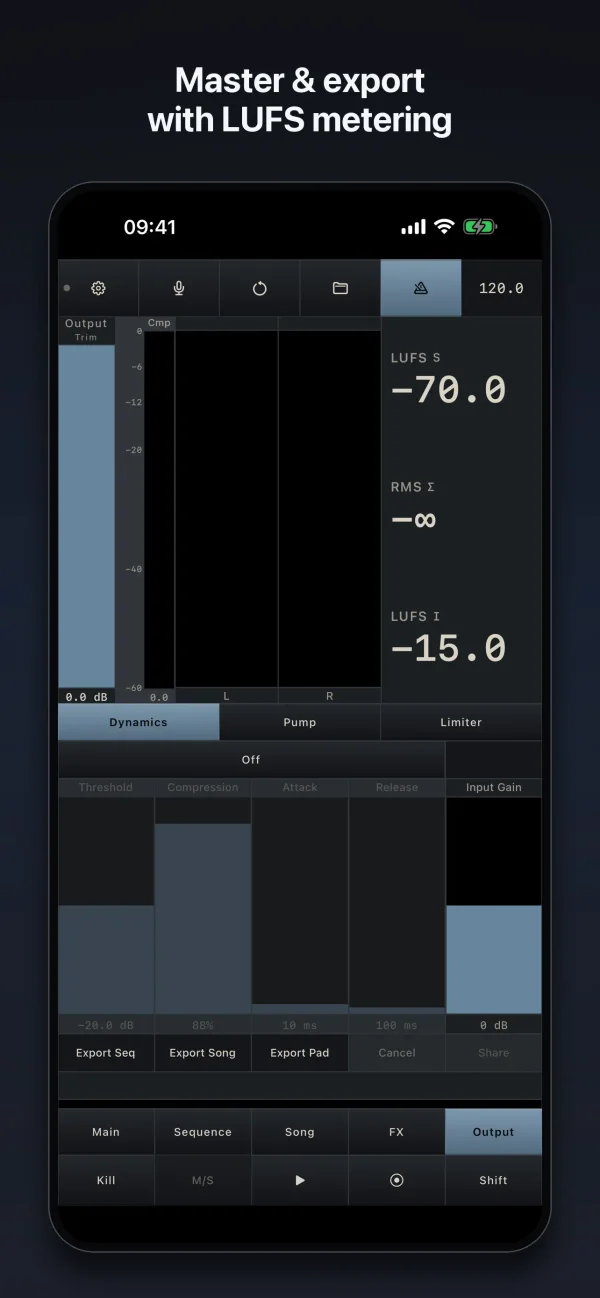
Resamplr also includes flexible FX buses, output processing, song arrangement, project saving, skipback capture, a light/dark theme, and offline export for sequences, songs, audio tracks, or individual pads.
Features:
4x4 pad sampler workflow built for fast beat making
Audio tracks with a full timeline — record, arrange, loop, and trim clips
Timestretch and keylock — independent pitch and tempo per pad, with Sharp and Smooth modes
Auto-warp loops to tempo on import, at the right bar count
Host third-party AUv3 instruments and effects
Built-in sounds plus import from Files and video audio extraction
Mic and audio interface recording with live meters and threshold capture
Sample chopping, layering, trimming, and waveform editing
Turntable-style deck for scratching and performance
Pattern sequencing with velocity, probability, ratchets, and nudge
Conditional trigs and polyrhythms / per-pad step lengths
16 Levels, Roll, resampling, and replay capture
Bus FX, output processing, song mode, and WAV export
Performance FX with automation per sequence and export
Parameter locks per step, per sequence with export
Effect automation
MIDI in & out with fully custom mapping
Audio Mixer to dial in your mix
Play and sample from classic games
Set Key, Scale and Chords per pad or project
Deep Arpeggiator for samples and AUV3
Stem Separation
What’s new
Version 2.4.0 · Nov 20, 2026
Added stem separation
Performance updates and bug fixes
App privacy
What Scott Paterson declares on the App Store about how this app handles data.
-
Data not collected
The developer does not collect any data from this app.
Privacy practices may vary, for example with the features you use or your age.
Information
- Seller
- Scott Paterson
- Category
- Music
- Version
- 2.4.0
- Updated
- Nov 20, 2026
- Released
- Jun 22, 2026
- Size
- 331.0 MB
- Requires
- iOS 18.0 or later
- Age rating
- 4+
- Price
- $4.99
- In-app purchases
- Yes
- Languages
- English
- Copyright
- © 2026 Nervousville
You might also like
-
 CACHE - AUv3 Sample BrowserBrowse, play and drag & drop.
-
 OtooMinimal groovebox & AUv3 host
-
 Omni: Pocket SynthChords, Strums & MIDI Out
-
 Backrooms PianoA Liminal Space Instrument
-
 Reel: 4-Track RecorderMultitrack. Anywhere. No DAW.
-
 FinalFXFinal / Mastering Effects AUv3
-
 Vagabond SynthMusic
-
 Ispin SaturatorAUv3 Saturation Effect
-
 Dark Park - Cinematic SynthDark Ambient Synthesizer
-
 Limn Audio Generatorcreate, play and export