- 対象年齢4+
- カテゴリミュージック
- 開発元Scott Paterson
- 言語英語
- サイズ331.0 MB
App Storeの公式ページにリンクしています
Download.orgはResamplrのファイルを一切ホストしていません。ボタンを押すと、Scott Patersonが公開しているApp Storeのアプリページが開きます。ページの最終確認:2026/11/23。
スクリーンショット



概要
開発元はこのテキストをお使いの言語で提供していません。
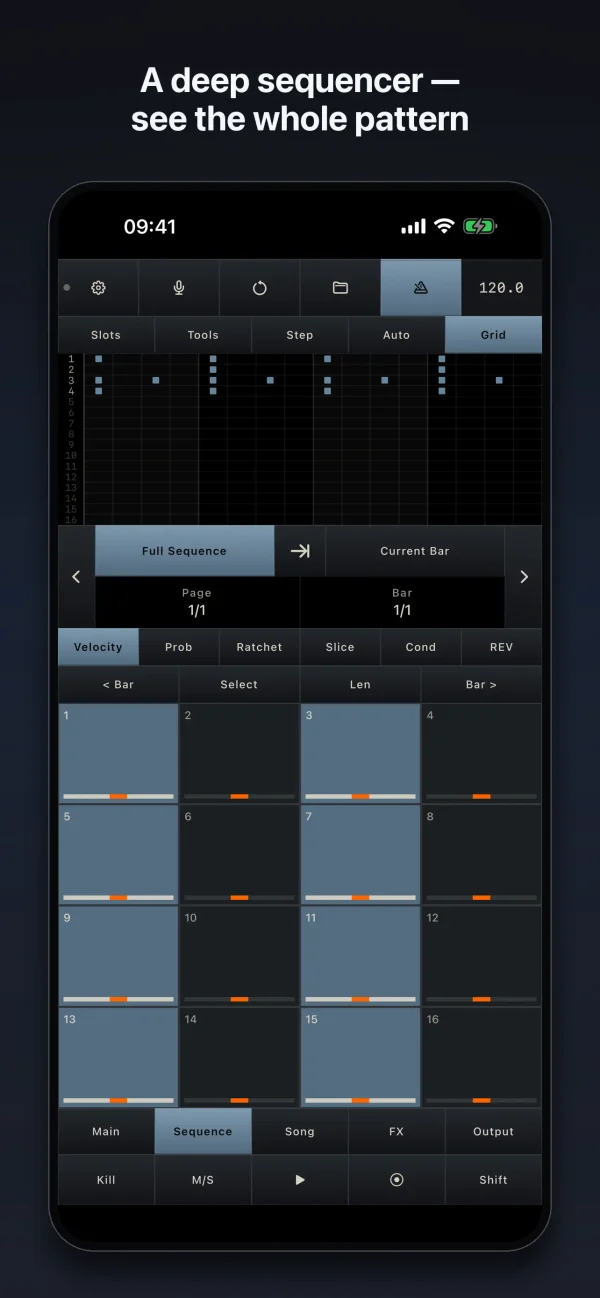
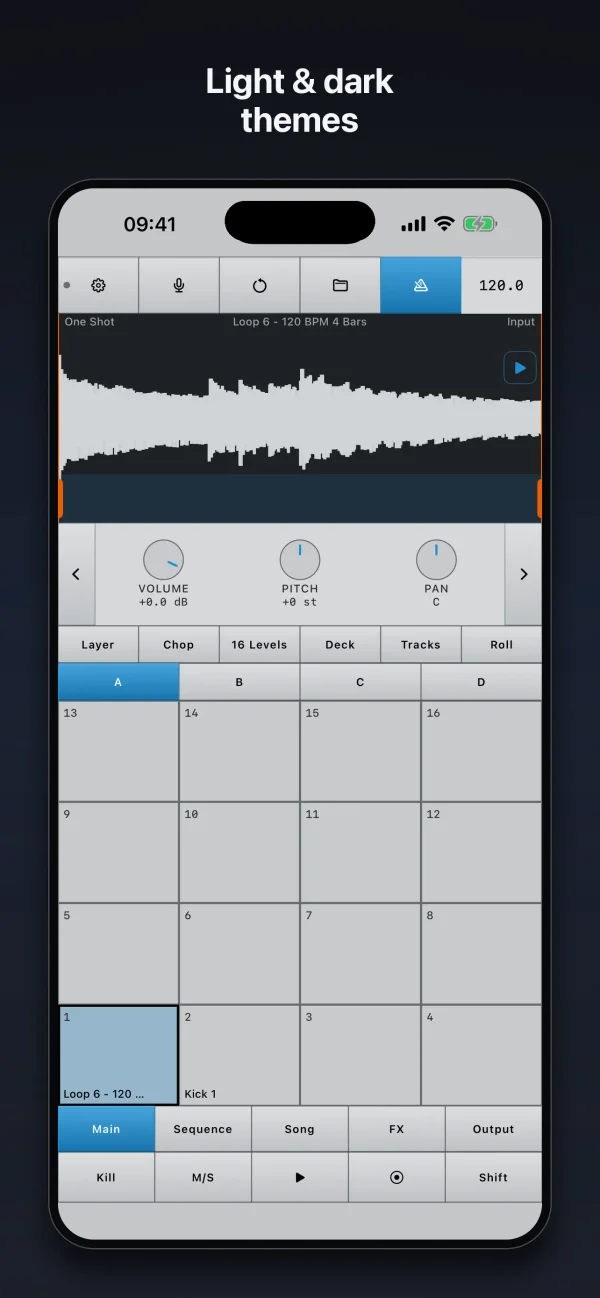
Resamplr is a fast, hardware-inspired sampler and beatmaking app for iPhone and iPad. Capture ideas quickly, shape them on a 4x4 pad workflow, and keep moving from sampling to sequencing to resampling without ever breaking flow.
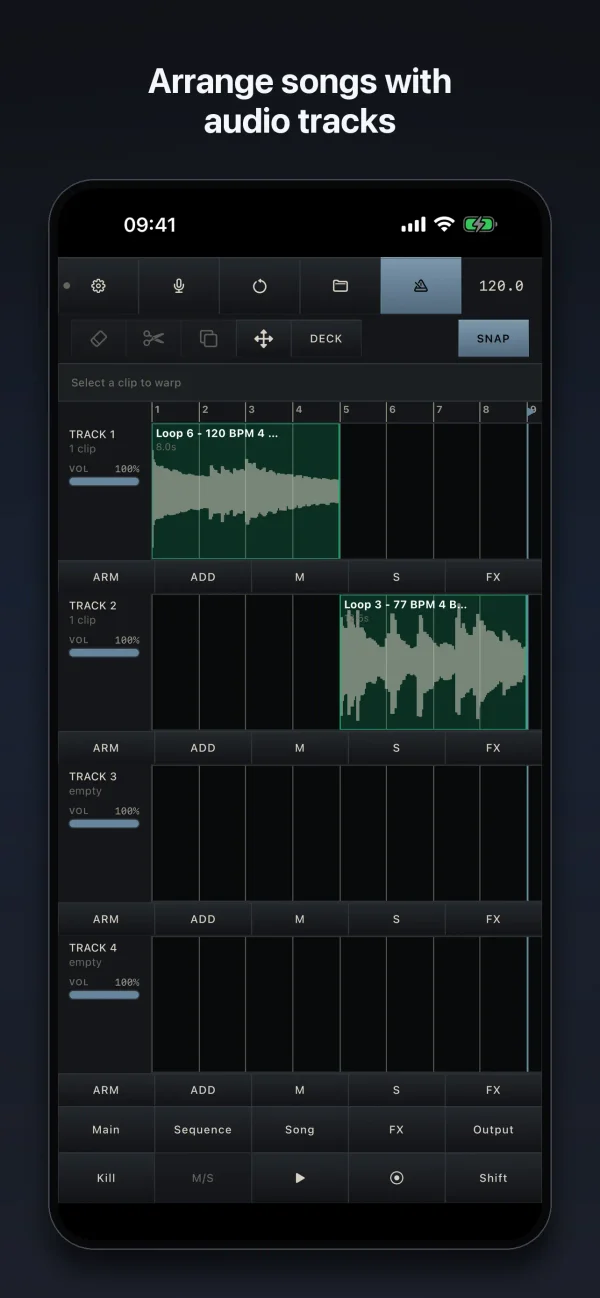
2.0 turns Resamplr into a full workstation. Lay your beats and loops onto audio tracks with a proper timeline, record straight in through the mic or an audio interface, warp anything to tempo, and host your favourite AUv3 instruments and effects right inside the app.
Load sounds from the built-in library, import your own files, or extract audio from video. Drop a loop in and it auto-warps to your project tempo at the right bar count — no manual correction. Record through the microphone or a connected audio interface with live input metering, threshold recording, and quick pad assignment.
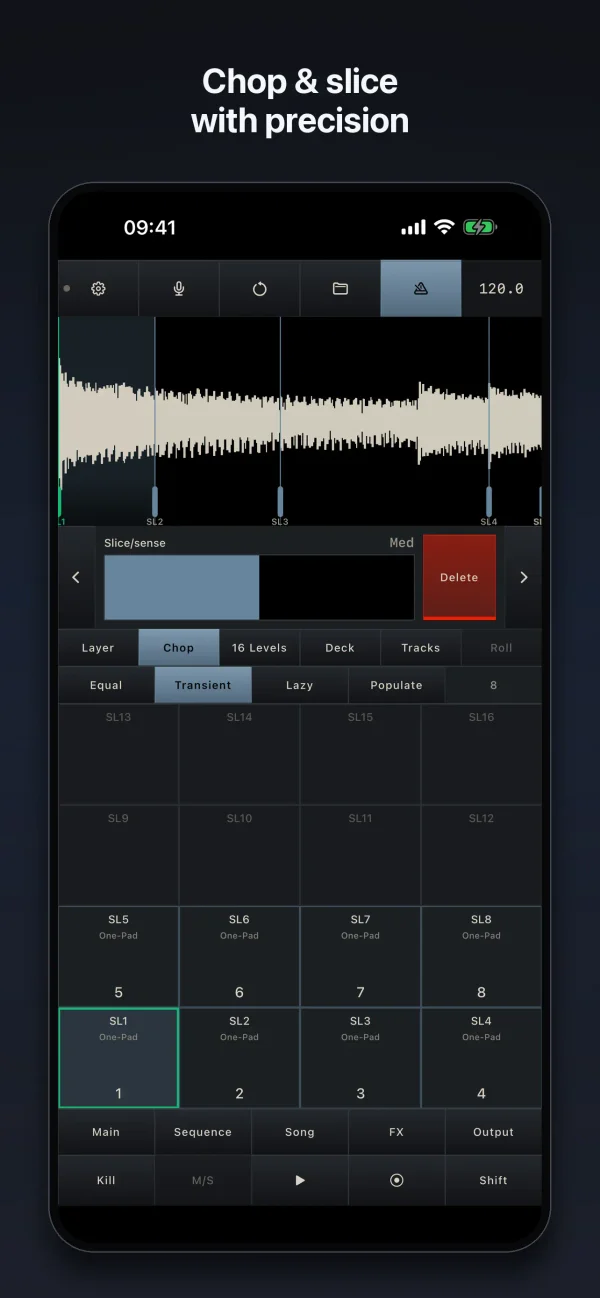
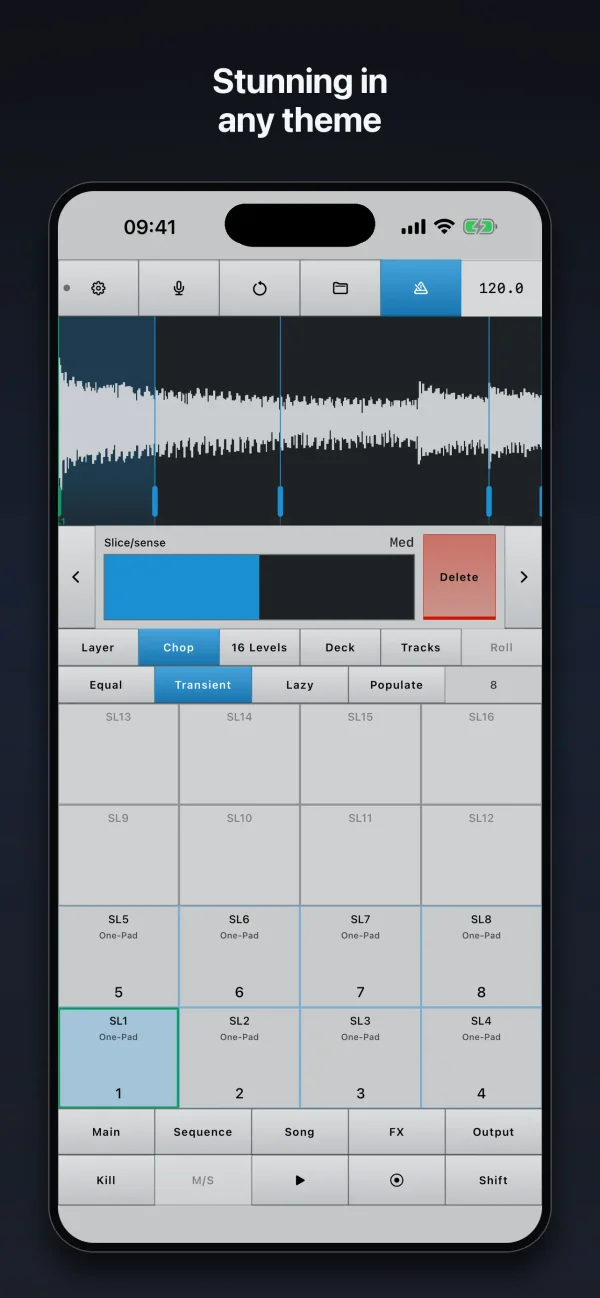
Chop samples non-destructively, build layered pads, tweak pitch, filters, envelopes, playback modes, and bus routing. Lock a pad's pitch independently of its speed with Sharp and Smooth timestretch modes, then sequence patterns with velocity, probability, ratchets, and live performance controls like 16 Levels and Roll. Scratch and perform on the deck, and when a pattern hits, resample it back to a pad and keep transforming it.
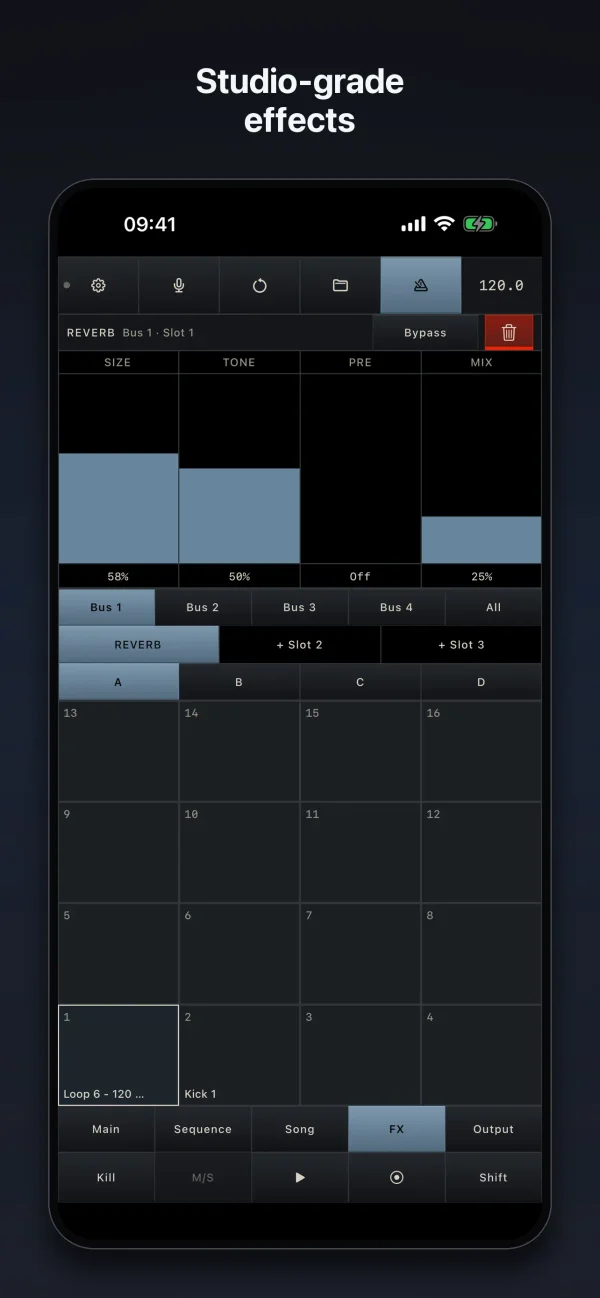
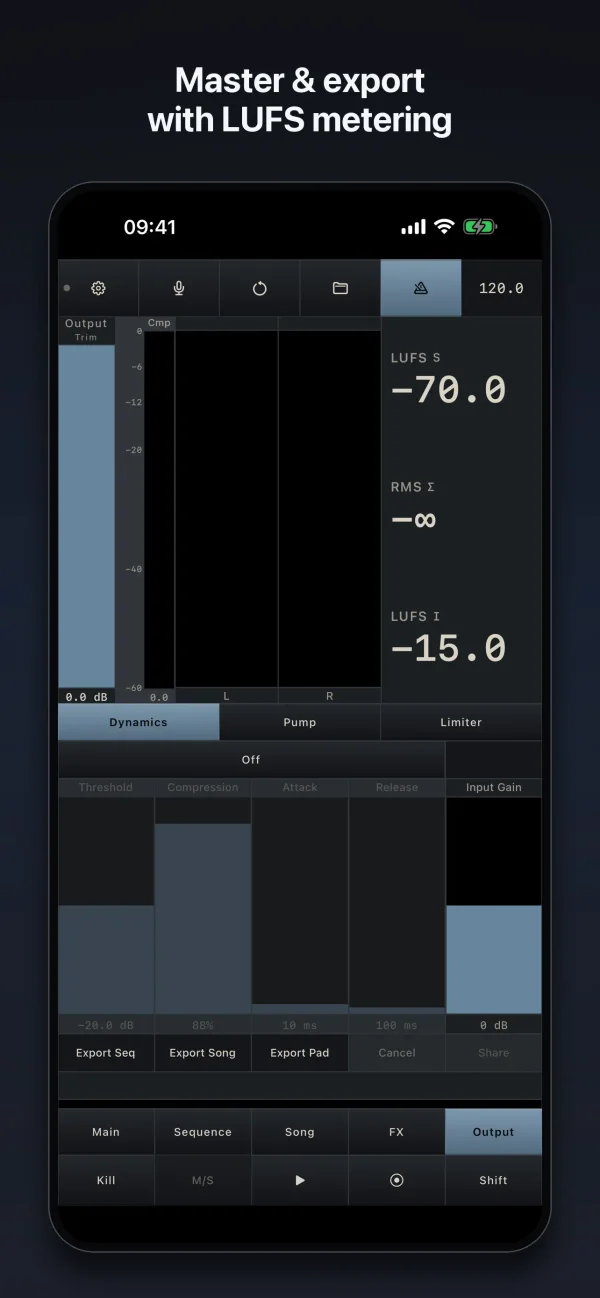
Resamplr also includes flexible FX buses, output processing, song arrangement, project saving, skipback capture, a light/dark theme, and offline export for sequences, songs, audio tracks, or individual pads.
Features:
4x4 pad sampler workflow built for fast beat making
Audio tracks with a full timeline — record, arrange, loop, and trim clips
Timestretch and keylock — independent pitch and tempo per pad, with Sharp and Smooth modes
Auto-warp loops to tempo on import, at the right bar count
Host third-party AUv3 instruments and effects
Built-in sounds plus import from Files and video audio extraction
Mic and audio interface recording with live meters and threshold capture
Sample chopping, layering, trimming, and waveform editing
Turntable-style deck for scratching and performance
Pattern sequencing with velocity, probability, ratchets, and nudge
Conditional trigs and polyrhythms / per-pad step lengths
16 Levels, Roll, resampling, and replay capture
Bus FX, output processing, song mode, and WAV export
Performance FX with automation per sequence and export
Parameter locks per step, per sequence with export
Effect automation
MIDI in & out with fully custom mapping
Audio Mixer to dial in your mix
Play and sample from classic games
Set Key, Scale and Chords per pad or project
Deep Arpeggiator for samples and AUV3
Stem Separation
新機能
バージョン 2.4.0 · 2026/11/20
Added stem separation
Performance updates and bug fixes
アプリのプライバシー
このアプリのデータの取り扱いについて、Scott PatersonがApp Storeで申告している内容です。
-
データの収集なし
開発元はこのアプリからデータを収集しません。
プライバシーの取り扱いは、ご利用の機能やお客様の年齢などに応じて異なる場合があります。
情報
- 販売元
- Scott Paterson
- カテゴリ
- ミュージック
- バージョン
- 2.4.0
- 更新日
- 2026/11/20
- リリース
- 2026/6/22
- サイズ
- 331.0 MB
- 必要条件
- iOS 18.0以降
- 対象年齢
- 4+
- 価格
- ¥800
- アプリ内課金
- あり
- 言語
- 英語
- 著作権
- © 2026 Nervousville