Reshade: Your Screen Time
App Blocker, Focus & Limits
Designed for iPhone, iPad
Free · In-app purchases
- Age rating4+
- CategoryProductivity
- DeveloperOVAS LLC
- LanguagesEnglish+ 28 more
- Size264.6 MB
Links to the official App Store page
Download.org hosts no file of Reshade: Your Screen Time. The button opens its official App Store page, published by OVAS LLC. Listing last checked on Nov 25, 2026.
Screenshots

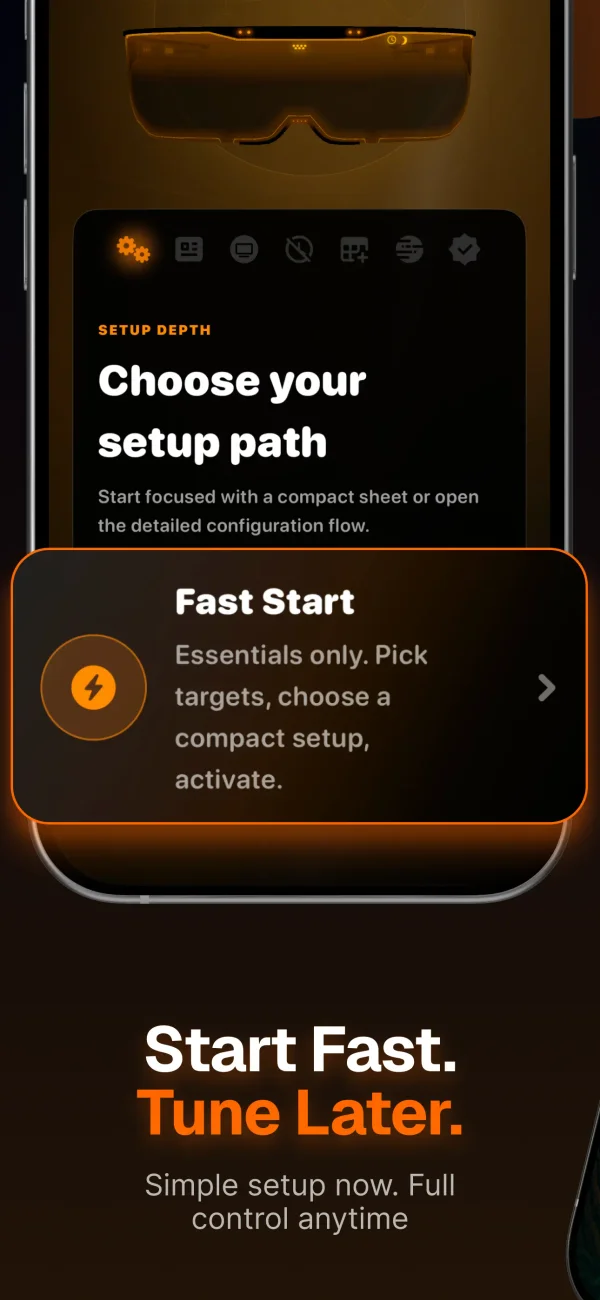
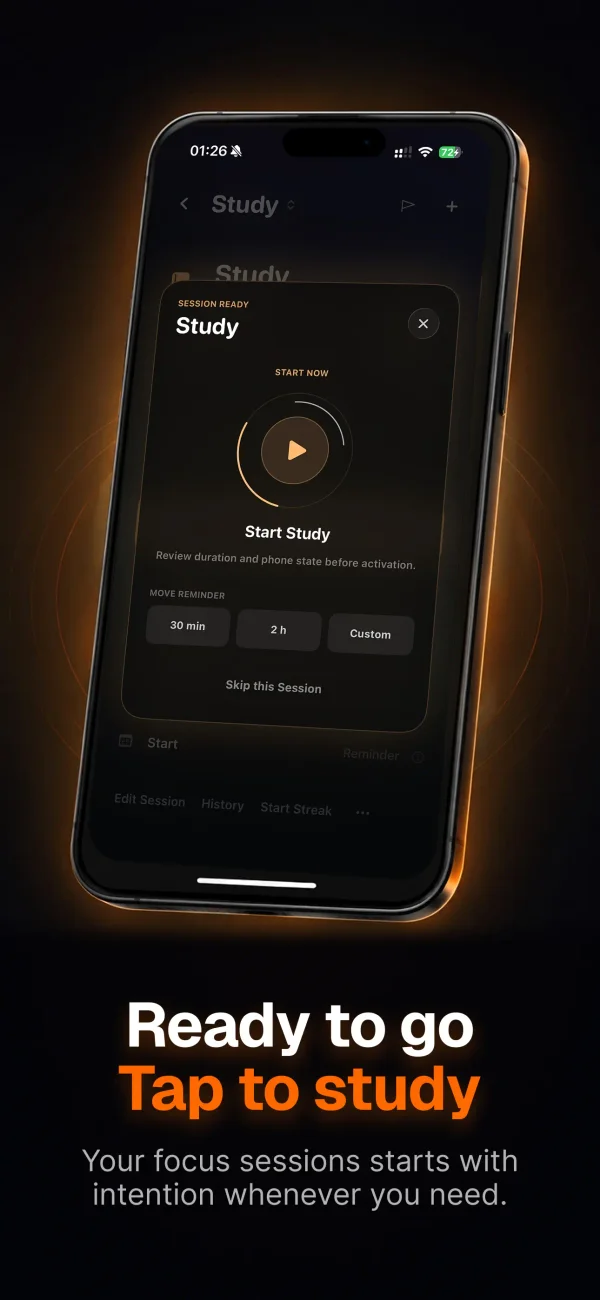
About
Reshade helps you stop opening apps on autopilot and build screen time limits that fit real life.
Most app blockers only ask: should this app be blocked or not?
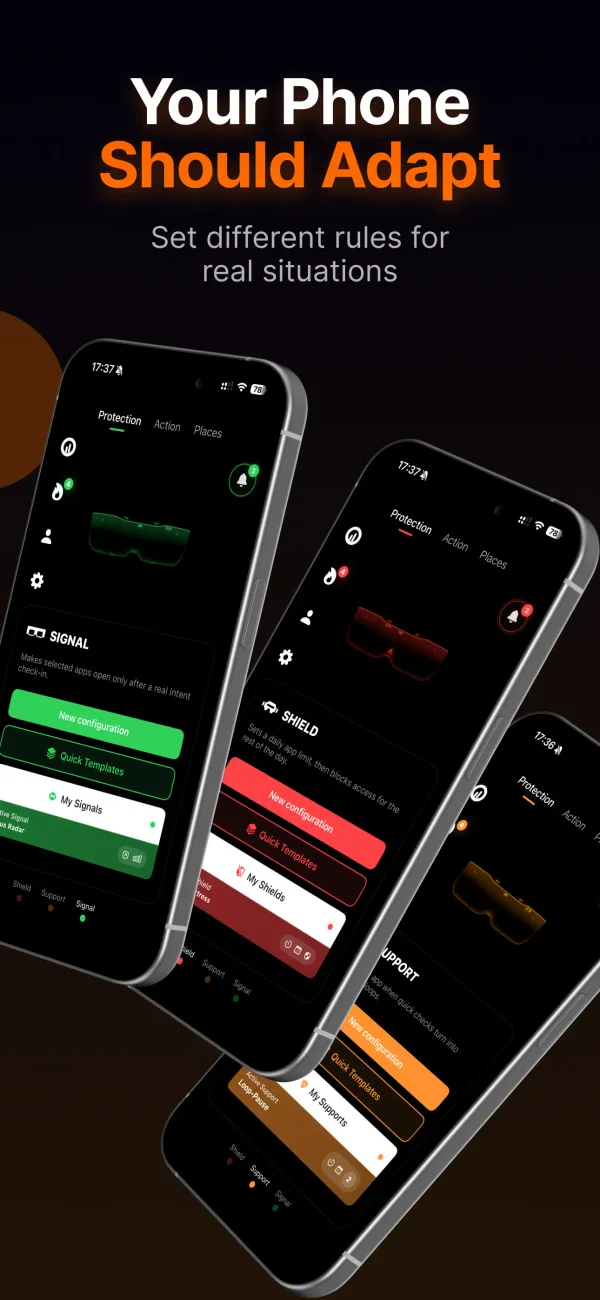
Reshade goes further. It gives you hard limits, soft pauses, intent checks, and place-based app rules, so your phone can react to your real day instead of treating every moment the same.
Your phone should fit your life. Not steal your time.
APP LIMITS FOR REAL LIFE
Create rules for apps, websites, and app groups that pull you into scrolling, checking, doomscrolling, and repeat-use loops.
Use Reshade to protect work, study, workouts, focus sessions, creative projects, real-life commitments, calmer phone habits, and intentional breaks.
PLACES: APP RULES BY LOCATION
Your phone should not behave the same everywhere.
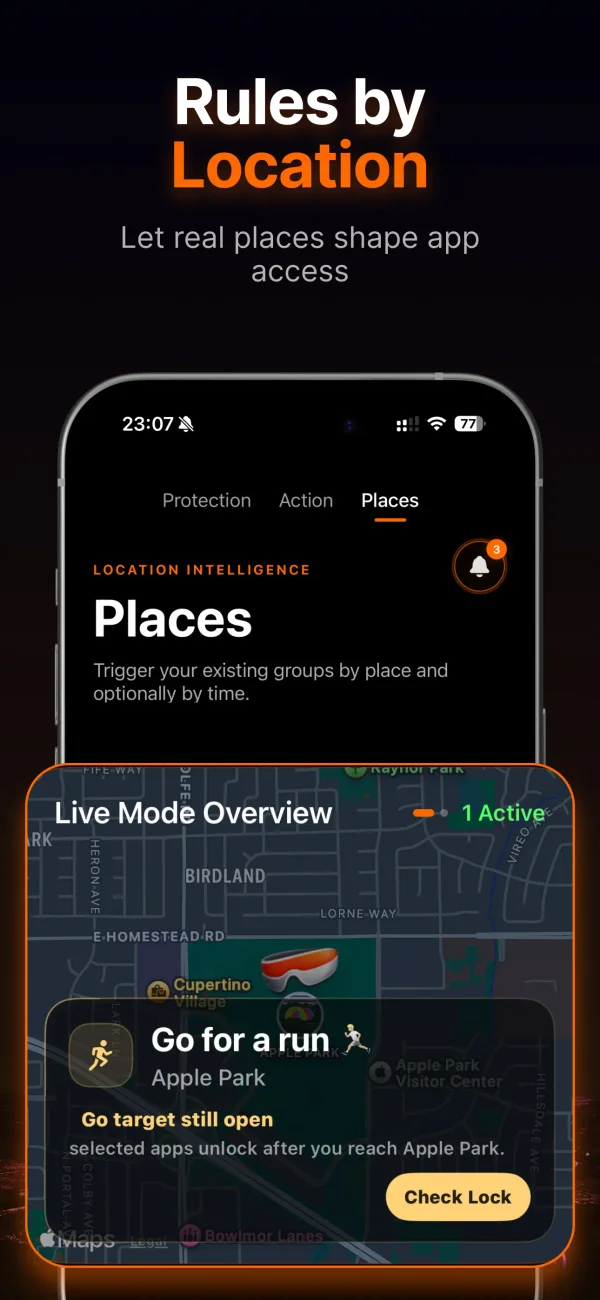
With Places, you can create app rules for real locations like your office, gym, study space, home, commute, or other important places in your life.
When location access is enabled, Reshade can recognize saved places in the background and help your rules activate around the places you choose. No need to rebuild your limits every time your context changes.
Examples:
- keep social media away during work
- protect study spaces from entertainment apps
- reduce scroll loops around workouts
- allow useful apps where they help
- change access when you arrive or leave
COMMITMENT PLACES
Some goals only work when you actually show up.
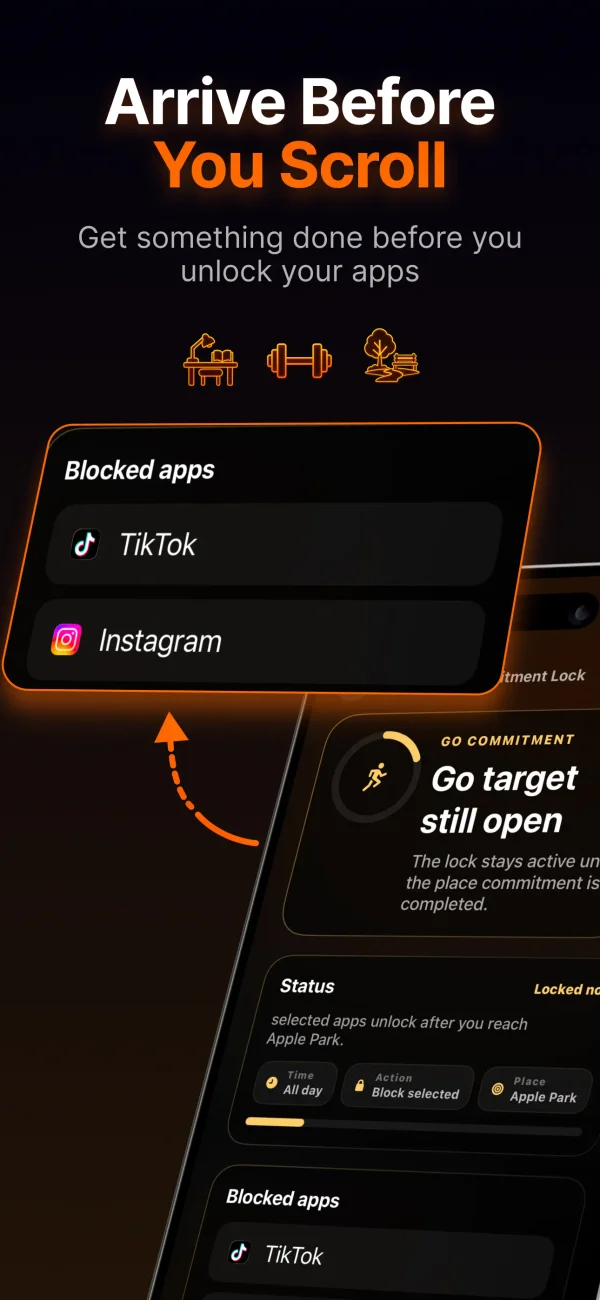
Set a commitment, such as reaching the gym, arriving at your study spot, or getting to work. Reshade can keep distracting apps locked until you reach the place you committed to.
If you do not show up, your distractions stay closed.
SHIELD: HARD DAILY LIMITS
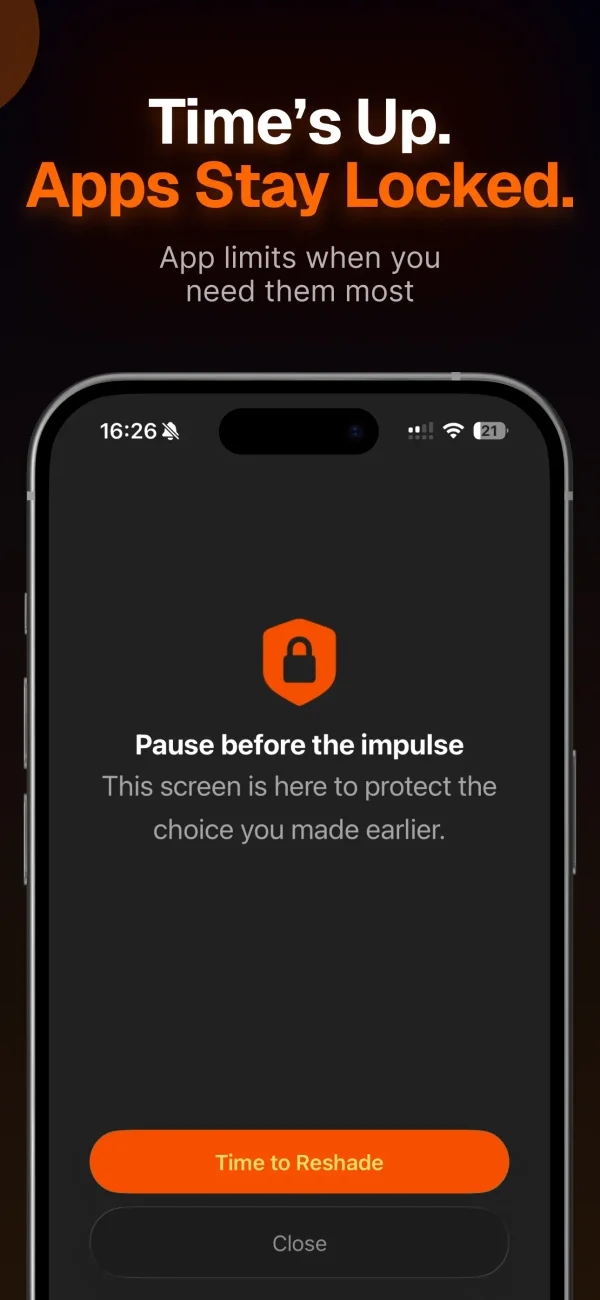
Shield sets a daily time budget for distracting apps. Once your limit is used, selected apps stay blocked until the next day. No endless “just one more minute” loops.
SUPPORT: PAUSES FOR DOOMSCROLLING LOOPS
Support is for moments when you only wanted to check something quickly, but the app keeps pulling you back in.
Instead of fully blocking access, Support interrupts repeat-use loops with a pause. After the wait time you choose, access can unlock again automatically. A softer way to slow doomscrolling and quick-check habits.
SIGNAL: OPEN APPS WITH INTENT
Signal adds a conscious step before selected apps open.
Add a short pause, a reason, a reminder, or daily minute credits before access. Turn opening an app into a small decision instead of an automatic reflex.
REDIRECT THE MOMENT
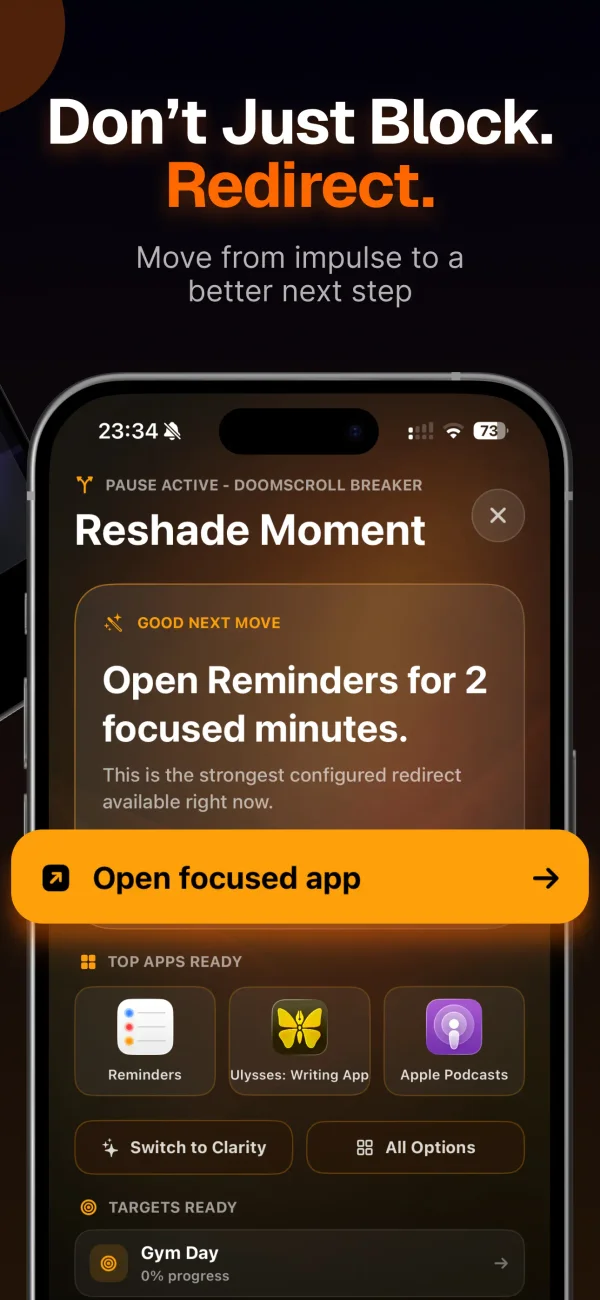
When you try to open a protected app, Reshade can guide you toward a better next step instead of leaving you stuck. Open a useful app, start a focused action, reflect for a moment, or choose something that fits what you wanted to do.
UNDERSTAND YOUR SCREEN TIME
Reshade Lens helps you see your patterns more clearly: protection behavior, pressure moments, redirects, screen time context, and progress signals.
BUILT FOR INTENTIONAL PHONE USE
Use Reshade as a screen time app, app blocker, focus tool, digital wellbeing companion, productivity system, and a practical way to stop app loops before they take over.
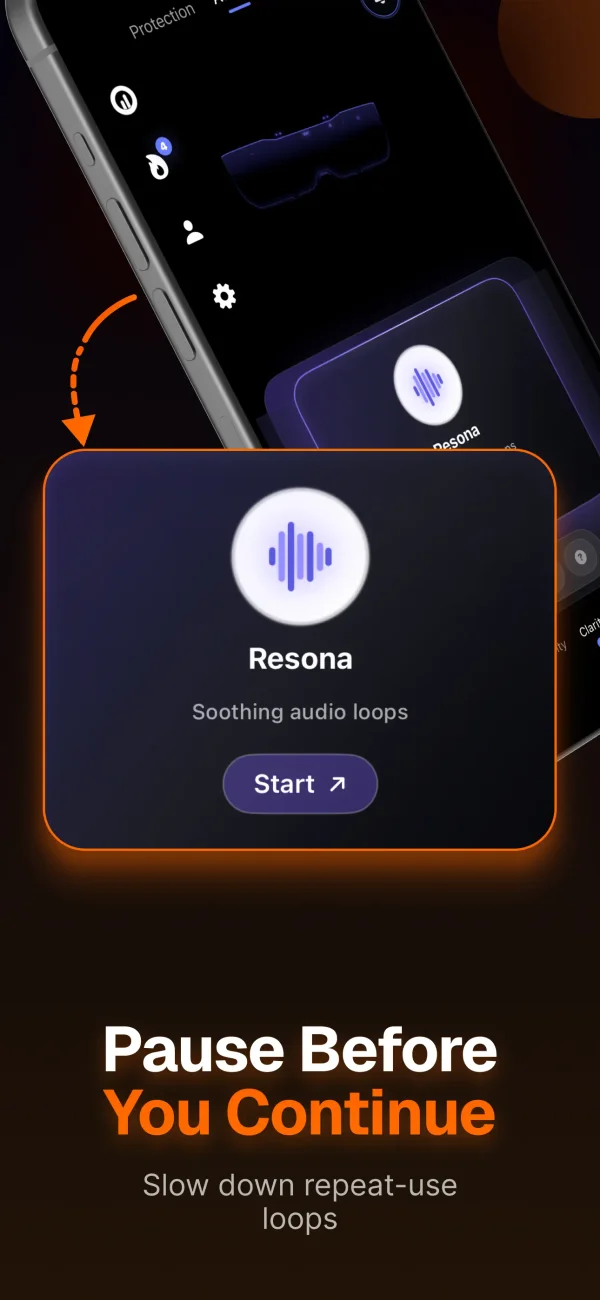
Reshade also includes Targets for goals, Journal for writing things down, Telescope for clarity before the next step, and Resona for audio-based resets with binaural beats.
Less autopilot. More intention.
Download Reshade and build app limits for real life.
Terms of Use (EULA): https://www.apple.com/legal/internet-services/itunes/dev/stdeula/
Reshade Terms of Use: https://reshade.app/terms
Privacy Policy: https://reshade.app/privacy
What’s new
Version 2.1.0 · Jul 6, 2026
This update introduces Reshade widgets.
Add Reshade to your Home Screen or Lock Screen with new widgets for your current protection state, Focus Sessions, and quick recovery moments. The new widget hub in Settings lets you preview each widget, check its setup, and see how to add it.
We also improved Pause behavior with smarter budget escalation options, clearer pause scope controls for multi-target groups, more reliable picker recovery after leaving and returning to the app, and several flow, onboarding, and localization refinements across Reshade.
App privacy
What OVAS LLC declares on the App Store about how this app handles data.
-
Data used to track you
May be used to track you across apps and websites owned by other companies.
- Purchases
- Identifiers
- Usage data
-
Data linked to you
May be collected and linked to your identity.
- Purchases
- Contact info
- User content
- Identifiers
- Usage data
- Diagnostics
Privacy practices may vary, for example with the features you use or your age.
Information
- Seller
- OVAS LLC
- Category
- Productivity
- Version
- 2.1.0
- Updated
- Jul 6, 2026
- Released
- Jun 8, 2026
- Size
- 264.6 MB
- Requires
- iOS 18.5 or later
- Age rating
- 4+
- Price
- Free
- In-app purchases
- Yes
- Languages
- English, Arabic, Croatian, Czech, Danish, Dutch, Finnish, French, German, Greek, Hebrew, Hungarian + 17 more
- Copyright
- © 2026 OVAS LLC
You might also like
-
 Detox: Screen Time App BlockerBlock apps, take timed breaks
-
 Anti Screen TimeLess Screen Time. No Fights.
-
 Luma: Earn Your Screen TimeFocus Timer, Blocker & Habits
-
 Screen Time Limit: ScrollLessBlock Apps, Stop Doomscrolling
-
 Hard Truth: Screen TimeSee what your phone time costs
-
 Scanner: Scan PDF & DocumentScan, Sign & Manage PDFs
-
 Dopamine Detox: App BlockerFreedom Digital Wellbeing
-
 Flocus: Screen Time BlockerFocus & Digital Detox
-
 4YD: AI Goal Planner & TrackBreak Goals into Daily Steps
-
 ScrollKarma Family Screen TimeScreen time, earned by moving