
ReShoot 360
360 photo & 360 video editing
Designed for iPhone, iPad, iPod touch
Free · In-app purchases
- Age rating4+
- CategoryPhoto & Video
- Size65.3 MB
Links to the official App Store page
Download.org hosts no file of ReShoot 360. The button opens its official App Store page, published by . Listing last checked on Nov 12, 2026.
Screenshots


About
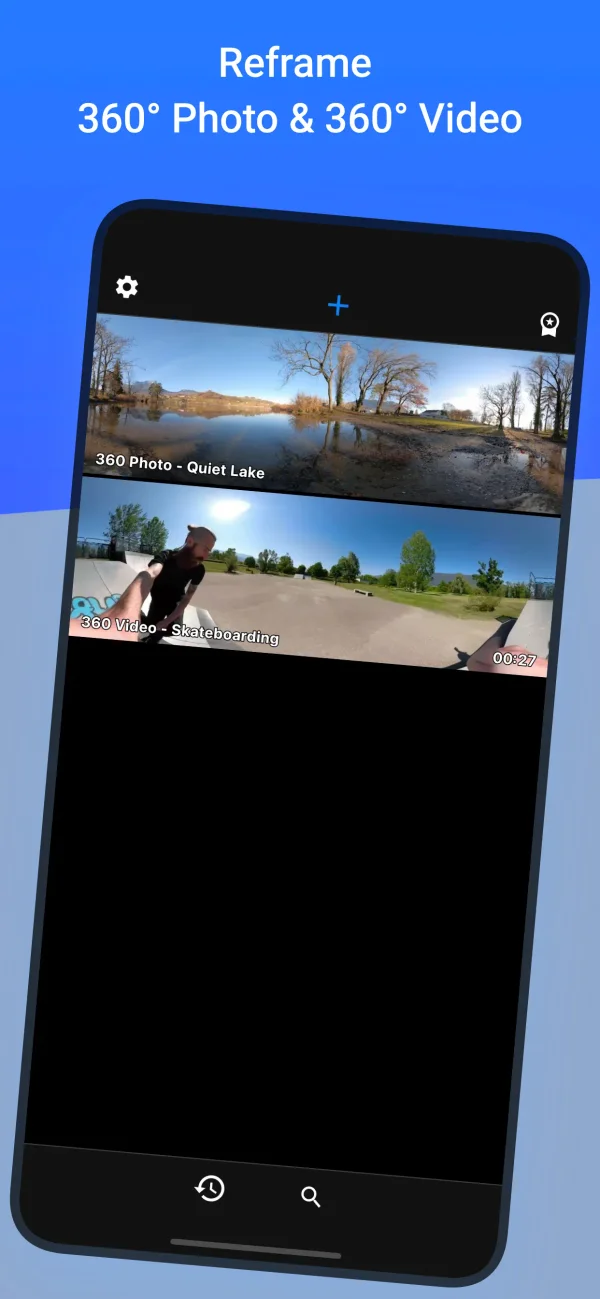
Reframe your 360° photos & videos
=> Transform your 360° spherical content into stunning creations and grow your audience on social media.
Note: This app does not capture 360° photos or videos. It is designed to edit existing 360° content.
Works with all 360° cameras and any equirectangular file:
- Insta360 X
- GoPro Max
- DJI Osmo 360
- Ricoh Theta
=> Use your 360° camera app to export your 360° file and then open it in ReShoot 360.
Free Version
- Filters – Instantly reframe your 360° photos & 360° videos
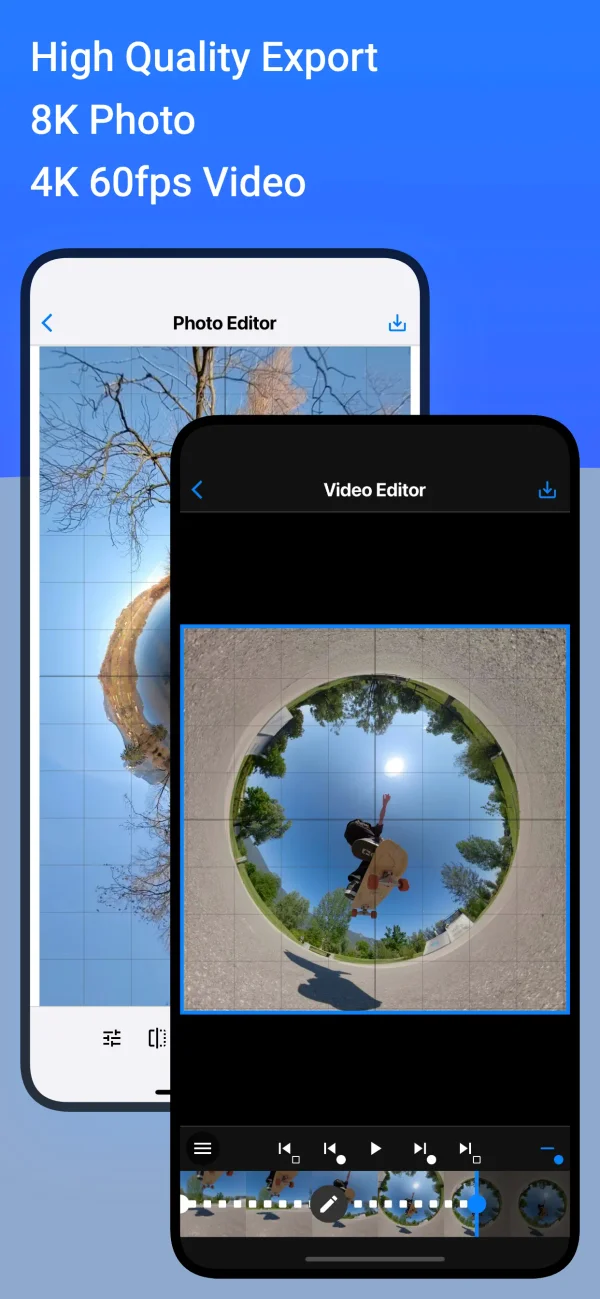
- Editor – Add keyframes, transitions & control camera movements
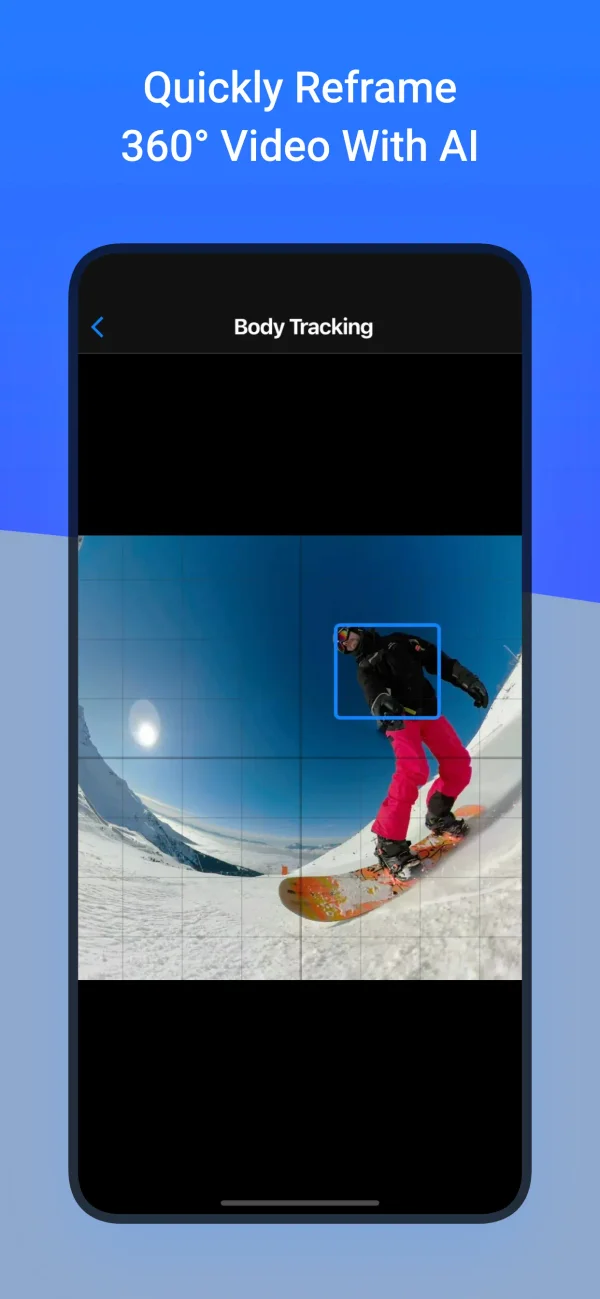
- AI Tracking – Automatically follow faces, bodies, animals & more
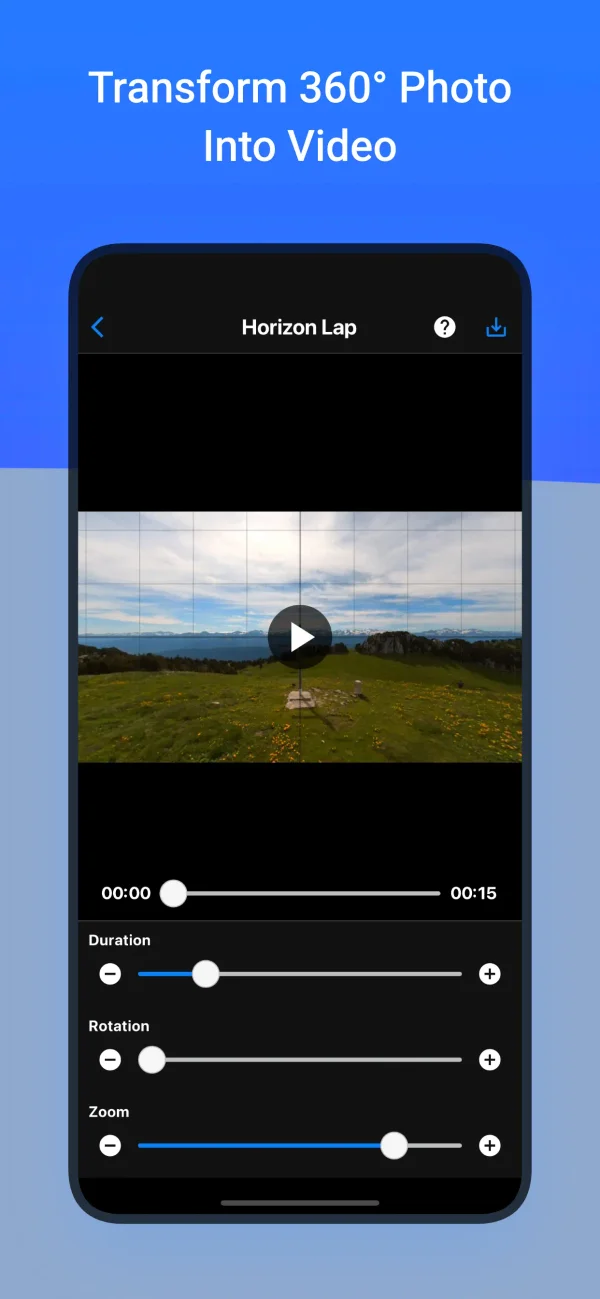
- Photo to Video – Animate your 360° photos with smooth camera moves
- Social Media Presets – Export optimized for TikTok, Instagram, YouTube, X, Facebook
PRO Version (subscription)
=> Unlock the full potential with PRO features
- High Quality – Export up to 8K photos & 4K/60fps videos
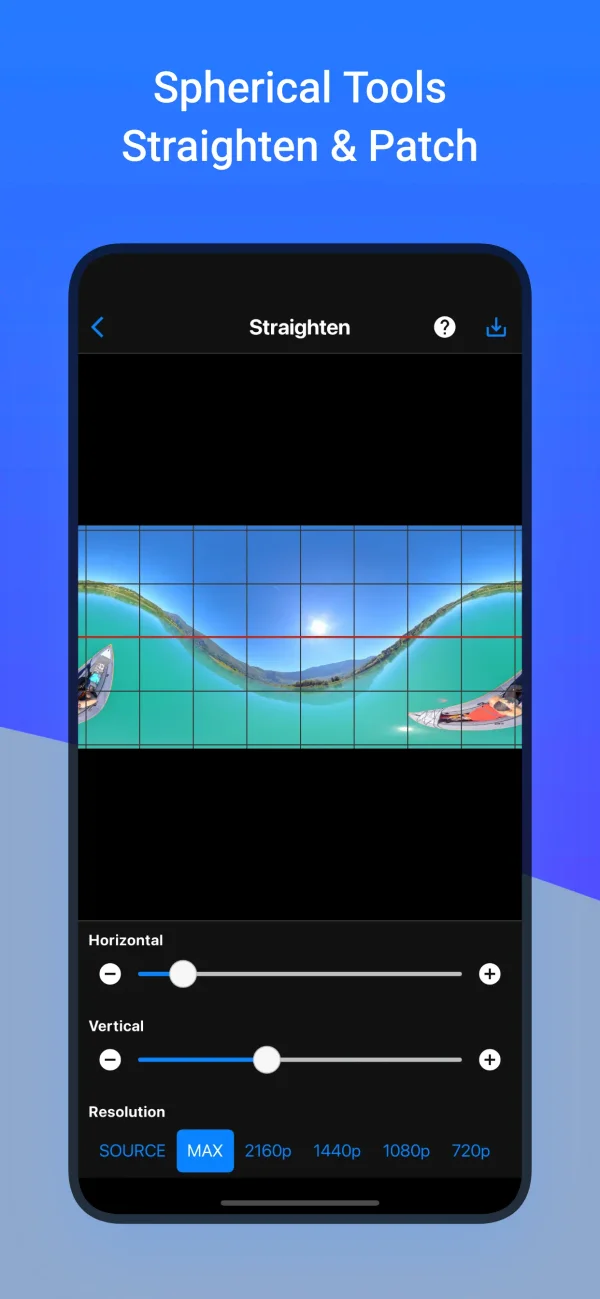
- Spherical Tools – Patch image (picture in picture) & Straighten horizon
- Creative Effects – Add Mirror & Spiral
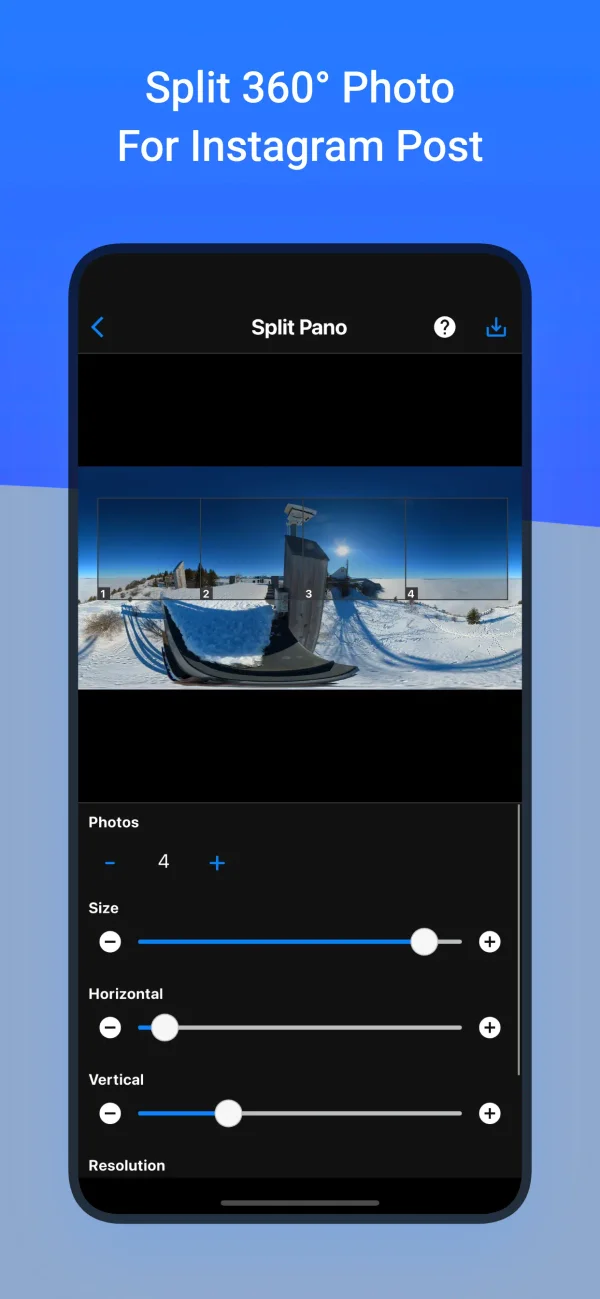
- Split Pano – Turn your 360° photo into swipeable Instagram posts
=> Unlock the full potential with PRO features
Whether you are a creator, influencer, or just experimenting, this app makes 360° editing easy, fun, and powerful!
Plenty of video tutorials are available on the ReShoot 360 YouTube channel.
What’s new
Version 1.17.0 · Mar 22, 2026
Simplify your workflow when working with 360 Photo Tools "Straighten" and "Patch": with the new feature Batch Processing you can apply the same exporting parameters to multiple 360 photos in the same batch.
App privacy
What declares on the App Store about how this app handles data.
-
Data not collected
The developer does not collect any data from this app.
Privacy practices may vary, for example with the features you use or your age.
Information
- Seller
- Loic Martin
- Category
- Photo & Video
- Version
- 1.17.0
- Updated
- Mar 22, 2026
- Released
- Sep 25, 2019
- Size
- 65.3 MB
- Requires
- iOS 14.0 or later
- Age rating
- 4+
- Price
- Free
- In-app purchases
- Yes
- Copyright
- © 2019 Loic Martin
You might also like
-
 360 Photo CamCapture and Share 360° Photos
-
 CloudPano Virtual Tour CreatorCreate 360° Virtual Tours
-
 RICOH360 ToursCreate virtual tour easily
-
 HDReyeMake 360° HDRis on your phone
-
 Liforte TinyPlanetTranform Amazing Photos
-
 Simple 360 Cardboard VR Playerinsta360 cam Video Cast to TV
-
 Bimostitch LitePanorama Stitcher
-
 PIXPRO 360 VR Remote ViewerPhoto & Video
-
 RICOH THETAPhoto & Video
-
 Wide Camera - Panorama 360 HDPanorama 360 HD