
RestWake: Math Alarm Clock
Wake Up & Block Distractions
Designed for iPhone
Free · In-app purchases
- Age rating4+
- CategoryUtilities
- DeveloperOKI Say
- LanguagesEnglish+ 8 more
- Size9.8 MB
Links to the official App Store page
Download.org hosts no file of RestWake: Math Alarm Clock. The button opens its official App Store page, published by OKI Say. Listing last checked on Nov 20, 2026.
Screenshots


About
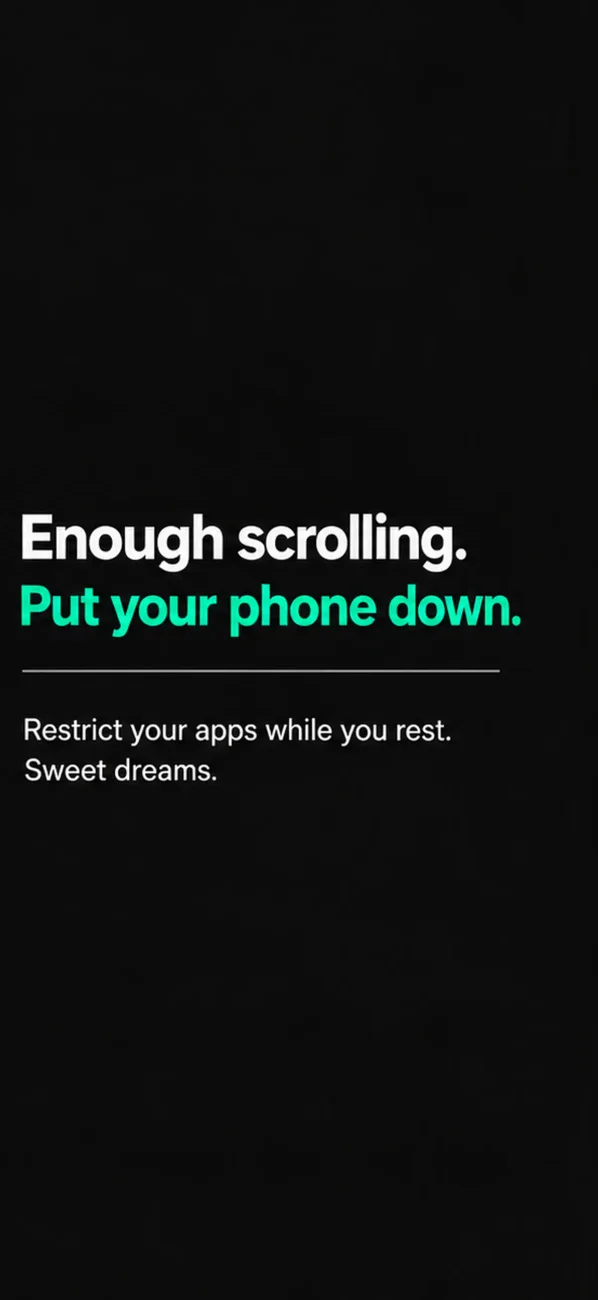
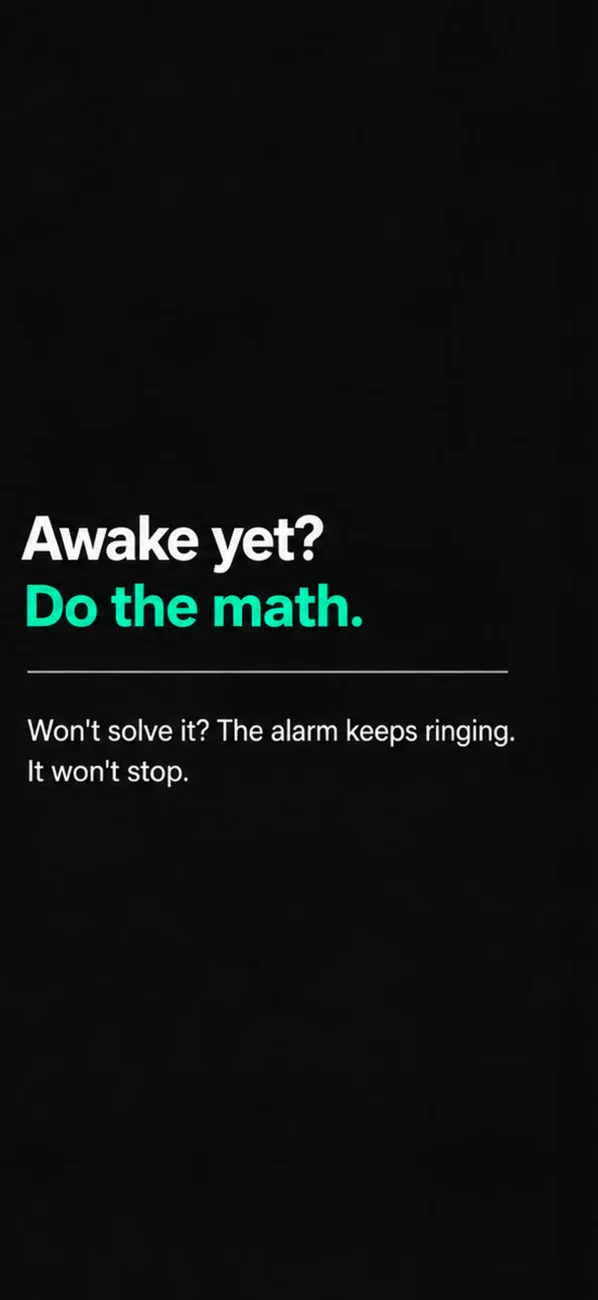
RestWake pairs a wake-up alarm that sounds in Silent mode and Do Not Disturb with a math challenge. Restrict distracting apps while you rest, then solve the math to unlock and end repeat alarms.
SILENT MODE? DO NOT DISTURB? IT STILL RINGS
RestWake uses Apple AlarmKit to sound wake-up alarms even in Silent mode or Do Not Disturb. Alarms are scheduled on your iPhone and do not rely on a server push command. Alarm permission is required.
NOT UNLOCKED? THE ALARM RINGS AGAIN
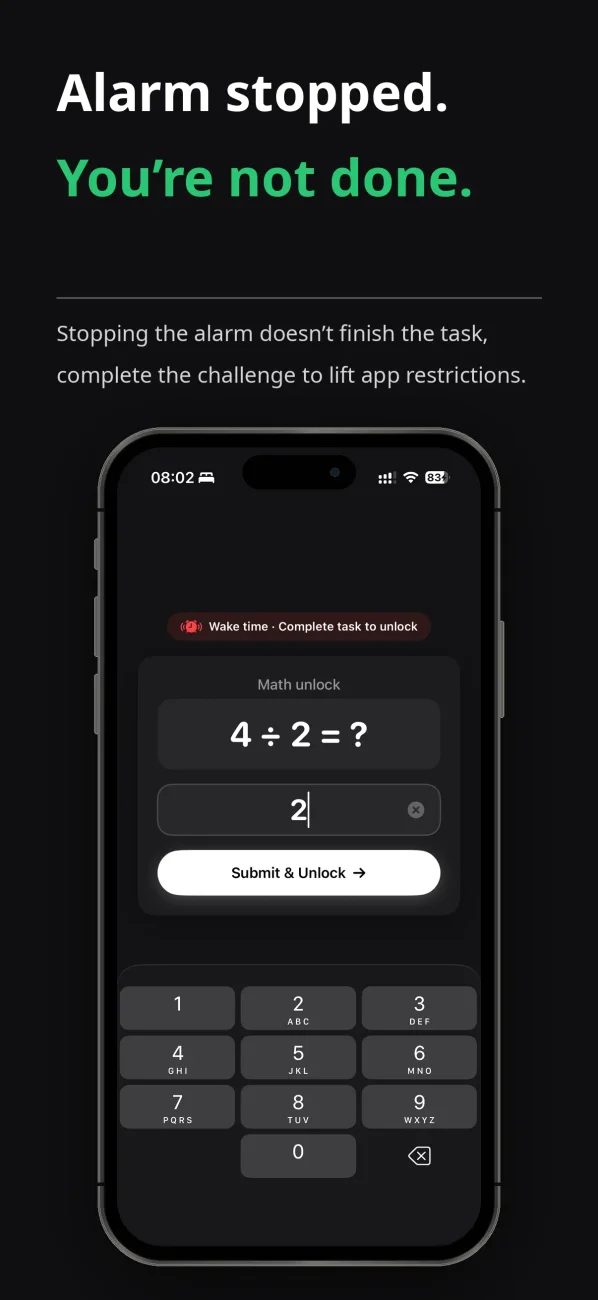
Stopping the current ring does not complete the wake-up task or remove your selected-app restrictions. If the task remains unfinished, RestWake schedules another alarm 60 seconds later. Solve the math to unlock, stop the current ring, and cancel follow-up alarms.
CHOOSE WHAT TO PUT AWAY
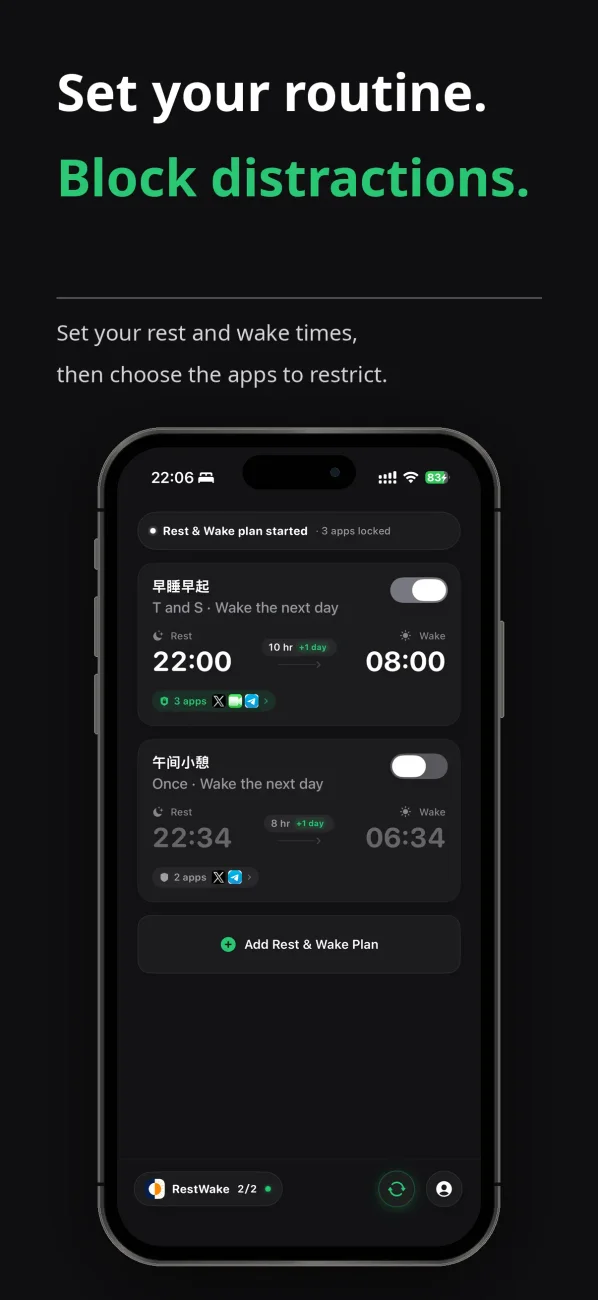
Choose the apps to restrict during your rest plan so you can put distractions aside. RestWake limits only the apps you select, with your authorization.
A CLEAR, NON-RECURRING PURCHASE MODEL
Start with one local plan without signing in. Eligible new accounts may receive a 30-day trial of one extra plan slot and three Edit Cards on their first sign-in. Additional plan slots and Edit Cards are one-time purchases. Edit Cards are for modifying recurring plans. Purchases require sign-in and an internet connection. Prices are shown in the App Store. There are no subscriptions or automatic renewals.
WHAT TO KNOW
RestWake requires iOS 26.1 or later and alarm permission to schedule alarms. To restrict apps you choose, you must also allow RestWake to apply limits to those apps. If Pass service is unavailable, you can still solve the math prompt on your iPhone. Waiting to unlock is available only for eligible plans. RestWake cannot guarantee that every person will wake or that an alert will play under every system or device condition.
When you change devices, account plans may be restored, but alarm schedules and system authorizations need to be configured again on the new iPhone.
User Agreement: https://www.rest-wake.com/terms/
Privacy Policy: https://www.rest-wake.com/privacy/
What’s new
Version 1.0.1 · Oct 6, 2026
This update includes several improvements to usability and stability:
• Improved plan editing. Edit Cards are only used when changes are actually made and successfully saved.
• Added a clearer confirmation before starting recurring plans. One-time plans can still be started directly.
• Fixed an issue that could prevent plans from starting properly, and improved recovery after unexpected interruptions.
• Improved the reliability of account, purchase, and plan status syncing.
• Refined in-app messages and overall usability.
App privacy
What OKI Say declares on the App Store about how this app handles data.
-
Data linked to you
May be collected and linked to your identity.
- Contact info
- Identifiers
Privacy practices may vary, for example with the features you use or your age.
Information
- Seller
- Linyi Geduo Network Technology Company Limited
- Category
- Utilities
- Version
- 1.0.1
- Updated
- Oct 6, 2026
- Released
- Oct 2, 2026
- Size
- 9.8 MB
- Requires
- iOS 26.1 or later
- Age rating
- 4+
- Price
- Free
- In-app purchases
- Yes
- Languages
- English, Arabic, French, German, Japanese, Korean, Simplified Chinese, Spanish, Traditional Chinese
- Copyright
- © 2026 RestWake. All rights reserved.
You might also like
-
 SolveWakeSolve the math, stop the alarm
-
 DanXing: Wake Mission AlarmTasks that get you out of bed
-
 Upsy: Alarm Clock & Wake UpMissions for Heavy Sleepers
-
 Alarm Math : Deep Sleep#1 Daily Sleep Statistic.
-
 Roosta: Alarm Clock ChallengesWake up missions for snoozers
-
 EchoAlarm: Record Voice AlarmCustom Clock & Wake Up Calls
-
 Alarmy For GirlsWake up happy with cute themes
-
 AlarmX - Mission & Sleep AlarmMission Alarm · Sleep Analysis
-
 Weblock BrowserParental Control & Web Filter
-
 MathWake - Math Alarm ClockSolve math to stop the alarm