
Retirement Countdown+ Tracker
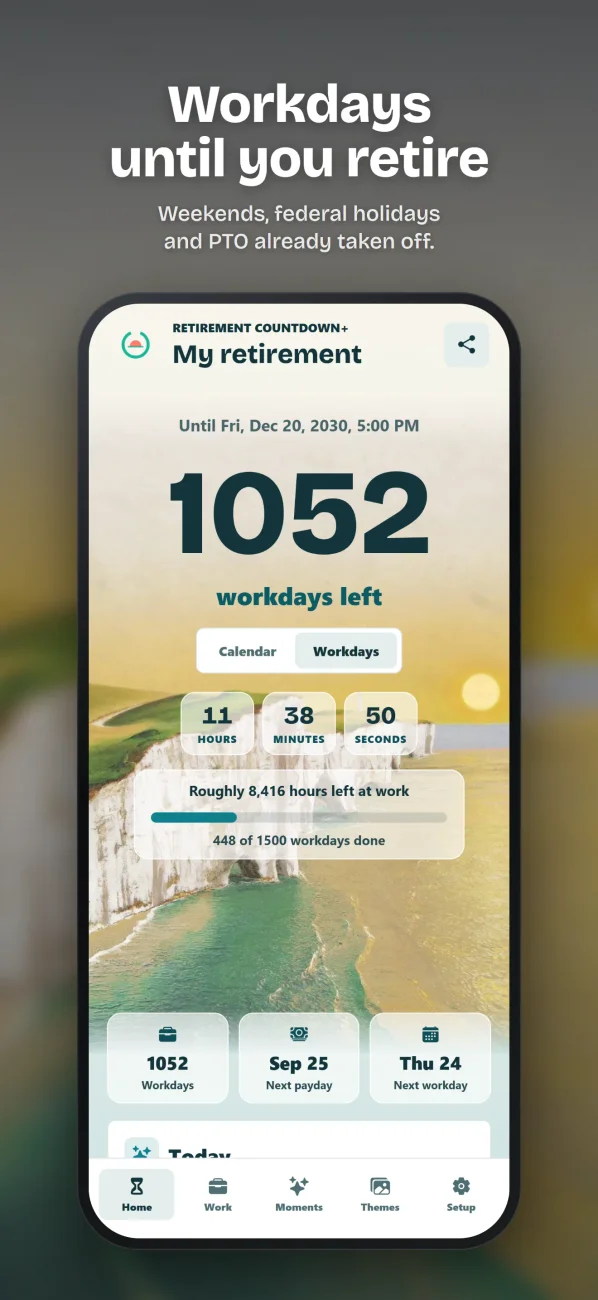
Workdays until you retire
Designed for iPhone
Free · In-app purchases
- Age rating4+
- CategoryLifestyle
- DeveloperWayne Nixon
- LanguagesEnglish
- Size50.4 MB
Links to the official App Store page
Download.org hosts no file of Retirement Countdown+ Tracker. The button opens its official App Store page, published by Wayne Nixon. Listing last checked on Nov 23, 2026.
Screenshots


About
Retirement Countdown+ tells you how many days you really have left at work. Not calendar days: workdays, with your weekends, federal holidays and PTO and vacation days already taken off.
THE NUMBER THAT MATTERS
Most countdowns subtract one date from another and stop there. This one counts the days you still have to turn up, and the hours still to do. Set a last hour at work and it can show hours, minutes and seconds under the number.
BUILT FOR SHIFT WORK
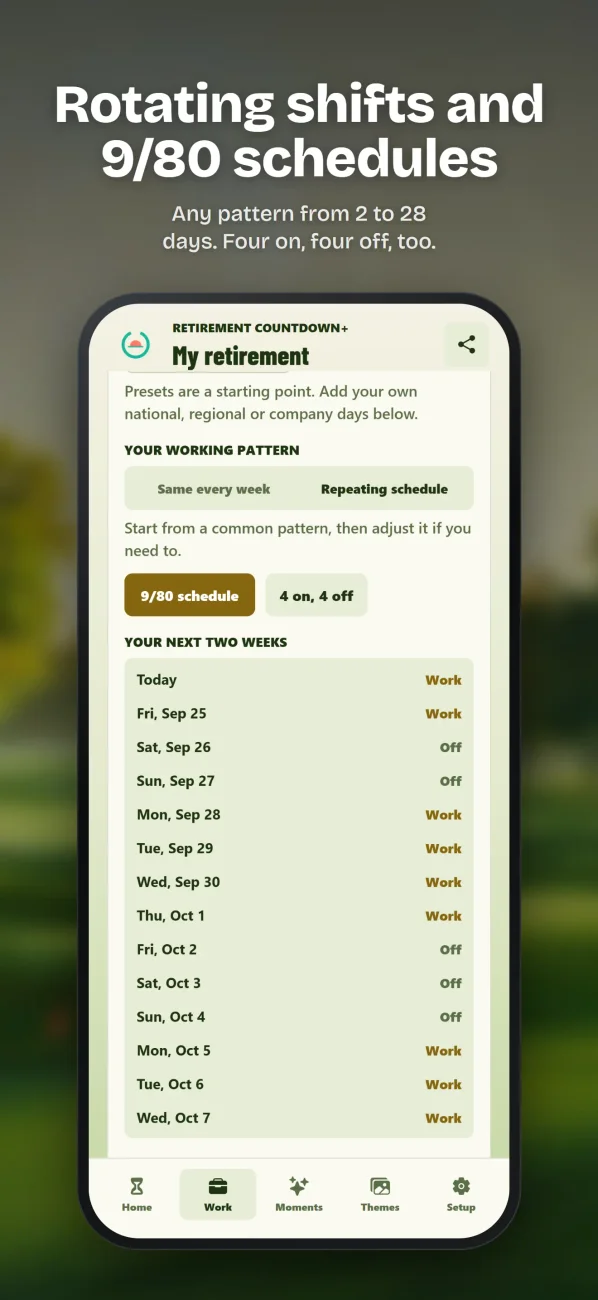
Not everyone works Monday to Friday. Set any repeating pattern from 2 to 28 days, or start from a 9/80 schedule or four on, four off. A two-week preview shows which days you work, so you can check it before you trust the number.
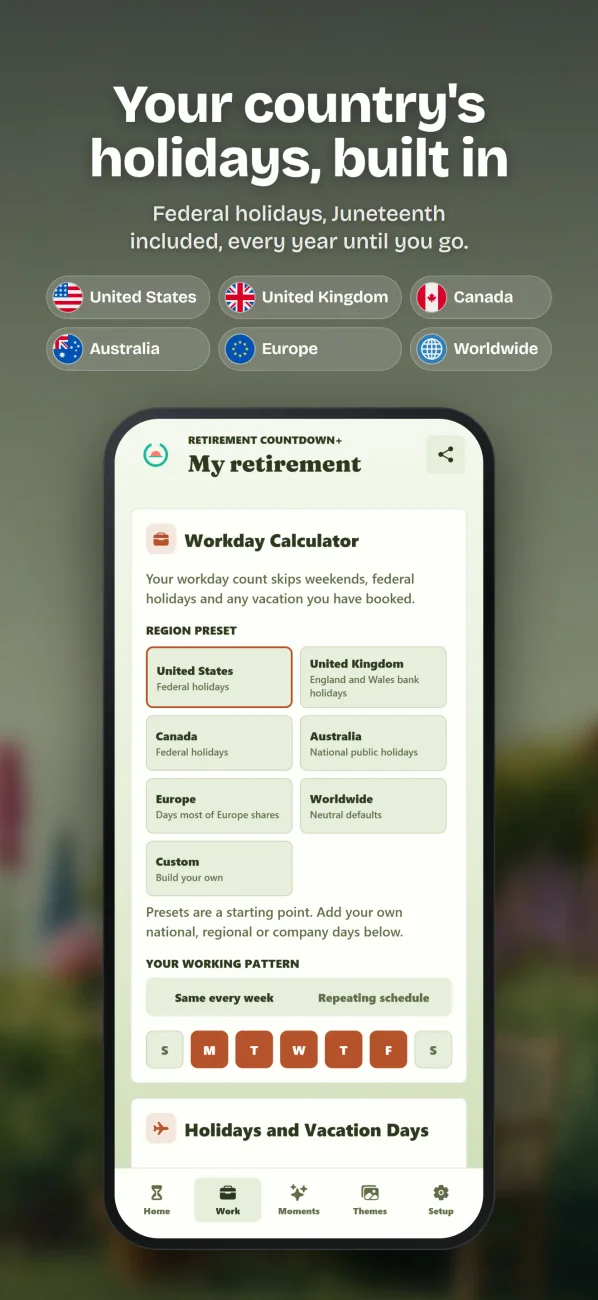
YOUR COUNTRY'S HOLIDAYS, BUILT IN
Pick the United States and every federal holiday comes off, Juneteenth included, with weekend holidays moved to the day they are observed. It works out the dates for every year until you go, not just this one. Also built in: the United Kingdom (England and Wales), Canada, Australia, the days most of Europe shares, and a simple worldwide set. Or start from nothing and build your own list. Add your state holidays, floating holidays and company shutdown days yourself, then add the PTO and vacation days you have booked. All of it comes off the count.
YOUR KEY RETIREMENT DATES
Add your date of birth and the app lists the dates that matter on the way out: age 59½ (IRA and 401(k) withdrawals without the 10% early penalty), 62 (the earliest you can start Social Security), 65 (Medicare), your full Social Security retirement age, and when required minimum distributions begin. Dates only, from official sources. Not financial advice.
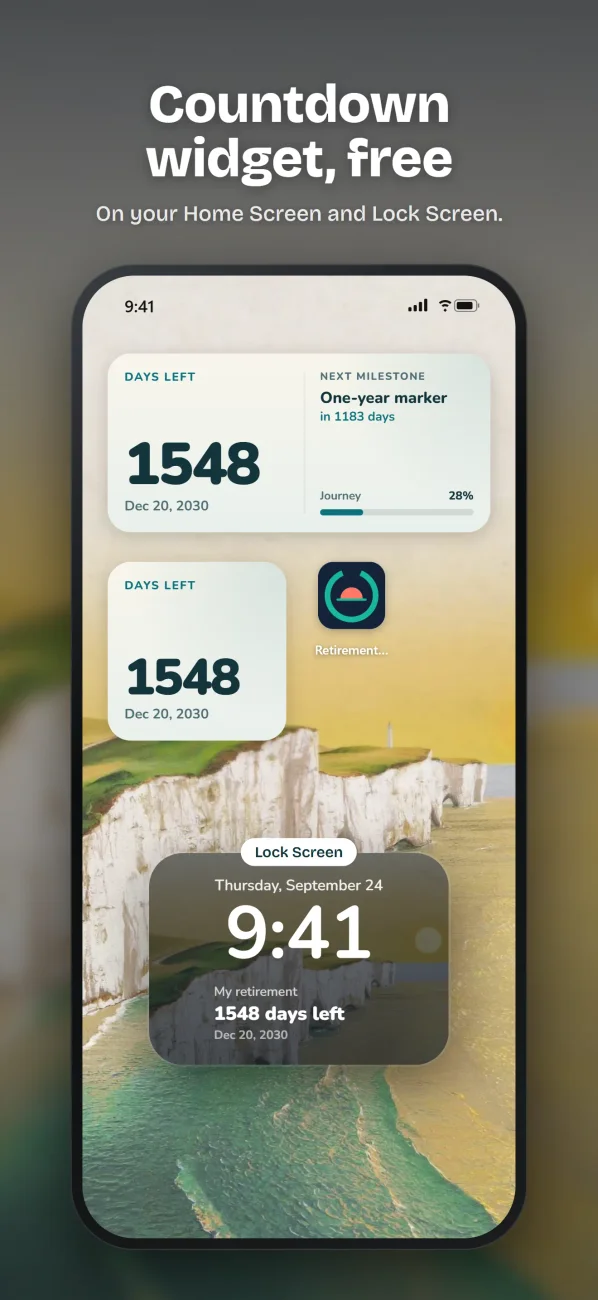
NEW IN 2.0: A WIDGET
Your countdown on your Home Screen in two sizes, and on your Lock Screen. It moves on at midnight even if you have not opened the app.
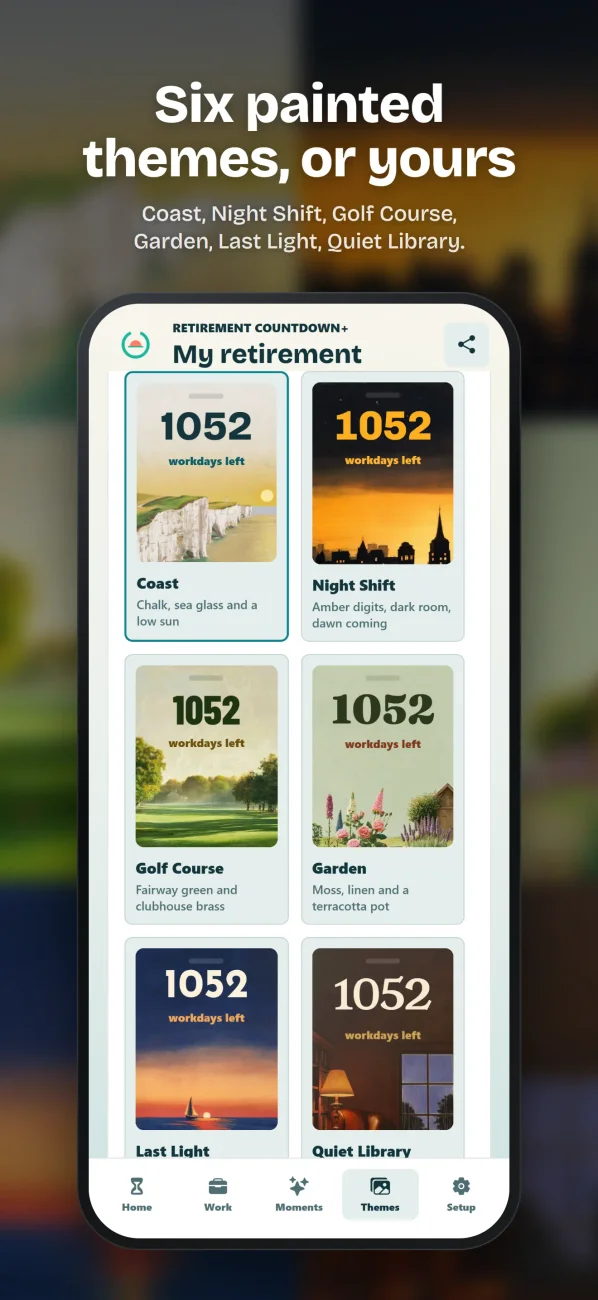
SIX PAINTED THEMES
Coast, Night Shift, Golf Course, Garden, Last Light and Quiet Library, each with its own painting and typeface. Or put your own photo behind the countdown. No paying per wallpaper.
A REASON TO OPEN IT
A new quote every morning, a check-in streak, milestones from one year out to the last full week, and your lasts: your last working Christmas, New Year and summer. Keep a bucket list of what retirement is actually for.
WORTH SHARING
Turn your countdown or the day's quote into a card and send it to whoever keeps asking when you are finishing.
IT DOES NOT END AT ZERO
On the day, fireworks in your theme's colors and a "You did it" card to share. After that it counts up, so you can see how long you have been free.
ALSO INCLUDED
- A morning reminder at 8am, if you want one
- Backup and restore, so a new phone is not a fresh start
- Your own date format
WHAT IS FREE
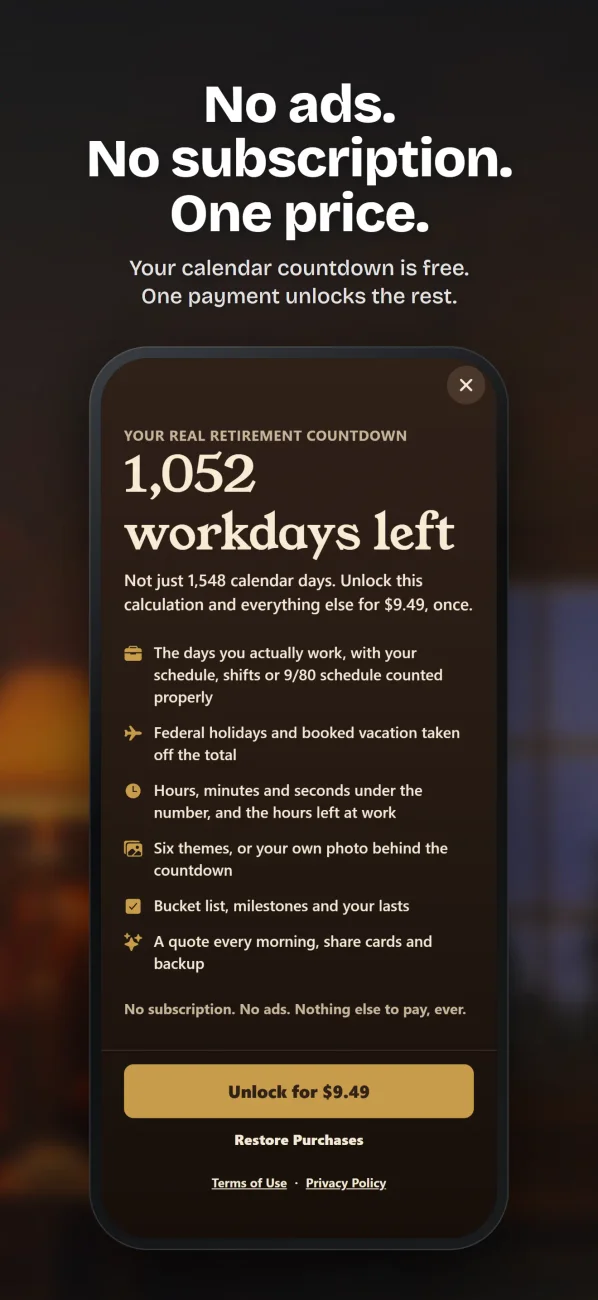
The calendar-day countdown, the widget and the morning reminder are free for good. Before you pay, the app shows your own workdays-left number.
ONE PRICE. NO ADS. NO SUBSCRIPTION.
One payment unlocks workday counting, your schedule, federal holidays and PTO, hours left at work, themes and your own photo, retirement dates, quotes, milestones, the bucket list, share cards and backup, for good. No banners, no video, nothing to pay to remove. Restore your unlock on a new phone with the same Apple Account.
What’s new
Version 2.0.1 · Oct 3, 2026
Bug fixes and improvements.
App privacy
What Wayne Nixon declares on the App Store about how this app handles data.
-
Data not linked to you
May be collected but is not linked to your identity.
- Purchases
- Identifiers
- Usage data
Privacy practices may vary, for example with the features you use or your age.
Information
- Seller
- Wayne Nixon
- Category
- Lifestyle
- Version
- 2.0.1
- Updated
- Oct 3, 2026
- Released
- Sep 2, 2026
- Size
- 50.4 MB
- Requires
- iOS 16.4 or later
- Age rating
- 4+
- Price
- Free
- In-app purchases
- Yes
- Languages
- English
- Copyright
- © 2026 The Media Work
You might also like
-
 One Day CloserYour days until retirement
-
 Horizon Retirement CountdownTrack days until my retirement
-
 KD Sweet Southern DanesGreat Danes Family Connected
-
 Next Chapter: RetirementYour countdown. Your story.
-
 'Til — Countdown WidgetDays Until Every Big Moment
-
 Count - Event CountdownEvent countdowns & widgets
-
 Thor's ACA new way to control HVAC
-
 Await - Countdown AppDays until anything
-
 Queue: Map Your PlacesSee it. Love it. Queue it.
-
 Ago: Days Since, Until, CountStreaks, live timers & widgets