Reverse Audio Play Backwards
Voice Singing Challenge Trend
Designed for iPhone
Free
- Age rating4+
- CategoryMusic
- DeveloperKelvin Williams
- LanguagesEnglish
- Size67.0 MB
Links to the official App Store page
Download.org hosts no file of Reverse Audio Play Backwards. The button opens its official App Store page, published by Kelvin Williams. Listing last checked on Nov 29, 2026.
Screenshots

About
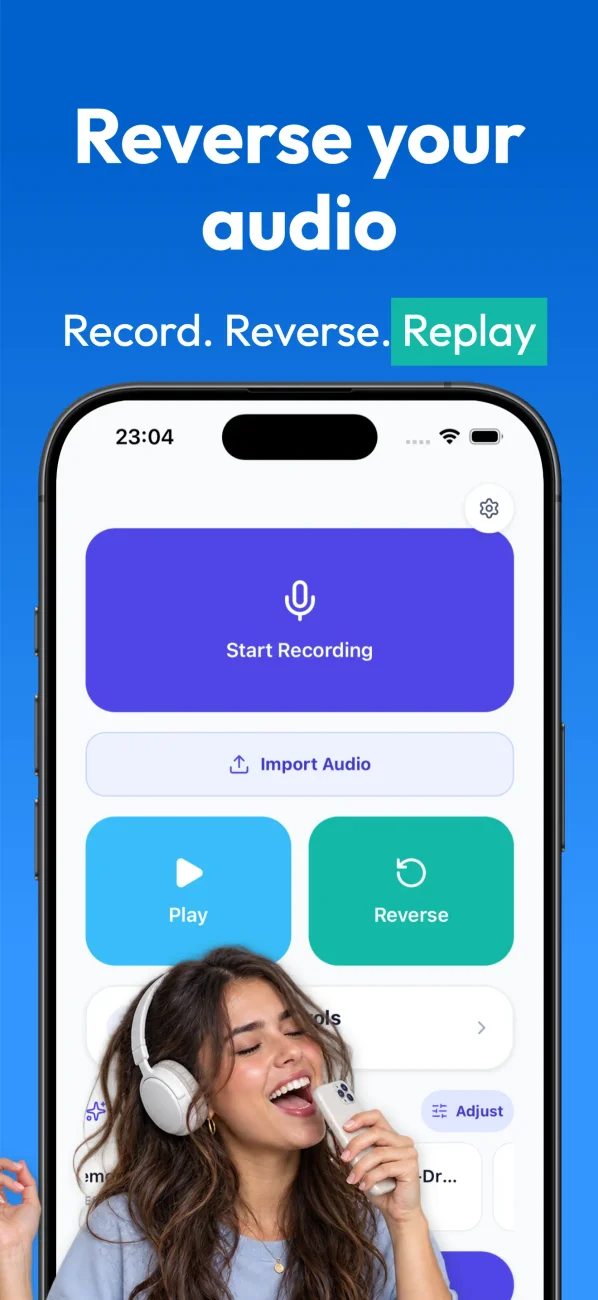
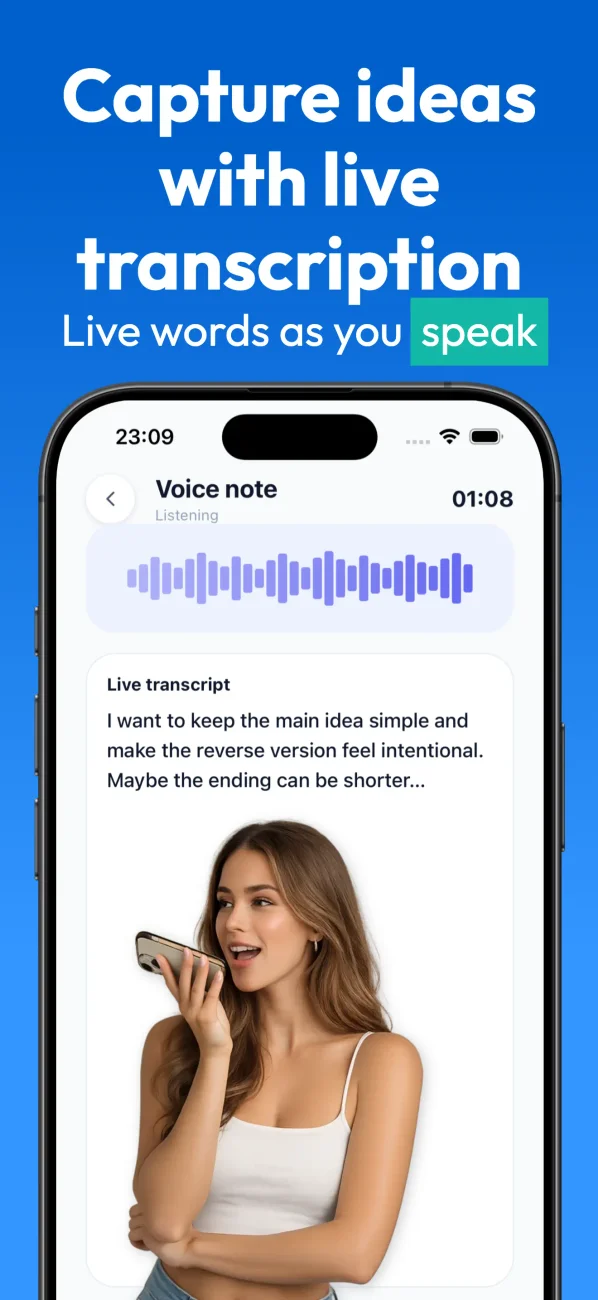
Turn everyday recordings into something unexpected with Reverse Audio. Record a voice, import an audio clip, play it backwards, and save a version you can revisit or share. It is a simple creative audio studio for reverse singing challenges, funny messages, spoken experiments, and quick sound ideas.
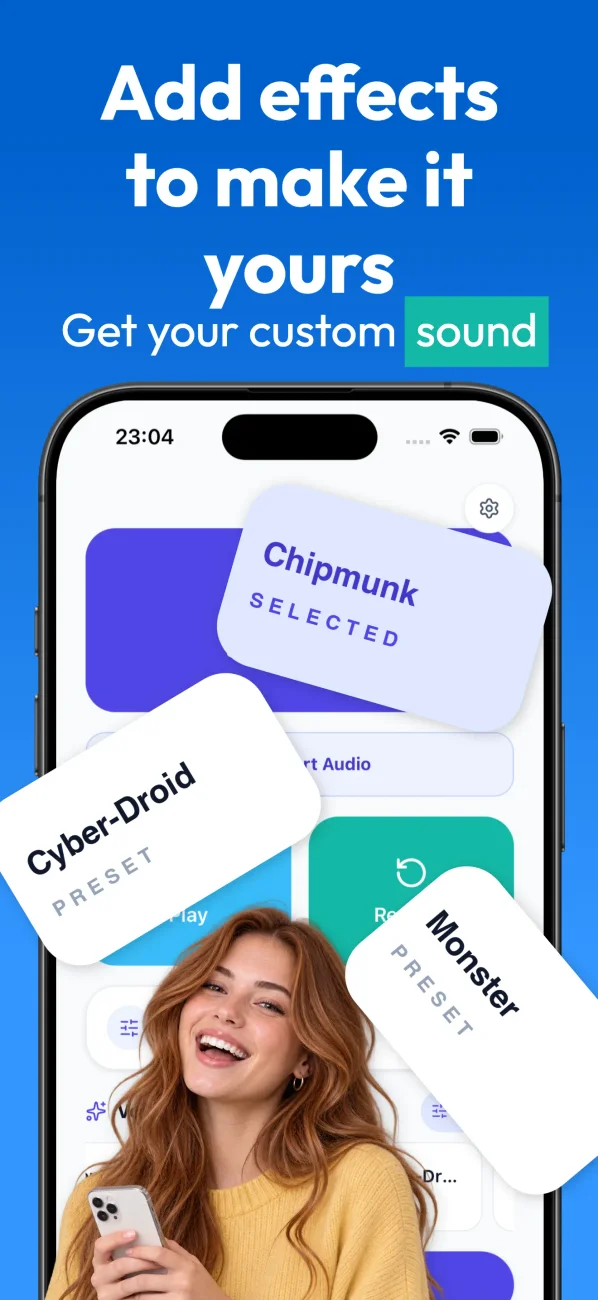
Reverse playback is the focus: keep the original recording safe while you experiment with a backwards version. Fine-tune playback controls, preview the result without changing your source, and build multiple saved versions from the same recording. Add an effect when you want a different character, from subtle color to a more playful transformation. Selected voice effects are Premium and require a subscription.
KEY FEATURES
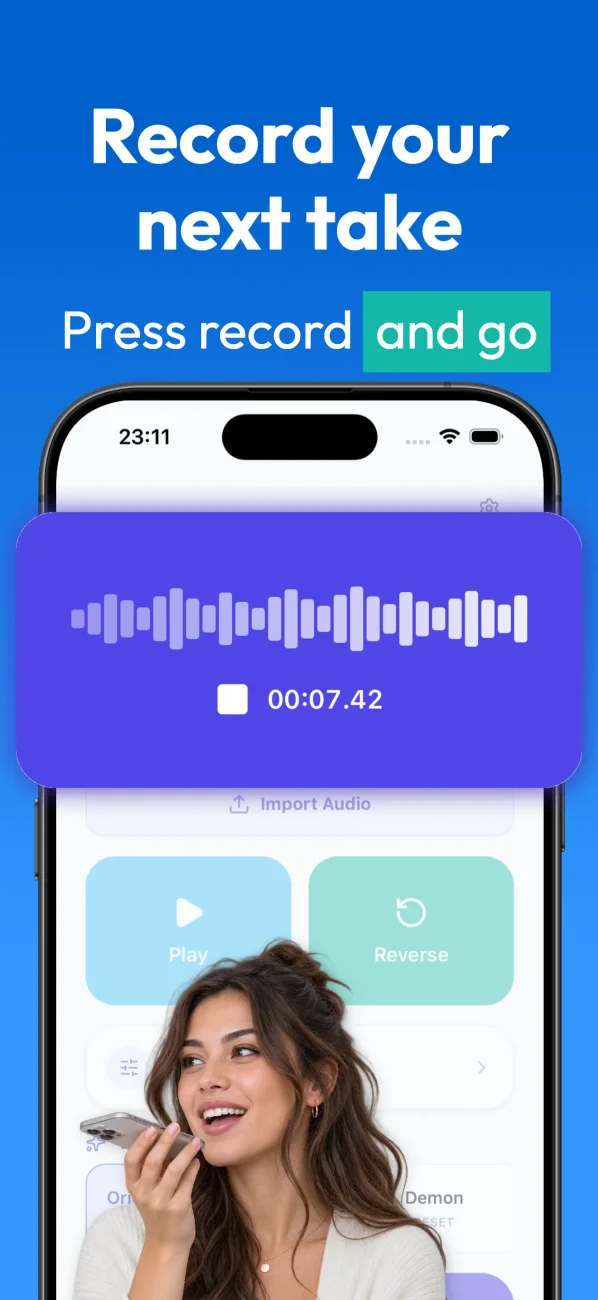
• Record clear audio for quick reverse experiments.
• Import existing audio and keep the original available.
• Play recordings forward or backwards for easy comparison.
• Preview changes before saving a new version.
• Add free voice effects or unlock all effects with Premium.
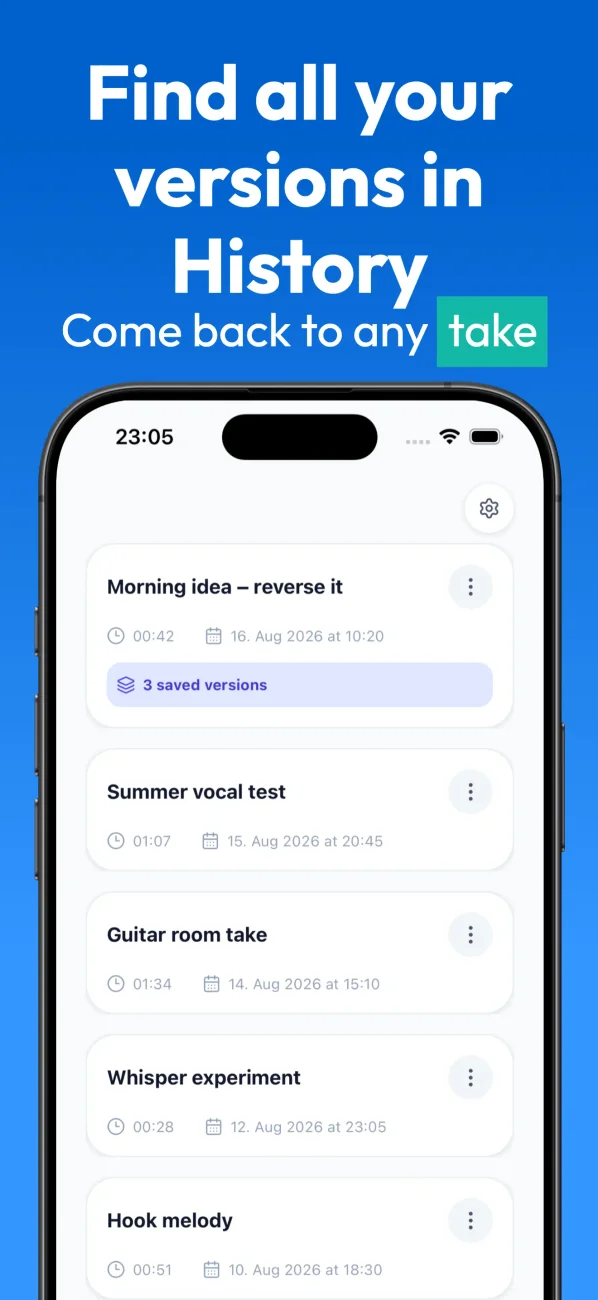
• Save processed versions in your history for later playback.
• Rename, revisit, share, and export the audio you create.
• Keep drafts and finished versions organized in one library.
HOW IT WORKS
Start by recording a new clip or choosing audio you already have. After the source is loaded, select the playback direction and listen to the result. Choose an effect if you want to reshape the sound, adjust the available controls, and preview the combination. When the version feels right, save it as a separate processed copy so the original remains available. Return to your history whenever you want to compare saved versions, make another variation, or share an export.
WHY REVERSE AUDIO
Reverse Audio keeps a focused creative workflow close at hand. You do not need a complicated timeline to test a backwards idea: capture or import, preview, save, and return when inspiration strikes. Separate drafts and versions make it easy to experiment without losing the source that started it all.
PERFECT FOR
• Trying reverse singing and backwards speech challenges.
• Making playful voice clips for friends and family.
• Exploring how a melody, phrase, or sound changes in reverse.
• Creating quick audio variations for personal projects.
• Saving several effect combinations from one recording.
Reverse Audio is designed for creative listening and editing. Results depend on the quality and length of the source audio, so preview each version before sharing it.
Terms of Use: https://mobile.bitechunk.com/terms-of-service
Privacy Policy: https://mobile.bitechunk.com/privacy-policy
Record a clip, flip it around, and hear your audio in a new direction.
App privacy
What Kelvin Williams declares on the App Store about how this app handles data.
-
Data not linked to you
May be collected but is not linked to your identity.
- Purchases
- Diagnostics
Privacy practices may vary, for example with the features you use or your age.
Information
- Seller
- Kelvin Williams
- Category
- Music
- Version
- 1.0
- Updated
- Sep 21, 2026
- Released
- Sep 21, 2026
- Size
- 67.0 MB
- Requires
- iOS 16.4 or later
- Age rating
- 4+
- Price
- Free
- Languages
- English
- Copyright
- © 2026 Kelvin Williams
You might also like
-
 Reverse Singing: Audio & PlayVoice Changer & AI Song Maker
-
 Reverse Audio Pro: BackwardsRecord Voice & Sing Challenge
-
 Reverse Audio: Sing FunPlay Backwards, Voice Recorder
-
 Reverse Audio: Voice RecorderPlay Backwards, Sing & Share
-
 Reverse Sing: Audio ChallengeBackwards Voice Recorder Fun
-
 Reverse Singing: Challenge AppFunny Voice Game & Audio Fun
-
 Reverse Audio & Singing GameReverse Play & Voice Challenge
-
 Reverse Audio: Voice & SingingTalk Backwards Challenge Game
-
 Reverse Audio ®Backwards Singing Challenge
-
 Reverse Audio ™Play Voice Reverser Singing