- 対象年齢4+
- カテゴリミュージック
- 開発元Kelvin Williams
- 言語英語
- サイズ67.0 MB
App Storeの公式ページにリンクしています
Download.orgはReverse Audio Play Backwardsのファイルを一切ホストしていません。ボタンを押すと、Kelvin Williamsが公開しているApp Storeのアプリページが開きます。ページの最終確認:2026/11/29。
スクリーンショット

概要
開発元はこのテキストをお使いの言語で提供していません。
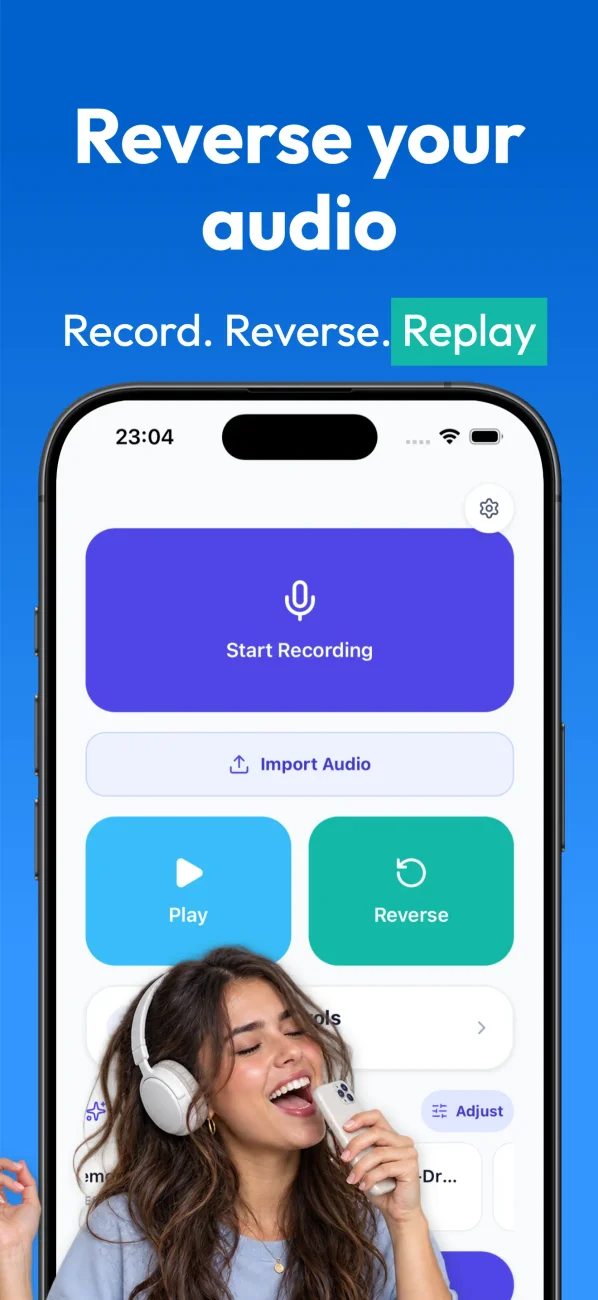
Turn everyday recordings into something unexpected with Reverse Audio. Record a voice, import an audio clip, play it backwards, and save a version you can revisit or share. It is a simple creative audio studio for reverse singing challenges, funny messages, spoken experiments, and quick sound ideas.
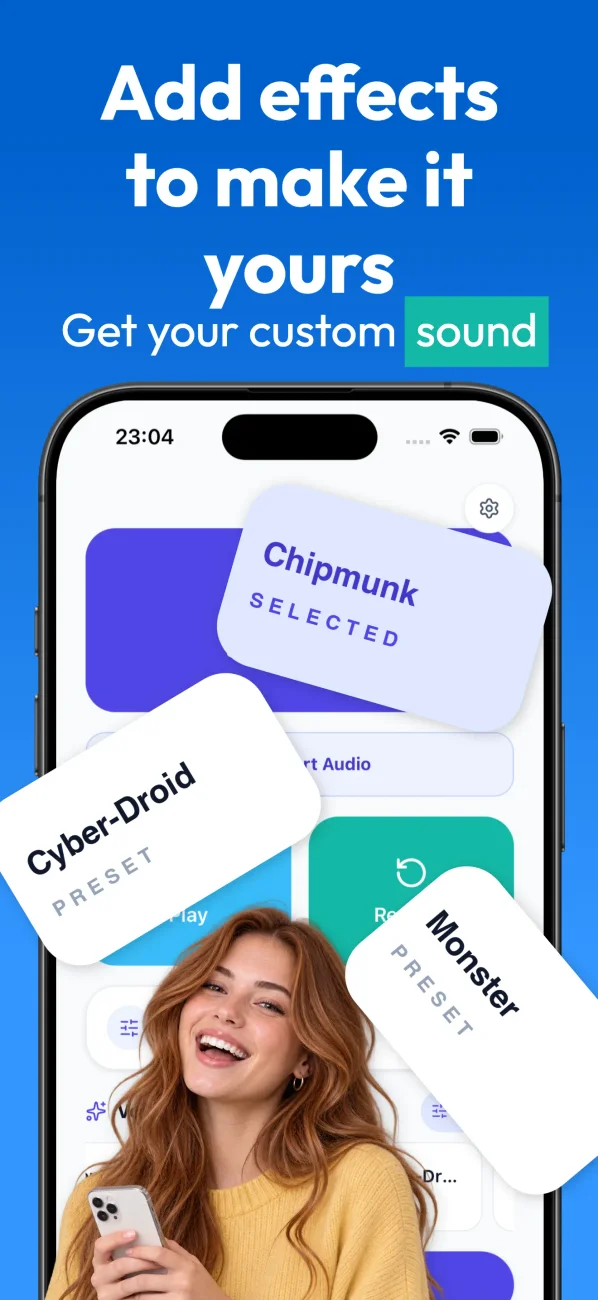
Reverse playback is the focus: keep the original recording safe while you experiment with a backwards version. Fine-tune playback controls, preview the result without changing your source, and build multiple saved versions from the same recording. Add an effect when you want a different character, from subtle color to a more playful transformation. Selected voice effects are Premium and require a subscription.
KEY FEATURES
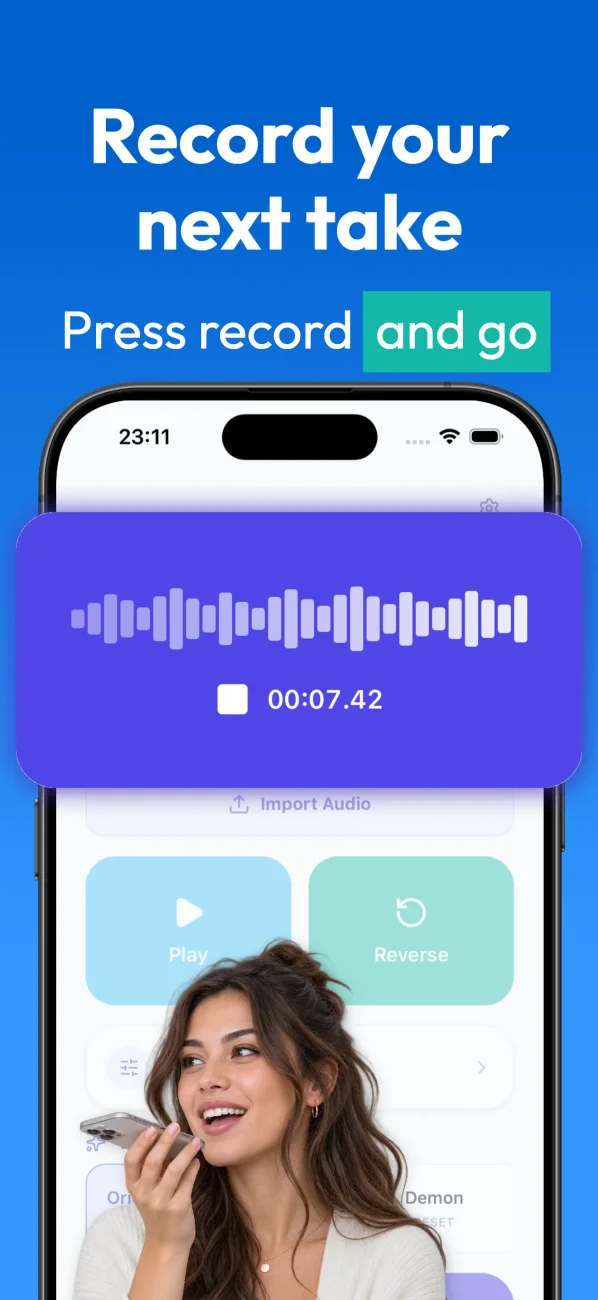
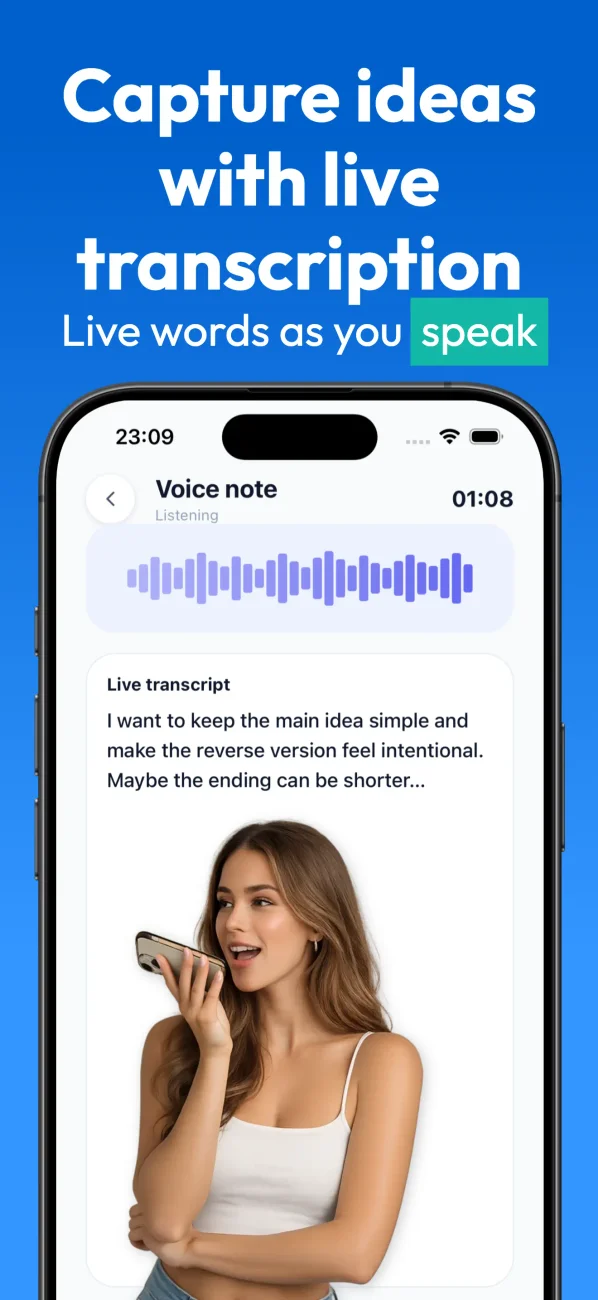
• Record clear audio for quick reverse experiments.
• Import existing audio and keep the original available.
• Play recordings forward or backwards for easy comparison.
• Preview changes before saving a new version.
• Add free voice effects or unlock all effects with Premium.
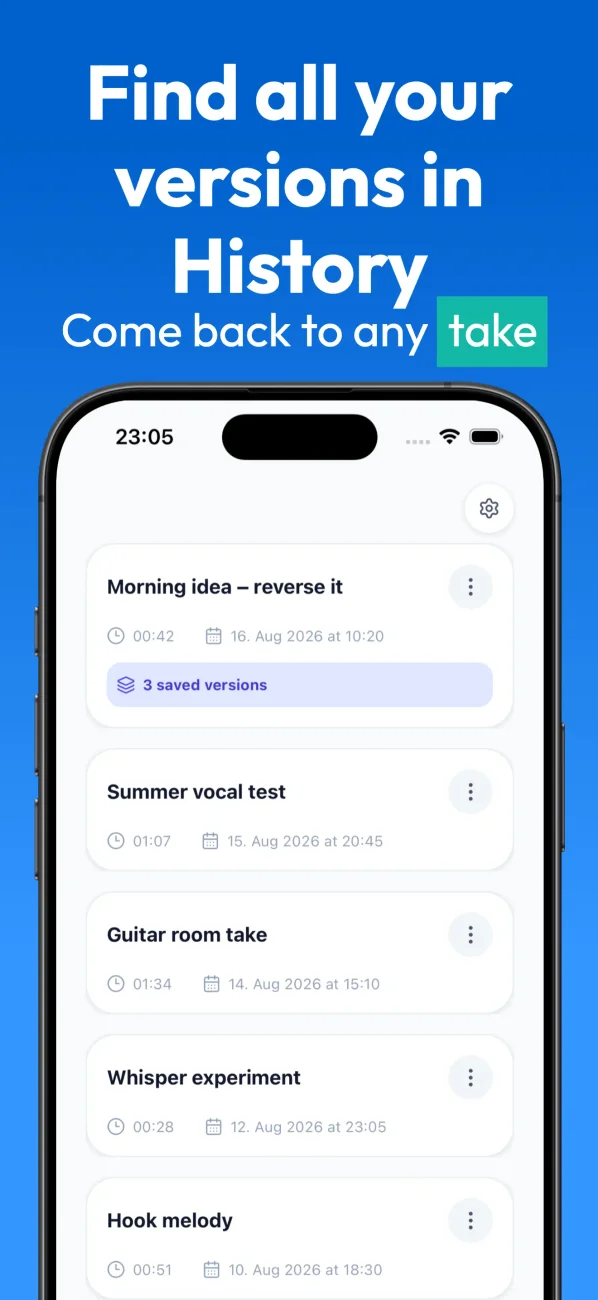
• Save processed versions in your history for later playback.
• Rename, revisit, share, and export the audio you create.
• Keep drafts and finished versions organized in one library.
HOW IT WORKS
Start by recording a new clip or choosing audio you already have. After the source is loaded, select the playback direction and listen to the result. Choose an effect if you want to reshape the sound, adjust the available controls, and preview the combination. When the version feels right, save it as a separate processed copy so the original remains available. Return to your history whenever you want to compare saved versions, make another variation, or share an export.
WHY REVERSE AUDIO
Reverse Audio keeps a focused creative workflow close at hand. You do not need a complicated timeline to test a backwards idea: capture or import, preview, save, and return when inspiration strikes. Separate drafts and versions make it easy to experiment without losing the source that started it all.
PERFECT FOR
• Trying reverse singing and backwards speech challenges.
• Making playful voice clips for friends and family.
• Exploring how a melody, phrase, or sound changes in reverse.
• Creating quick audio variations for personal projects.
• Saving several effect combinations from one recording.
Reverse Audio is designed for creative listening and editing. Results depend on the quality and length of the source audio, so preview each version before sharing it.
Terms of Use: https://mobile.bitechunk.com/terms-of-service
Privacy Policy: https://mobile.bitechunk.com/privacy-policy
Record a clip, flip it around, and hear your audio in a new direction.
アプリのプライバシー
このアプリのデータの取り扱いについて、Kelvin WilliamsがApp Storeで申告している内容です。
-
ユーザーに関連付けられないデータ
収集される場合がありますが、ユーザーの識別情報には関連付けられません。
- 購入
- 診断
プライバシーの取り扱いは、ご利用の機能やお客様の年齢などに応じて異なる場合があります。
情報
- 販売元
- Kelvin Williams
- カテゴリ
- ミュージック
- バージョン
- 1.0
- 更新日
- 2026/9/21
- リリース
- 2026/9/21
- サイズ
- 67.0 MB
- 必要条件
- iOS 16.4以降
- 対象年齢
- 4+
- 価格
- 無料
- 言語
- 英語
- 著作権
- © 2026 Kelvin Williams
こちらもおすすめ
-
 Reverse Singing: Audio & Playミュージック
-
 逆再生オーディオ: 声と歌のチャレンジマイクで録った声をすぐ逆再生してループ
-
 Reverse AudioPlay Backwards, Voice Recorder
-
 逆再生:録音・ボイスレコーダー音声・歌・クイズで楽しく遊ぶ
-
 Reverse Sing 逆再生ボイス逆再生チャレンジと録音編集
-
 逆再生で歌う: チャレンジ音声を録音するか、オーディオをアップロードして逆再生します
-
 Reverse Voice: 逆再生ボイス音声・録音をかんたん逆再生
-
 The 逆再生 - 逆再生アプリ・逆から歌う逆再生チャレンジ録音した声を逆再生!逆さ言葉の伝言ゲームも
-
 Reverse Audio ®ミュージック
-
 Reverse Audio ™ミュージック