
Reverse Magic Video Editor
Video Editing & Reverse App
Designed for iPhone, iPad, iPod touch
Free · In-app purchases
- Age rating4+
- CategoryPhoto & Video
- DeveloperKeylogic Infotech Private Limited
- LanguagesEnglish
- Size167.9 MB
Links to the official App Store page
Download.org hosts no file of Reverse Magic Video Editor. The button opens its official App Store page, published by Keylogic Infotech Private Limited. Listing last checked on Nov 17, 2026.
Screenshots


About
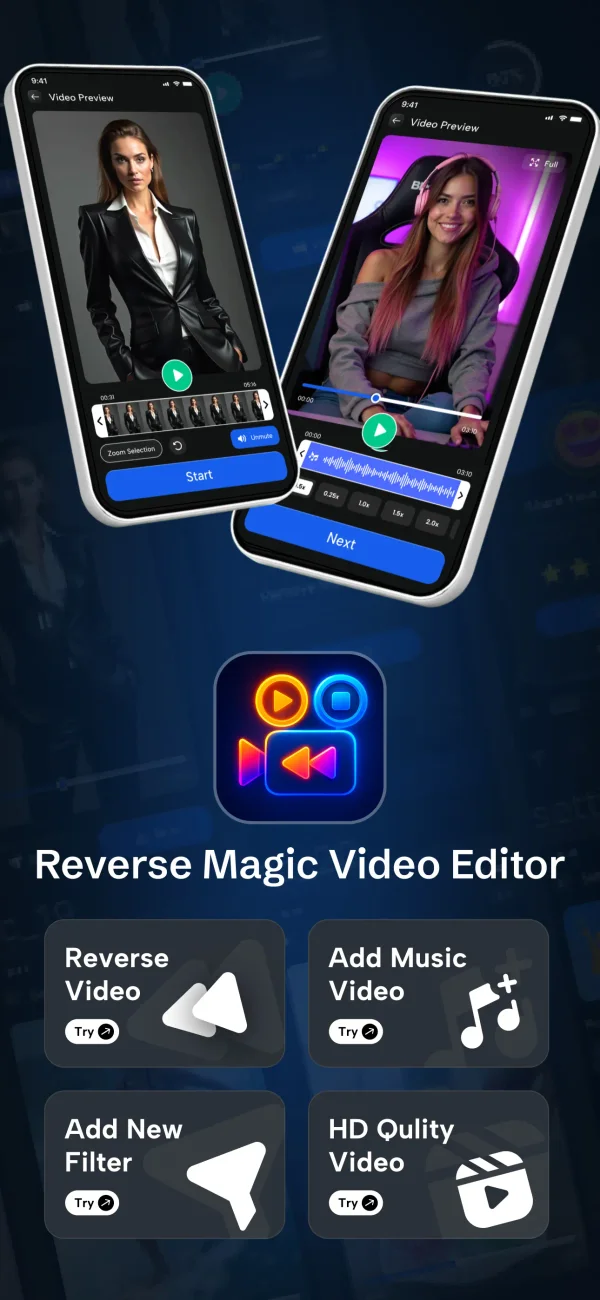
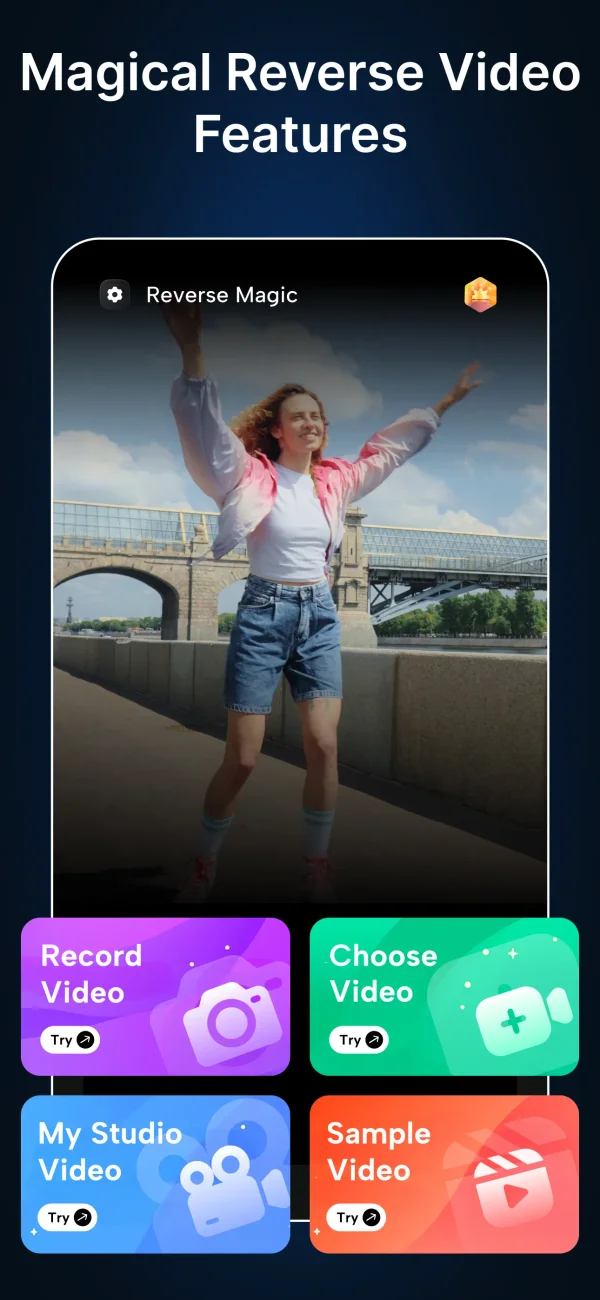
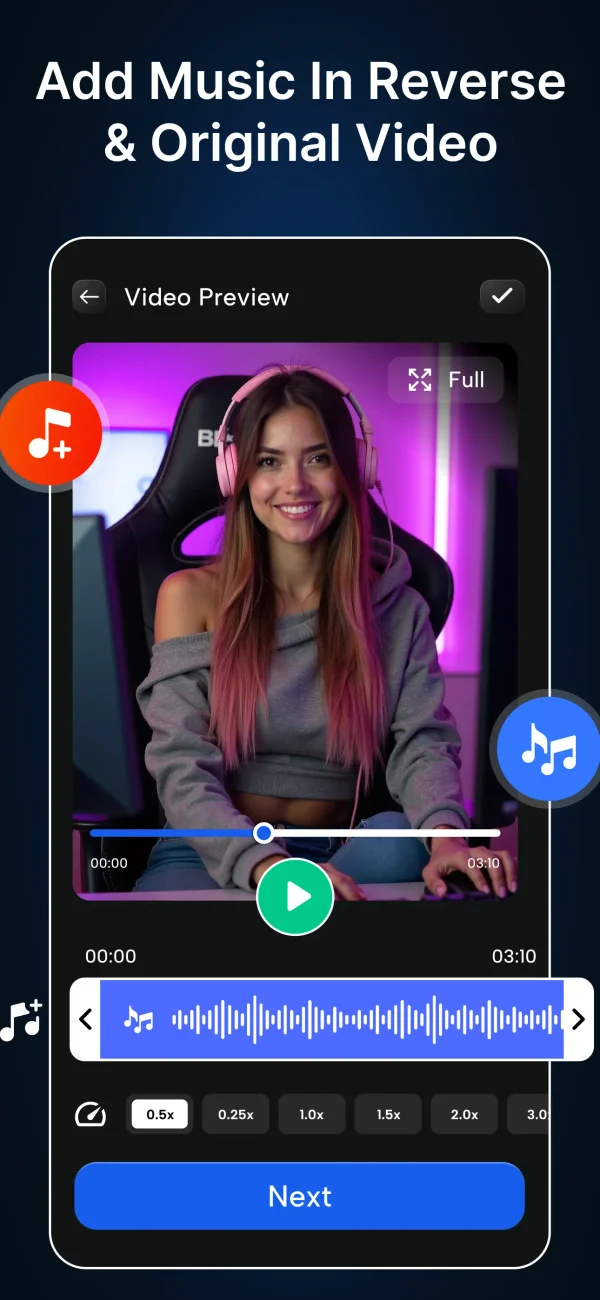
Reverse Magic Video Editor is your all-in-one video reversing app that turns ordinary clips into fun, creative, and magical moments! Whether you're making a funny rewind video, a cool trick shot, or a unique social media post, this app gives you everything you need — all in a simple, easy-to-use interface.
With just one tap, you can reverse any video, apply eye-catching filters, add music, trim clips, and export in full HD. It's perfect for content creators, vloggers, influencers, and anyone who wants to stand out online.
Top Features of Reverse Magic Video Editor:
# Video Reversing
Reverse any video in one tap
Watch actions play backward for a cool rewind effect
Ideal for trick shots, slow-motion reversals, and creative edits
# Filters & Effects
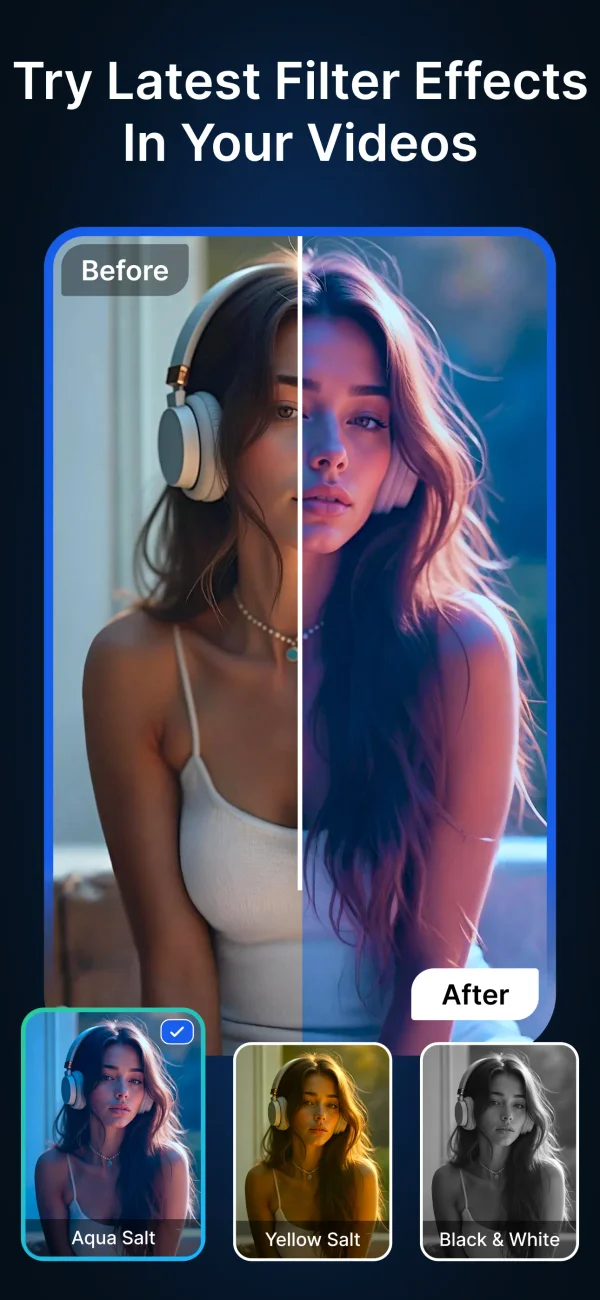
Add stylish video filters to enhance your visuals
Apply fun effects to make your videos pop
Great for social media content creation
# Trim & Edit
Cut unwanted parts before reversing
Fine-tune your clips for the best result
# Music & Audio
Add background music or sound effects
Mute original sound if needed
# HD Video Export
Save your reversed videos in high definition
No watermark (optional or with pro version)
Optimized for sharing on social media platforms.
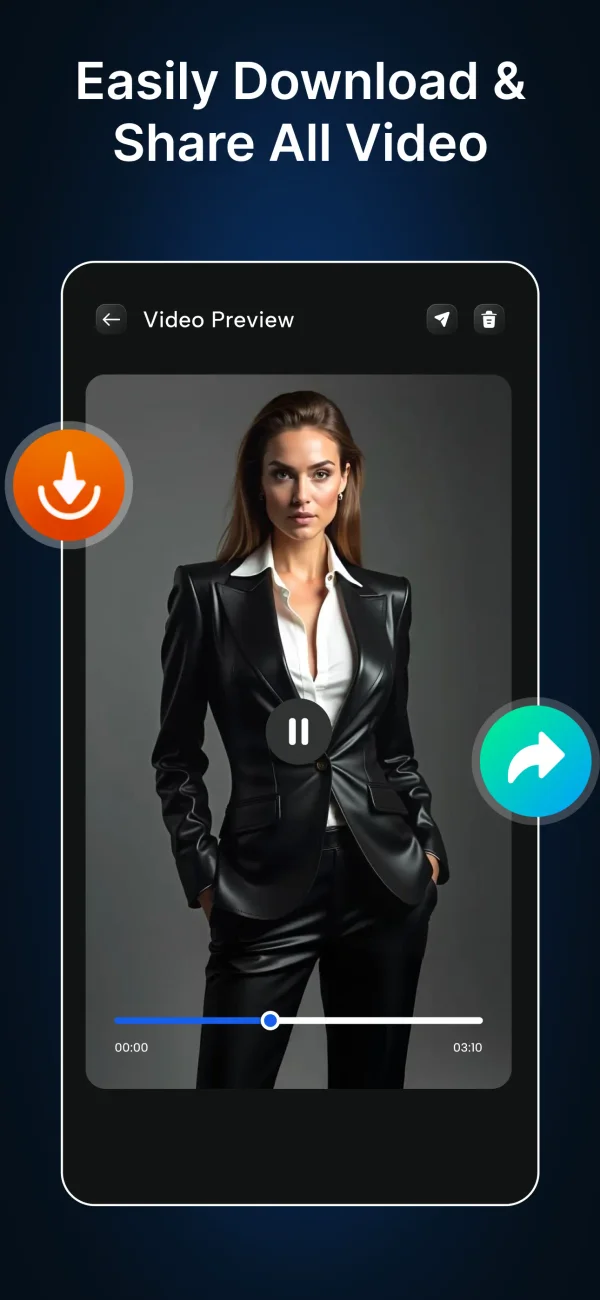
# Simple Sharing
Share your videos directly to social media
-Fast export and lightweight file sizes
-Create content that grabs attention instantly
-Whether you're playing with your pet, doing a dance, or capturing nature in motion Reverse Magic Video Editor brings your imagination to life.
-No professional skills required. Just tap, edit, and amaze!
-You can use sample videos given on home page for reference.
==> Download now and start creating reverse magic today!
Terms of Use: https://www.apple.com/legal/internet-services/itunes/dev/stdeula/
What’s new
Version 1.4.3 · Feb 7, 2026
-> Increased speed of video conversion
-> Change minor UI for full screen and normal screen in player
-> Minor bug fixes and performance improvements.
App privacy
What Keylogic Infotech Private Limited declares on the App Store about how this app handles data.
-
Data used to track you
May be used to track you across apps and websites owned by other companies.
- Identifiers
- Usage data
-
Data not linked to you
May be collected but is not linked to your identity.
- Identifiers
- Usage data
Privacy practices may vary, for example with the features you use or your age.
Information
- Seller
- Keylogic Infotech Private Limited
- Category
- Photo & Video
- Version
- 1.4.3
- Updated
- Feb 7, 2026
- Released
- Jun 4, 2015
- Size
- 167.9 MB
- Requires
- iOS 15 or later
- Age rating
- 4+
- Price
- Free
- In-app purchases
- Yes
- Languages
- English
- Copyright
- © 2022 Keylogic Infotech
You might also like
-
 Reverse Video Movie MakerPhoto & Video
-
 Reverse Video - Backwards PlayReverse,Slo-Mo,Trim,Add Music
-
 ReverseFilmReverse film
-
 Reverse Video: Trim & RewindVideo Reverse & Rewind
-
 VideoReverser: Reverse VideoReverse Audio & Live Wallpaper
-
 reverse video editor movie fxReverse video, Loop video App
-
 Slow Fast Reverse Motion VideoAll Video Motion Effects
-
 Reverse Video Editor - ReVideoBoomerang maker & video looper
-
 Rewind: Reverse Video EditorPlay & Replay Backwards Vids
-
 Reverse Cam- Slow Motion VideoPhoto & Video