
- Age rating4+
- CategoryPhoto & Video
- DeveloperSergio Alejandro Torres Martinez
- LanguagesEnglish
- Size910.0 KB
Links to the official App Store page
Download.org hosts no file of ReverseFilm. The button opens its official App Store page, published by Sergio Alejandro Torres Martinez. Listing last checked on Nov 18, 2026.
Screenshots
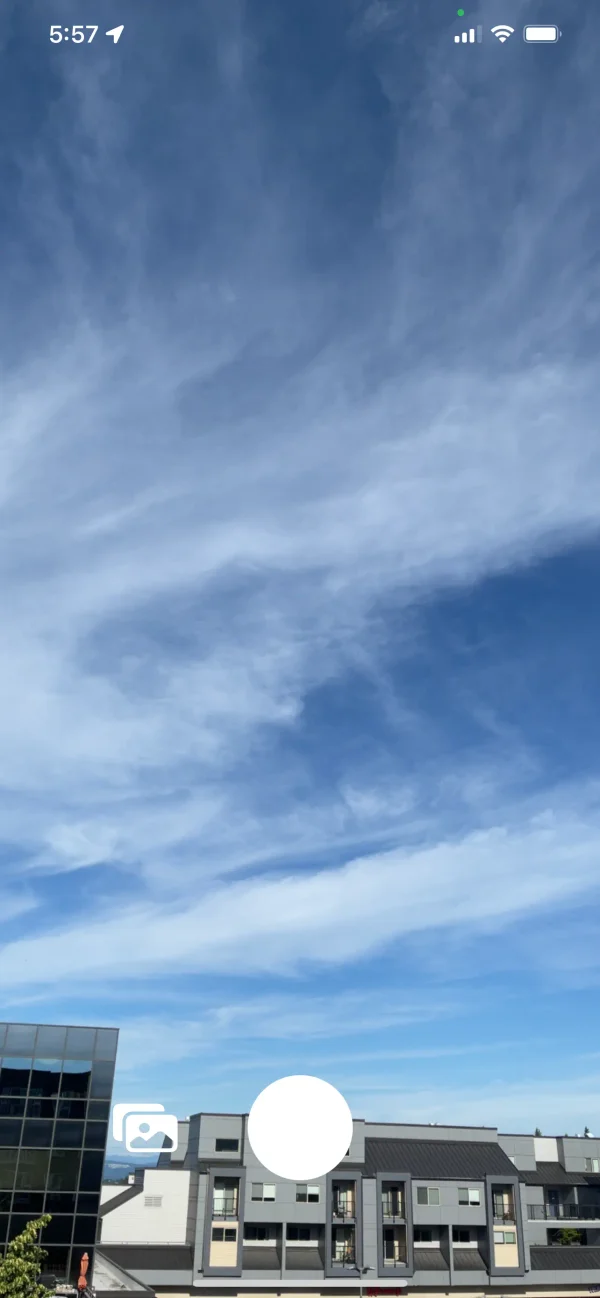

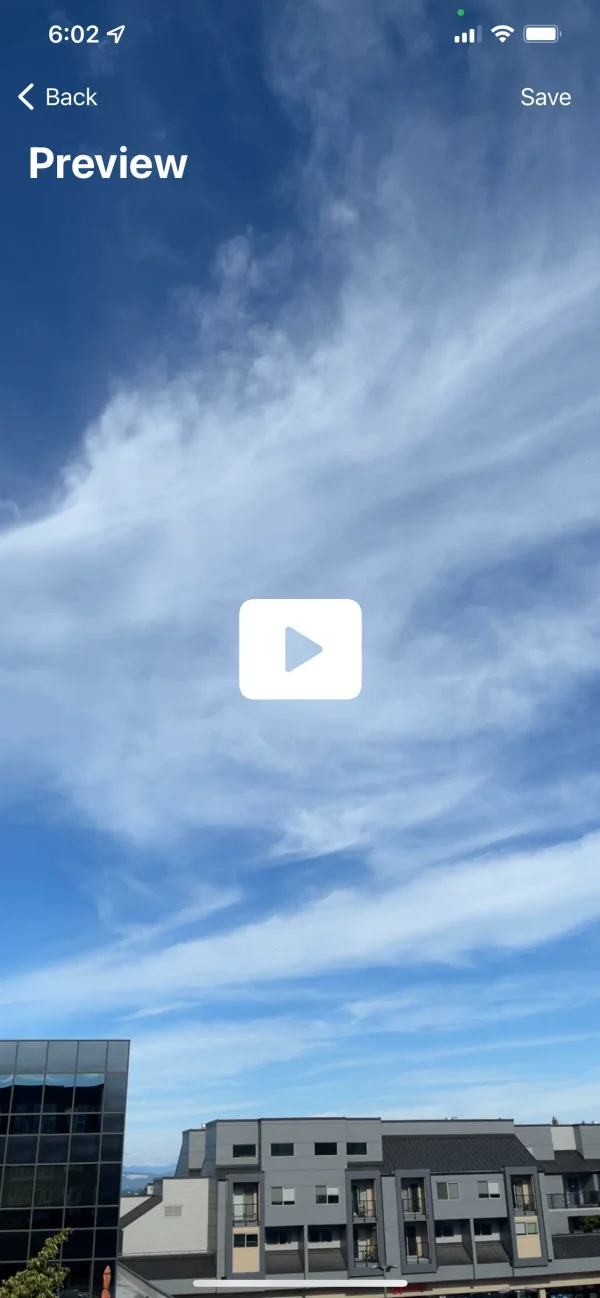
About
ReverseFilm records with the highest resolution from your camera and uses the best resolution from your videos.
Steps to record:
1. Open ReverseFilm.
2. Select Camera.
3. Record.
4. Save.
5. Enjoy.
We will listen to your feedback to improve ReverseFilm and add new features.
What’s new
Version 1.2.0 · Nov 13, 2025
Crushed some bugs.
App privacy
What Sergio Alejandro Torres Martinez declares on the App Store about how this app handles data.
-
Data not collected
The developer does not collect any data from this app.
Privacy practices may vary, for example with the features you use or your age.
Information
- Seller
- Sergio Alejandro Torres Martinez
- Category
- Photo & Video
- Version
- 1.2.0
- Updated
- Nov 13, 2025
- Released
- Oct 21, 2019
- Size
- 910.0 KB
- Requires
- iOS 16.6 or later
- Age rating
- 4+
- Price
- Free
- Languages
- English
- Copyright
- © Sergio Alejandro Torres
You might also like
-
 Reverse Video Movie MakerPhoto & Video
-
 Reverse Magic Video EditorVideo Editing & Reverse App
-
 VideoReverser: Reverse VideoReverse Audio & Live Wallpaper
-
 Reverse Video: Trim & RewindVideo Reverse & Rewind
-
 Rewind: Reverse Video EditorPlay & Replay Backwards Vids
-
 Reverse Video Editor - ReVideoBoomerang maker & video looper
-
 Reverse Cam- Slow Motion VideoPhoto & Video
-
 Slow Fast Reverse Motion VideoAll Video Motion Effects
-
 reverse video editor movie fxReverse video, Loop video App
-
 FlipFlow - Reverse videoBackwards, change video speed