RIFT Notes: Voice Memo to Text
Note to self, photos & map
Designed for iPhone, iPad, Mac
Free · In-app purchases
- Age rating4+
- CategoryProductivity
- DeveloperPrimary Vector Inc.
- LanguagesEnglish+ 13 more
- Size77.6 MB
Links to the official App Store page
Download.org hosts no file of RIFT Notes: Voice Memo to Text. The button opens its official App Store page, published by Primary Vector Inc. Listing last checked on Nov 26, 2026.
Screenshots

About
RIFT Notes is the fastest way to get a thought down.
Type it like a text. Say it and RIFT writes it out. Snap a photo. Your notes sync free across iPhone, iPad, and Mac.
No ads. No accounts. No subscription. No tracking.
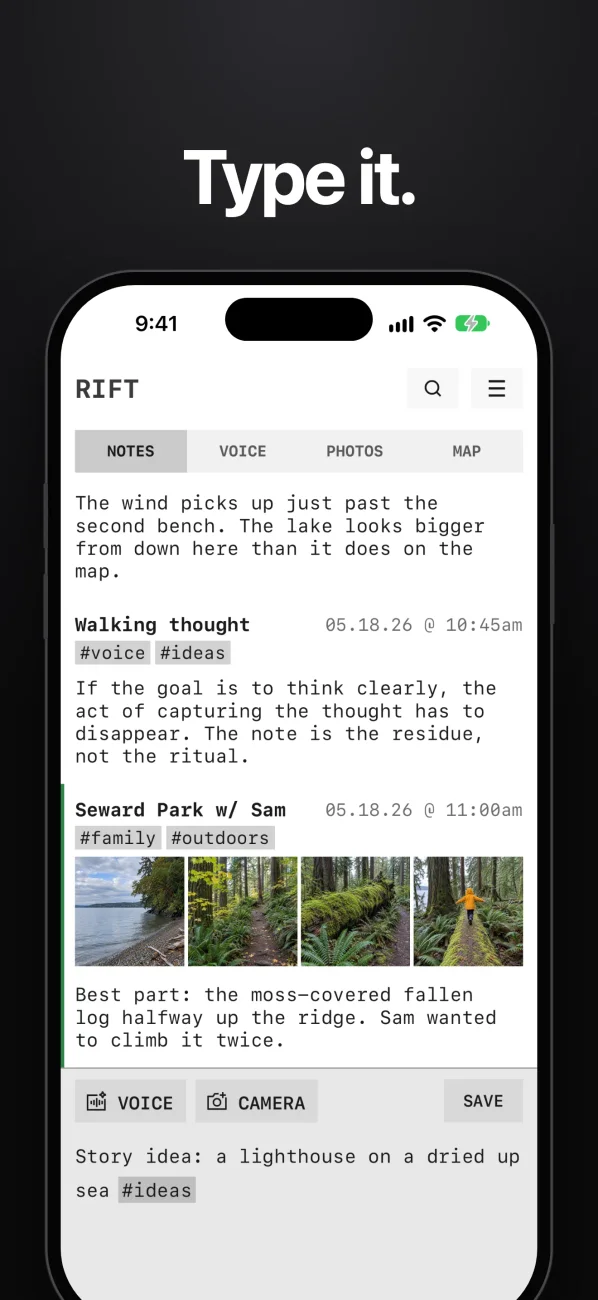
Type it
Write like you're texting yourself. Hit send and it's saved. Add a #tag and it's sorted.
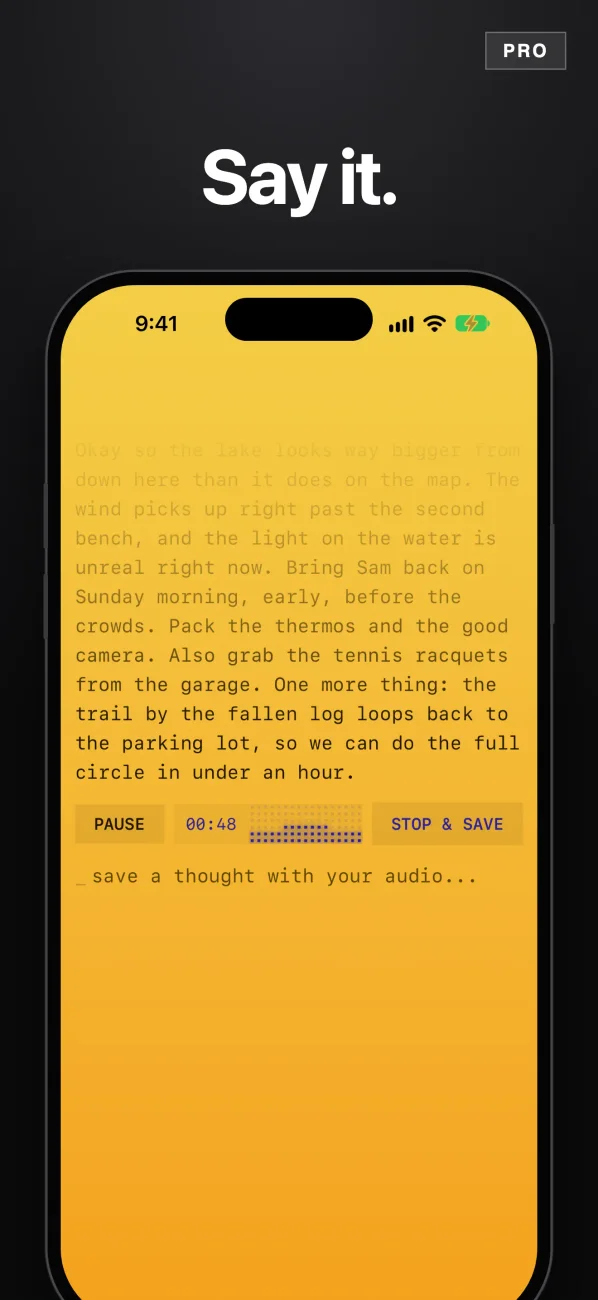
Say it
Talk, and RIFT turns it into text. It all happens on your device, so it works offline and your voice never goes anywhere to be transcribed.
Snap it
Take four photos in a row and they land in one note. Give them a Look: Pop Print, Thermal, Newsprint, CGA, and more amazing filters.
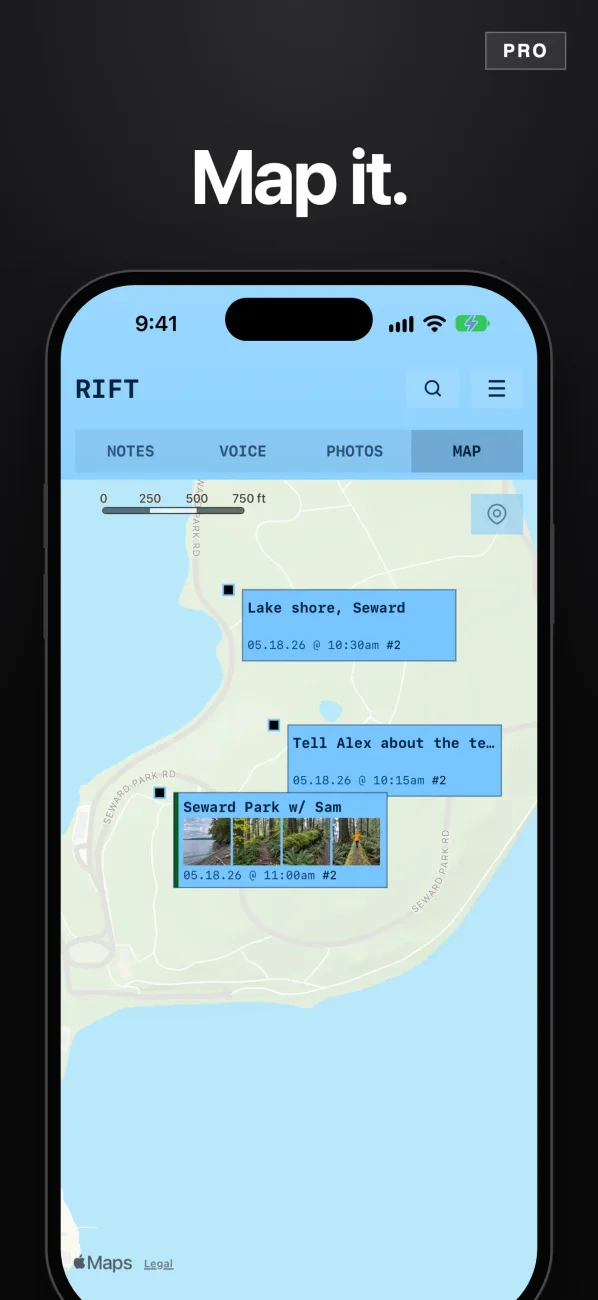
Map it
Notes can remember where you wrote them. Retrace your day, find that door code, or play a voice note back right where you recorded it.
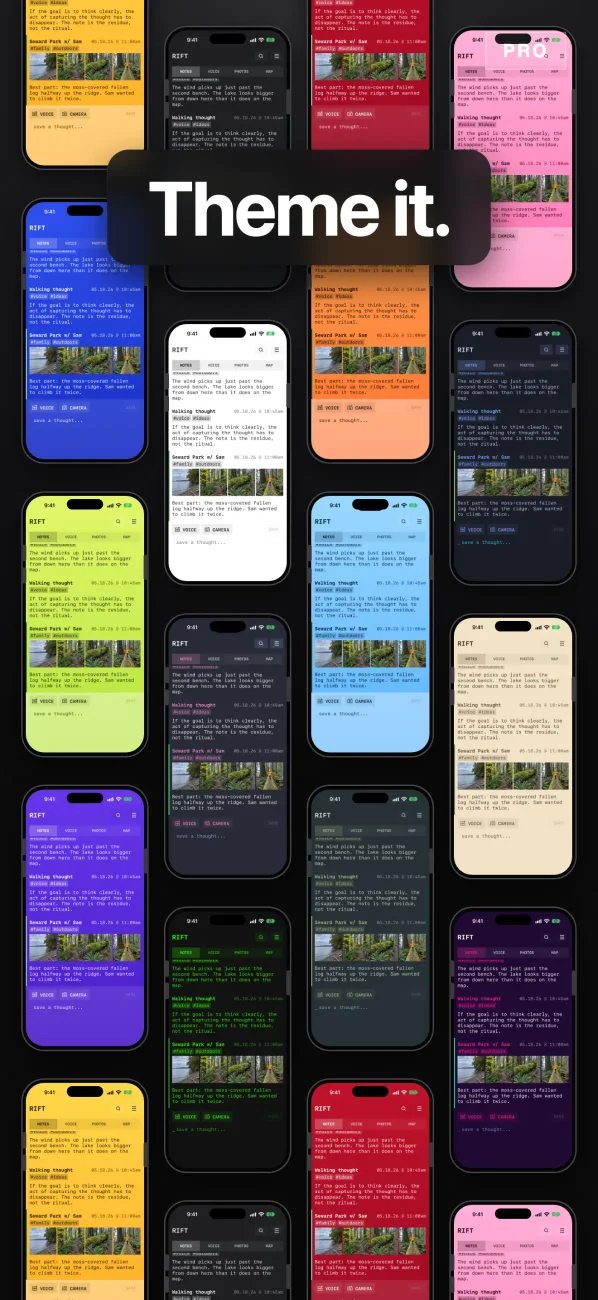
Theme it
Over 50 themes, from quiet paper to loud retro.
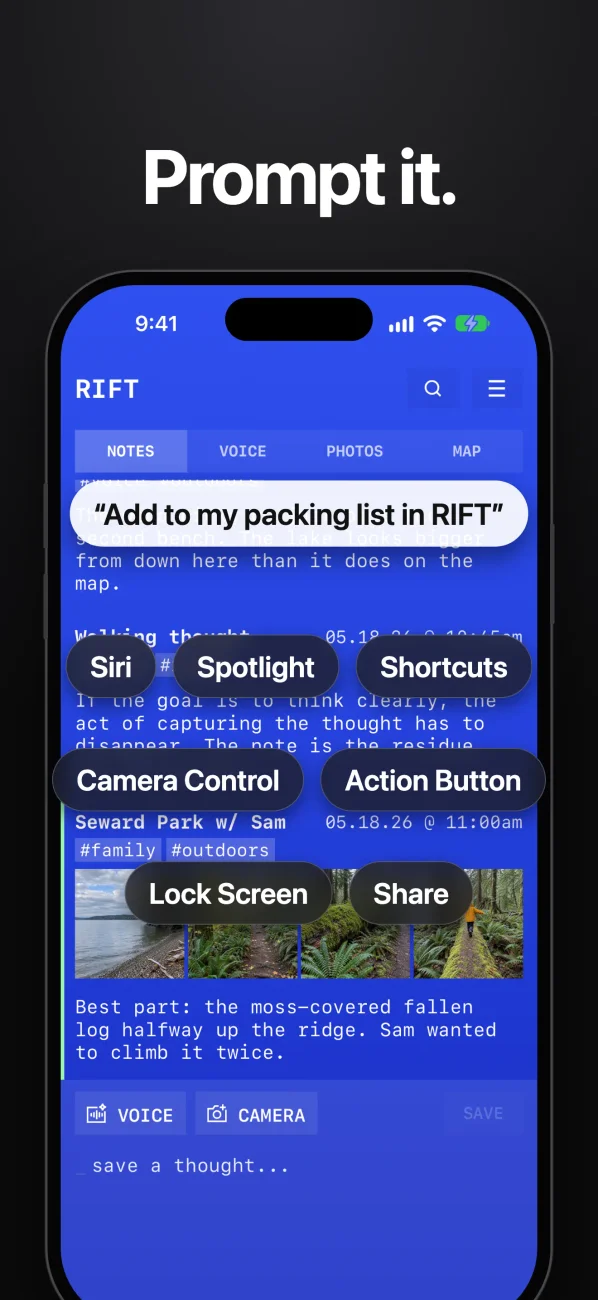
Prompt it
Add a note without opening the app. Use Siri, Spotlight, Shortcuts, the Action Button, Camera Control, Control Center, or the Share sheet.
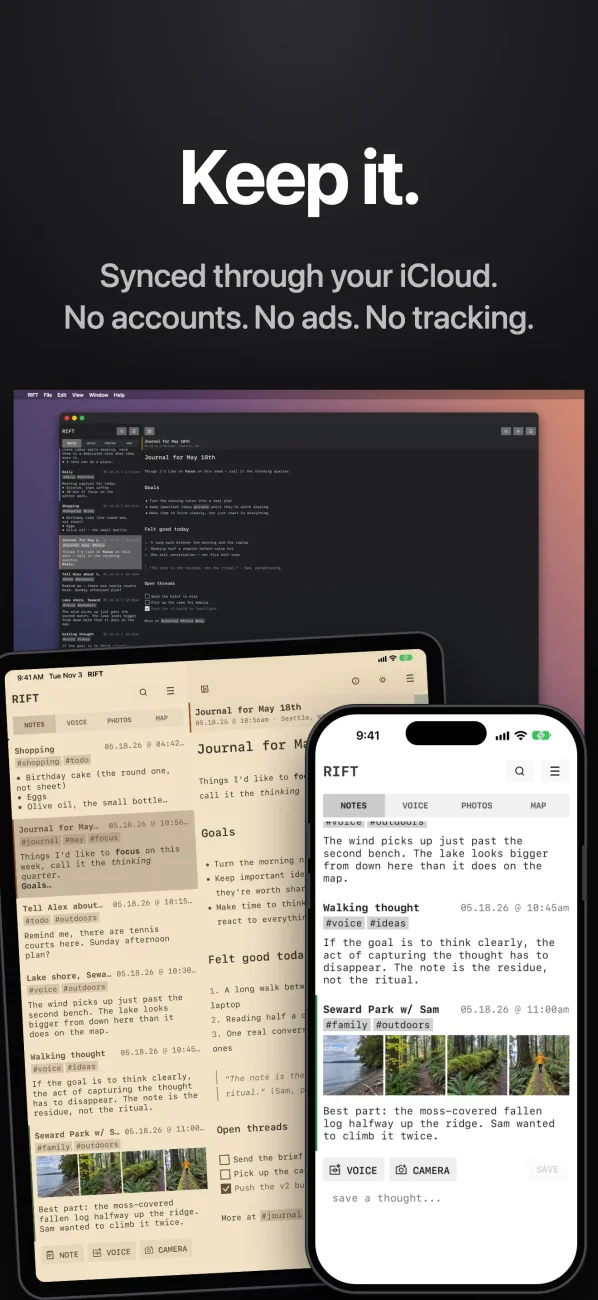
Keep it
Notes sync through your own iCloud, free on every device. Each note is also saved as a plain Markdown file in iCloud Drive, so any app can open it. If you ever leave, your notes come with you.
Also
• Bold, lists, and checklists show up as you type
• Search every word, or filter by tag or color
• Focus mode when you just want to write
• Quick Bar to jump anywhere from the keyboard
RIFT Pro (was PowerPack)
Pay once, keep it forever. RIFT Pro adds voice, the camera, the map, and themes. Writing, tags, search, and sync stay free for everyone. The Mac has its own RIFT Pro purchase. This was previously named PowerPack, if you've purchased the 'pack you have Pro.
Your notes live on your devices and in your iCloud. We can't see them at all.
Free to download.
What’s new
Version 2.1.1 · Nov 24, 2026
RIFT Notes 2.1.1
- Now made for iPhone Duo!
- Powerpack is now RIFT Pro. If you bought Powerpack, you already have it.
- iCloud sync is free for everyone.
- New camera: four shots per note, with Looks and sharing frames.
- Cleaner voice transcripts, still offline.
- Choose light/dark themes and over 50 themes with more colorful bold options.
- Add notes with Siri, Control Center, or straight from the Lock Screen.
- Important bug fixes
App privacy
What Primary Vector Inc. declares on the App Store about how this app handles data.
-
Data not collected
The developer does not collect any data from this app.
Privacy practices may vary, for example with the features you use or your age.
Information
- Seller
- Primary Vector Inc
- Category
- Productivity
- Version
- 2.1.1
- Updated
- Nov 24, 2026
- Released
- Feb 13, 2025
- Size
- 77.6 MB
- Requires
- iOS 26.0 or later
- Age rating
- 4+
- Price
- Free
- In-app purchases
- Yes
- Languages
- English, Dutch, French, German, Italian, Japanese, Korean, Portuguese, Russian, Simplified Chinese, Spanish, Traditional Chinese + 2 more
- Copyright
- © 2026 Primary Vector Inc.
You might also like
-
 Alto Daily Habit TrackerStreaks and goals in Reminders
-
 Bebop: Quick NotesCapture ideas as plain text
-
 Markdown Note WidgetsInteractive Task Checklists
-
 Memotron - Your memory atlasPersonal knowledge management
-
 Stardate - AI Voice NotesTap, talk, done!
-
 Bleep - Visual Ideas & NotesBookmarks & images in boards
-
 Bookmark App: DoubleMemorySave links, images & notes
-
 Quick Draft for ObsidianCapture voice, text & photos
-
 Strata for Micro.blogNotes sync and sharing
-
 Godspeed – To Do ListBuilt for speed