Rilla Forms
Google Forms™ data collector
Designed for iPhone, iPad, iPod touch
Free
- Age rating4+
- CategoryProductivity
- DeveloperCyberTracker Conservation
- LanguagesEnglish
- Size180.8 MB
Links to the official App Store page
Download.org hosts no file of Rilla Forms. The button opens its official App Store page, published by CyberTracker Conservation. Listing last checked on Nov 14, 2026.
Screenshots
About
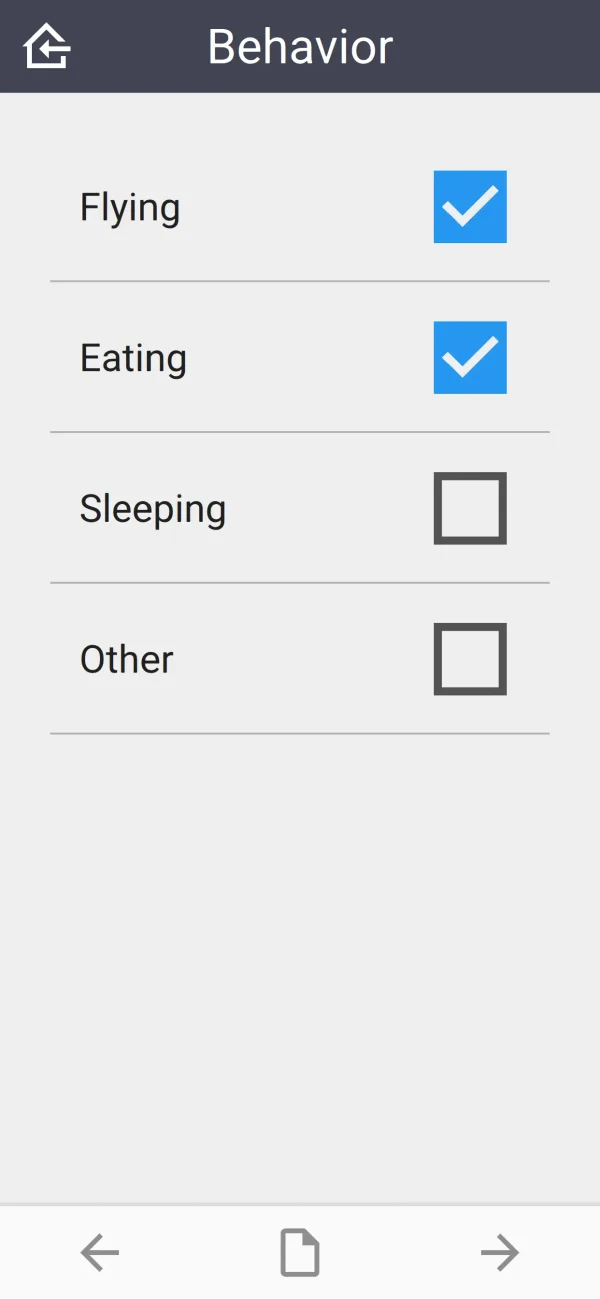
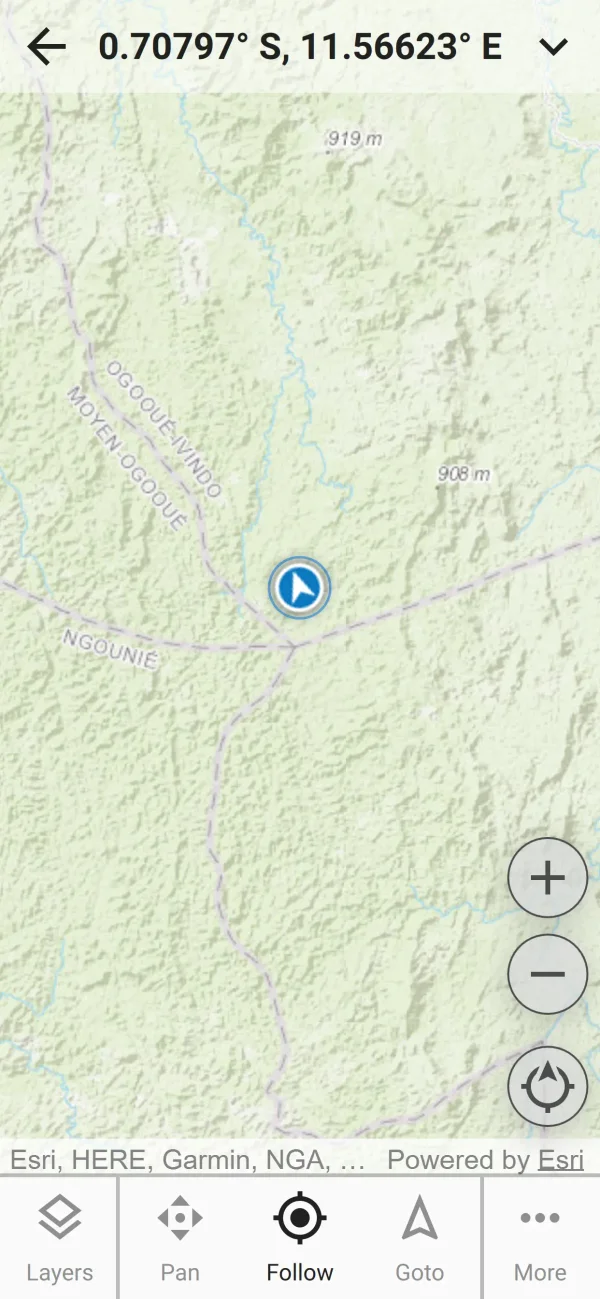
Google Forms™ is a simple and great tool for building web forms. With Rilla Forms, it can be used as a powerful and easy to use offline field data collection system.
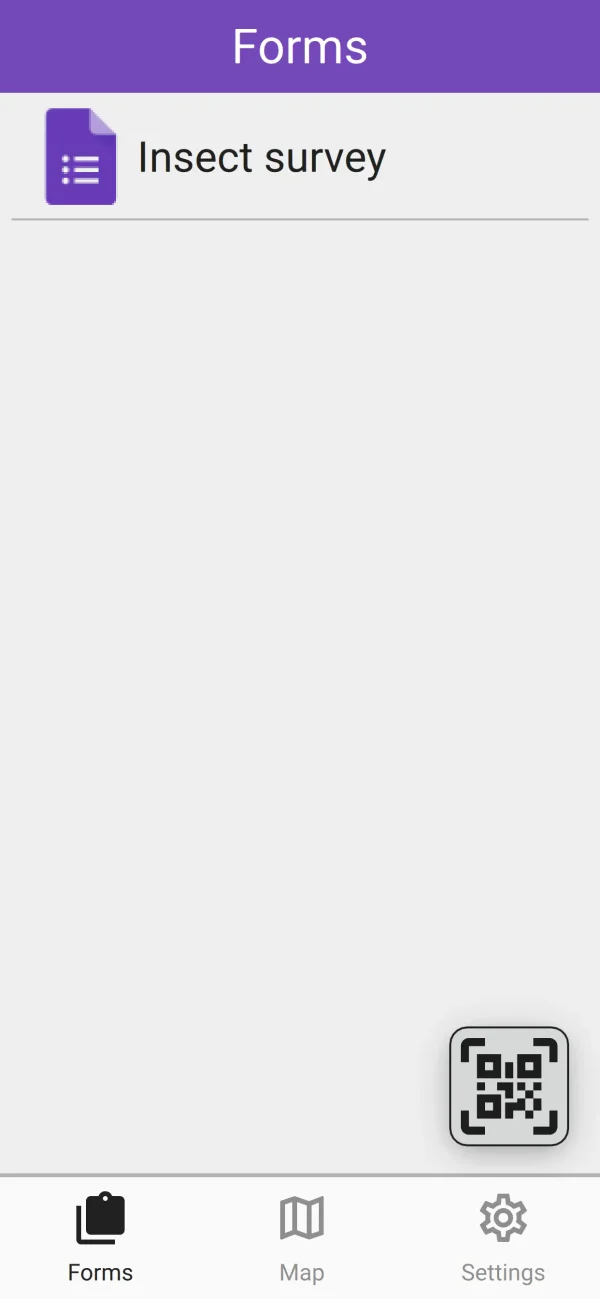
To begin, create a Google Form™ as you normally would and use the Rilla Forms add-on to publish it. This produces a QR code which you can scan. Then you can go into the field and fill in form data as many times as you like and upload it when you are online.
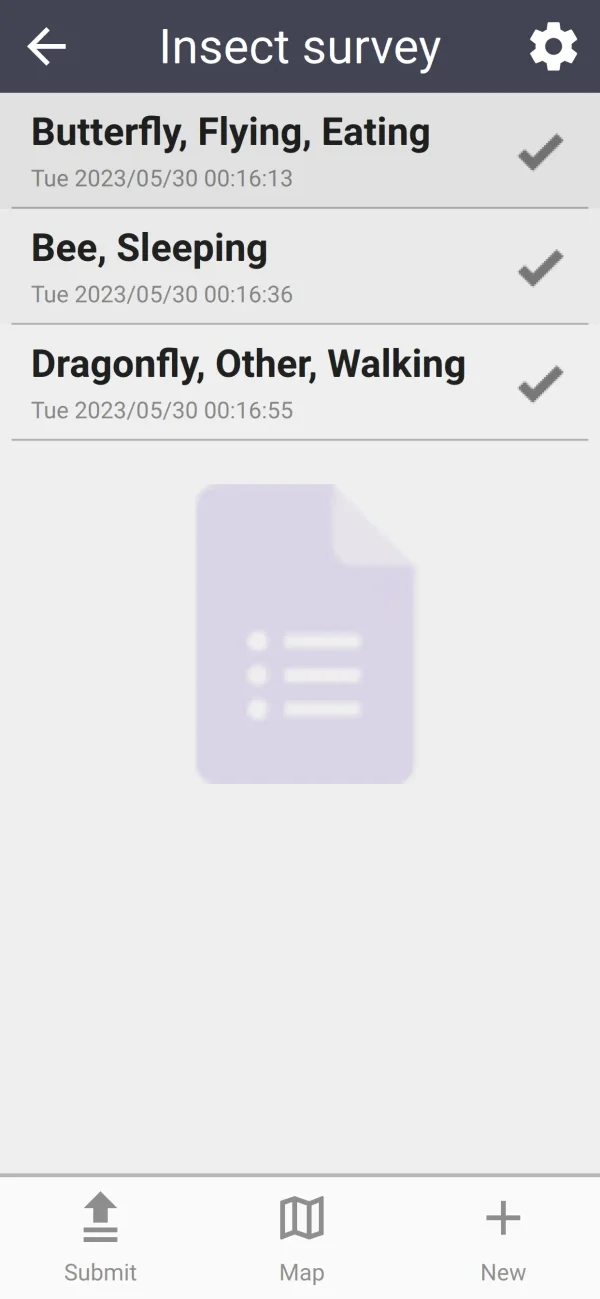
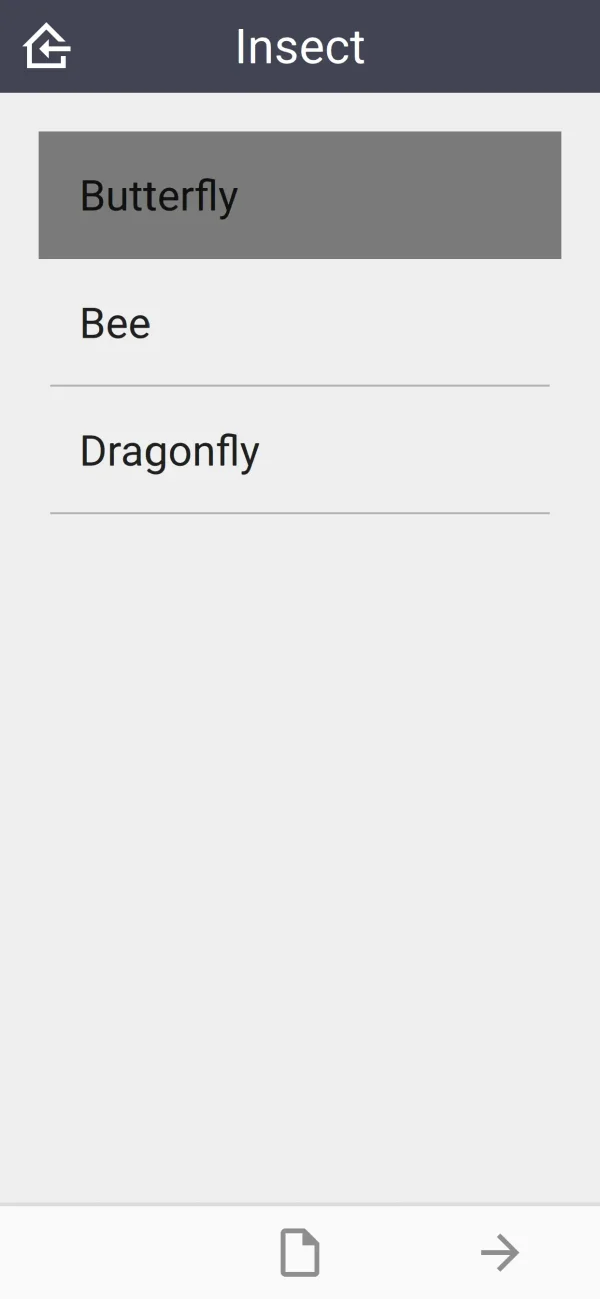
For example, suppose you want to capture observations of insects for a school project. The teacher creates the form, and each student scans the QR code on their phone and then fills out the form for each insect they see. When they return to class, they can upload their data and the teacher can immediately see it in Google Sheets™.
What’s new
Version 1.0.602 · Jun 9, 2026
Bug fixes
App privacy
What CyberTracker Conservation declares on the App Store about how this app handles data.
-
Data not linked to you
May be collected but is not linked to your identity.
- Usage data
Privacy practices may vary, for example with the features you use or your age.
Information
- Seller
- CyberTracker Conservation
- Category
- Productivity
- Version
- 1.0.602
- Updated
- Jun 9, 2026
- Released
- Jun 2, 2023
- Size
- 180.8 MB
- Requires
- iOS 15.0 or later
- Age rating
- 4+
- Price
- Free
- Languages
- English
- Copyright
- © 2023 CyberTracker Conservation
You might also like
-
 Daylyst - Daily PlannerCapture tasks instantly
-
 Brain Dump TrackerMind Cluttering
-
 User CalendarCustomize everything
-
 my FormsProductivity
-
 MiSavannahProductivity
-
 DocuSeal e-SignatureeSignature made simple
-
 Neuron AI: Private & SecureFast AI on your device
-
 Forms for Google Docs & FormCreate Forms & View Responses
-
 RoadCaseSimplified Tour Management
-
 QR Code TransferScan & transfer it to your PC.