RiverTodo - Simple To-Do List
Daily Planner & Task Manager
Designed for iPhone, iPad
Free · In-app purchases
- Age rating4+
- CategoryProductivity
- DeveloperToastPlanet Inc.
- LanguagesEnglish+ 1 more
- Size23.7 MB
Links to the official App Store page
Download.org hosts no file of RiverTodo - Simple To-Do List. The button opens its official App Store page, published by ToastPlanet Inc. Listing last checked on Nov 27, 2026.
Screenshots
About
"End each day with an empty list and a clear mind."
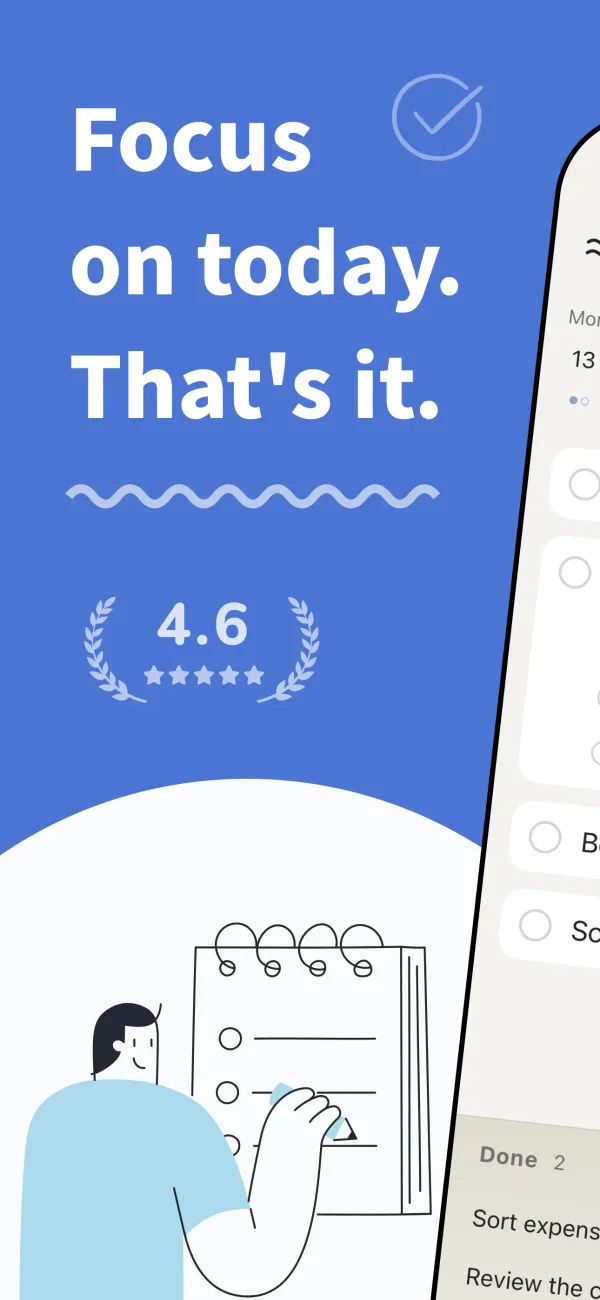
RiverTodo is a simple, fresh take on the daily to do list — a planner that helps you focus on today and turn small wins into lasting habits.
Write it down in seconds, then let it flow. Like a river, tasks move through your day instead of piling up. Your eyes stay on the one list that matters: today's.
Go to bed with everything done, wake up clear-headed and ready to plan. Day after day, your completed tasks grow into a record you'll be proud of.
【Key Features】
1. Fast, intuitive, simple
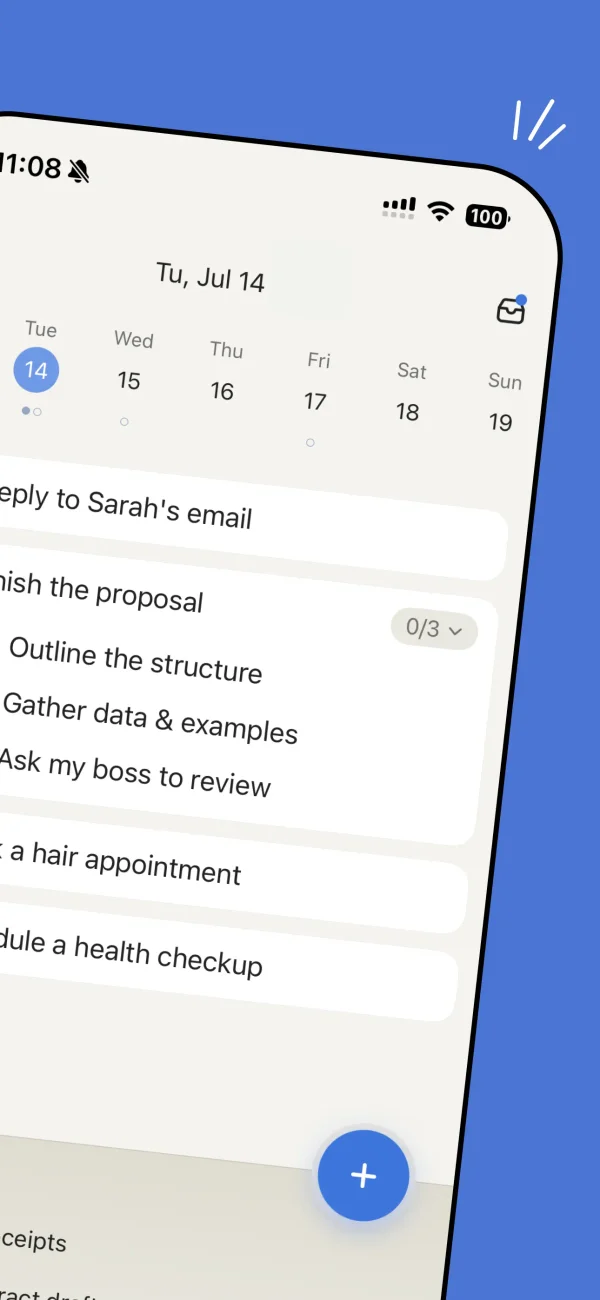
Add a task in seconds with the "+" button, swipe to delete, drag to reorder. No manual needed.
2. Built to focus on today
Swipe lower-priority tasks into the Pending list and keep only today in view. Nothing is lost — bring a task back anytime.
3. Reminders and recurring tasks
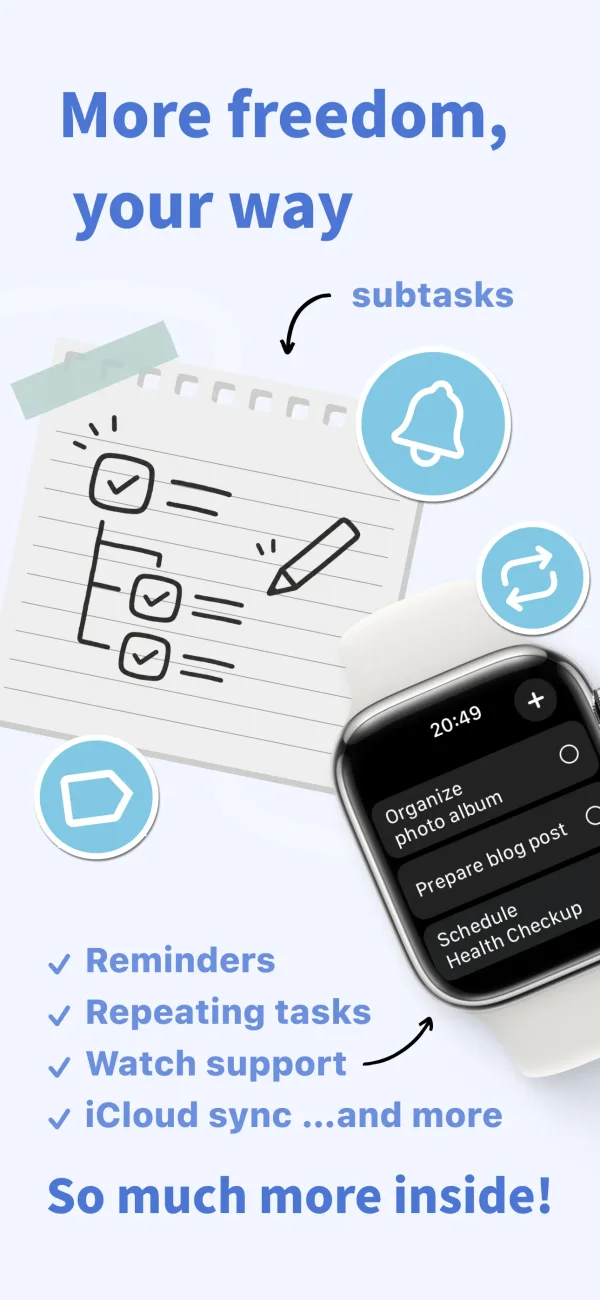
Get notified at the date and time you choose. Daily, weekly and monthly tasks appear on today's list automatically — perfect for routines, trash day and regular payments.
4. Subtasks, categories and Saved Tasks
Break big tasks into subtasks, keep work, study and errands tidy with color-coded categories, and add your regulars with one tap. Doubles as a shopping list or checklist.
5. Widgets and Apple Watch
Check tasks off from your Home Screen or Lock Screen without opening the app. Add and complete from your wrist, with progress and streak on the watch face.
6. A done list that keeps you going
Look back on completed tasks in a calendar view. Your streak grows every day you complete at least one task — quiet motivation for tomorrow.
7. Analytics that reveal your pace (Pro)
Weekly charts, a monthly heatmap, a yearly overview and your all-time total — great for reviewing daily goals and planning your schedule.
8. iCloud sync, private by design
Tasks sync across iPhone and iPad. Data lives only on your devices and in your private iCloud — the developer can never read it.
9. Make it yours
Color themes and alternative app icons (Pro). You'll see it every day — it should feel like yours.
【And More】
- An Inbox for pending tasks, with multi-select batch actions
- One-tap undo for completions and deletions
- Saved Tasks can carry a repeat schedule and reminder
- Repeat on the last day of the month
- Choose which day your week starts
【Use It For】
- Work tasks and daily schedules
- Study plans and exam prep
- Chores like trash day and cleaning
- Shopping lists and packing checklists
- Moving, trips and big projects
- Habits like exercise and reading
- A quick notepad for your thoughts
【Getting Started Is Easy】
1. Tap "+" and write just three tasks for today
2. Check them off and watch them flow away
3. End the day with an empty list
Give it three days — your growing streak will carry the habit.
【About RiverTodo Pro】
The daily essentials are yours from the start. Pro unlocks all analytics charts, analytics widgets, extra themes and icons, and removes the limits on categories and Saved Tasks.
【FAQ】
Q: Will my data move to a new phone?
A: Yes — sign in with the same Apple ID and iCloud brings everything over.
Q: Does it work on iPad and Apple Watch?
A: Yes. It runs on iPhone and iPad; the Watch app (paired with iPhone) adds, completes and shows progress.
Q: Is my data shared with anyone?
A: No. Tasks stay on your devices and in your private iCloud. No one — not even the developer — can read them.
【Our Story】
What mattered yesterday may not matter today — RiverTodo embraces that and helps you face what you truly want to do now.
The "River" in the name says it all: tasks aren't meant to be dammed up. They're meant to flow, lightly, day after day.
Questions or ideas? Reach us from Settings in the app — your voice shapes RiverTodo.
Terms of Use: https://www.toastplanet.com/rivertodo/terms
Privacy Policy: https://www.toastplanet.com/rivertodo/privacyPolicy
What’s new
Version 5.2.3 · Nov 8, 2026
Hello from the Toast Planet development team.
Here's what's new in this update:
- Added the ability to paste multiple lines of text and add them as tasks all at once (choose whether each line becomes a separate task or a subtask of one task)
- Added "Date" to a task's swipe actions so you can move the task to any day you pick on the calendar
- When you complete a task from the widget, the checkmark and strikethrough now appear right away and your progress updates immediately
- Changes made on iPhone now appear faster in the Apple Watch app and complications
- Fixed an issue where you could no longer pick a past date in Inbox to add tasks to your completed tasks
- Fixed an issue where the illustration shown when everything is done looked cut off at both edges on the medium widget
- Other display fixes and small improvements
Thank you for using RiverTodo.
App privacy
What ToastPlanet Inc. declares on the App Store about how this app handles data.
-
Data not linked to you
May be collected but is not linked to your identity.
- Purchases
- Location
- Identifiers
- Usage data
- Diagnostics
Privacy practices may vary, for example with the features you use or your age.
Information
- Seller
- ToastPlanet Inc.
- Category
- Productivity
- Version
- 5.2.3
- Updated
- Nov 8, 2026
- Released
- May 30, 2023
- Size
- 23.7 MB
- Requires
- iOS 17.0 or later
- Age rating
- 4+
- Price
- Free
- In-app purchases
- Yes
- Languages
- English, Japanese
- Copyright
- © 2026 ToastPlanet Inc.
You might also like
-
 Daily Checklist - Today's TaskLet's create daily tasks!
-
 MightyDay - Day Planner, To DoStructured, ADHD, Calendar
-
 Time Blocking Planner: TaskitoTo-Do List, Calendar & Widget
-
 Daily Planner: PlanelleRoutine & Focus Tasks
-
 To Do List & Calendar: ZesfyDaily Organizer, Reminders
-
 Today App: To-Do Lists & NotesTasks, Reminders
-
 Do.List: To Do List OrganizerTo dos, errands, organization
-
 FlowNote, To-Do List & PlannerSchedule Daily Tasks & Lists
-
 PolyPlan: Daily PlannerOne Timeline: Tasks & Events
-
 Sticky Notes: Notepad WidgetHome & Lock Screen To-Do List