- Age rating4+
- CategoryUtilities
- DeveloperLexar Engineering Inc.
- LanguagesEnglish
- Size1.3 MB
Links to the official App Store page
Download.org hosts no file of RMPassword. The button opens its official App Store page, published by Lexar Engineering Inc. Listing last checked on Nov 22, 2026.
Screenshots


About
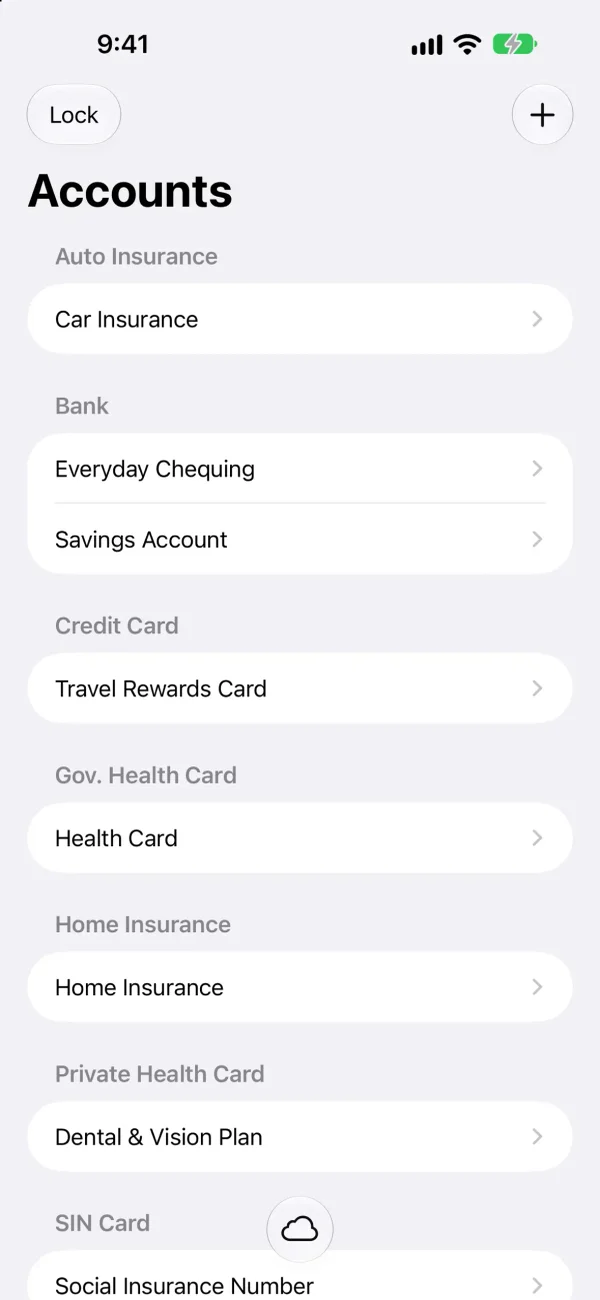
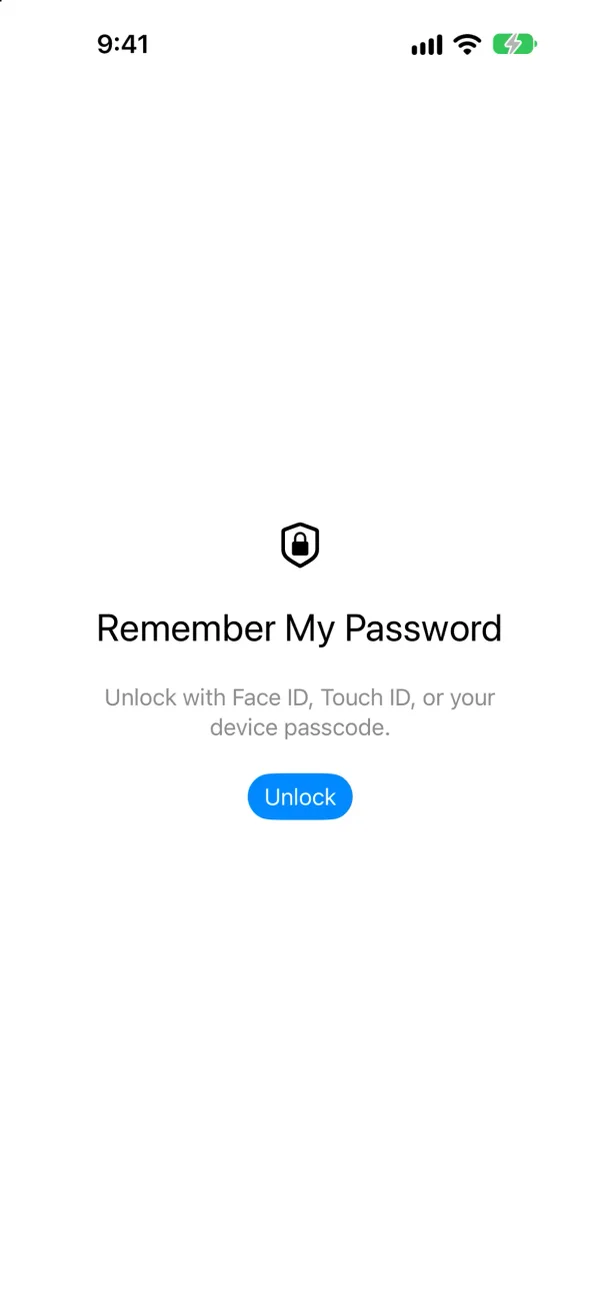
RMPassword keeps the important numbers in your life in one secure place: website logins, bank details, credit cards, insurance policies, health cards, and your SIN.
Everything is encrypted on your iPhone and unlocked with Face ID, Touch ID, or your device passcode. No account to create, no ads, and no tracking.
SECURE BY DESIGN
• Your accounts are encrypted with AES-GCM and stored only on your device
• Unlock with Face ID, Touch ID, or your passcode
• The app locks automatically when you leave it
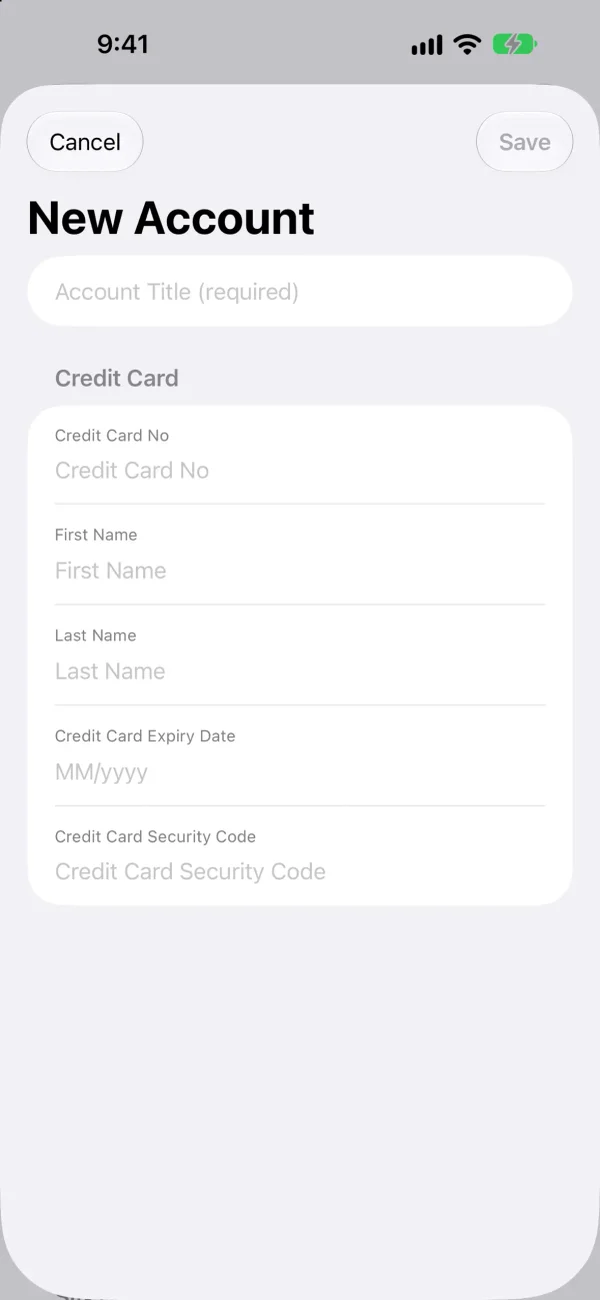
• Sensitive fields such as passwords, card numbers, and security codes stay hidden until you choose to show them
PRIVATE iCLOUD BACKUP
• An encrypted copy of your accounts is backed up to your own private iCloud
• Get a new iPhone? Sign in to iCloud, unlock the app, and your accounts are restored
• Your data is never sent to us, and we can never see it
ORGANIZED THE WAY YOU NEED
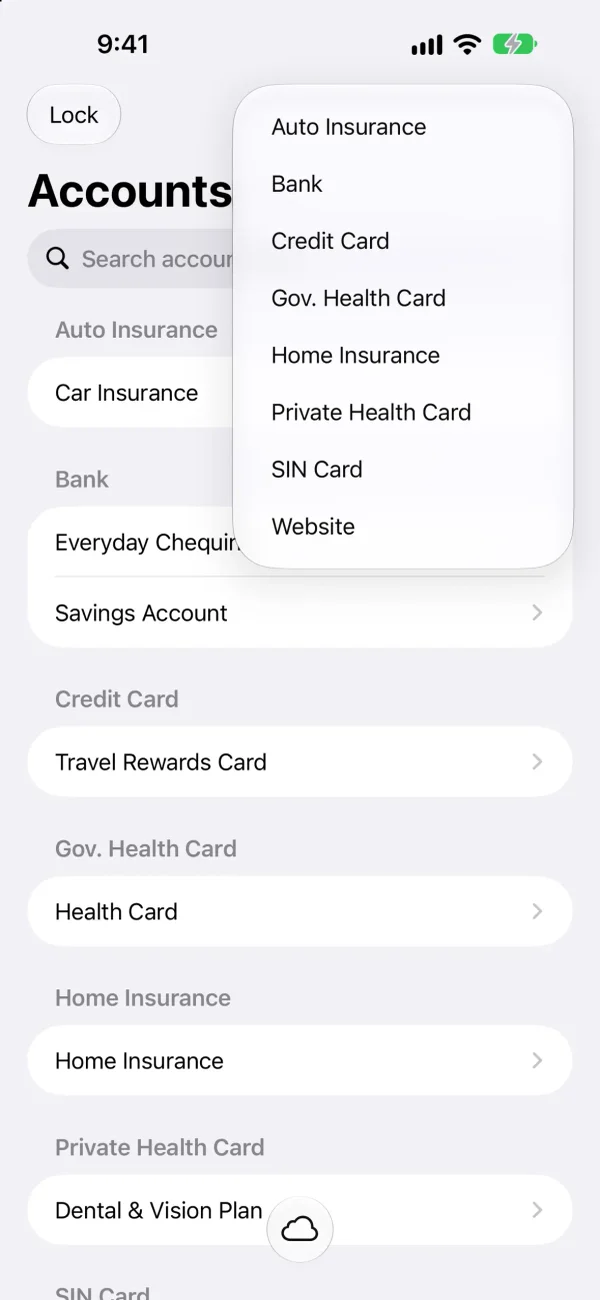
Ready-made templates for:
• Websites – URL, email, login, and password
• Bank accounts – bank name, address, transit, institution, and account numbers
• Credit cards – card number, name, expiry date, and security code
• Auto and home insurance – policy number and start and expiry dates
• Government and private health cards
• SIN card
Search by account title to find anything in seconds.
UPGRADING FROM AN EARLIER VERSION?
Your existing accounts are imported automatically the first time you unlock. Your original data is kept on your device during the upgrade.
PRIVACY
RMPassword does not collect any data. No analytics, no advertising, no third-party tracking.
What’s new
Version 3.0 · Nov 14, 2026
RMPassword has been completely rebuilt:
• All-new, modern design
• Unlock with Face ID, Touch ID, or your device passcode
• Accounts are now encrypted on your iPhone with AES-GCM
• Encrypted backup to your private iCloud, with automatic restore on a new iPhone
• Hide or show sensitive fields with one tap
• Your existing accounts are imported automatically the first time you unlock
Note: setting up on a new iPhone requires an internet connection and iCloud with Passwords & Keychain turned on.
App privacy
What Lexar Engineering Inc. declares on the App Store about how this app handles data.
-
Data not collected
The developer does not collect any data from this app.
Privacy practices may vary, for example with the features you use or your age.
Information
- Seller
- Lexar Engineering Inc.
- Category
- Utilities
- Version
- 3.0
- Updated
- Nov 14, 2026
- Released
- Oct 1, 2014
- Size
- 1.3 MB
- Requires
- iOS 17.0 or later
- Age rating
- 4+
- Price
- Free
- Languages
- English
- Copyright
- © 2026 Lexar Engineering Inc.
You might also like
-
 Lockr - Password ManagementStay safe and organized!
-
 Password Manager_My PasswordPassword safe & vault data
-
 Locker - Password ManagerStore Passwords Safe and Easy
-
 PasswordMe: Password GeneratorStrong, Secure & Random Keys
-
 CypherGenieCreate strong passwords fast
-
 IronPass - Password ManagerUtilities
-
 Passwords41Utilities
-
 SafePass+Utilities
-
 Device Risk AnalyticsUtilities
-
 HDBENCH MOBILEClassic Benchmark Revived