
Rocket Typist
Text Expander
Designed for iPhone, iPad, Mac
Free · In-app purchases
- Age rating4+
- CategoryProductivity
- DeveloperDaniel Witt
- LanguagesEnglish+ 10 more
- Size115.2 MB
Links to the official App Store page
Download.org hosts no file of Rocket Typist. The button opens its official App Store page, published by Daniel Witt. Listing last checked on Nov 18, 2026.
Screenshots

About
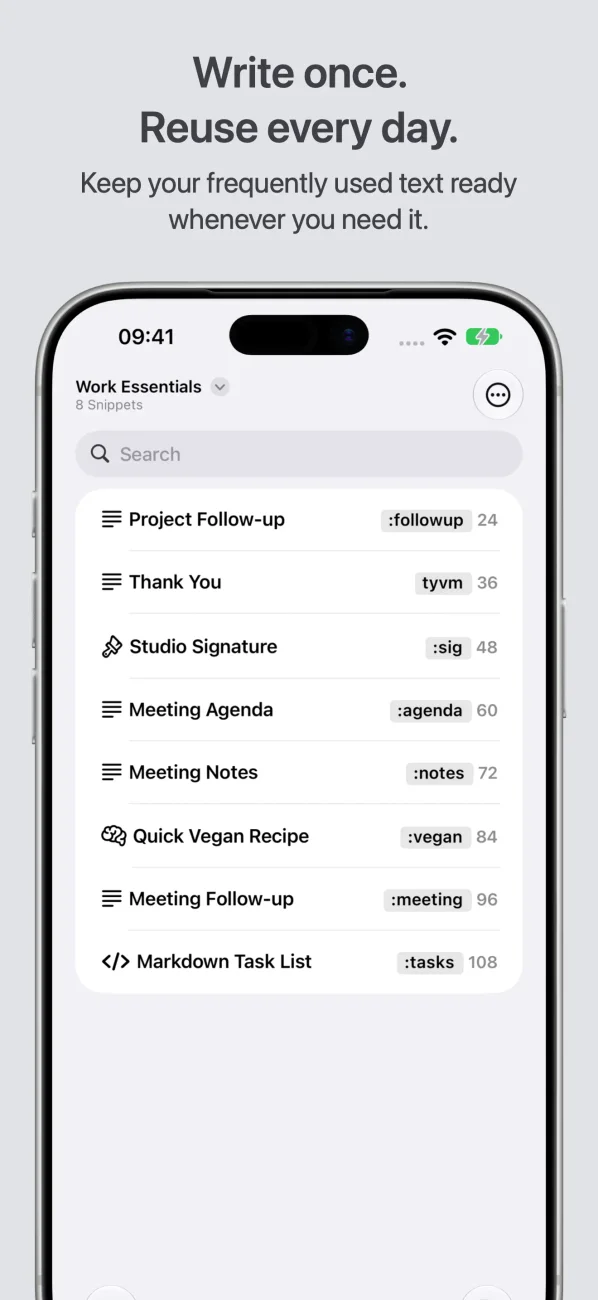
Save Time and Type Smarter with Rocket Typist. Reuse your replies, signatures and everyday text with Rocket Typist, the text expander for Mac, iPhone and iPad. Save frequently used content as snippets, then insert what you need without typing it again.
LESS TYPING, EVERY DAY
• Keep email replies, signatures, addresses and templates ready to insert.
• Expand abbreviations or find snippets by title, content or abbreviation.
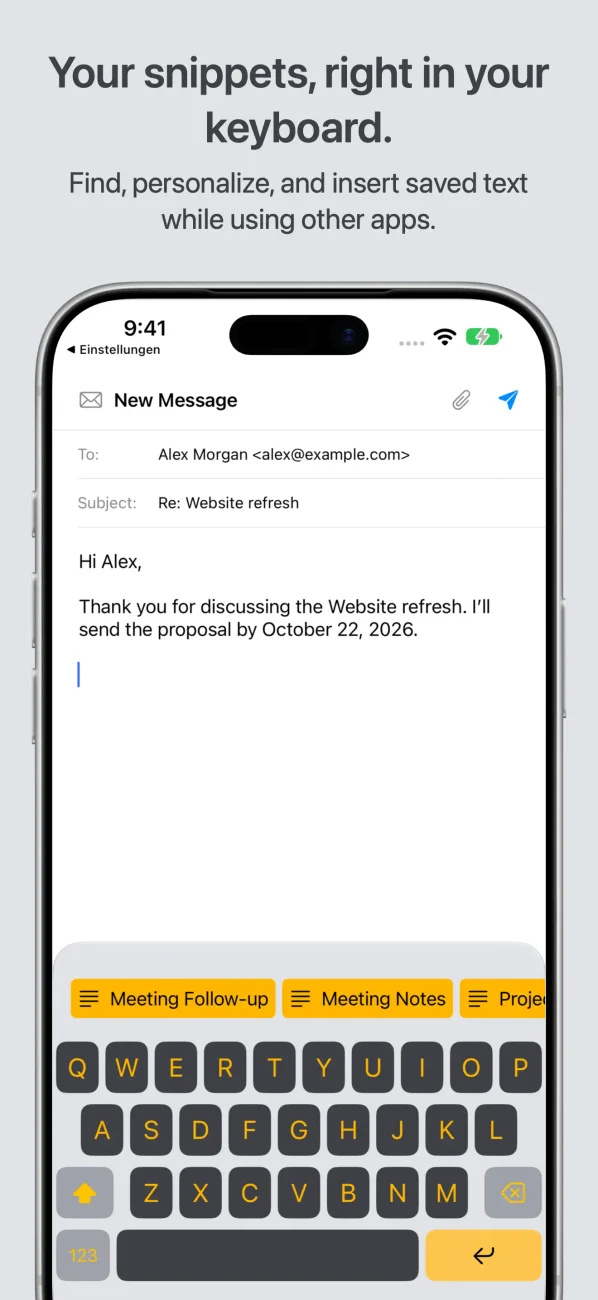
• On Mac, use keyboard shortcuts and the floating snippet search. On iPhone and iPad, insert snippets with the Rocket Typist keyboard.
WORK TOGETHER THROUGH ICLOUD
• Share snippet folders with colleagues, friends or family.
• Work from the same collection of replies and templates, with changes syncing through iCloud.
• Choose who can view or edit a shared folder, manage participants and update their access.
MAKE EVERY SNIPPET YOURS
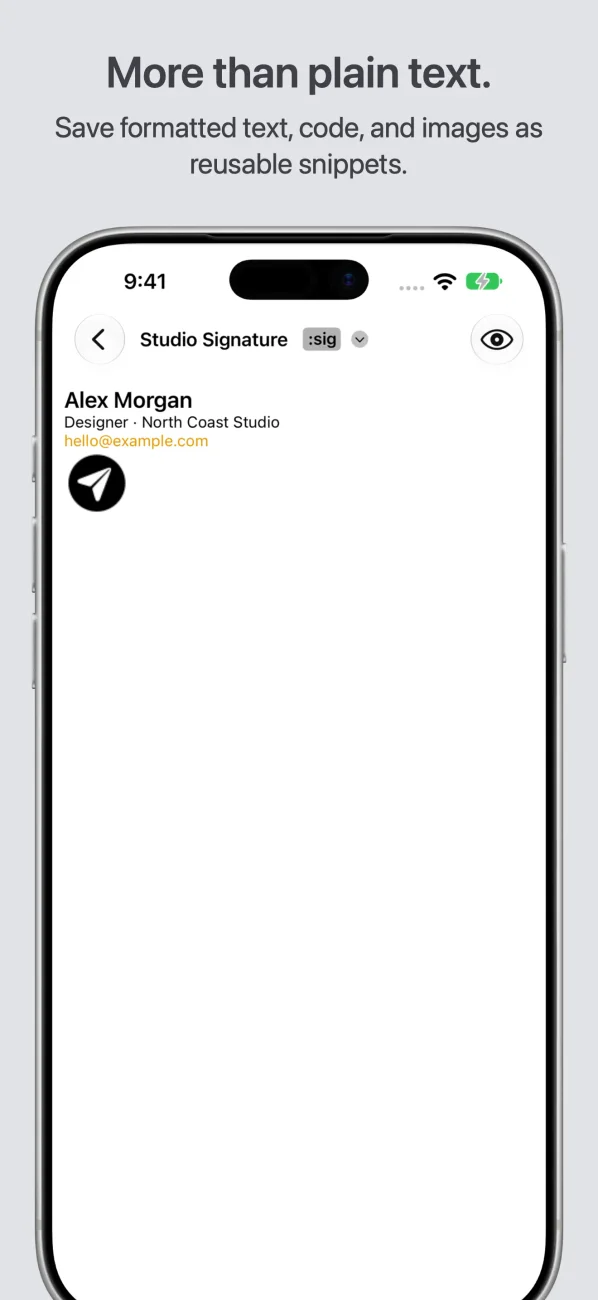
• Create snippets with plain text, formatted text, images or code, including optional JavaScript execution.
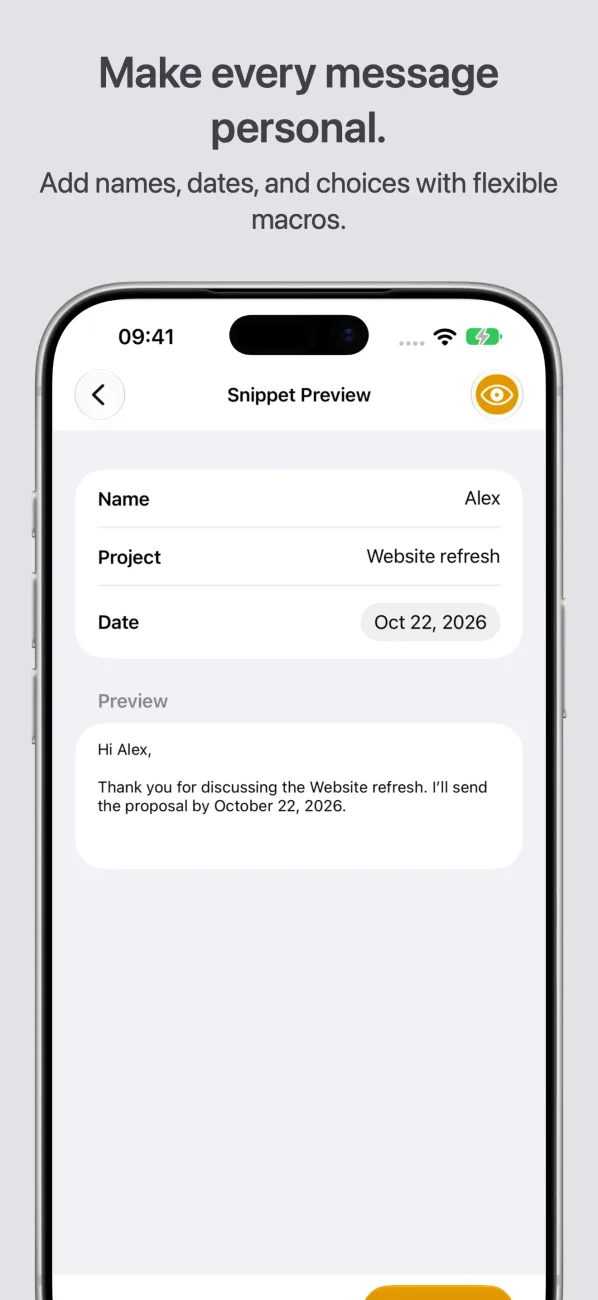
• Personalize reusable text with names, dates, clipboard content and other dynamic macros.
• Manage labeled macros in one place for consistent use across snippets.
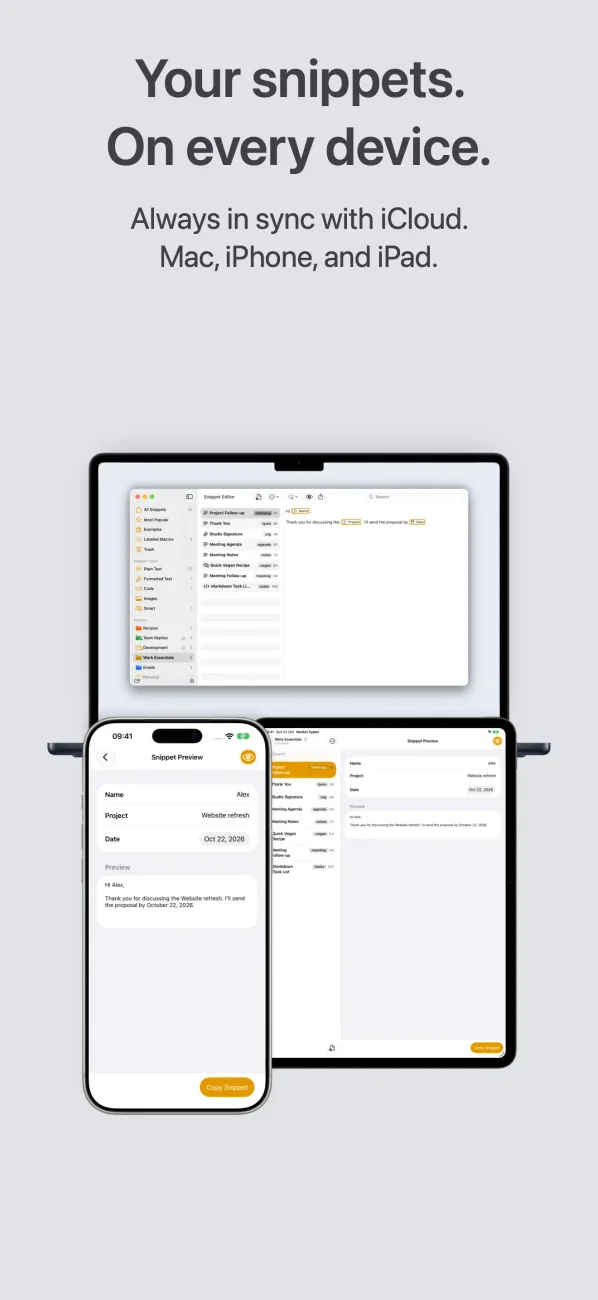
• Preview your completed snippet before inserting it.
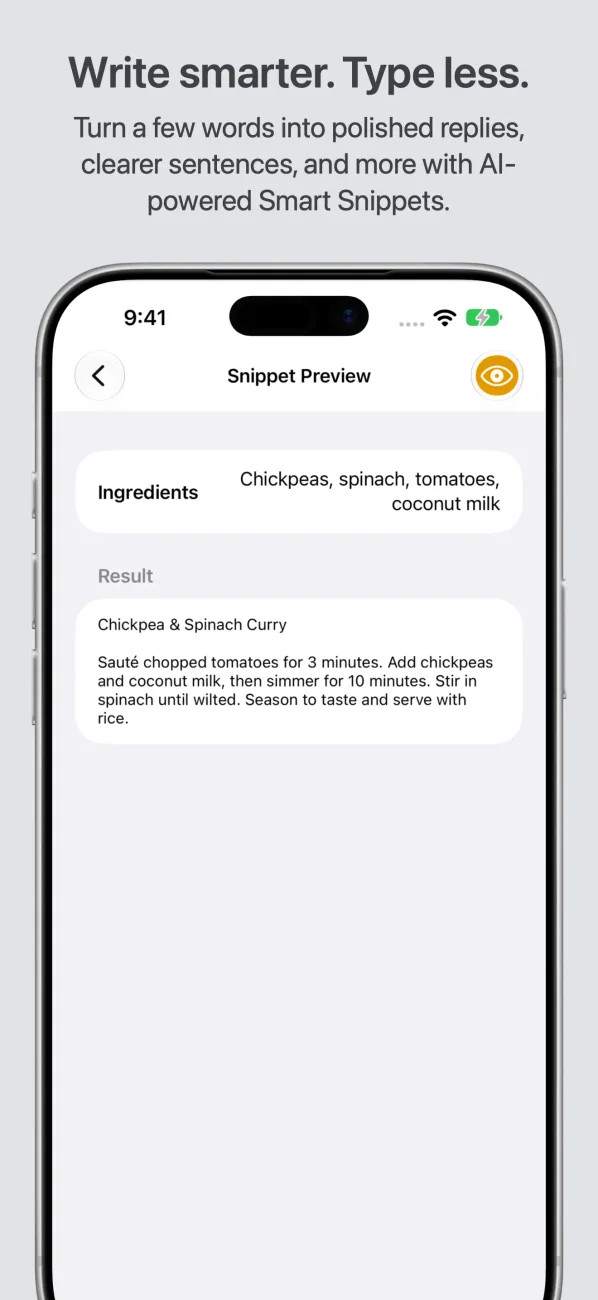
TURN PROMPTS INTO SMART SNIPPETS
Save reusable AI prompts to draft replies, rewrite text or generate ideas. Smart Snippets support Apple Intelligence on compatible devices and OpenAI-compatible services.
KEEP YOUR LIBRARY ORGANIZED
• Arrange snippets in folders and use search and filters to find what you need.
• Sync your personal snippet library through iCloud and keep it available on your Mac, iPhone and iPad.
START FREE, EXPAND WITH PRO
Get started with basic text snippets for free. Rocket Typist Pro unlocks unlimited snippets, formatted text, images, code, Smart Snippets, advanced macros and shared folders.
Apple Intelligence availability depends on your device, language and region. Using OpenAI requires your own API key.
Download Rocket Typist today and type less tomorrow!
What’s new
Version 3.4.3 · Nov 4, 2026
FIX: On some device configurations the snippet keyboard did not show up anymore.
App privacy
What Daniel Witt declares on the App Store about how this app handles data.
-
Data not collected
The developer does not collect any data from this app.
Privacy practices may vary, for example with the features you use or your age.
Information
- Seller
- Daniel Witt
- Category
- Productivity
- Version
- 3.4.3
- Updated
- Nov 4, 2026
- Released
- Oct 12, 2023
- Size
- 115.2 MB
- Requires
- iOS 18.6 or later
- Age rating
- 4+
- Price
- Free
- In-app purchases
- Yes
- Languages
- English, Dutch, French, German, Italian, Japanese, Korean, Portuguese, Simplified Chinese, Spanish, Traditional Chinese
- Copyright
- © 2017-2026 Daniel Witt
You might also like
-
 Dropshare - File Sharing ToolUpload Anything Anywhere
-
 Prizmo › Document Scanner, OCRAccurate OCR scan. PDF & DOCX
-
 Elephas: Secure AI for FilesChat documents, PDFs & notes
-
 PhraseExpressAutotext Snippet Organizer
-
 Godspeed – To Do ListBuilt for speed
-
 Outliner: ScrollOutline List Nodes & Mind Map
-
 Airlist - Notes & TasksProductivity
-
 Timemator: Time TrackerWork Hours Tracker & Billing
-
 PDF Search: AI Chat & ReaderDocument Summarizer, OCR, Scan
-
 Snippety - Snippets ManagerText Expander, Phrase Shortcut