Rocketplanner Calendar Scanner
Calendar events from a photo
Designed for iPhone
Free · In-app purchases
- Age rating4+
- CategoryProductivity
- DeveloperGeneral Printing & Design, Inc.
- LanguagesEnglish
- Size76.1 MB
Links to the official App Store page
Download.org hosts no file of Rocketplanner Calendar Scanner. The button opens its official App Store page, published by General Printing & Design, Inc. Listing last checked on Nov 23, 2026.
Screenshots
About
Rocketplanner turns physical calendars, schedules, flyers, and posters into digital calendar events — instantly.
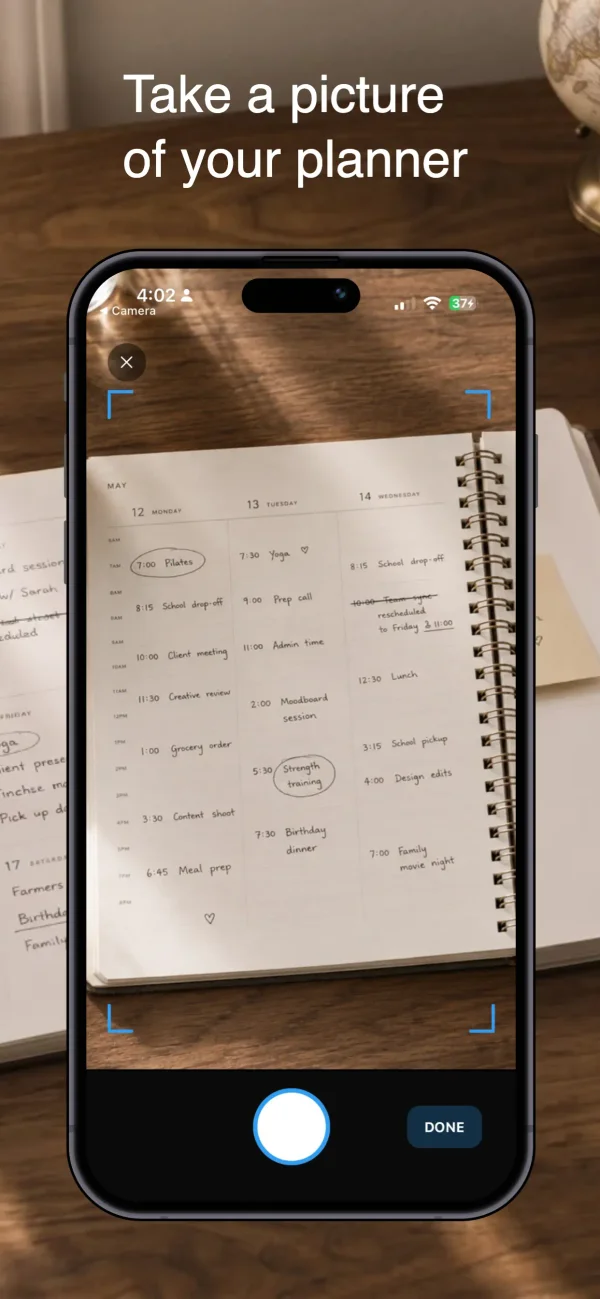
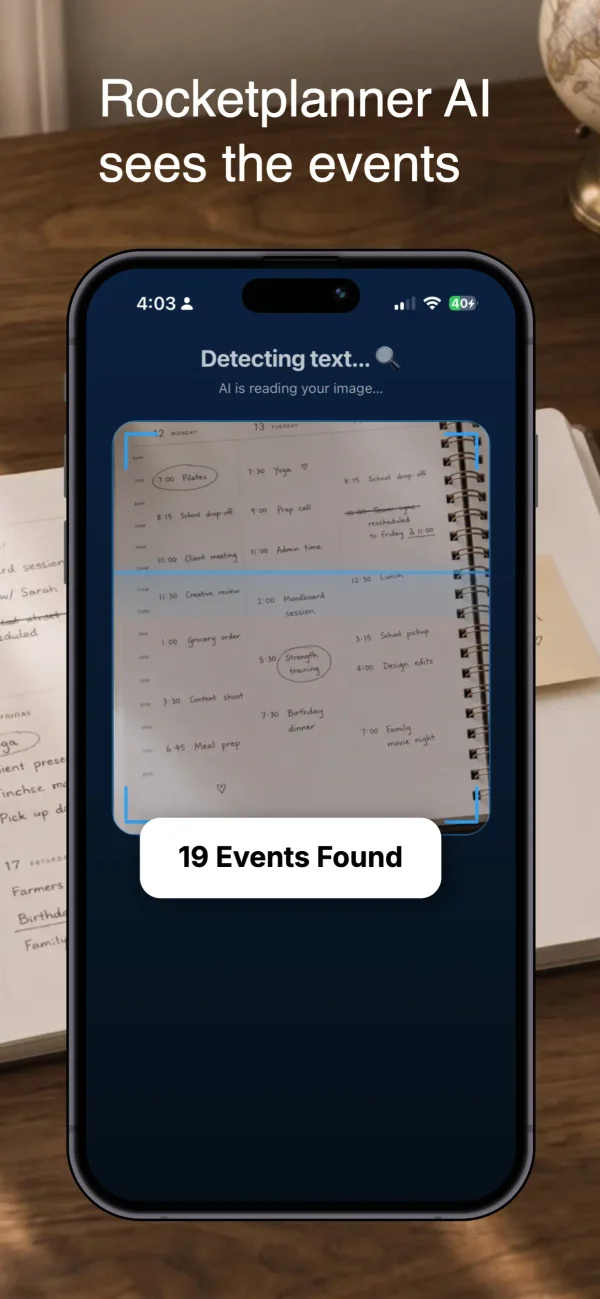
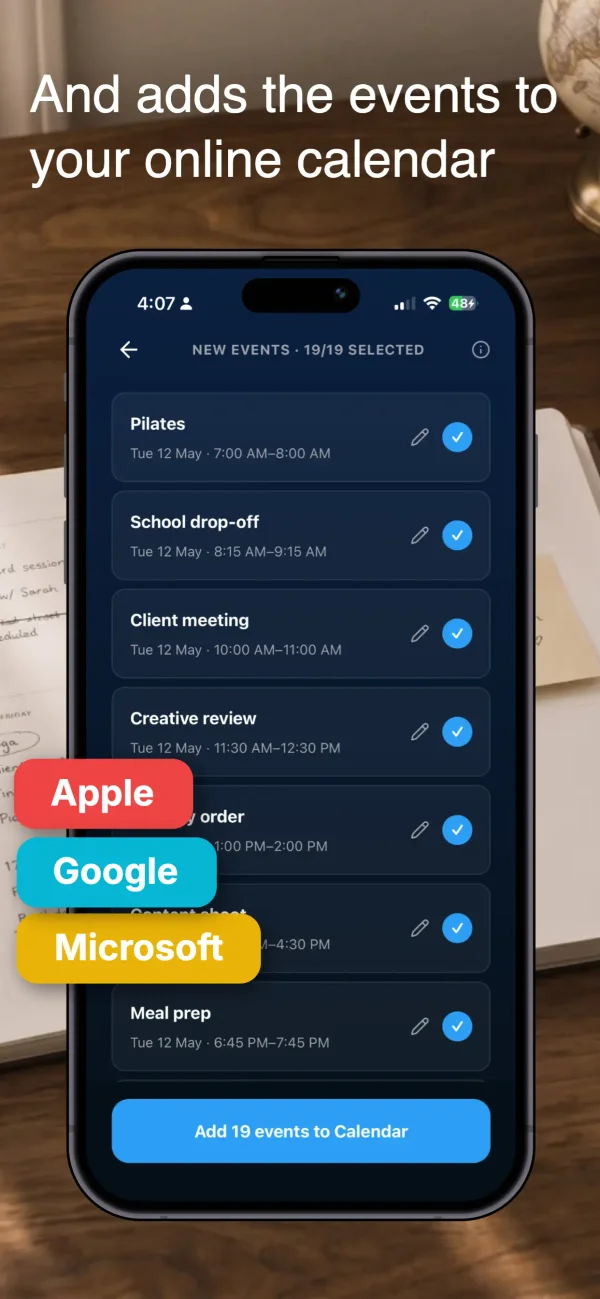
Just point your camera at any paper schedule and our AI reads it for you. Review the detected events, make any edits, and add them to your calendar with one tap. No manual entry. No missed events.
PERFECT FOR
• Parents managing school calendars and activity schedules
• Coaches and trainers tracking practice and game schedules
• Students juggling class schedules and assignment deadlines
• Tradespeople keeping up with job site and appointment schedules
• Anyone who gets schedules on paper and wants them on their phone
HOW IT WORKS
1. Tap "Take a photo" or choose an image from your library
2. AI scans the image and extracts every event
3. Review, edit, or remove events before saving
4. Add approved events directly to your iPhone, Google or work calendar
FEATURES
• Instant AI-powered event extraction from any image
• Review and edit events before they hit your calendar
• Multi-page scanning — scan an entire booklet or bulletin board
• Supports all-day events, timed events, and recurring schedules
• Choose which calendar to save events to
• Works with any calendar app on your iPhone
Rocketplanner is built by the team behind Rocketbook — we've spent years helping people bridge the gap between paper and digital. This is the fastest way to get your paper schedule into your phone.
Terms of Use (EULA):
https://www.apple.com/legal/internet-services/itunes/dev/stdeula/
What’s new
Version 3.0.2 · Nov 19, 2026
- Configure the paywall for iOS
App privacy
What General Printing & Design, Inc. declares on the App Store about how this app handles data.
-
Data not linked to you
May be collected but is not linked to your identity.
- Contact info
- Diagnostics
Privacy practices may vary, for example with the features you use or your age.
Information
- Seller
- General Printing & Design, Inc.
- Category
- Productivity
- Version
- 3.0.2
- Updated
- Nov 19, 2026
- Released
- May 26, 2026
- Size
- 76.1 MB
- Requires
- iOS 16.4 or later
- Age rating
- 4+
- Price
- Free
- In-app purchases
- Yes
- Languages
- English
- Copyright
- © 2026 General Printing & Design, Inc.
You might also like
-
 Scan CalendarTurn Paper Events to Calendar
-
 PicCal: Calendar Event ScannerPicture -> Calendar in Seconds
-
 SnapJournal: Calendar PlannerPhotos to Events & To-Dos
-
 Photo to Calendar: CalensnapScan image to your schedule
-
 Calendar Scanner AIPhoto to Calendar & Timetable
-
 Ultimate Planner AppWhere Paper Meets Digital
-
 Agenda HeroAI calendar companion
-
 Parchment: Agenda & Daily NoteStay Organized Stay Productive
-
 inqReal ink on paper, digitized
-
 NoPlexThe Chaos Management App