
Ronri: Notes & Dictionary
AI Context Library & Exam Prep
Designed for iPhone, iPad, Mac
In-app purchases
- Age rating4+
- CategoryEducation
- DeveloperAE STUDIO SPACE
- LanguagesJapanese+ 7 more
- Size428.4 MB
Links to the official App Store page
Download.org hosts no file of Ronri: Notes & Dictionary. The button opens its official App Store page, published by AE STUDIO SPACE. Listing last checked on Nov 26, 2026.
Screenshots
About
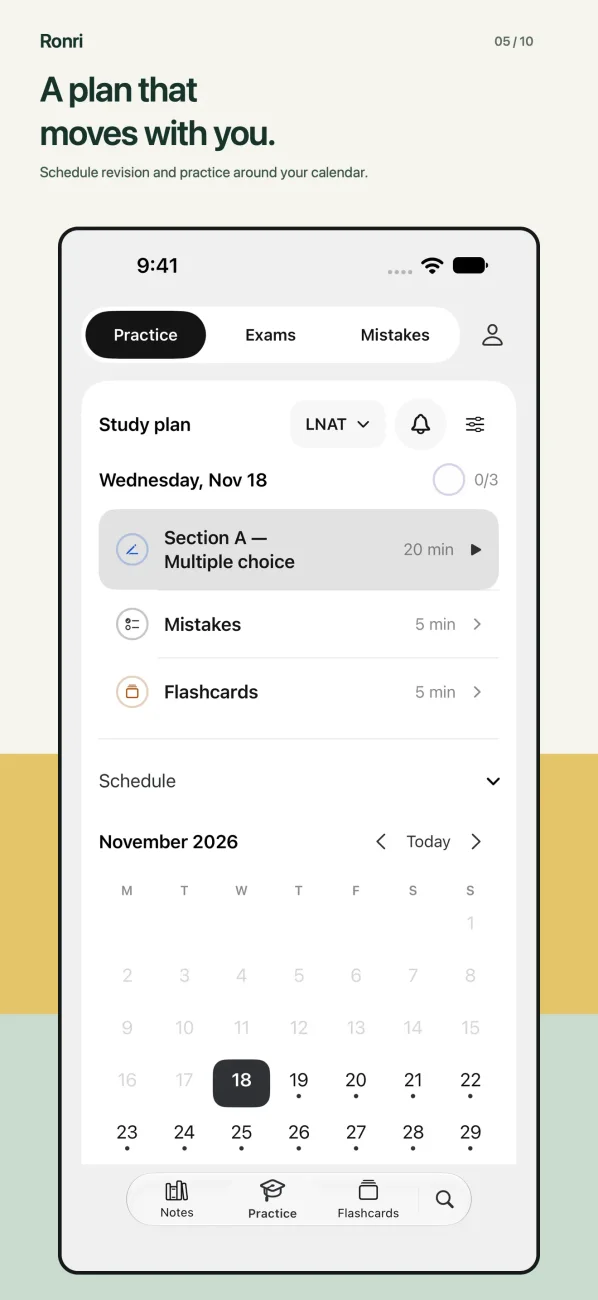
Make a study plan from the material you already have. Ronri brings your notes, AI, flashcards and exam practice together. Use it as a second brain for school, languages and work.
STUDY FROM YOUR OWN MATERIAL
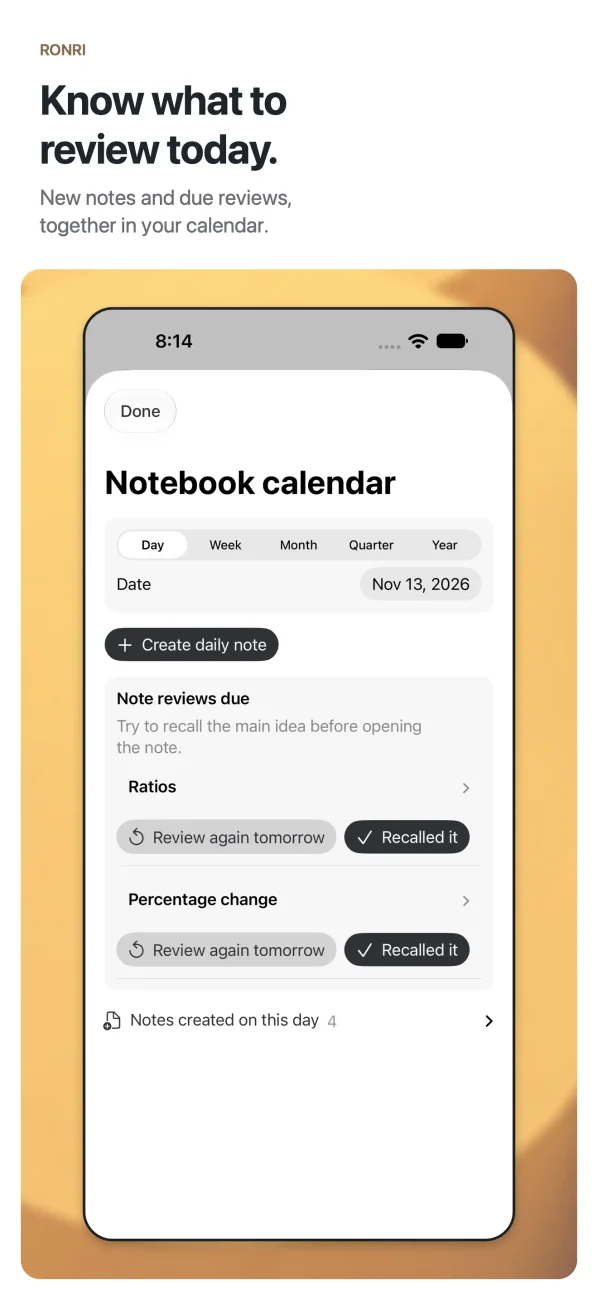
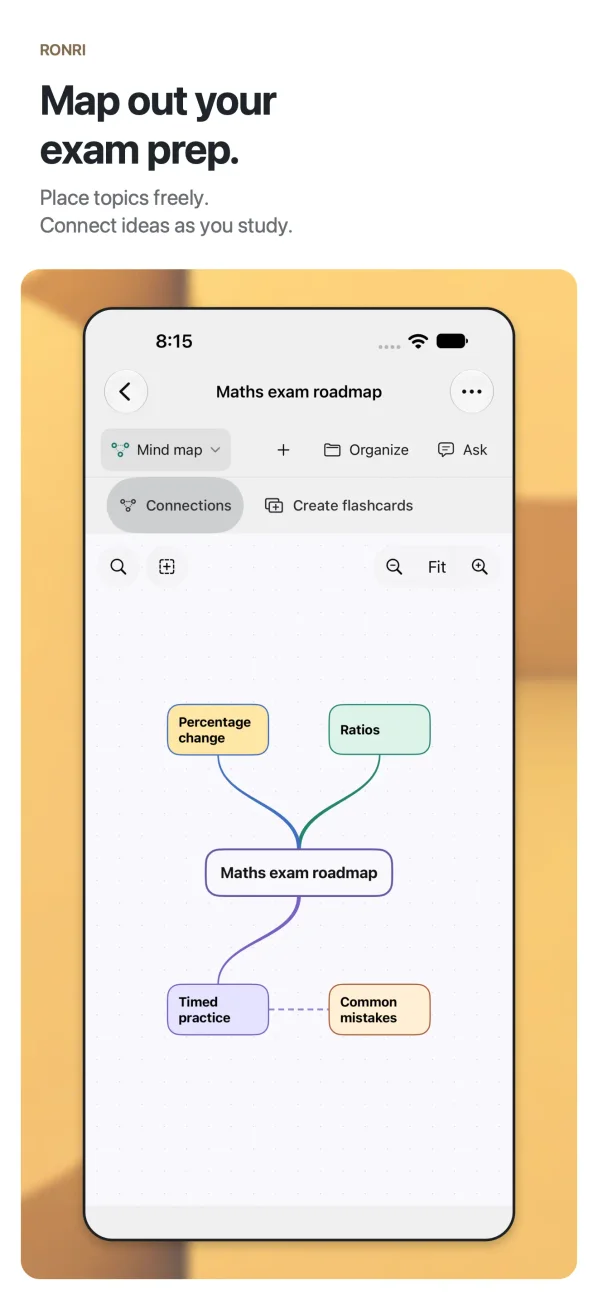
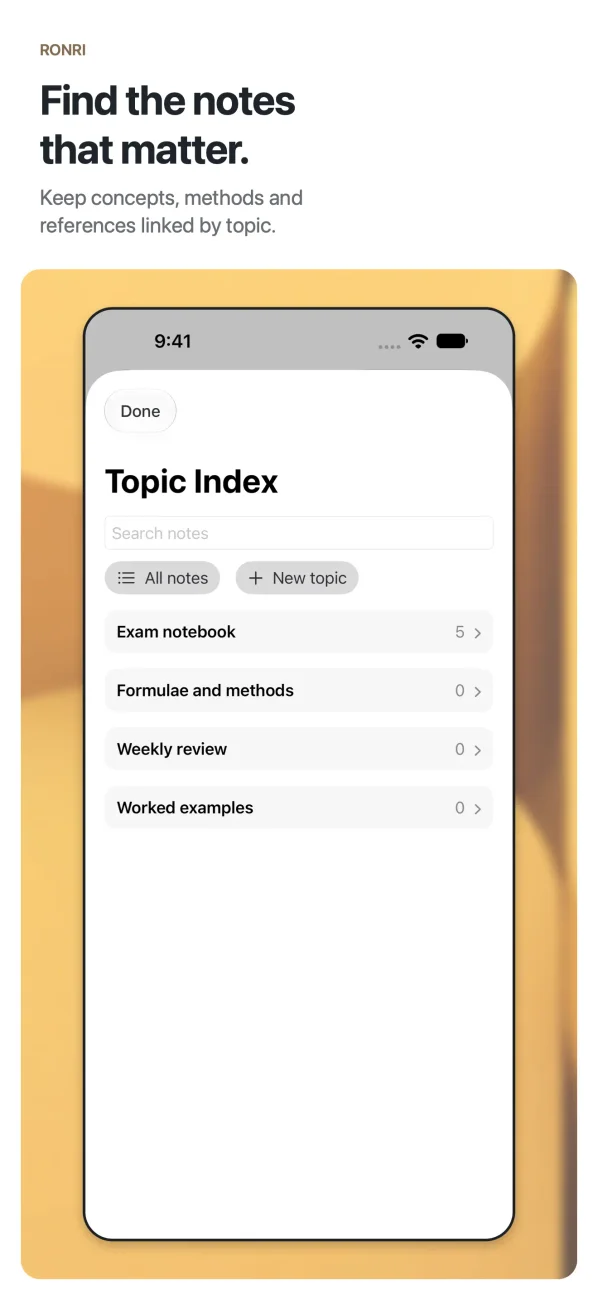
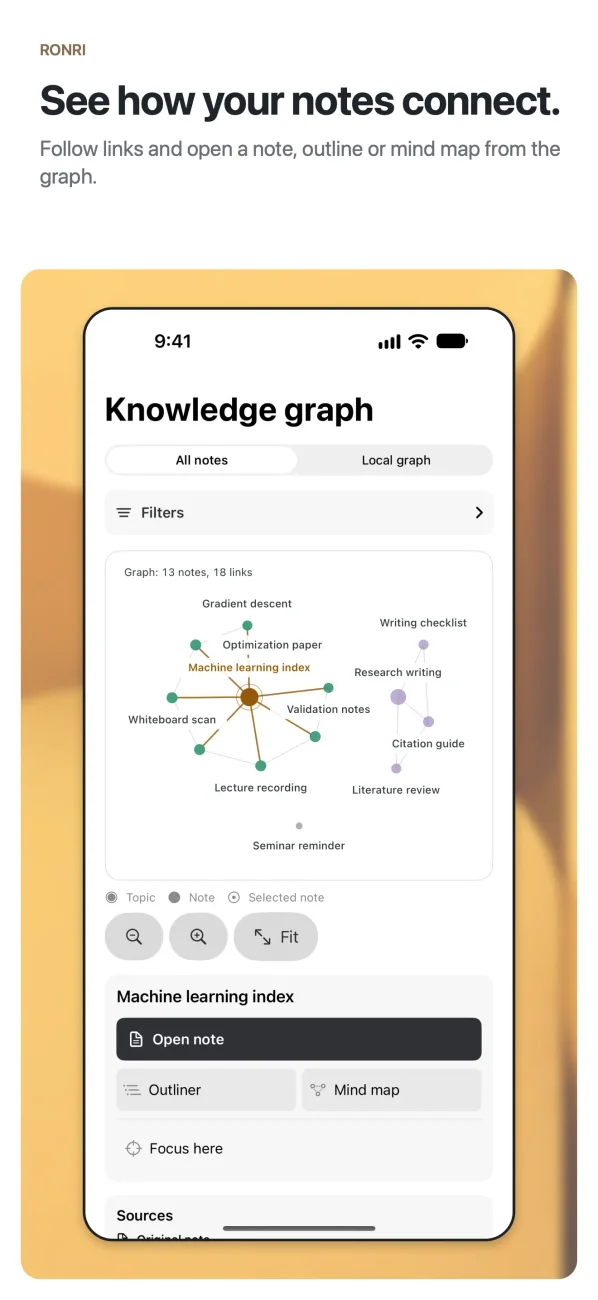
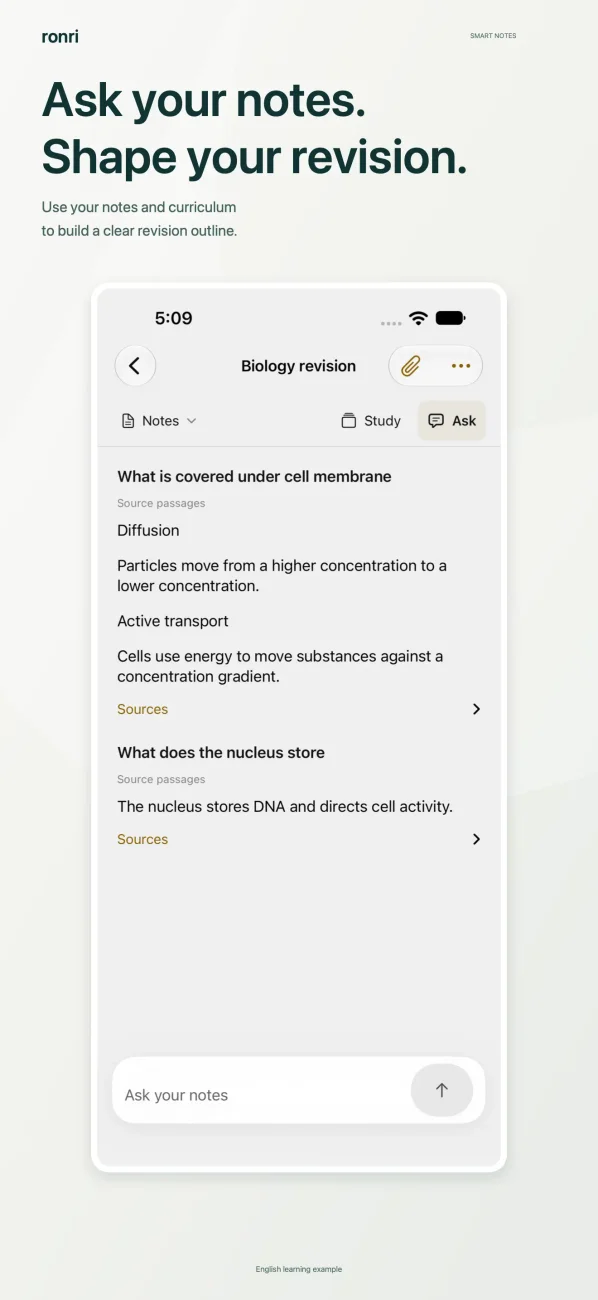
Take notes, record audio, scan a page or add a PDF. Link related ideas and switch between a document, an outline and a mind map. Build an AI context library from your notes and sources so you can ask questions, find key points and draft a revision guide. Check the sources behind an answer and turn what matters into flashcards for spaced review.
PREPARE FOR EXAMS
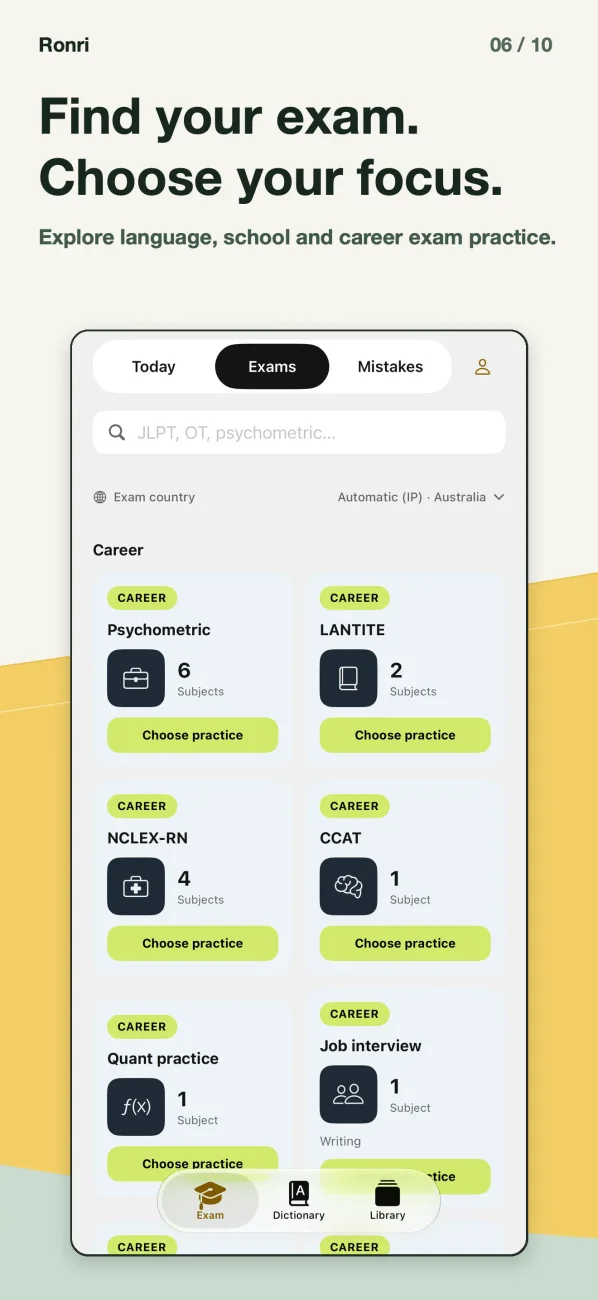
Choose a topic in Ronri’s curated question bank, work through short practice sets and try a timed mock exam where available. Thinking practice includes spatial problems: fold a net into a solid, and read the shape of a cross-section. Read the explanations, save missed questions to your Mistake Book and revisit them before test day. Explore options such as AP Psychology, AP Calculus AB, Japan’s SPI and Common Test, JLPT, HSK and TOPIK. Topics and practice formats vary by exam.
BUILD LANGUAGE SKILLS
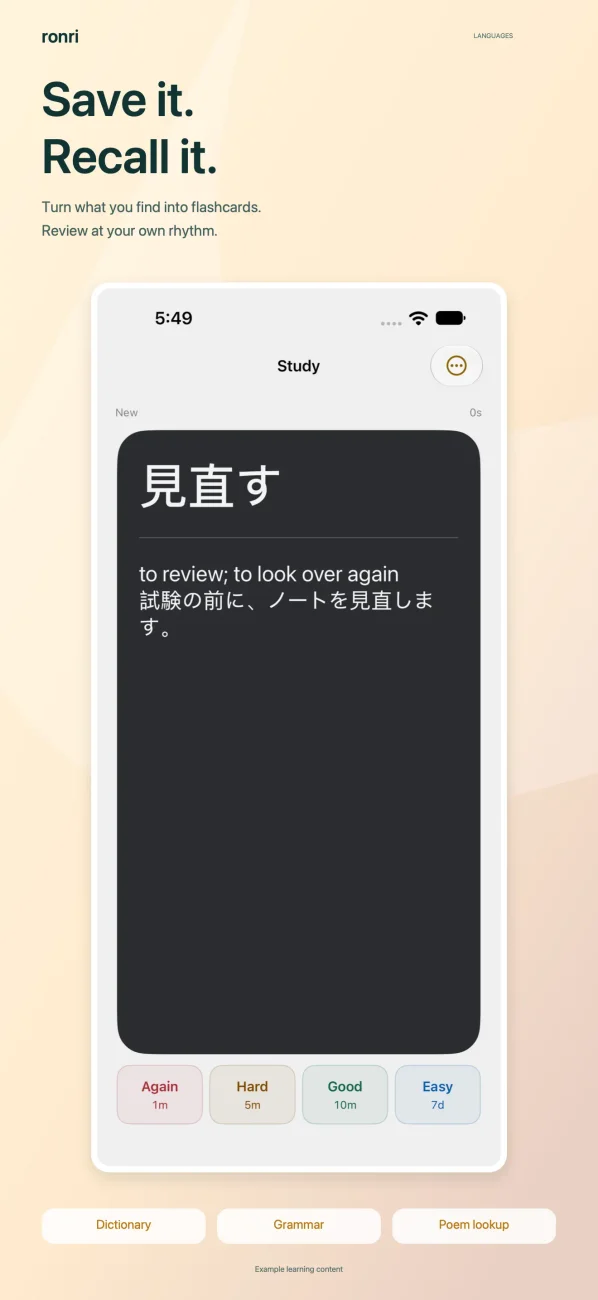
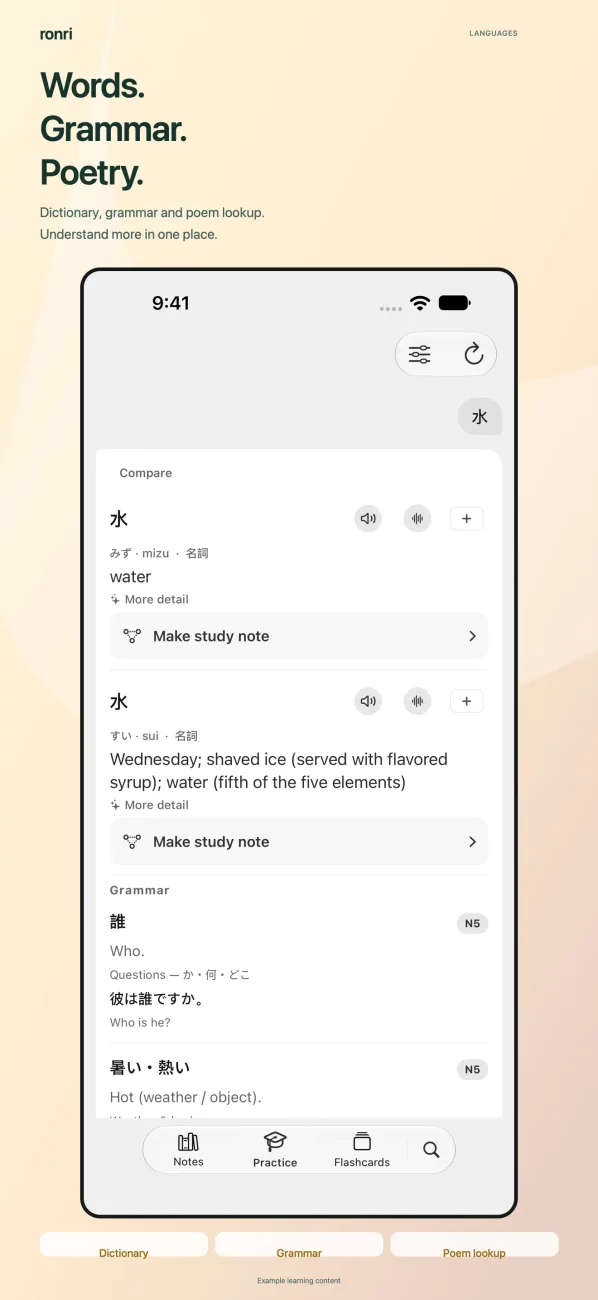
Look up unfamiliar words in offline dictionaries and save useful words and phrases as flashcards. Practise vocabulary, grammar and pronunciation, or shadow the news.
PREPARE FOR WORK AND INTERVIEWS
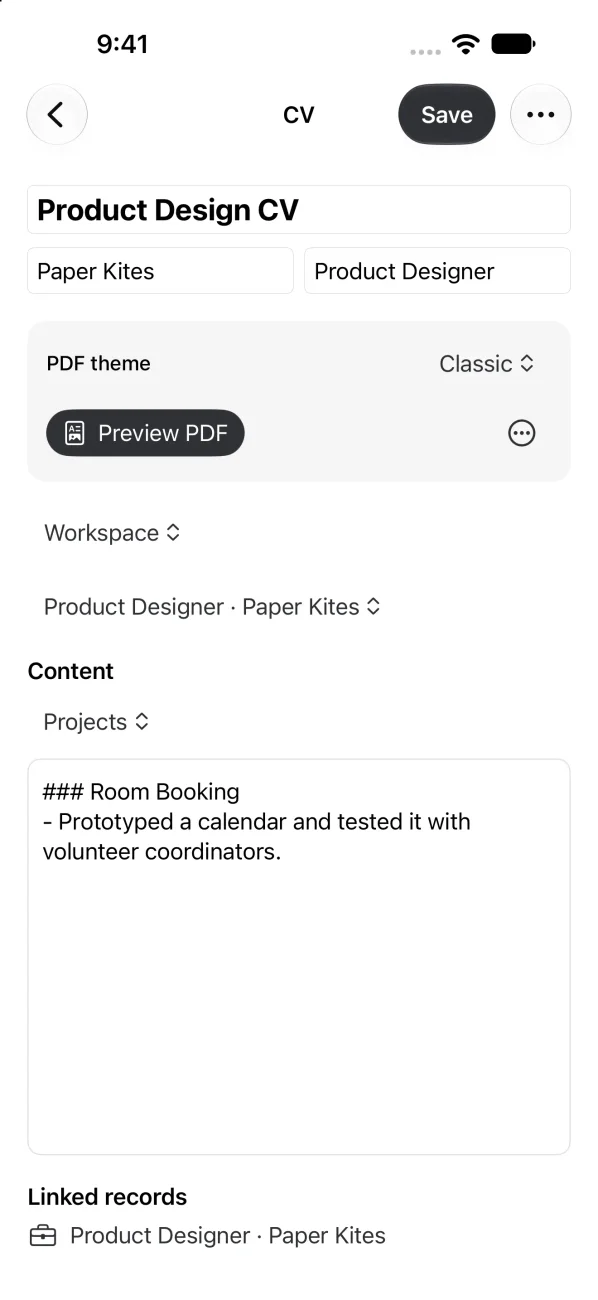
Keep research, project notes and drafts together. Use AI to organise ideas or draft a presentation from your notes. In the Career workspace, organise your CV, applications and interview notes. Practise common interview questions and prepare examples from your own experience.
Offline dictionaries and selected exercises are free. Optional purchases and subscriptions unlock additional features. The question bank and online AI need internet access. AI and pronunciation availability varies by device, language and region.
Privacy: https://rubricmark.com/privacy
Terms: https://www.apple.com/legal/internet-services/itunes/dev/stdeula/
Support: https://rubricmark.com/contact
What’s new
Version 2.78 · Nov 25, 2026
Open Mistake Book directly from your Notes workspace. Scan or paste multiple-choice questions, review your saved mistakes, and return to your notes. Add, remove or reorder the shortcut in Customize Workspace.
App privacy
What AE STUDIO SPACE declares on the App Store about how this app handles data.
-
Data linked to you
May be collected and linked to your identity.
- Purchases
- Contact info
- User content
- Identifiers
Privacy practices may vary, for example with the features you use or your age.
Information
- Seller
- AE STUDIO SPACE
- Category
- Education
- Version
- 2.78
- Updated
- Nov 25, 2026
- Released
- Aug 3, 2026
- Size
- 428.4 MB
- Requires
- iOS 26.0 or later
- Age rating
- 4+
- In-app purchases
- Yes
- Languages
- Japanese, Thai, German, French, Simplified Chinese, Traditional Chinese, English, Korean
- Copyright
- © 2026 RubricMark
You might also like
-
 NiponGO: AI JLPT Japanese TestN1-N5 + VCE/HSC practice exam
-
 Baixiaolou: Make Money by Q&AEarn Cash, Get Paid for Answer
-
 Lingo Repeta: Spanish JapaneseVocabulary flashcards & JLPT
-
 JLPT Pro: Japanese Test PrepJLPT drills, audio, mock exams
-
 Learn Shanghainese: 1000 WordsEssential Shanghainese Words
-
 日本語の道 - 日本語学習・JLPT・特定技能Education
-
 狐克希少儿英语Education
-
 AI Baby NotesGrowth record and AI assistant
-
 Michi - JLPT & KanjiEducation
-
 YomiNavi日本語を読むための学習サポート