Ronri: Notes & Dictionary
AI Context Library & Exam Prep
iPhone, iPad, Mac için tasarlandı
Ücretsiz · Uygulama içi satın alma
- Yaş sınırı4+
- KategoriEğitim
- GeliştiriciAE STUDIO SPACE
- DillerJaponca+ 7 dil daha
- Boyut428,4 MB
Resmi App Store sayfasına bağlanır
Download.org, Ronri: Notes & Dictionary için hiçbir dosya barındırmaz. Düğme, uygulamanın App Store üzerindeki sayfasını açar; uygulamayı orada AE STUDIO SPACE yayınlar. Sayfanın son kontrolü: 26.11.2026.
Ekran görüntüleri
Hakkında
Geliştirici bu metni dilinizde sunmamış.
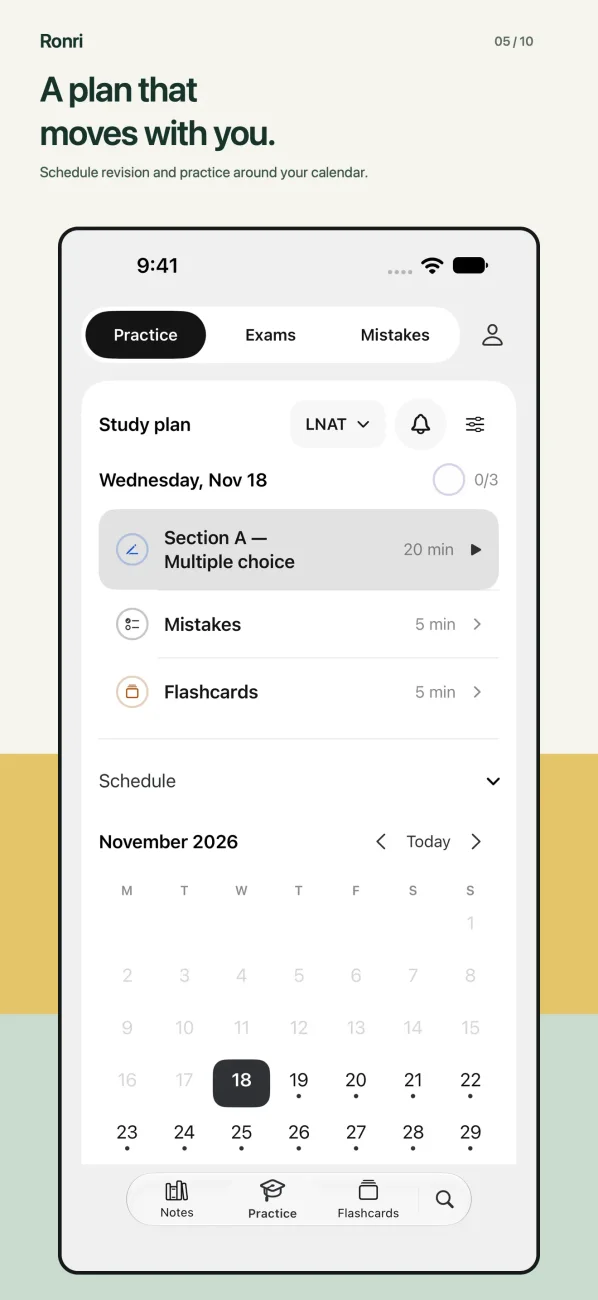
Make a study plan from the material you already have. Ronri brings your notes, AI, flashcards and exam practice together. Use it as a second brain for school, languages and work.
STUDY FROM YOUR OWN MATERIAL
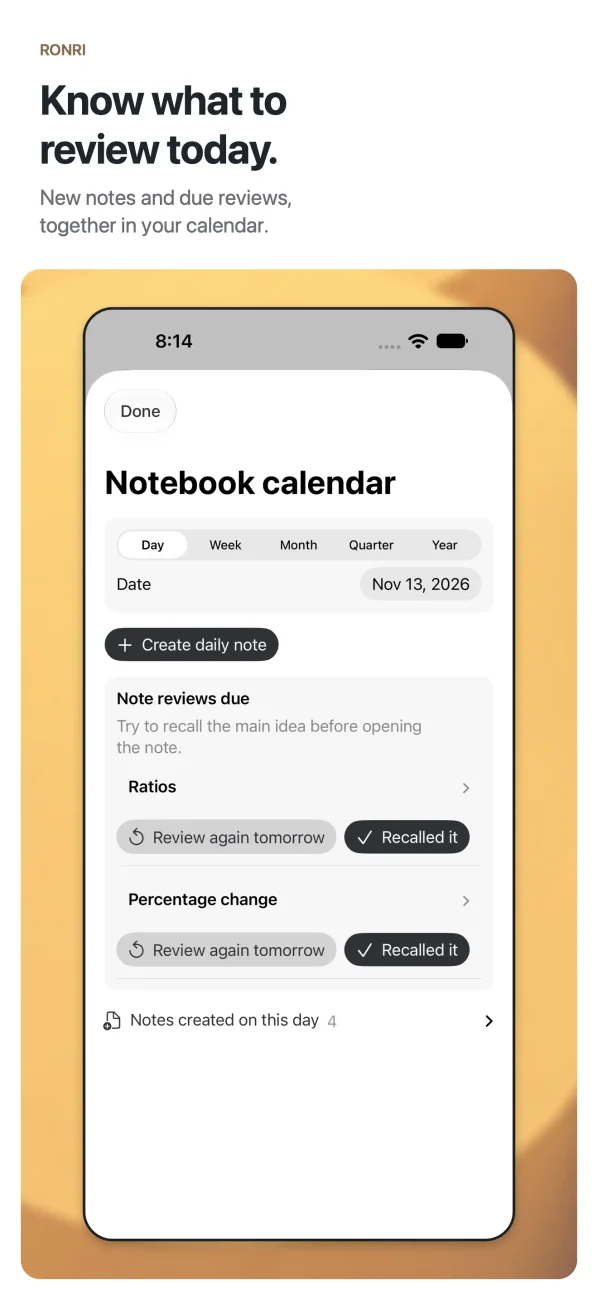
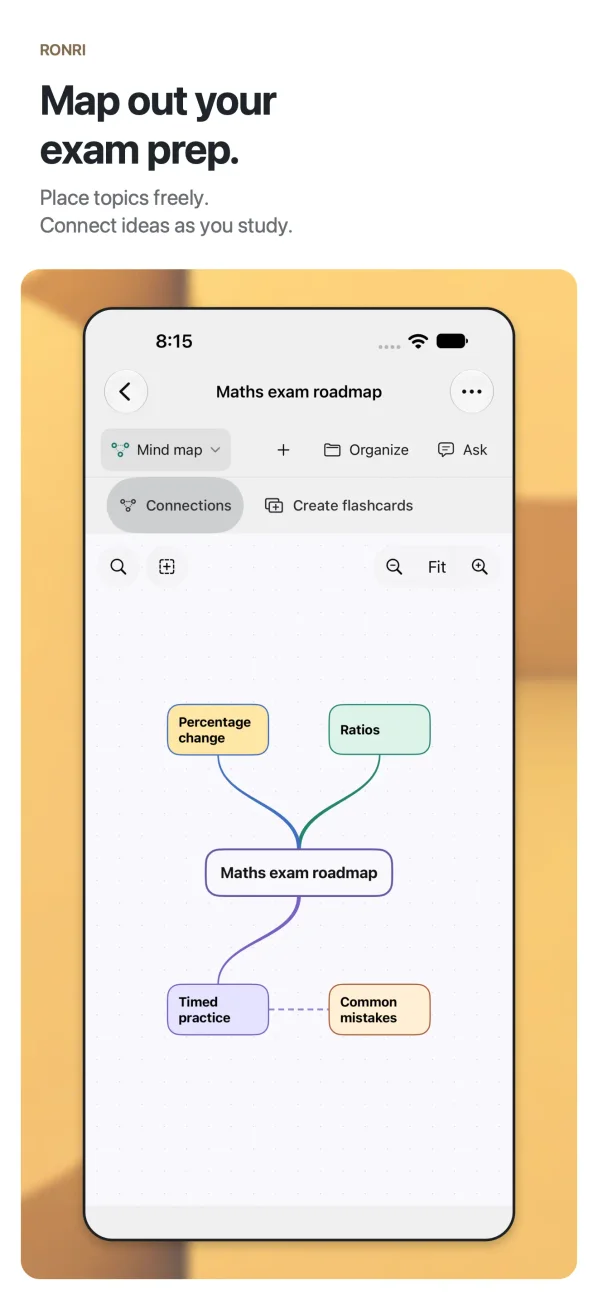
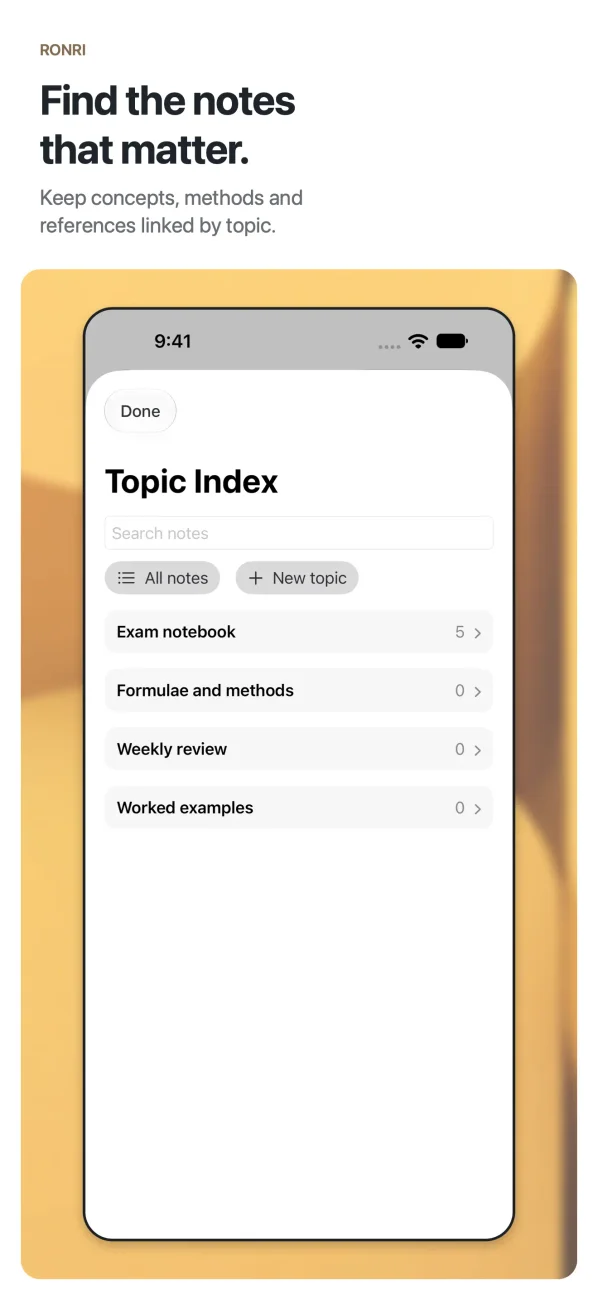
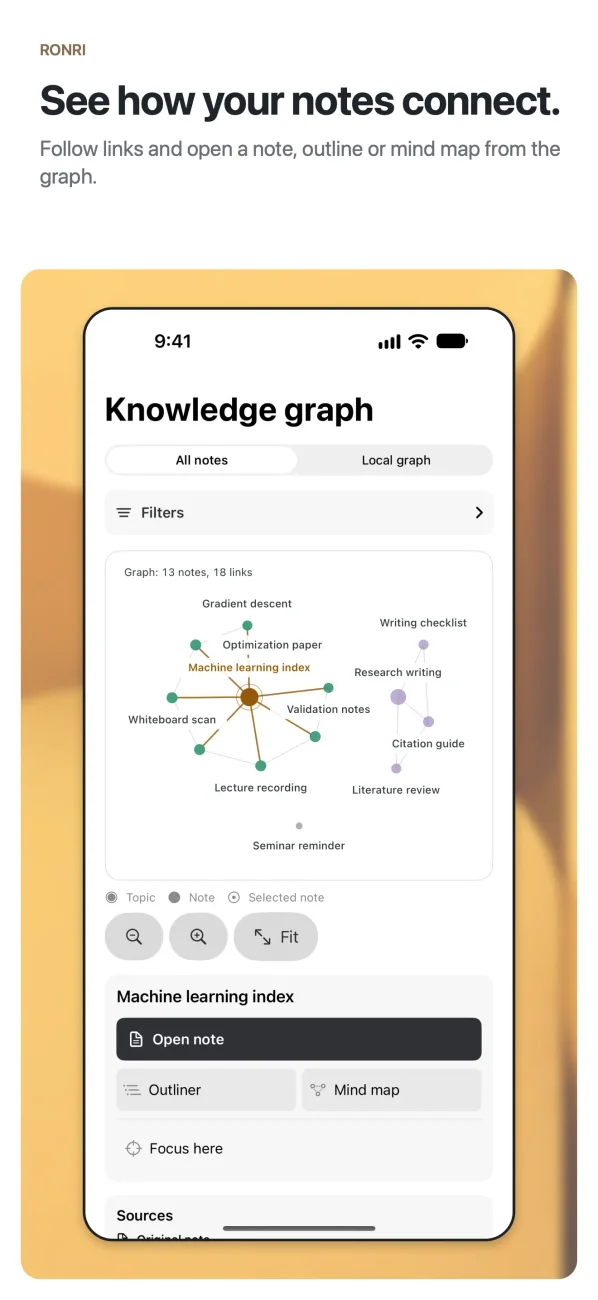
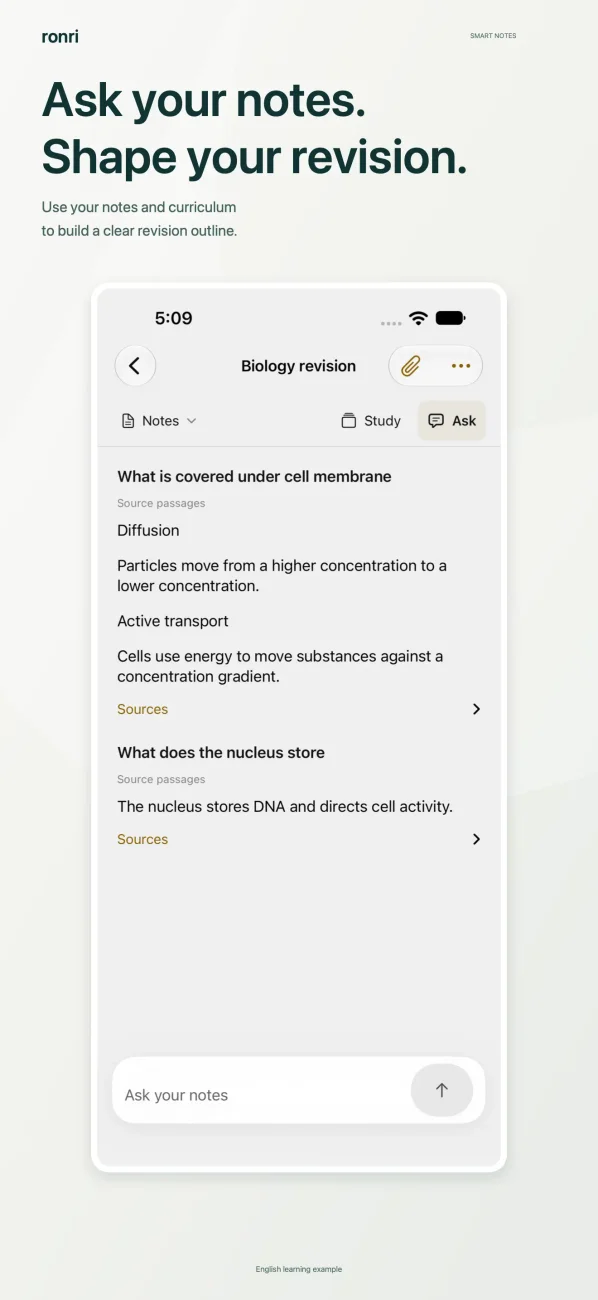
Take notes, record audio, scan a page or add a PDF. Link related ideas and switch between a document, an outline and a mind map. Build an AI context library from your notes and sources so you can ask questions, find key points and draft a revision guide. Check the sources behind an answer and turn what matters into flashcards for spaced review.
PREPARE FOR EXAMS
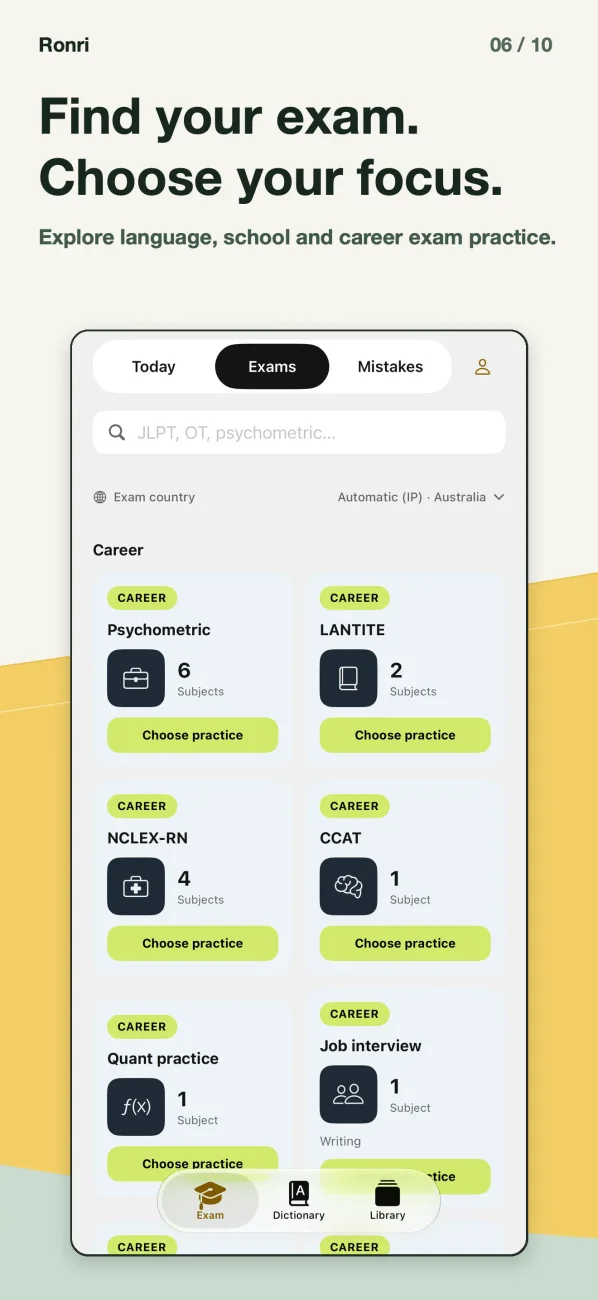
Choose a topic in Ronri’s curated question bank, work through short practice sets and try a timed mock exam where available. Thinking practice includes spatial problems: fold a net into a solid, and read the shape of a cross-section. Read the explanations, save missed questions to your Mistake Book and revisit them before test day. Explore options such as AP Psychology, AP Calculus AB, Japan’s SPI and Common Test, JLPT, HSK and TOPIK. Topics and practice formats vary by exam.
BUILD LANGUAGE SKILLS
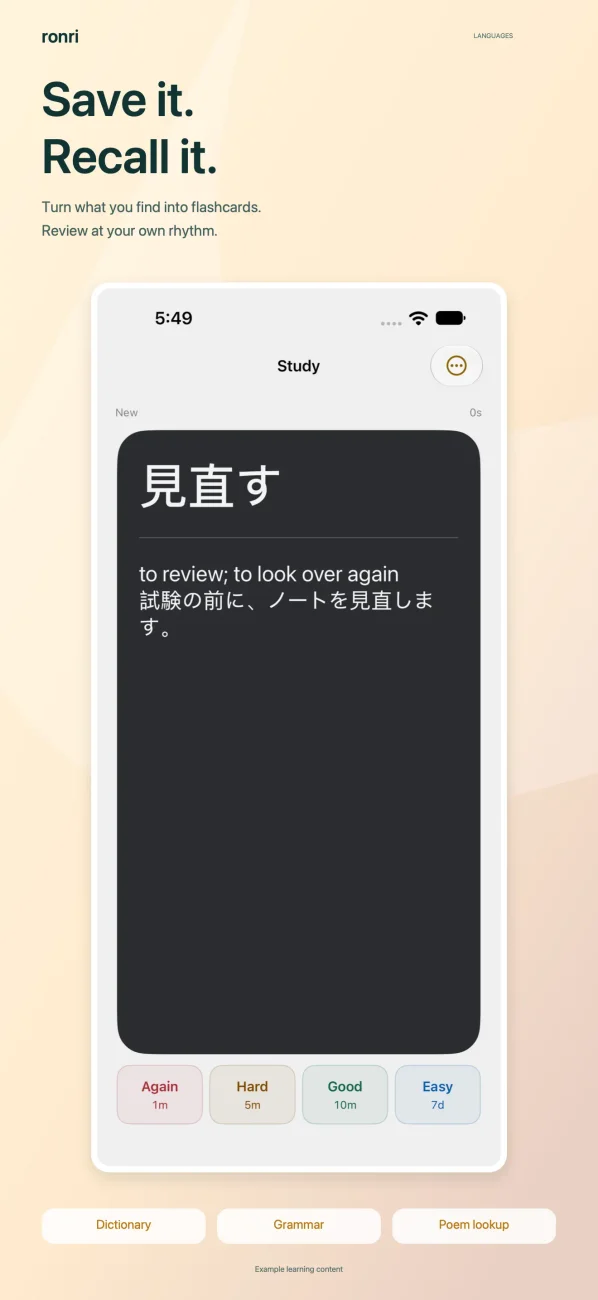
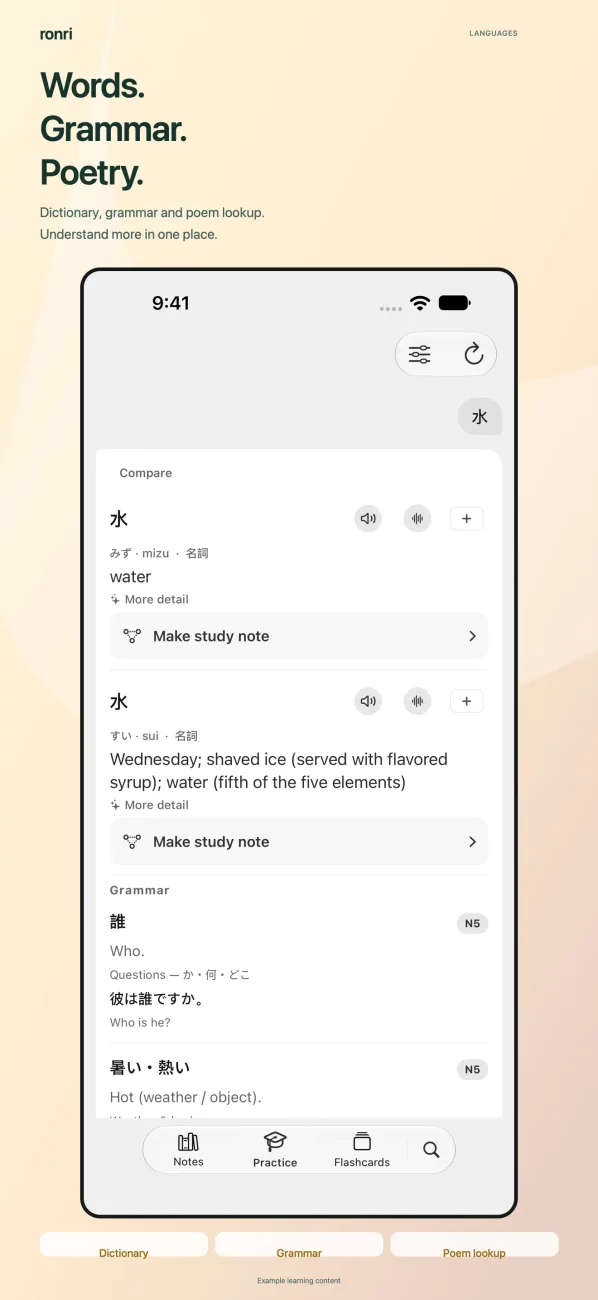
Look up unfamiliar words in offline dictionaries and save useful words and phrases as flashcards. Practise vocabulary, grammar and pronunciation, or shadow the news.
PREPARE FOR WORK AND INTERVIEWS
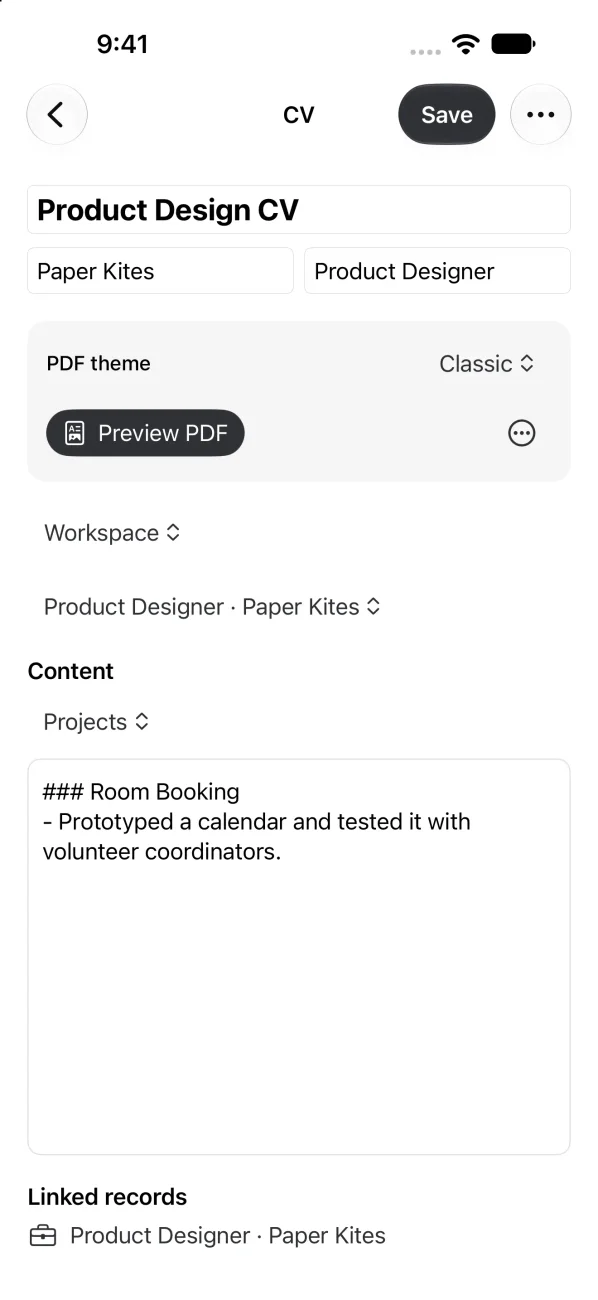
Keep research, project notes and drafts together. Use AI to organise ideas or draft a presentation from your notes. In the Career workspace, organise your CV, applications and interview notes. Practise common interview questions and prepare examples from your own experience.
Offline dictionaries and selected exercises are free. Optional purchases and subscriptions unlock additional features. The question bank and online AI need internet access. AI and pronunciation availability varies by device, language and region.
Privacy: https://rubricmark.com/privacy
Terms: https://www.apple.com/legal/internet-services/itunes/dev/stdeula/
Support: https://rubricmark.com/contact
Yenilikler
Sürüm 2.78 · 25.11.2026
Open Mistake Book directly from your Notes workspace. Scan or paste multiple-choice questions, review your saved mistakes, and return to your notes. Add, remove or reorder the shortcut in Customize Workspace.
Uygulama gizliliği
Bu uygulamanın verileri nasıl işlediği hakkında AE STUDIO SPACE tarafından App Store üzerinde yapılan beyan.
-
Sizinle ilişkilendirilen veriler
Toplanabilir ve kimliğinizle ilişkilendirilebilir.
- Satın alımlar
- İletişim bilgileri
- Kullanıcı içeriği
- Tanımlayıcılar
Gizlilik uygulamaları, örneğin kullandığınız özelliklere veya yaşınıza göre değişiklik gösterebilir.
Bilgiler
- Satıcı
- AE STUDIO SPACE
- Kategori
- Eğitim
- Sürüm
- 2.78
- Güncellendi
- 25.11.2026
- Yayın tarihi
- 03.08.2026
- Boyut
- 428,4 MB
- Gereksinim
- iOS 26.0 veya sonrası
- Yaş sınırı
- 4+
- Fiyat
- Ücretsiz
- Uygulama içi satın alma
- Evet
- Diller
- Japonca, Tayca, Almanca, Fransızca, Basitleştirilmiş Çince, Geleneksel Çince, İngilizce, Korece
- Telif hakkı
- © 2026 RubricMark