
- Age rating17+
- CategoryProductivity
- DeveloperLightpost One Limited
- LanguagesEnglish
- Size13.1 MB
Links to the official App Store page
Download.org hosts no file of Rool. The button opens its official App Store page, published by Lightpost One Limited. Listing last checked on Nov 24, 2026.
Screenshots

About
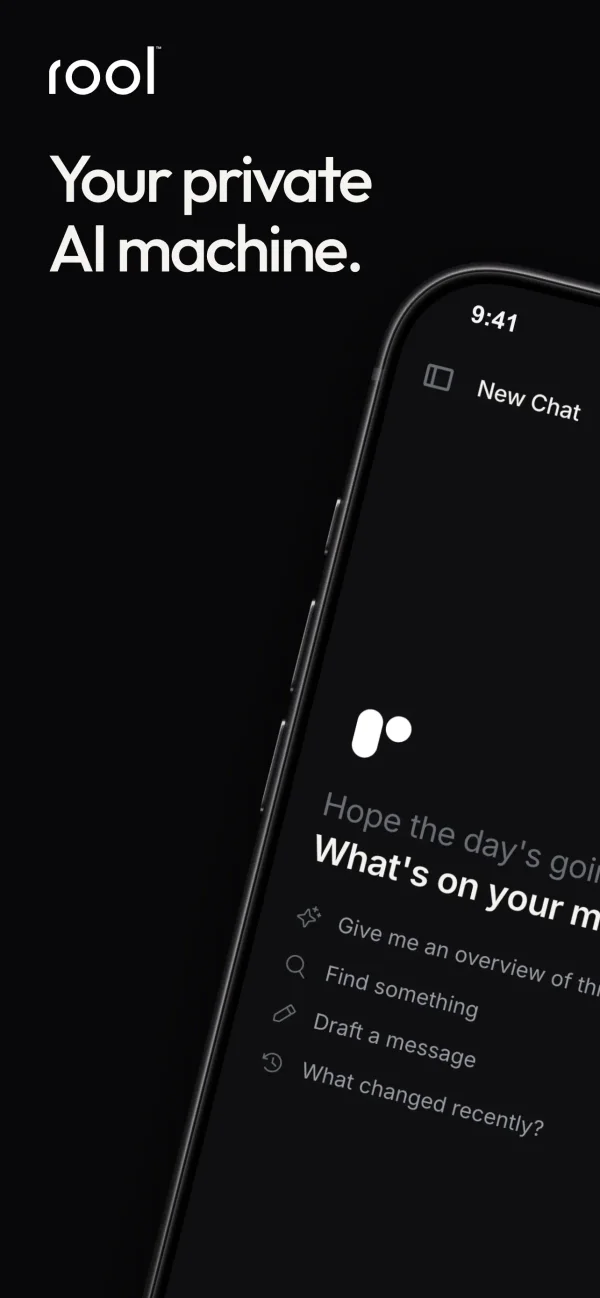
Rool gives you a private computer in the cloud that you can talk to. Ask questions, create files, solve problems, and work through projects with an AI that builds on what you’ve already done.
Each Rool Machine brings your conversations, files, and memory together. It can run software and carry out tasks with multiple steps, helping you go from an idea to finished work through a familiar chat.
WORK WITH YOUR FILES
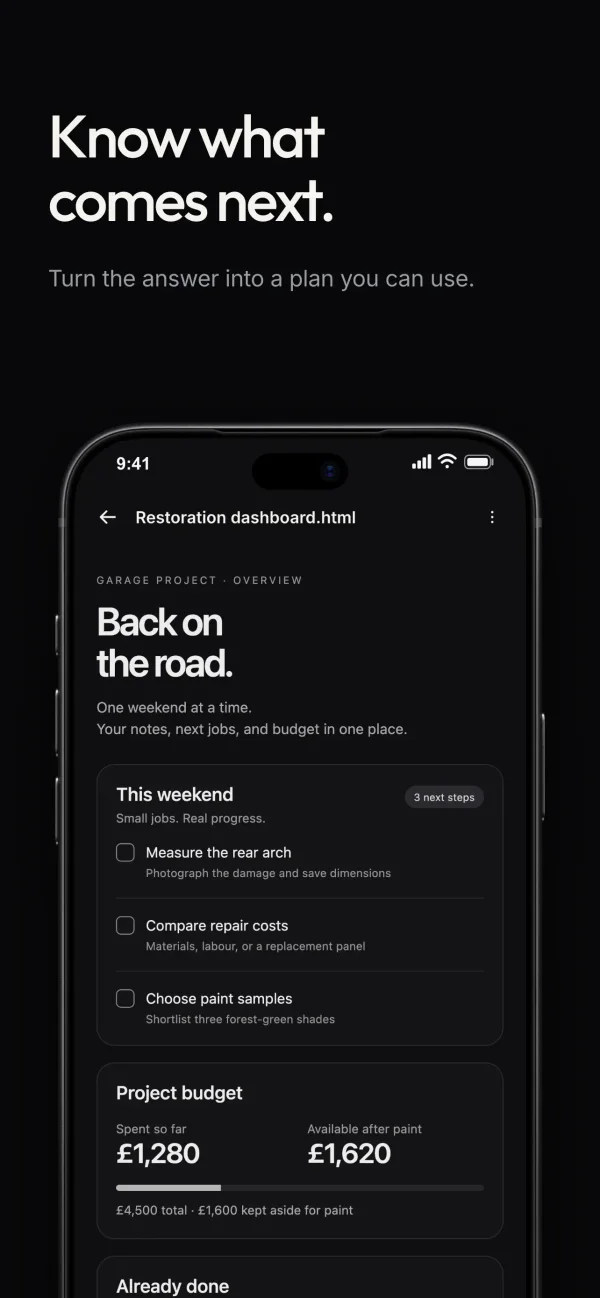
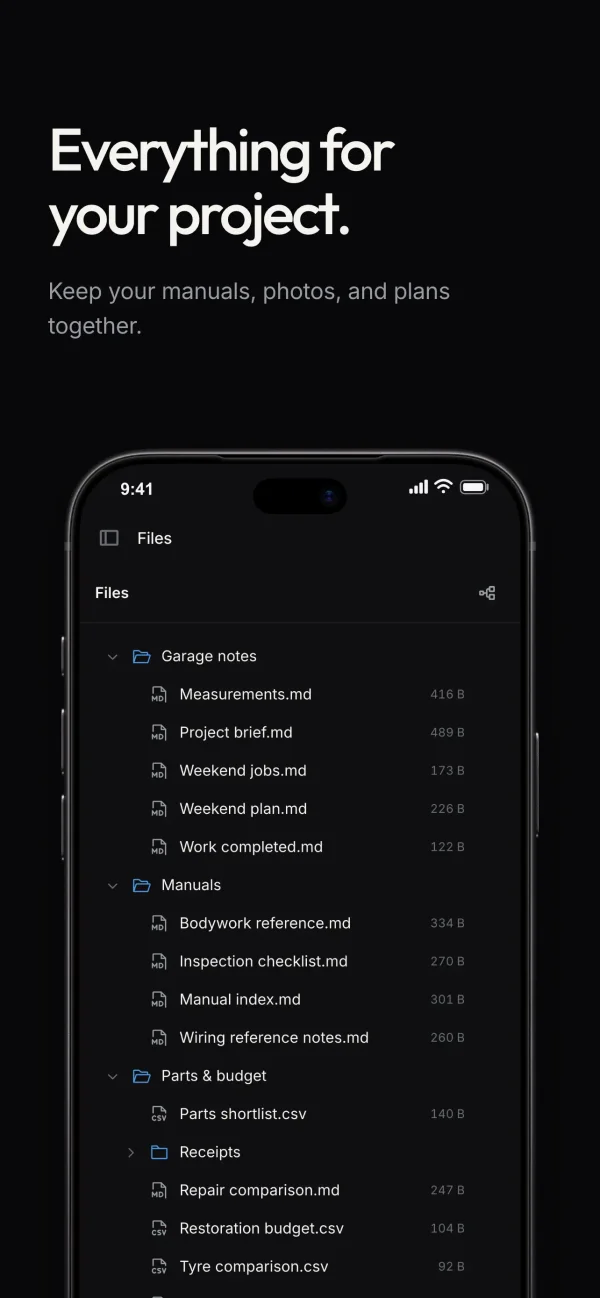
Upload documents, PDFs, images, spreadsheets, and code. Ask Rool to read, edit, organise, or create files for you. Turn notes into a report, work through calculations, or build an interactive HTML page.
CREATE AND EXPLORE
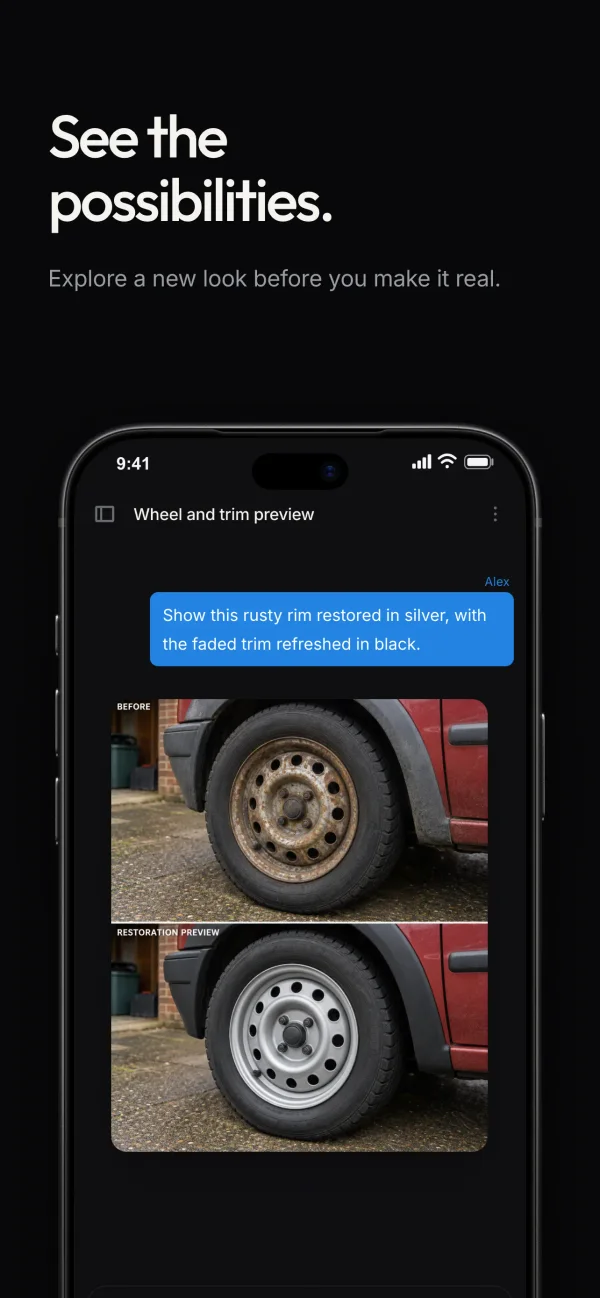
Draft ideas, generate images, write code, and compare different approaches. Refine the results through conversation and keep what you create alongside the rest of your project.
BUILD ON YOUR WORK
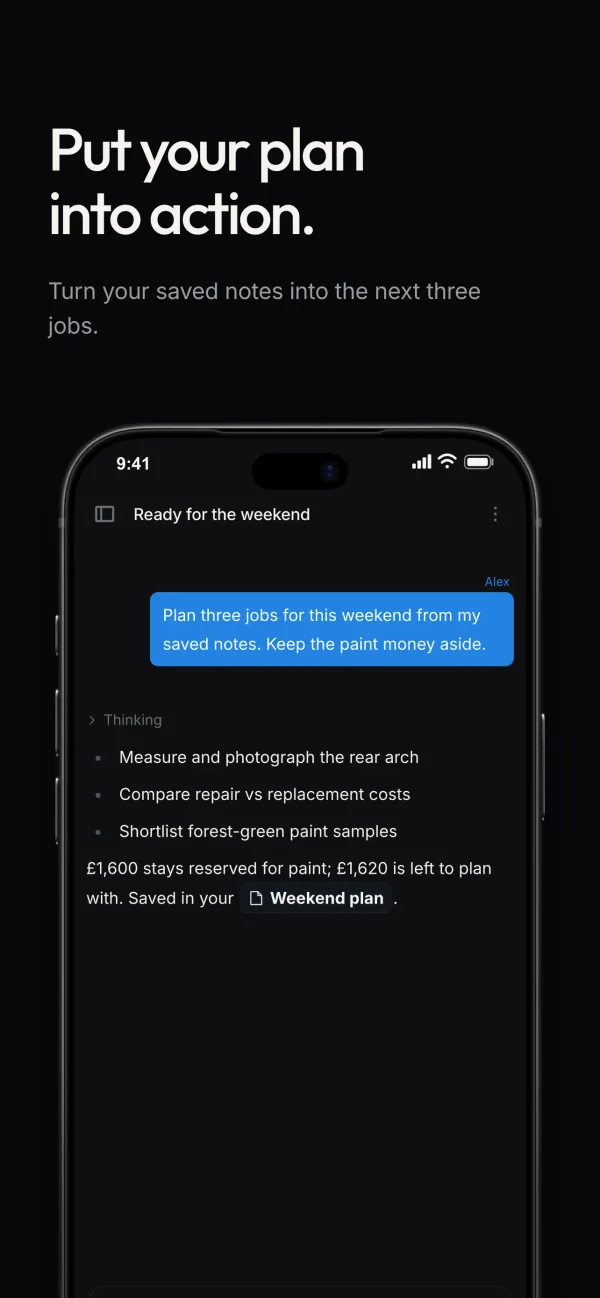
Rool connects your notes, conversations, files, and decisions through persistent memory. Return to a project with its context still available, and ask your AI to use earlier work when planning what comes next.
MAKE ROOM FOR DIFFERENT PROJECTS
Use separate Machines for personal projects, work, or shared interests. Each has its own files and memory, helping you keep different parts of your life organised.
WORK TOGETHER
Invite others into a Machine to collaborate with the same AI, files, and project history. Changes sync in real time, so everyone can work from the same information.
PRIVATE BY DESIGN
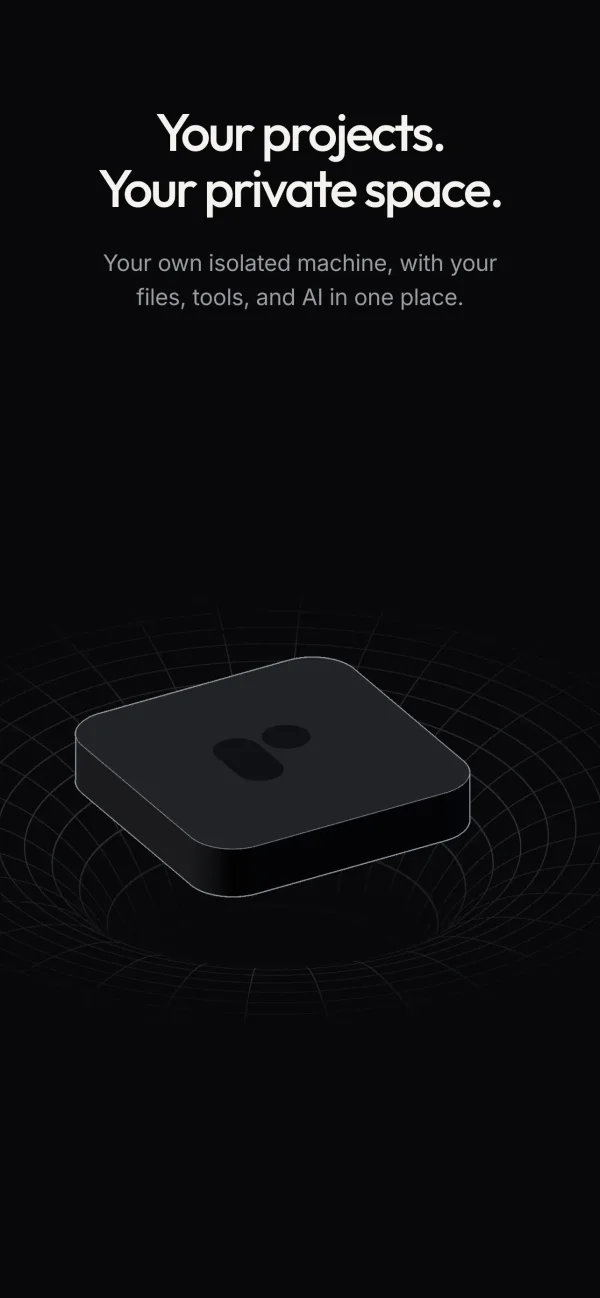
Your work is stored in your own isolated Machine, hosted in the EU. Rool has no ads and does not sell your data or share it for third-party AI training. You can export your data whenever you choose.
AI INCLUDED
Advanced AI is built in. Rool automatically selects models for the task, so you can focus on what you want to do.
Start with a free plan that includes AI access, persistent memory, and file storage. Paid plans offer higher usage and storage limits.
Terms of Use (EULA)
https://www.apple.com/legal/internet-services/itunes/dev/stdeula/
What’s new
Version 0.9.6 · Nov 6, 2026
New chat widgets for files, galleries, and incoming email.
Choose Standard or Wide chat on desktop and set what Enter does.
Send and edit messages with only attachments. Attachments stay when you recall or regenerate a prompt.
Clear drafts with one tap and use separate controls for dictation and sending.
Fixes for mobile file previews, Markdown editing, and machine setup.
App privacy
What Lightpost One Limited declares on the App Store about how this app handles data.
-
Data linked to you
May be collected and linked to your identity.
- Contact info
- Usage data
Privacy practices may vary, for example with the features you use or your age.
Information
- Seller
- Lightpost One Limited
- Category
- Productivity
- Version
- 0.9.6
- Updated
- Nov 6, 2026
- Released
- Sep 7, 2026
- Size
- 13.1 MB
- Requires
- iOS 15.0 or later
- Age rating
- 17+
- Price
- Free
- In-app purchases
- Yes
- Languages
- English
- Copyright
- © Lightpost One Ltd
You might also like
-
 Off Grid AI - Private Local AIAI studio that works offline
-
 JoplinNote taking and to-do app
-
 Proton Authenticator & 2FASecure verification, MFA & OTP
-
 Smile App LauncherA minimalistic dumbphone
-
 Proton Pass - Password ManagerPasskeys, 2FA & secure vault
-
 Ulysses: Writing AppWrite a novel, story, book
-
 Minimalist LauncherDumb Phone for Dopamine Detox
-
 Habit Tracker - HabitKitStreaks & Accountability
-
 Encrypted Email - Proton MailFast, private, secure inbox
-
 Strides: Habit Tracker + GoalsGoal Planner & Daily Checklist