
- Age rating4+
- CategoryUtilities
- DeveloperHangfang Zhang
- LanguagesEnglish
- Size8.4 MB
Links to the official App Store page
Download.org hosts no file of Roomly 3D. The button opens its official App Store page, published by Hangfang Zhang. Listing last checked on Nov 18, 2026.
Screenshots

About
Every room. Every state. Saved.
Roomly 3D turns your iPhone Pro's LiDAR sensor into a precision room scanner.
Each capture preserves synchronized colour, depth, and camera pose, so the
result can be turned into a photoreal 3D model for evidence, virtual tours, or
comparing a space across time.
WHAT IT'S FOR
• Evidence preservation — insurance claims, rental move-in/move-out, property disputes
• Virtual tours — remote viewing for sales or sharing
• State diffing — comparing a room's state across time
HOW IT WORKS
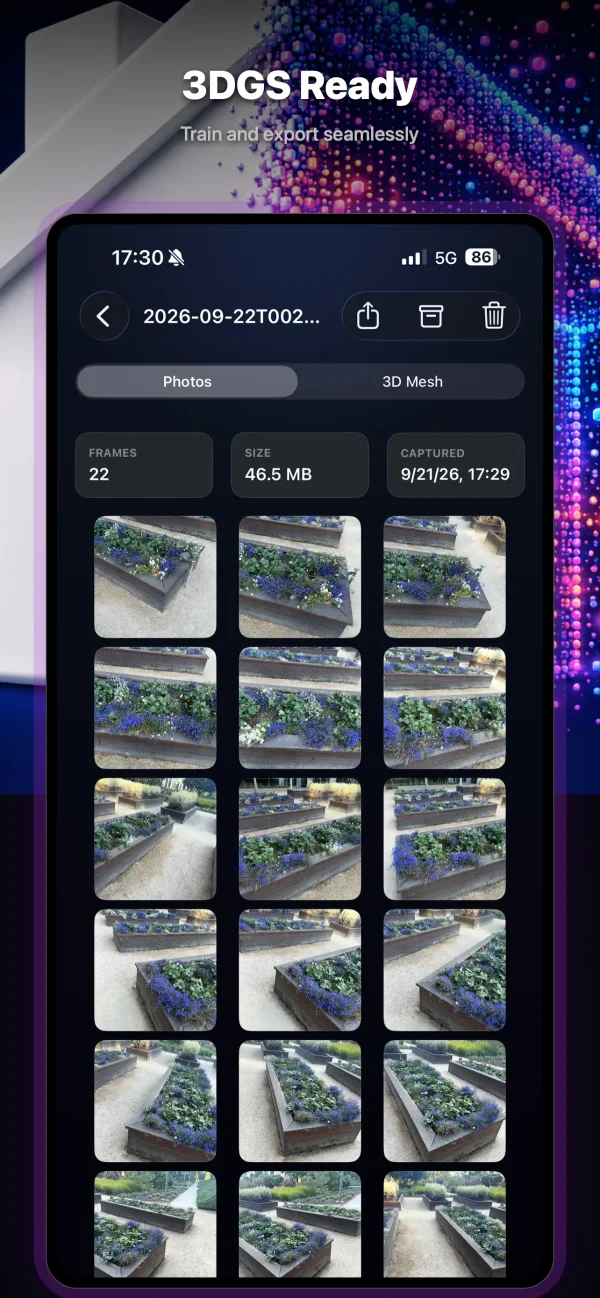
• Walk through a room with your iPhone. Roomly 3D auto-captures sharp frames at
the right moments — no shutter button to press.
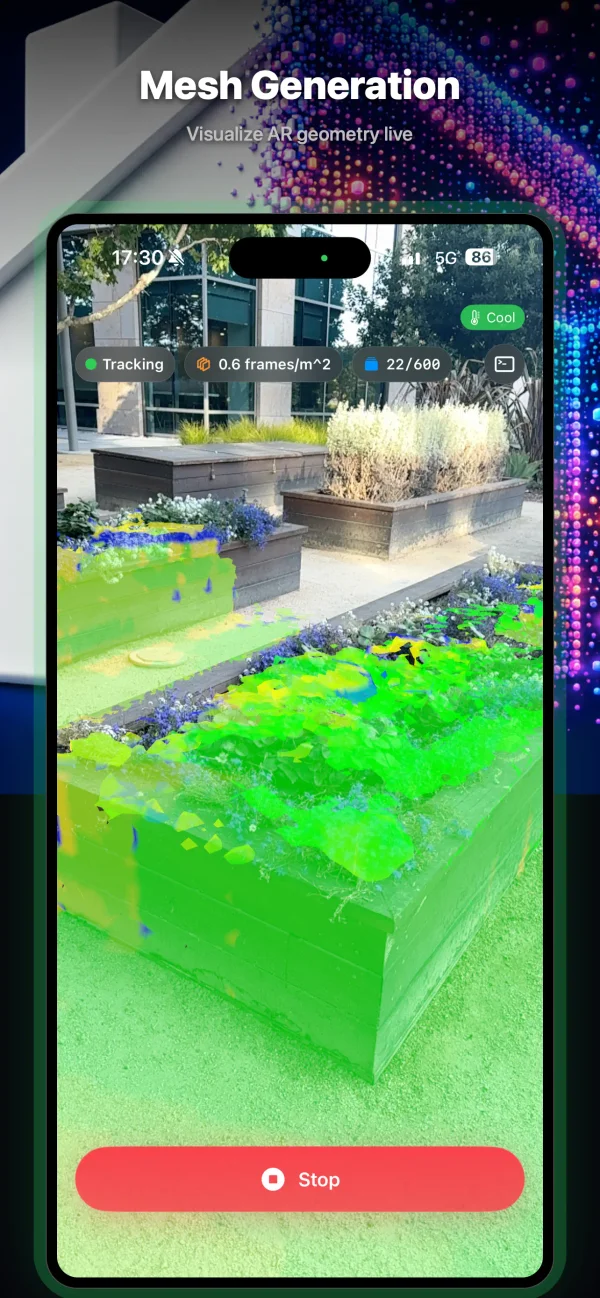
• A live coverage overlay colours the room as you scan, showing which surfaces
are done and which still need a pass.
• Motion and sharpness gates reject blurry or rushed frames before they are ever
written, so what you take home is clean.
• Stop when the room reads as fully covered. Share the result as a single
archive, or save the raw scan to Files.
OUTPUT
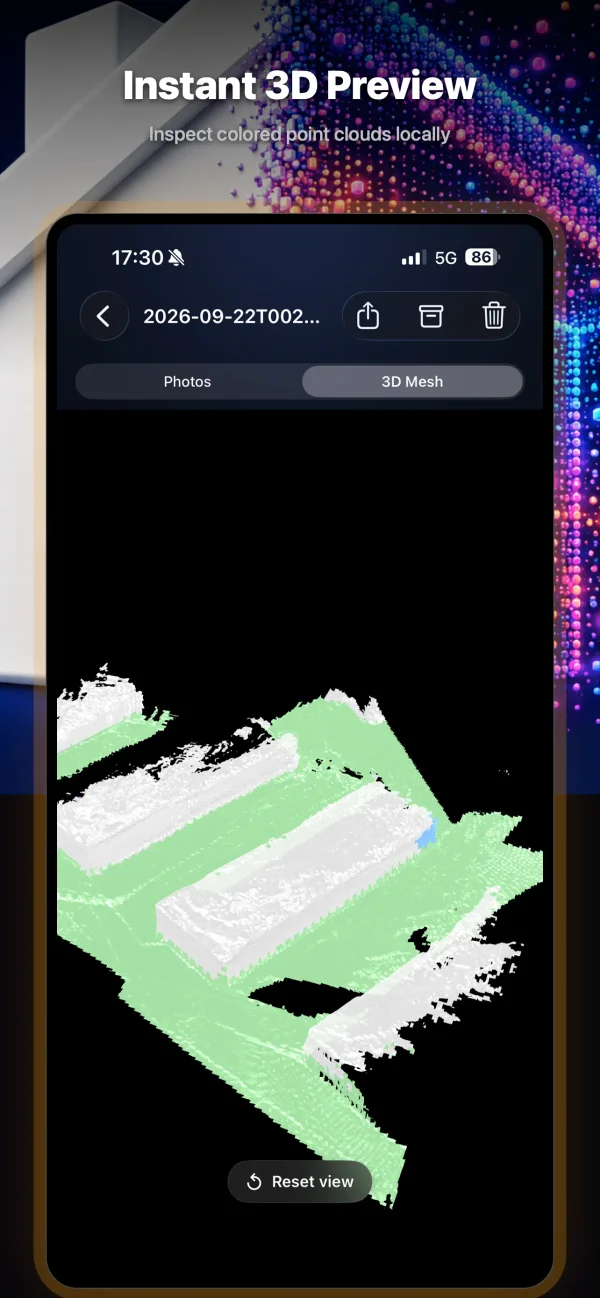
• Industry-standard Nerfstudio-compatible format (transforms.json + RGB JPGs +
depth EXRs + LiDAR mesh)
• Drop straight into Nerfstudio, DN-Splatter, or any 3D Gaussian Splatting /
NeRF pipeline that reads the Nerfstudio schema
• Metric scale: one unit is one metre, no rescaling needed
REQUIREMENTS
• iOS 17 or later
• LiDAR RGB-D capture — the full depth pipeline and the live coverage overlay —
requires an iPhone Pro with a LiDAR sensor (12 Pro family and later). Without
LiDAR the app still runs and captures a camera-only sequence, but depth and
the coverage overlay are unavailable.
PRIVACY
• All processing happens on your device.
• No analytics, no accounts, no third-party SDKs, no data leaves your phone.
What’s new
Version 1.3 · Oct 20, 2026
More reliable scanning and easier access to your saved captures.
• Clearer live capture guidance and scan summaries.
• Improved saving when a scan is interrupted or the app moves to the background.
• Faster browsing of saved scans, with safer photo deletion and export.
• A clearer Done button and a Write a review option in Settings.
• Added purchase verification. Confirmed refunds disable new scans; saved scans remain available to view and export.
App privacy
What Hangfang Zhang declares on the App Store about how this app handles data.
-
Data not collected
The developer does not collect any data from this app.
Privacy practices may vary, for example with the features you use or your age.
Information
- Seller
- Hangfang Zhang
- Category
- Utilities
- Version
- 1.3
- Updated
- Oct 20, 2026
- Released
- May 27, 2026
- Size
- 8.4 MB
- Requires
- iOS 17.0 or later
- Age rating
- 4+
- Price
- $3.99
- Languages
- English
- Copyright
- © 2026 Hangfang Zhang
You might also like
-
 Memo 3D ScannerOn-Device Gaussian Splatting
-
 Poco AISmart AI inventory assistant
-
 Mobile SLAM3D maps with a LiDAR, on foot
-
 CantoTranslateUtilities
-
 Pilot ToolsA complete Toolbox for pilots
-
 DepthStage-3D Photo ArtUtilities
-
 SealSkinSelf Hosted App Isolation
-
 TapCount® - Tally CounterSimple Tally Counter
-
 Drone PalFly with confidence
-
 NAS Media ViewerVideo player/browser/shuffler