
RoomPipe
Add pipelines to scanning room
Designed for iPhone
Free · In-app purchases
- Age rating17+
- CategoryUtilities
- Developer建云 董
- LanguagesEnglish+ 1 more
- Size3.7 MB
Links to the official App Store page
Download.org hosts no file of RoomPipe. The button opens its official App Store page, published by 建云 董. Listing last checked on Nov 15, 2026.
Screenshots

About
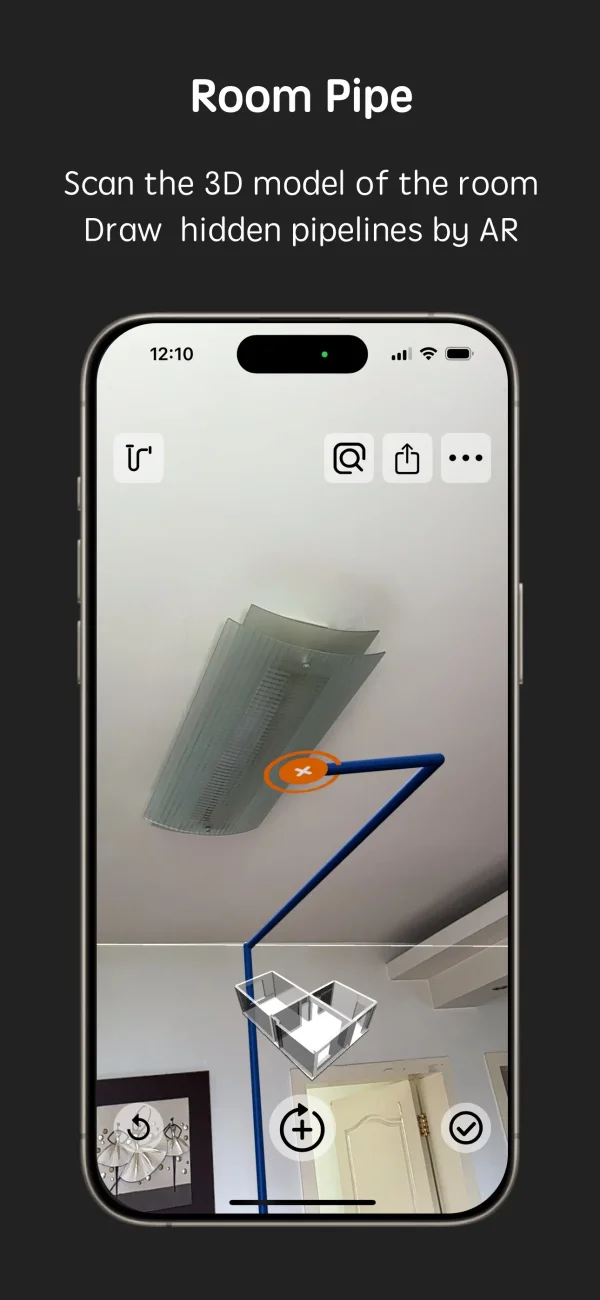
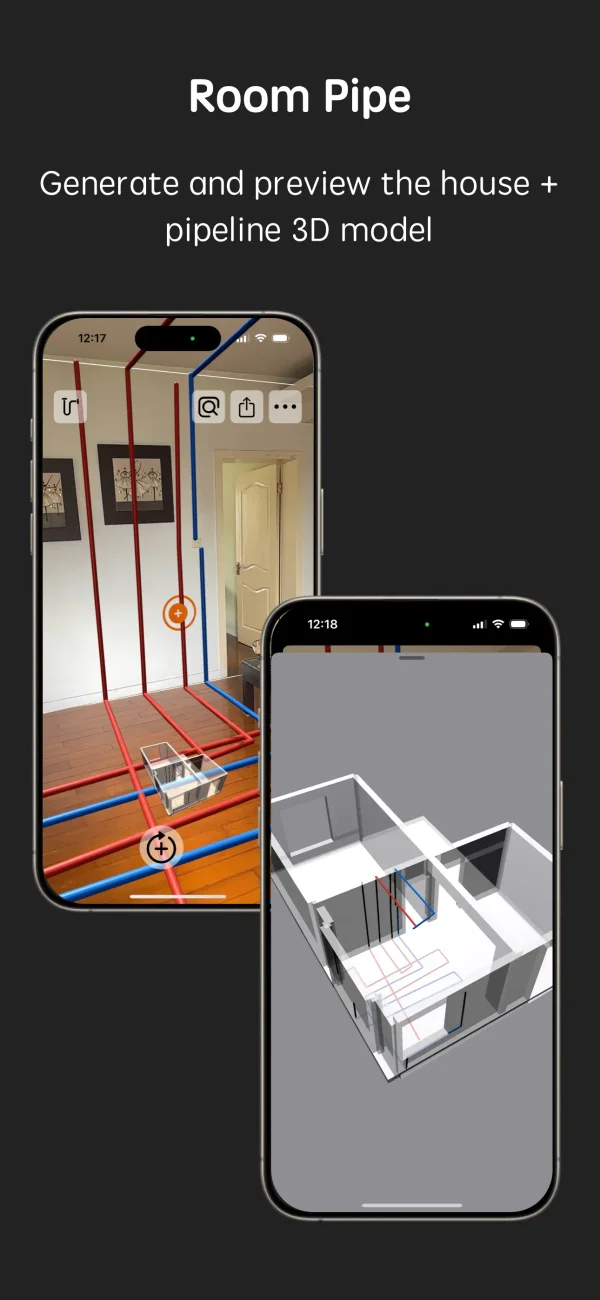
The Room Pipe APP uses Apple's latest AI-based RoomPlan technology framework, combined with AR augmented reality technology. By scanning the Room, you can obtain the 3D model of the house structure. At the same time, you can use AR WYSIWYG to efficiently draw the relative position of the house's hidden pipelines and output the 3D model of the room integrated with the pipelines.
Features:
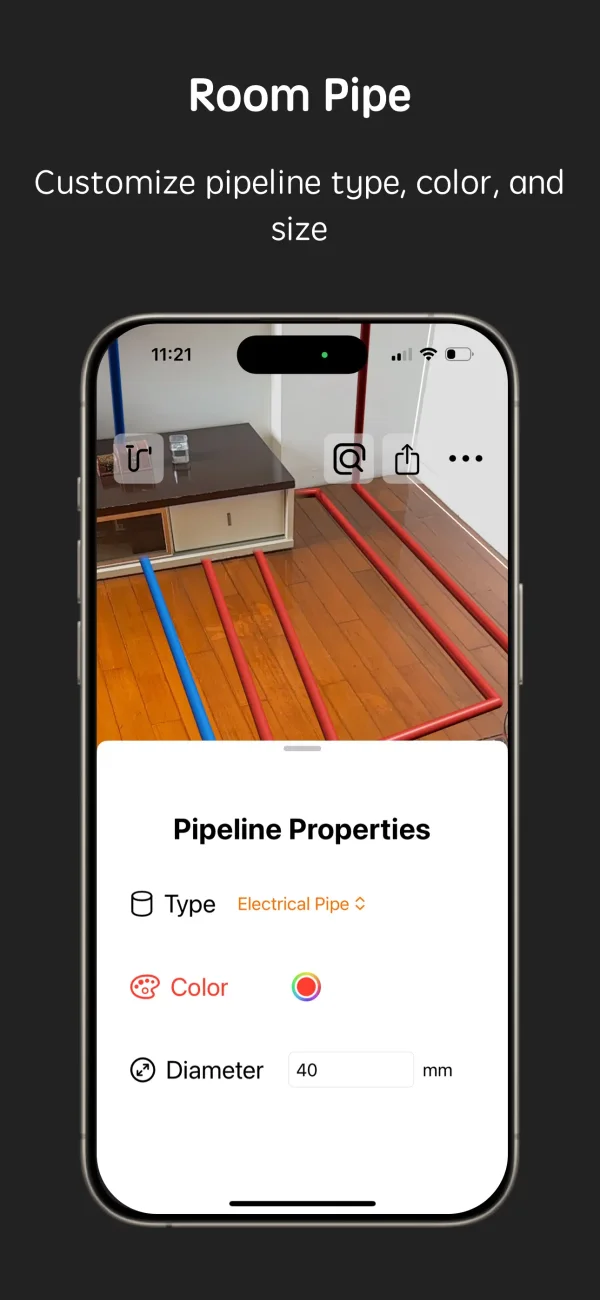
1. Customize pipeline attributes, support users to set pipeline types according to water, electricity, gas line , etc., pipeline color, size can also be freely set;
2. Automatically assist in anchoring floors, ceilings, walls and wall intersections, even if there are furniture obstruction, it can also help users anchor floors, ceilings and walls in real time, and quickly draw pipelines on walls, floors and ceilings.
3. The length and nodes of pipeline drawing can be freely adjusted. Before a pipeline is saved and confirmed, it supports undo operation and retreats to last node on the pipeline;
4. During scanning, a 3D model preview thumbnail is generated in real time at the bottom of the screen. It also supports previewing the house structure + pipeline 3D model large picture preview mode. Users can zoom in and pan to view the details of the house and pipelines;
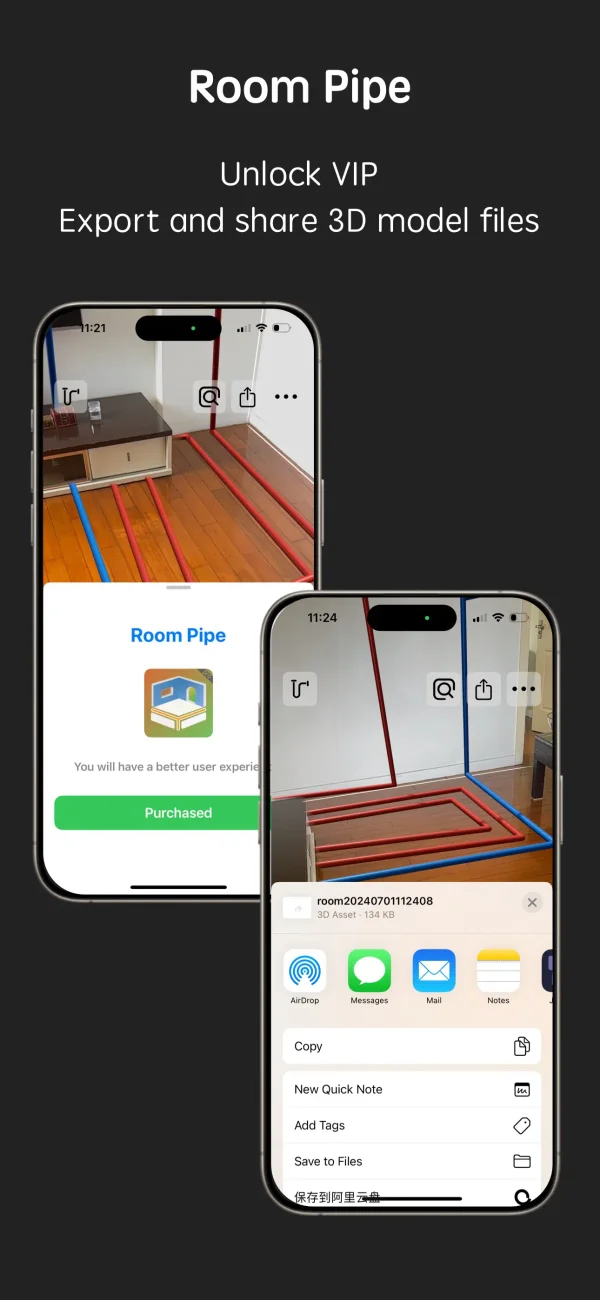
5. Supports the export, saving and sharing of house + pipeline 3D model images. This function requires users to unlock VIP;
Note:
1. The APP does not work on devices with no LiDAR sensors;
2. Possible challenges when scanning include open doors and big mirrors, higher-than-standard ceilings, and very dark surfaces;
3. A scanning session should not exceed five minutes. No surprise that the API consumes smartphone resources heavily. Long-time results on the smartphone: overheating and a drained battery;
4、if there are many rooms, do not scan and draw all the rooms at once. The scan can be disassembled into multiple independent rooms and output and save multiple room models;
4. Maximum recommended size is 30 ft. by 30 ft. or 9 m by 9m;
5. Lighting is important. Minimum level is 50 lux;Preliminary preparation of a room is recommended, e.g., use natural light during daytime scanning. Daylight significantly improves quality of output.
App privacy
What 建云 董 declares on the App Store about how this app handles data.
-
Data not collected
The developer does not collect any data from this app.
Privacy practices may vary, for example with the features you use or your age.
Information
- Seller
- 建云 董
- Category
- Utilities
- Version
- 1.0
- Updated
- Jul 9, 2024
- Released
- Jul 9, 2024
- Size
- 3.7 MB
- Requires
- iOS 17.0 or later
- Age rating
- 17+
- Price
- Free
- In-app purchases
- Yes
- Languages
- English, Simplified Chinese
- Copyright
- © growsall.com
You might also like
-
 PipeCheckerfor GitLab
-
 DepthScan 3D ScannerLiDAR Area Scanner
-
 PipeFabARUtilities
-
 WallSight: LiDAR X-Ray ScanScan walls. See inside later.
-
 ACTIVE STOPLEAKWater leakage detector.
-
 管道计算器ProUtilities
-
 PipeQEssential Pipeflow Calculators
-
 Audio Metadata CleanerRemove Hidden Audio Metadata
-
 FitterCalcPipe offsets. No subscription
-
 BuildX ARBIM AR for Field Inspection