RoomPipe
Add pipelines to scanning room
Được thiết kế cho iPhone
Miễn phí · Mua hàng trong ứng dụng
- Độ tuổi17+
- Danh mụcTiện Ích
- Nhà phát triển建云 董
- Ngôn ngữTiếng Anh+ 1 ngôn ngữ khác
- Kích thước3,7 MB
Liên kết đến trang App Store chính thức
Download.org không lưu trữ tệp nào của RoomPipe. Nút này mở trang ứng dụng trên App Store, nơi 建云 董 phát hành ứng dụng. Trang được kiểm tra lần cuối: 15/11/2026.
Ảnh chụp màn hình

Giới thiệu
Nhà phát triển chưa cung cấp nội dung này bằng ngôn ngữ của bạn.
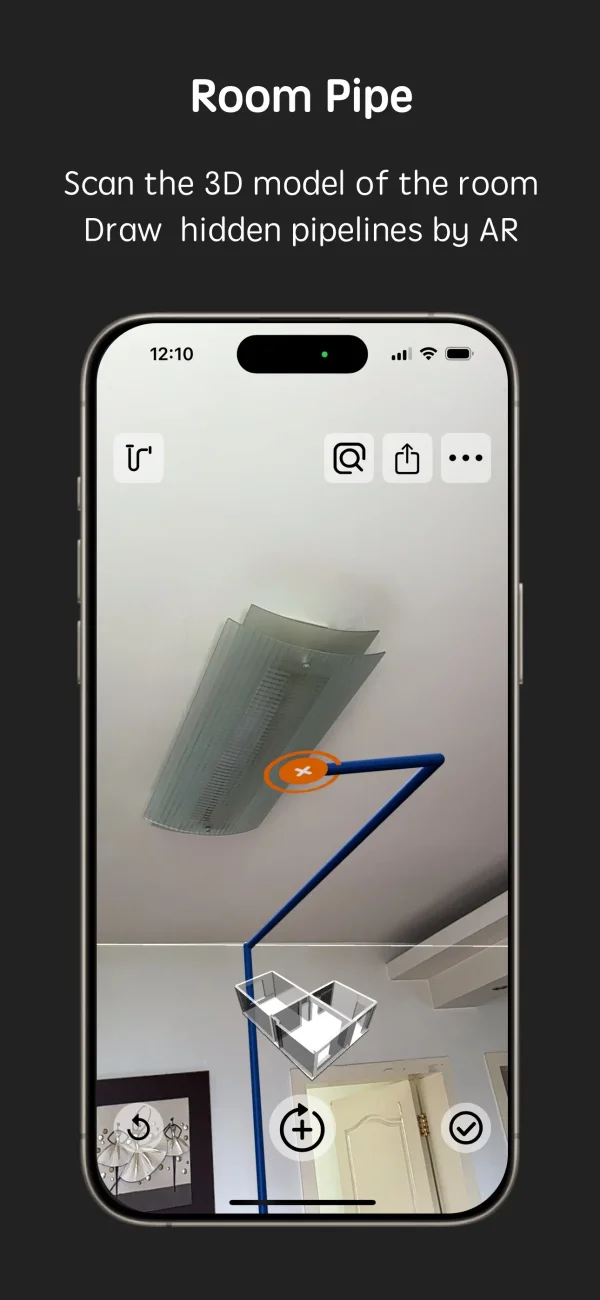
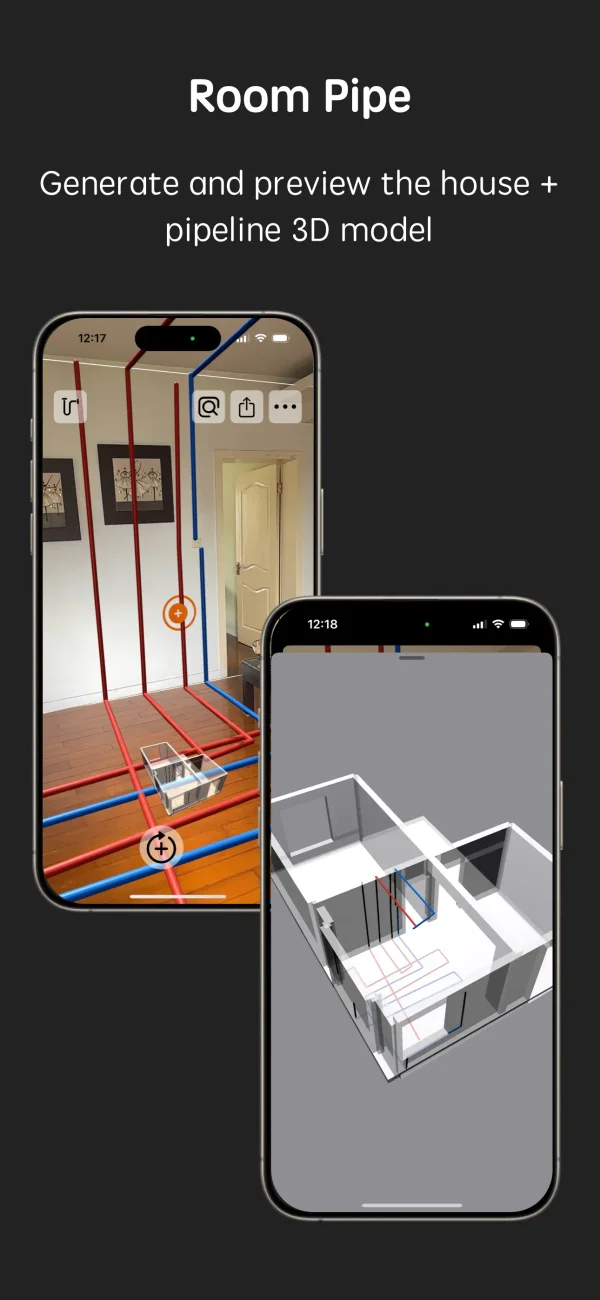
The Room Pipe APP uses Apple's latest AI-based RoomPlan technology framework, combined with AR augmented reality technology. By scanning the Room, you can obtain the 3D model of the house structure. At the same time, you can use AR WYSIWYG to efficiently draw the relative position of the house's hidden pipelines and output the 3D model of the room integrated with the pipelines.
Features:
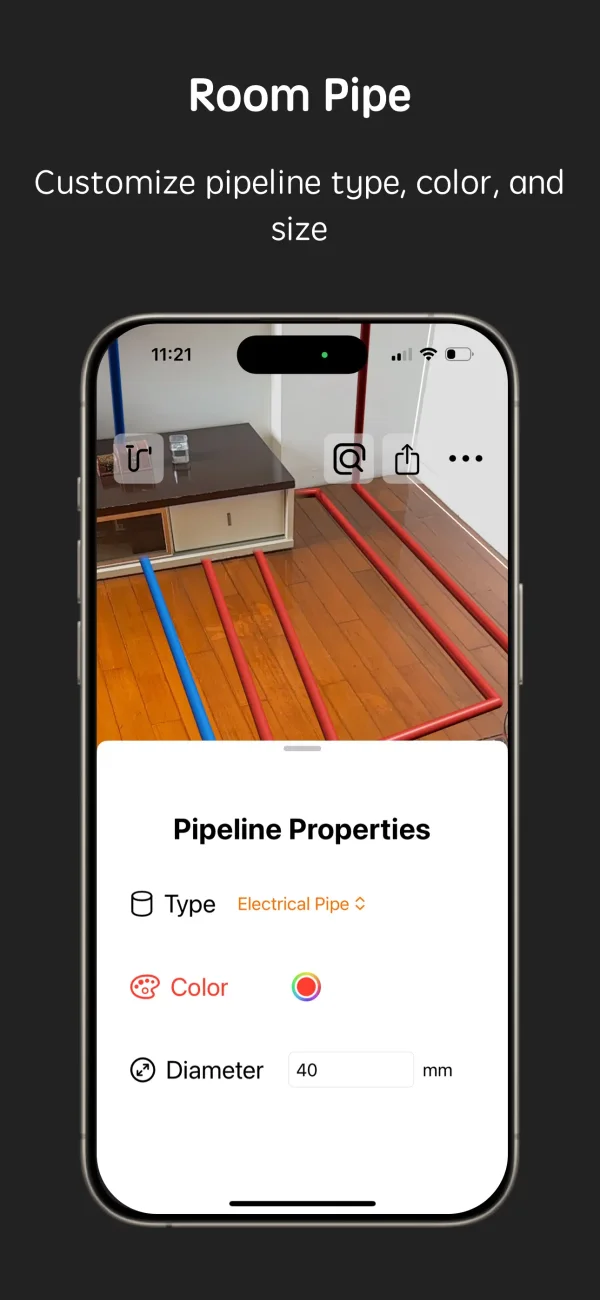
1. Customize pipeline attributes, support users to set pipeline types according to water, electricity, gas line , etc., pipeline color, size can also be freely set;
2. Automatically assist in anchoring floors, ceilings, walls and wall intersections, even if there are furniture obstruction, it can also help users anchor floors, ceilings and walls in real time, and quickly draw pipelines on walls, floors and ceilings.
3. The length and nodes of pipeline drawing can be freely adjusted. Before a pipeline is saved and confirmed, it supports undo operation and retreats to last node on the pipeline;
4. During scanning, a 3D model preview thumbnail is generated in real time at the bottom of the screen. It also supports previewing the house structure + pipeline 3D model large picture preview mode. Users can zoom in and pan to view the details of the house and pipelines;
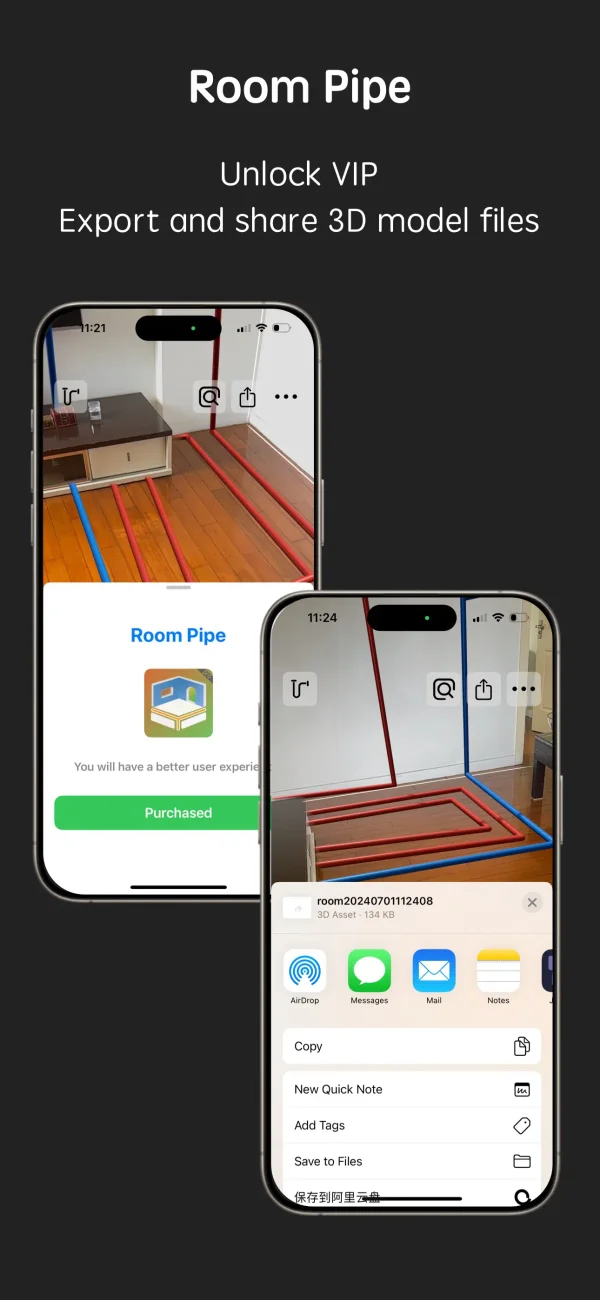
5. Supports the export, saving and sharing of house + pipeline 3D model images. This function requires users to unlock VIP;
Note:
1. The APP does not work on devices with no LiDAR sensors;
2. Possible challenges when scanning include open doors and big mirrors, higher-than-standard ceilings, and very dark surfaces;
3. A scanning session should not exceed five minutes. No surprise that the API consumes smartphone resources heavily. Long-time results on the smartphone: overheating and a drained battery;
4、if there are many rooms, do not scan and draw all the rooms at once. The scan can be disassembled into multiple independent rooms and output and save multiple room models;
4. Maximum recommended size is 30 ft. by 30 ft. or 9 m by 9m;
5. Lighting is important. Minimum level is 50 lux;Preliminary preparation of a room is recommended, e.g., use natural light during daytime scanning. Daylight significantly improves quality of output.
Quyền riêng tư của ứng dụng
Những gì 建云 董 khai báo trên App Store về cách ứng dụng này xử lý dữ liệu.
-
Dữ liệu không được thu thập
Nhà phát triển không thu thập bất kỳ dữ liệu nào từ ứng dụng này.
Phương thức đảm bảo quyền riêng tư có thể khác nhau, chẳng hạn như tuỳ theo các tính năng bạn sử dụng hoặc độ tuổi của bạn.
Thông tin
- Người bán
- 建云 董
- Danh mục
- Tiện Ích
- Phiên bản
- 1.0
- Cập nhật
- 09/07/2024
- Phát hành
- 09/07/2024
- Kích thước
- 3,7 MB
- Yêu cầu
- iOS 17.0 trở lên
- Độ tuổi
- 17+
- Giá
- Miễn phí
- Mua hàng trong ứng dụng
- Có
- Ngôn ngữ
- Tiếng Anh, Tiếng Trung Giản thể
- Bản quyền
- © growsall.com