
RoomVector: 3D Room Scanner
Floor Plans, Measure & Export
Designed for iPhone, iPad
Free
- Age rating4+
- CategoryUtilities
- DeveloperJOSEPH AARON SPEARS
- LanguagesEnglish
- Size2.9 MB
Links to the official App Store page
Download.org hosts no file of RoomVector: 3D Room Scanner. The button opens its official App Store page, published by JOSEPH AARON SPEARS. Listing last checked on Nov 17, 2026.
Screenshots
About
See your space. Save the details.
Turn a room into a floor plan and 3D model you can revisit. RoomVector brings scans, project notes, and shareable reports together on your iPhone or iPad; useful when planning a room layout, discussing a renovation, or documenting a property.
Room scanning requires a LiDAR-equipped iPhone Pro, iPhone Pro Max, or supported iPad Pro.
Capture the room your way
Use Apple RoomPlan for a structured room model and floor plan, or LiDAR mesh scanning to capture surface geometry. Keep each space in its own named project.
Look beyond the photo
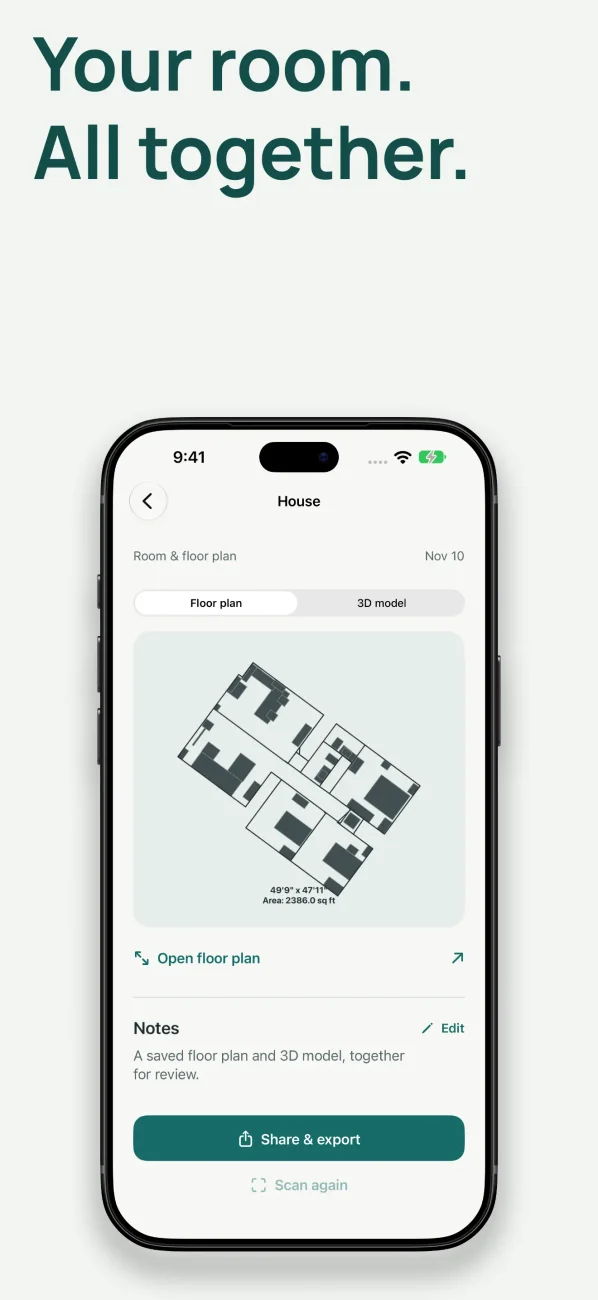
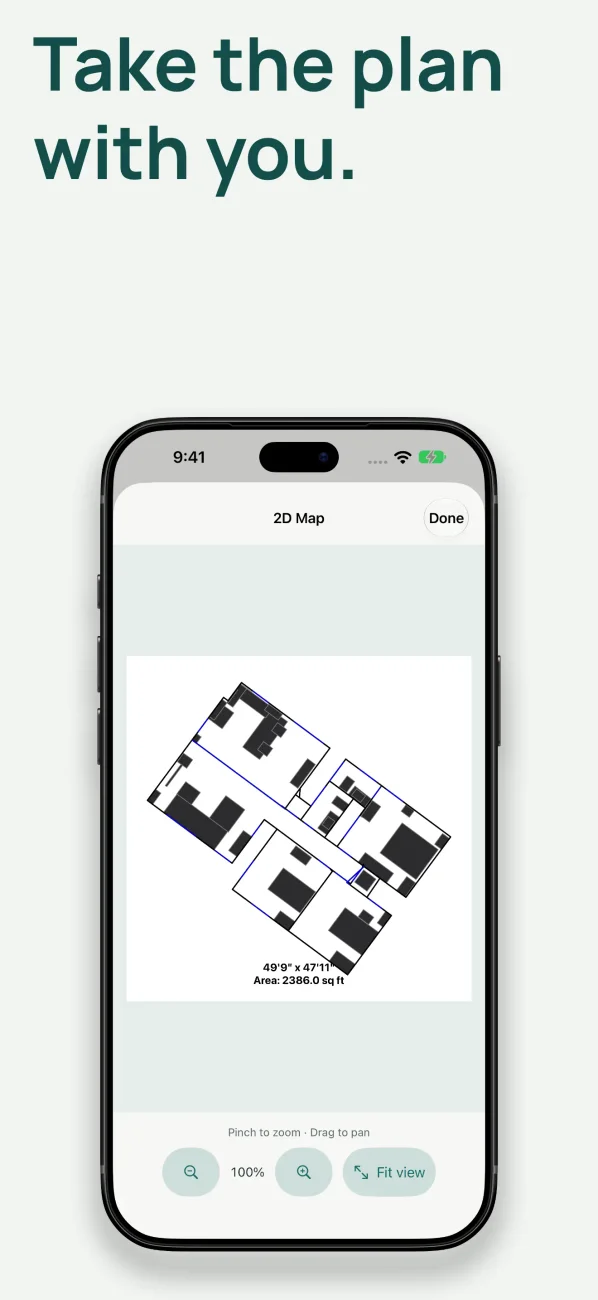
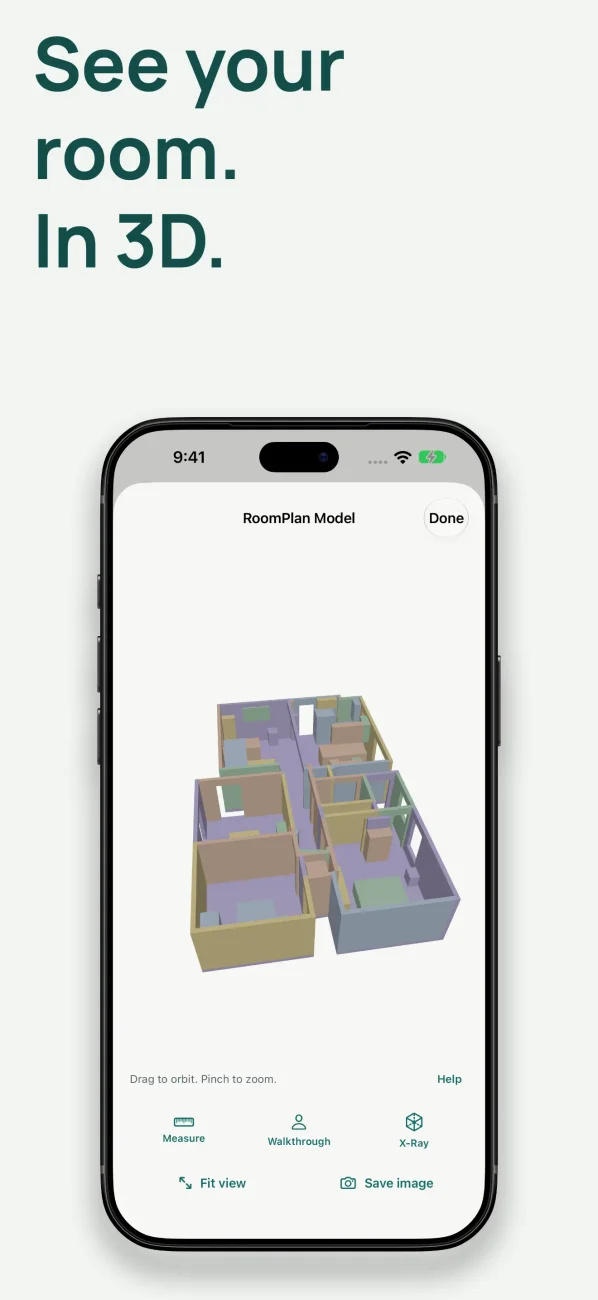
Review a saved floor plan, orbit and zoom around a 3D model, or explore it in walkthrough mode. Use X-Ray and model measurement tools to inspect the space from another perspective.
Keep observations with the scan
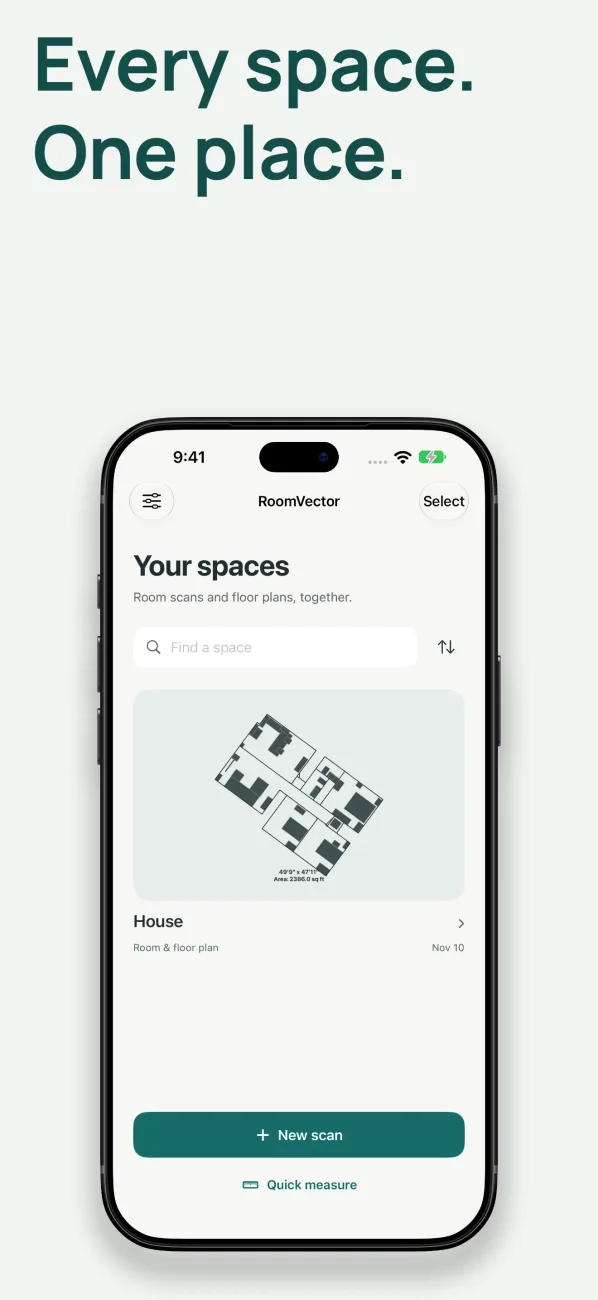
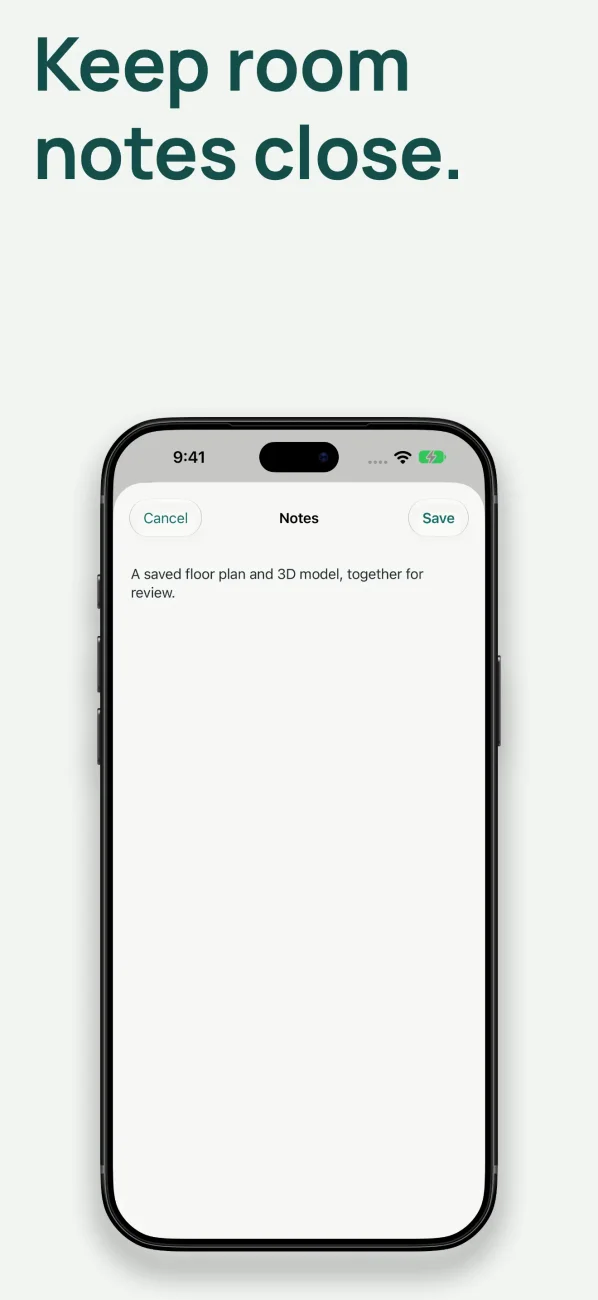
Add project notes, search your saved spaces, and pick up where you left off. Keep the details you want to remember alongside the room they belong to.
Share something useful
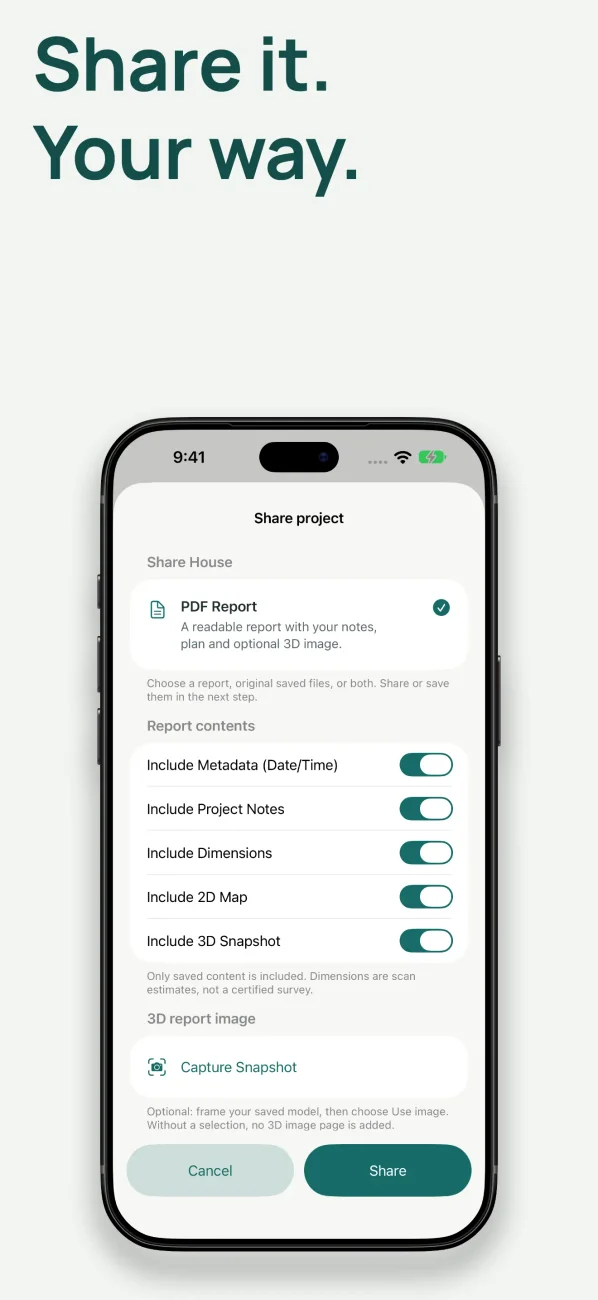
Build a PDF report with your notes, dimensions, floor plan, and an optional 3D snapshot. Share available original files in USDZ, OBJ, or PNG format, depending on how you captured the space.
Measure a quick detail
Use AR tools for distances and areas on supported devices. Choose metric or imperial units for new measurements.
Keep control of your work
Your scan content and project files stay on your device unless you choose to export or share them. Save a separate copy to Files for backup. Basic first-party usage analytics do not include your scan content; see the Privacy Policy for details.
Device requirements
Requires iOS or iPadOS 26.1 or later. LiDAR scanning is supported on iPhone 12 Pro and later Pro models, iPhone 12 Pro Max and later Pro Max models, and LiDAR-equipped iPad Pro models introduced in 2020 or later. Older Pro models may not have LiDAR. Devices without supported scanning hardware can still open and share saved projects.
Scans and measurements are estimates, not certified surveys. Verify critical dimensions before construction, ordering materials, or other work that requires precise measurements.
What’s new
Version 1.1 · Nov 15, 2026
RoomVector has a new look, built around your spaces.
A refreshed project library makes saved rooms easier to browse and find.
A redesigned workspace brings floor plans, 3D models, notes, and sharing together.
Clearer report and export options help you choose what to include and share.
Improved save and error handling helps protect your work and makes retrying clearer.
Updated layouts, more readable text, and a new teal app icon.
Room scanning requires a supported LiDAR-equipped iPhone Pro, iPhone Pro Max, or iPad Pro.
App privacy
What JOSEPH AARON SPEARS declares on the App Store about how this app handles data.
-
Data not linked to you
May be collected but is not linked to your identity.
- Identifiers
- Usage data
Privacy practices may vary, for example with the features you use or your age.
Information
- Seller
- X3N LLC
- Category
- Utilities
- Version
- 1.1
- Updated
- Nov 15, 2026
- Released
- Dec 5, 2025
- Size
- 2.9 MB
- Requires
- iOS 26.1 or later
- Age rating
- 4+
- Price
- Free
- Languages
- English
- Copyright
- © X3N LLC
You might also like
-
 ARteverseUtilities
-
 Graintouch Pro2D CAD Drawing & Design
-
 House Design: 3D Floor PlanHome Planner & Room Layouts
-
 SKANNA Site CaptureCapture 3D & images & data
-
 Scan4DTime-Series Reality Capture
-
 Vector Flow - AnimatorVector Drawing & Animation
-
 Miri TrackpadWireless trackpad for your Mac
-
 3D Scan & Measure: Room PlanLiDAR measure, area & export
-
 OpenSurvey3DGNSS survey & GIS mapping
-
 FloorScanLiDAR Room Scan & Floor Plan