Rotshield: Screen Time Control
Focus, App Blocker & Timer
Designed for iPhone
In-app purchases
- Age rating4+
- CategoryProductivity
- DeveloperRuslan Dzhafarov
- LanguagesEnglish
- Size45.0 MB
Links to the official App Store page
Download.org hosts no file of Rotshield: Screen Time Control. The button opens its official App Store page, published by Ruslan Dzhafarov. Listing last checked on Nov 20, 2026.
Screenshots

About
Your screen time isn't a time problem. It's a mood problem.
You don't miss the hour. You miss the version of you that existed before it — the one who wasn't foggy, flat, and vaguely annoyed at nothing in particular.
That isn't a willpower failure. Those apps are built by people who are very good at their job, and you are not going to out-argue them at 11pm.
So don't. Decide now, while you're calm, and let the decision hold later.
HOW IT WORKS
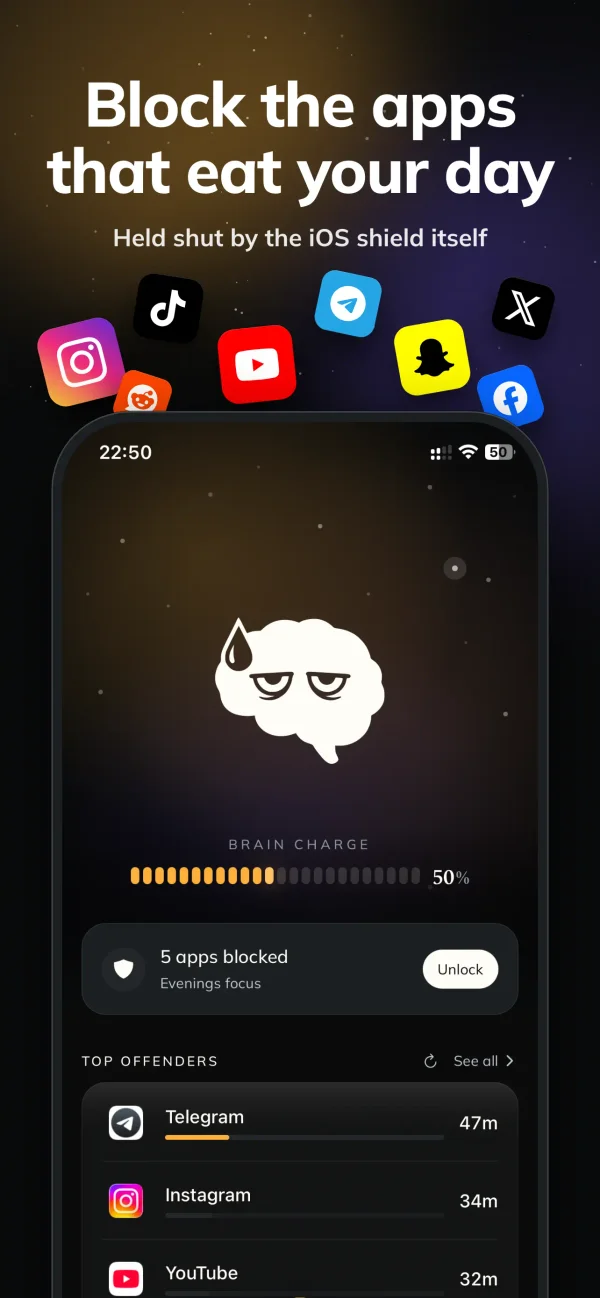
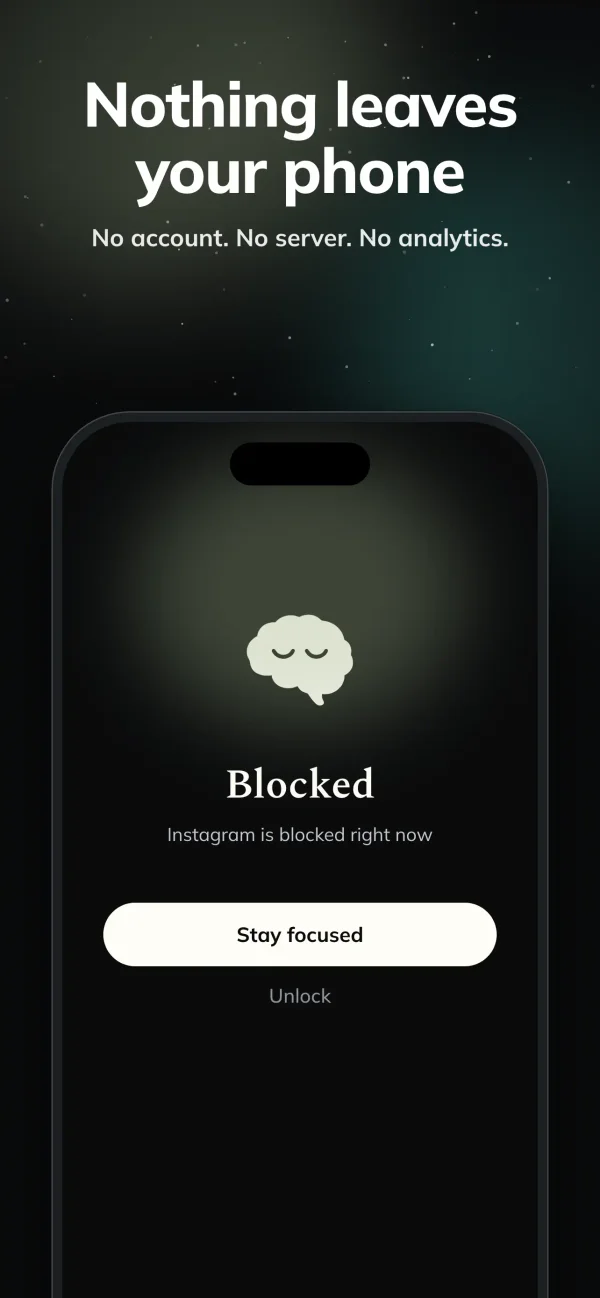
You pick the apps. Rotshield closes them with the system shield iOS uses for Screen Time — not a reminder you can swipe away. While a rule is on, the app does not open.
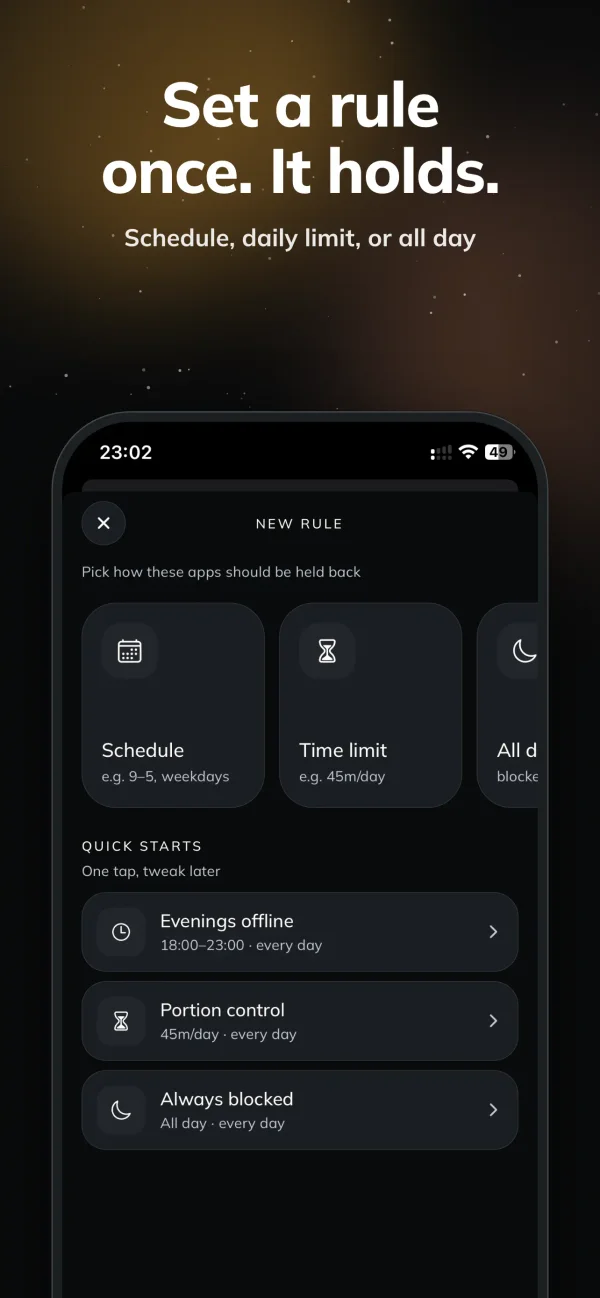
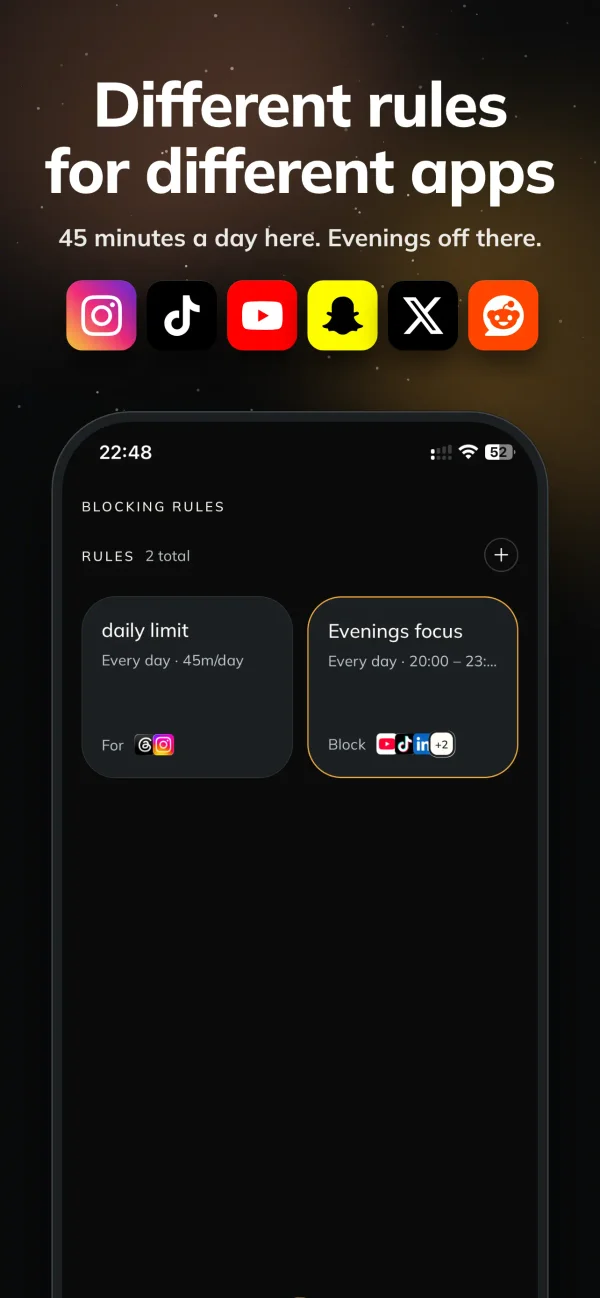
• Schedule — closed on the days and hours you set
• All day — closed until you turn the rule off
• Daily limit — closed after a set number of minutes, until midnight
THE 15 MINUTES ARE NOT FREE
Want back in? Open Rotshield and tap Unlock. You get a choice, not a lecture.
Breathe. Two slow rounds — four seconds in, two held, four out. Nothing to read, nothing to prove.
Or answer one question: why are you opening this? Bored. Anxious. Avoiding. Habit. Need info. Add a note, mark how you feel, done. Nothing is graded and no answer is wrong — naming it is the whole exercise.
Then Rotshield asks once more, and this is the part that matters. Turning back is the big button. Taking the fifteen minutes is the small one. No guilt trip either way.
Change your mind and ten minutes come off today's count, up to three times a day. Other apps punish you for wanting in. This one pays you for walking away.
You can quit either challenge at any second and it costs you nothing. The friction is the pause, not the punishment.
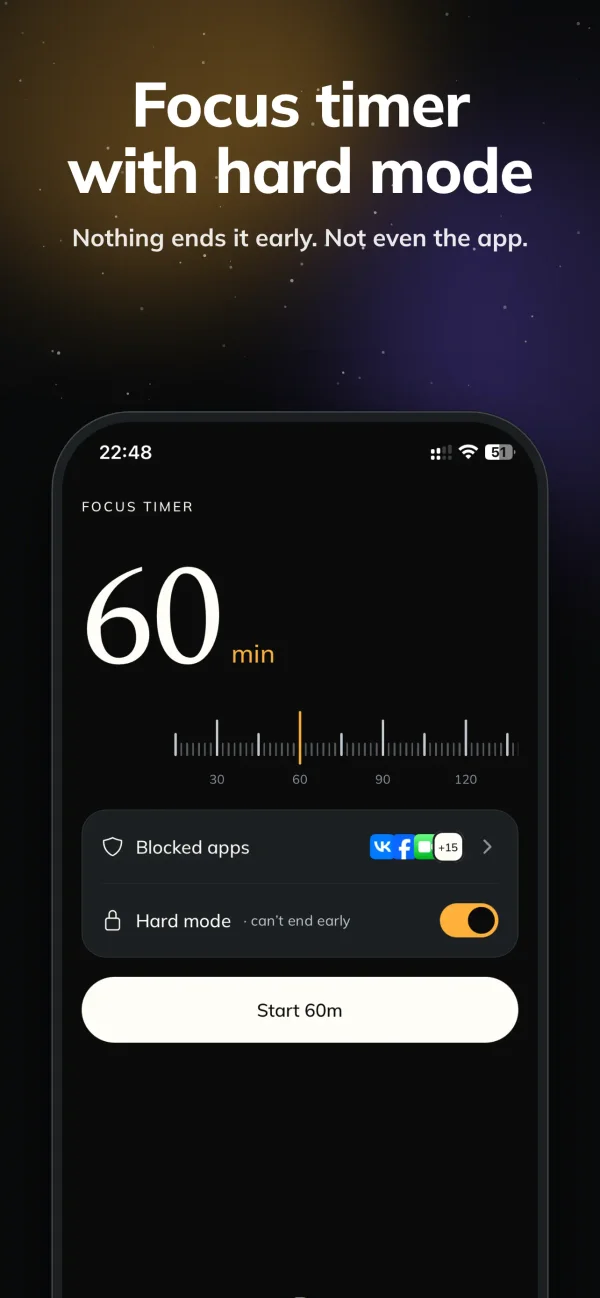
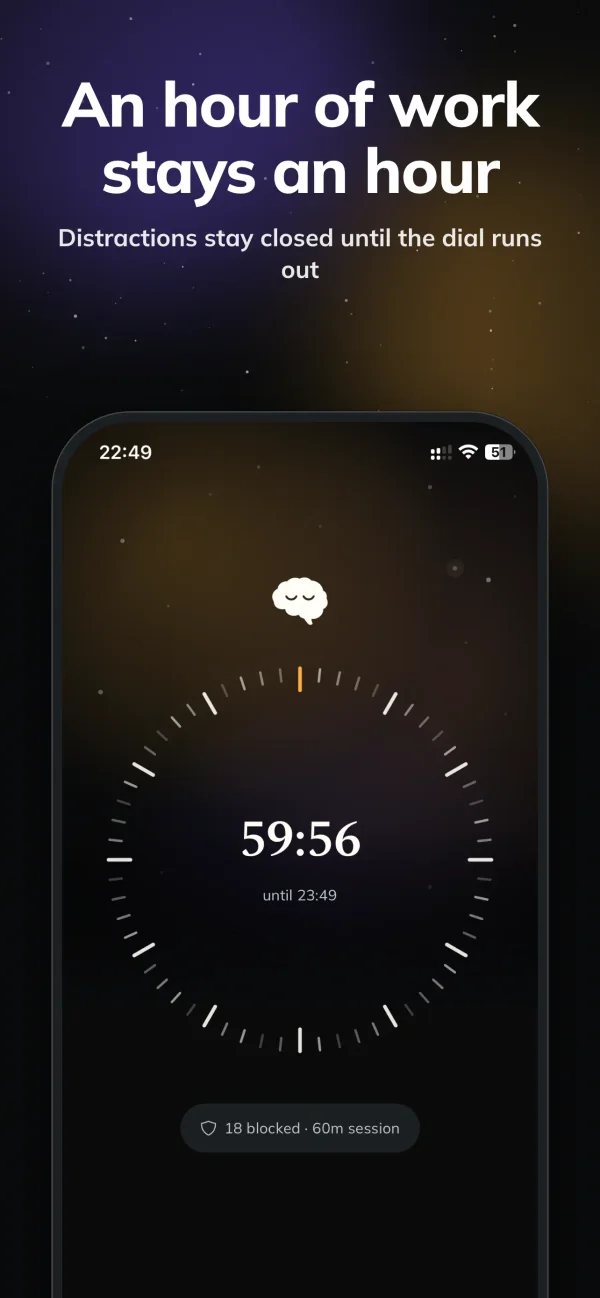
FOCUS TIMER
One session, one set of apps, closed until the clock runs out. Hard mode does not let you stop early.
YOUR SCREEN TIME STAYS ON YOUR PHONE
No account. Rotshield cannot even tell which apps you picked — iOS hands it opaque tokens and draws the names and icons itself. Your minutes, app names and usage report never leave the device.
What does leave: anonymous analytics about how Rotshield itself is used, and your subscription status, so the app keeps working after a renewal. Nothing from Screen Time, ever.
SUBSCRIPTION
Rotshield runs on a weekly or yearly auto-renewable subscription. There is no free trial. Payment is charged to your Apple ID when you confirm the purchase. The subscription renews automatically unless it is cancelled at least 24 hours before the end of the current period, and your account is charged for the renewal within 24 hours before the period ends. Manage or cancel it any time in your Apple ID settings.
Requires iOS 18 and Screen Time permission.
Terms of Use: https://www.apple.com/legal/internet-services/itunes/dev/stdeula/
Privacy policy: https://www.rotshield.app/privacy/
What’s new
Version 1.1.1 · Nov 13, 2026
New subscribers can now try Rotshield free for 7 days with the yearly plan. The plan screen shows how long the trial lasts and what you'll pay after it, and you can cancel any time before it ends in your Apple ID settings.
The plan screen is also simpler: the terms fit on one line, and the plans no longer jump when you switch between them.
If you installed 1.0, nothing changes for you: everything stays free, for good.
App privacy
What Ruslan Dzhafarov declares on the App Store about how this app handles data.
-
Data not collected
The developer does not collect any data from this app.
Privacy practices may vary, for example with the features you use or your age.
Information
- Seller
- Ruslan Dzhafarov
- Category
- Productivity
- Version
- 1.1.1
- Updated
- Nov 13, 2026
- Released
- Sep 15, 2026
- Size
- 45.0 MB
- Requires
- iOS 18.0 or later
- Age rating
- 4+
- In-app purchases
- Yes
- Languages
- English
- Copyright
- © 2026 Ruslan Dzhafarov
You might also like
-
 EarnScroll - Doom Scroll BlockEarn Screen Time · App Blocker
-
 ZeroPhone: App Blocker & DetoxDumb Phone & Screen Time Limit
-
 AppBlocker: PEAKScreen Time & Study Timer
-
 Unfry: Stop DoomscrollingApp Blocker: Earn Screen Time
-
 Reels Blocker: ReelmuteShorts gone—stop doomscrolling
-
 Offliner: Block Apps & DetoxStrict Screen Time Focus
-
 Awaytime: Screen Time BlockerStop Doomscrolling & Detox
-
 Screen Time Control — StillApp Blocker, Mindful Focus
-
 Quit: Screen Time BlockerStop Doomscrolling & Focus
-
 Stillock: App Blocker & FocusLimit screen time & focus