RoughPlan - Floor Plan Measure
Estimate room sizes from area
Designed for iPhone, iPad
Free · In-app purchases
- Age rating4+
- CategoryUtilities
- DeveloperTaiga Nishimura
- LanguagesEnglish+ 6 more
- Size7.4 MB
Links to the official App Store page
Download.org hosts no file of RoughPlan - Floor Plan Measure. The button opens its official App Store page, published by Taiga Nishimura. Listing last checked on Nov 18, 2026.
Screenshots
About
"Will my sofa fit in this room?"
"I need dimensions, but I only have a floor plan image."
RoughPlan solves these problems instantly.
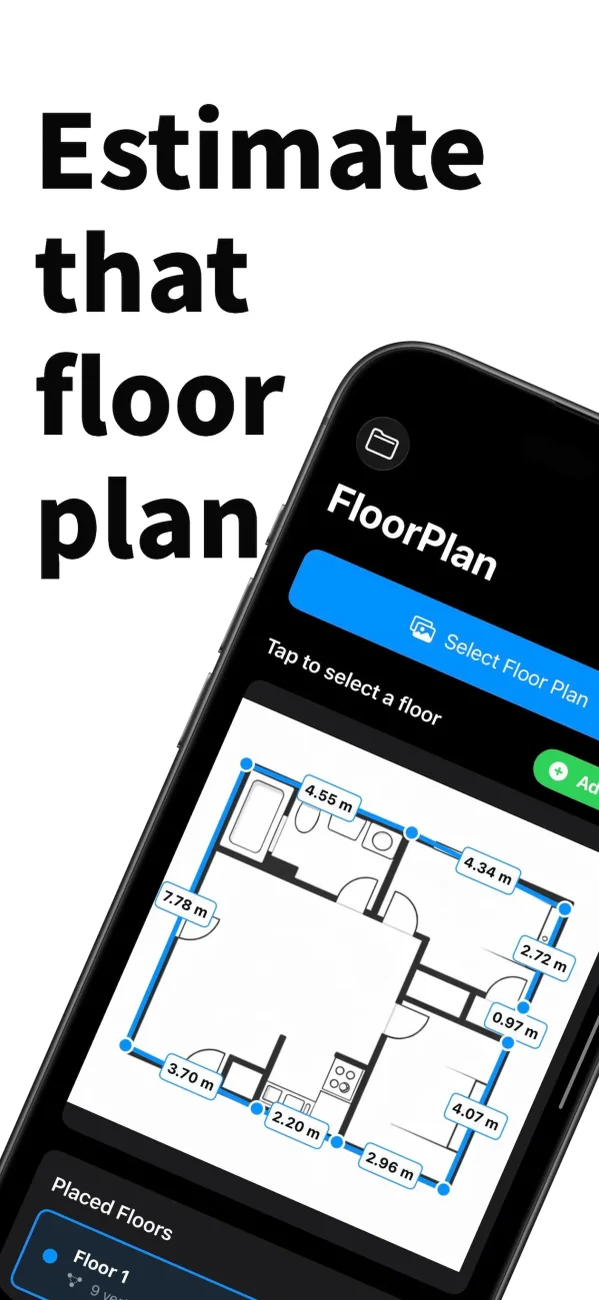
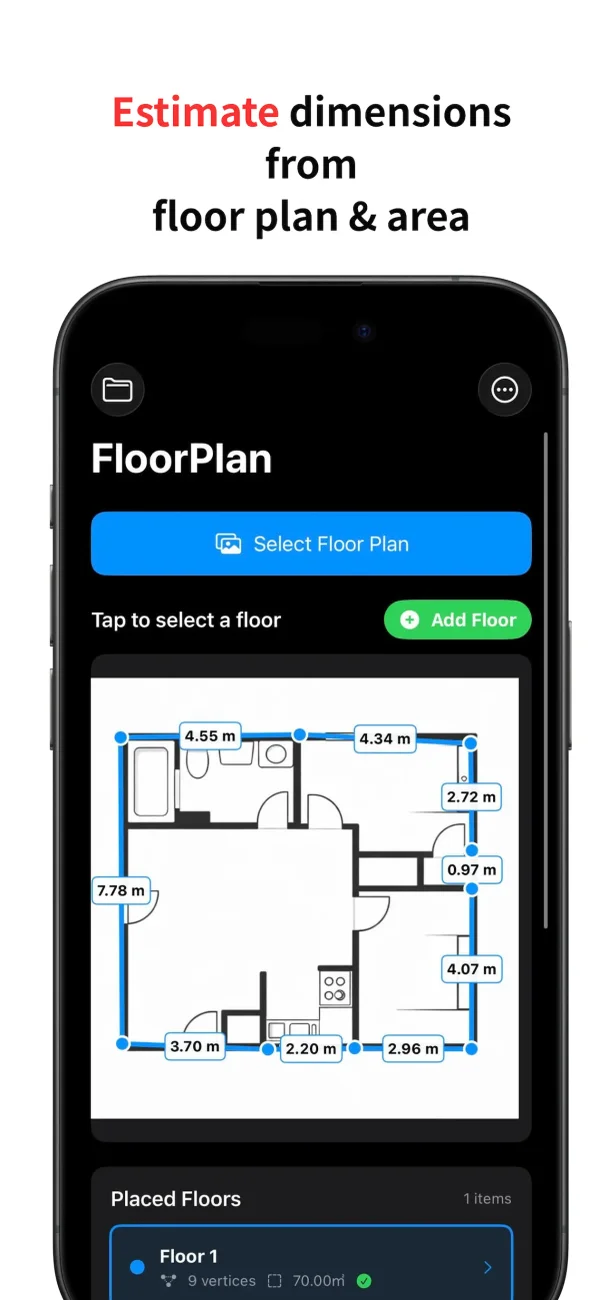
Calculate real-world dimensions from any floor plan image just by entering the total area size. No measuring tape required!
Perfect for house hunting, moving, interior design, and renovation planning.
【Key Features】
Auto-Scale from Area
Just input the total area (sq ft or m²) listed on the property listing. RoughPlan uses advanced geometry (Shoelace formula) to calculate the scale and determine the length of every wall instantly.
Easy to Draw
- Simply tap the corners of the room on the image.
- Supports complex polygon shapes.
- Magnifying glass feature ensures precise corner placement.
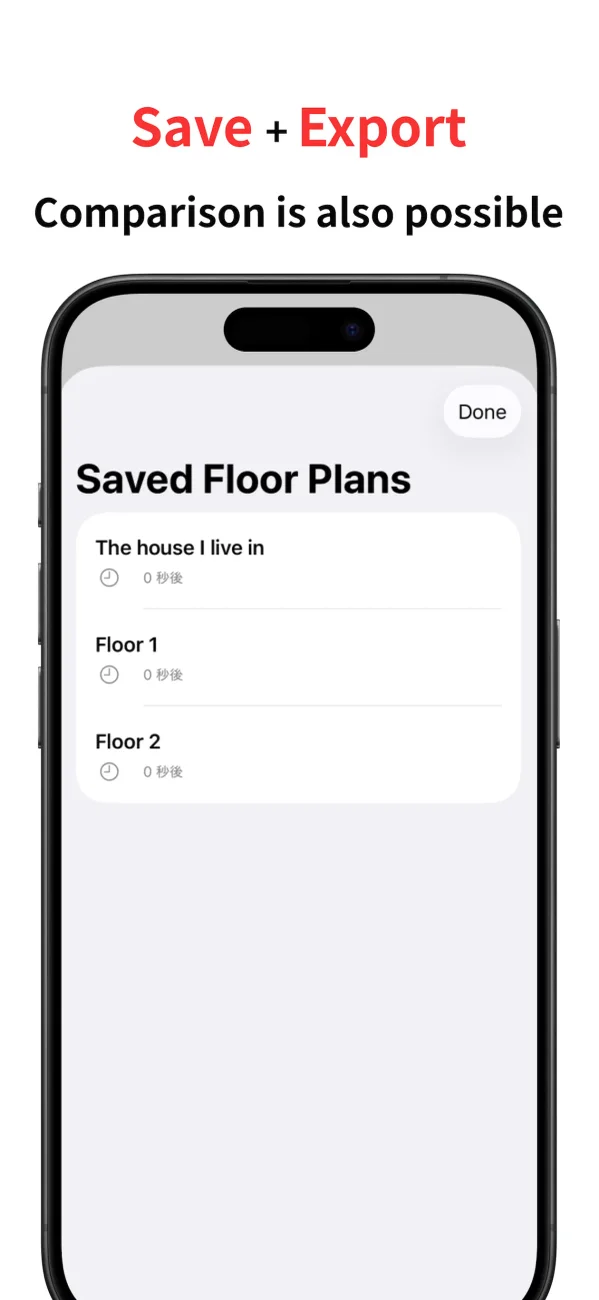
Save & Organize
- Auto-save protects your work.
- Manage multiple projects for different properties.
- Fully localized in English, Japanese, Chinese, and Korean.
【More Convenient with Pro Plan】
You can use Pro features even just for the busy period of moving or house hunting (Plans start from 1 week).
- Remove Ads Remove ads to maximize screen space and focus on your work without distractions.
- Unlimited Saves Save and manage as many property projects as you need without limits, perfect for comparing multiple options.
- High-Quality Image Export Save and export floor plans with dimensions in high resolution so text is crisp and clear. Perfect for sharing with family or partners, and for meetings with contractors.
【How to Use】
1. Load a floor plan image.
2. Enter the total area size (e.g., 50 m²).
3. Trace the room shape by tapping the corners.
Instantly see the length of every wall!
*Note: Results are estimates based on the image accuracy. Please use for rough planning purposes.
Use RoughPlan to understand real dimensions from floor plans and confidently plan your move or redecoration!
Terms of Use (EULA):
https://www.apple.com/legal/internet-services/itunes/dev/stdeula/
What’s new
Version 1.14 · Aug 7, 2026
You can now view measurements in imperial units.
- See floor areas in square feet (ft) and dimensions in feet, to match local listings
- Minor stability improvements
App privacy
What Taiga Nishimura declares on the App Store about how this app handles data.
-
Data used to track you
May be used to track you across apps and websites owned by other companies.
- Usage data
-
Data not linked to you
May be collected but is not linked to your identity.
- Usage data
Privacy practices may vary, for example with the features you use or your age.
Information
- Seller
- Taiga Nishimura
- Category
- Utilities
- Version
- 1.14
- Updated
- Aug 7, 2026
- Released
- Dec 29, 2025
- Size
- 7.4 MB
- Requires
- iOS 17.6 or later
- Age rating
- 4+
- Price
- Free
- In-app purchases
- Yes
- Languages
- English, Japanese, Korean, Simplified Chinese, Spanish, Thai, Vietnamese
- Copyright
- © 2025 TaigaNishimura
You might also like
-
 Spacialize Floor PlanUtilities
-
 FloorAceAccurate Floor plans & BIM
-
 Floor Plan+ 3D Room ScannerLiDAR Home Design & Blueprints
-
 Room Scanner - Easy Measure RmLiDAR, Floor Plan, 3D Scanner
-
 Room Planner: 3D AI DesignScan, Measure & Floor Plan
-
 Floor Plan Creator Room WizardInterior Design Layout AI Home
-
 AR Plan: Measure, Room ScannerHouse Scan & Floor Measurement
-
 Twindo: LiDAR Scan to CAD/BIM2D floor plans & 3D as-builts
-
 CamToPlan - AR tape measurefloor plan & measurement ruler
-
 Hover: Measure Design EstimateConstruction, Insurance & more