
- Age rating4+
- CategoryNavigation
- DeveloperMoorthi Nataraj
- LanguagesEnglish
- Size1.6 MB
Links to the official App Store page
Download.org hosts no file of RouteCue. The button opens its official App Store page, published by Moorthi Nataraj. Listing last checked on Nov 18, 2026.
Screenshots
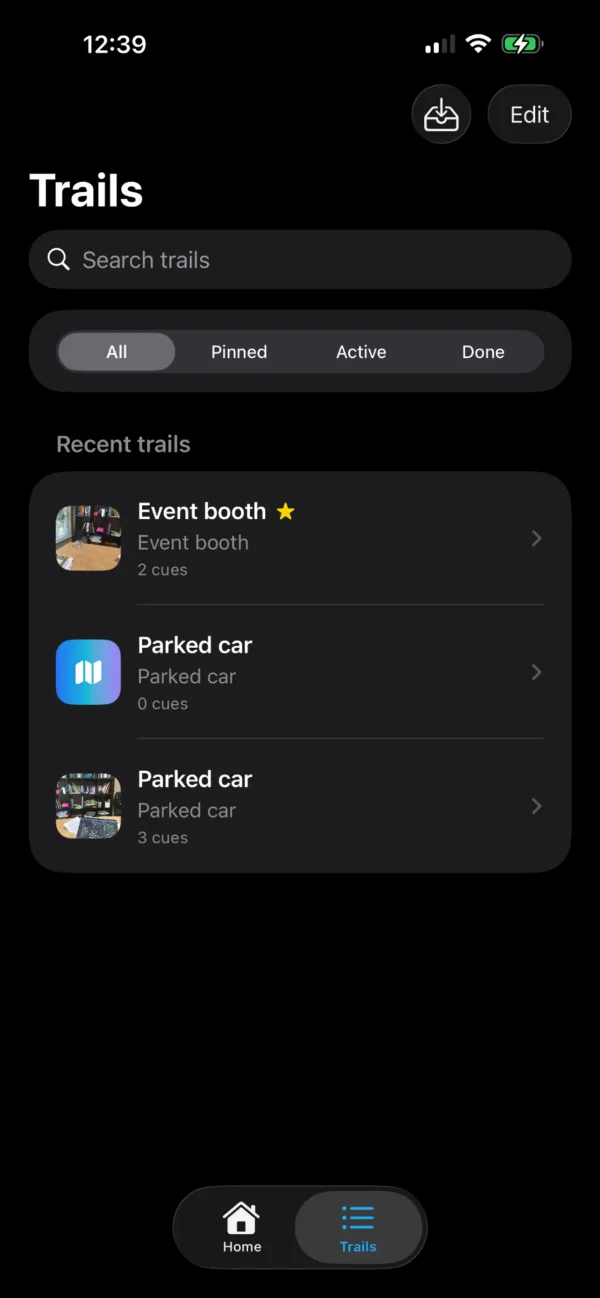
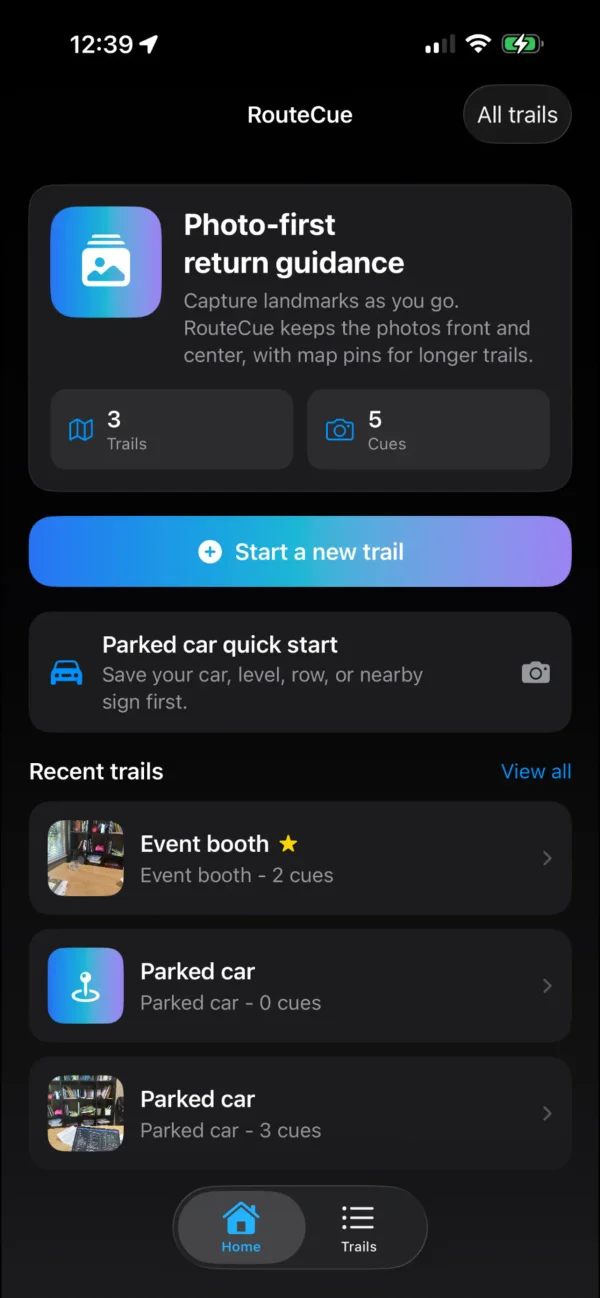
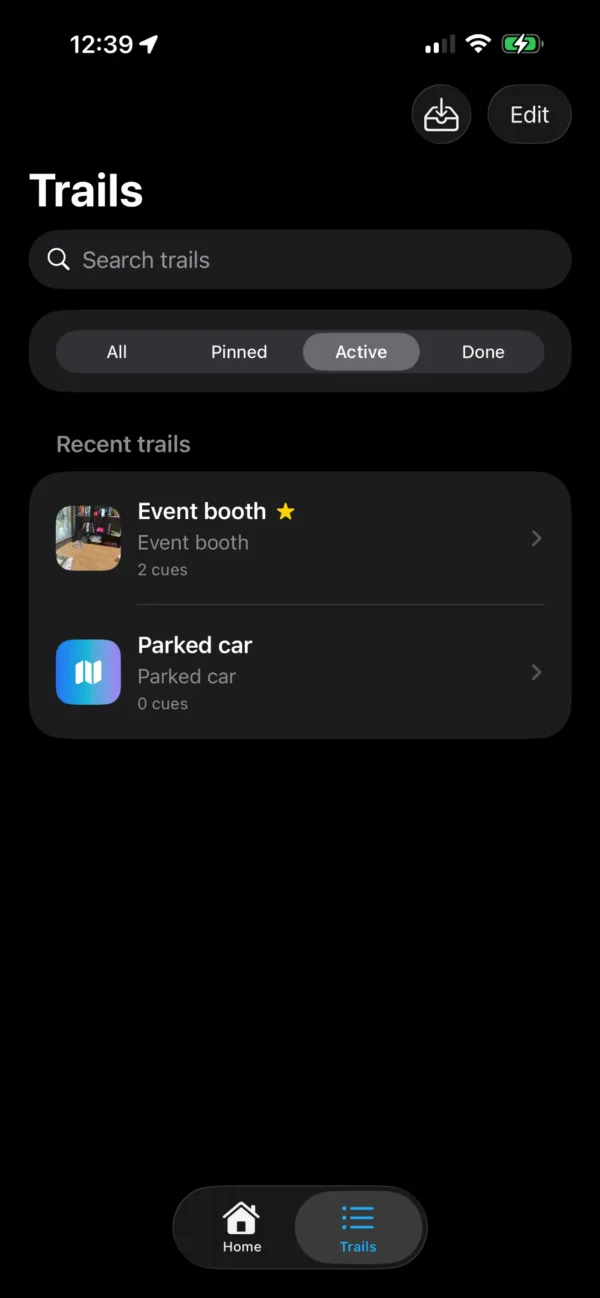
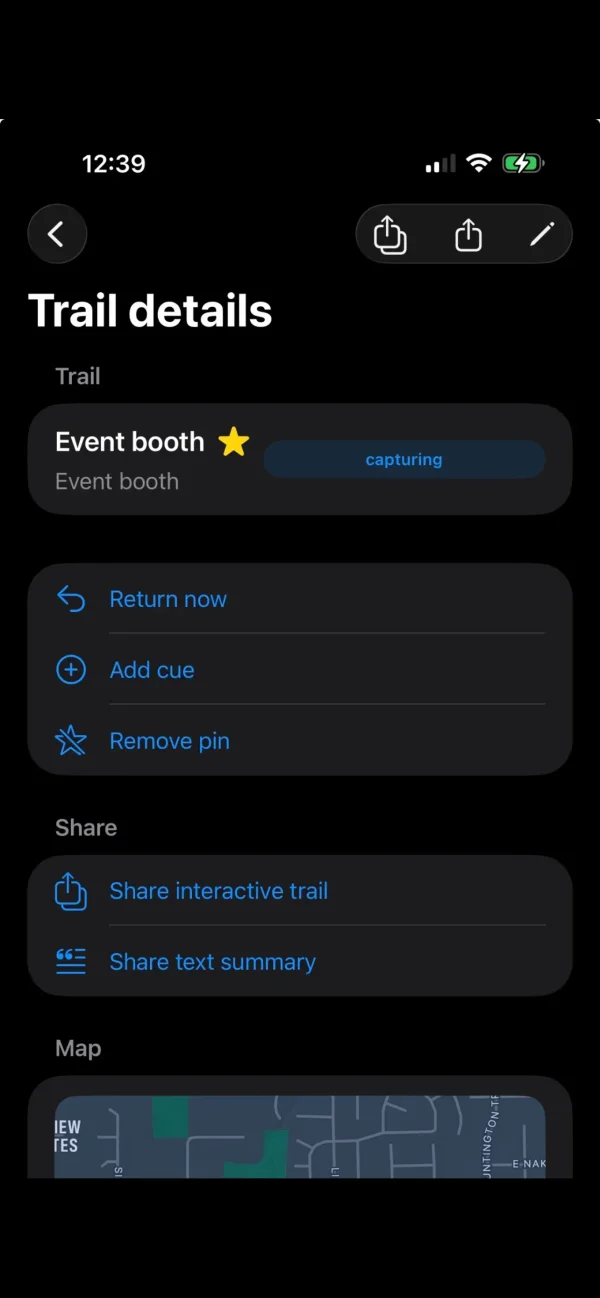
About
Find Your Way Back—Even When GPS Can’t
Parking garages, hospitals, hotels, airports, malls, cruise ships, campuses, and convention centers can quickly become confusing. GPS may bring you to the building, but it cannot always remember the elevator, hallway, floor, entrance, or turns you used inside.
RouteCue gives you a simple visual trail back.
As you walk, capture photos of important landmarks and decision points—such as an elevator, parking level, hallway sign, doorway, or turn. When it is time to return, RouteCue presents those photos in reverse order, one visual cue at a time, helping you retrace the route you actually took.
HOW ROUTECUE WORKS
1. Start a new trail.
2. Capture recognizable landmarks along your route.
3. Open the return journey when you are ready to go back.
4. Follow your photos in reverse order, one cue at a time.
5. Finish the trail when you reach your destination.
USE ROUTECUE TO HELP RETRACE YOUR STEPS IN:
• Multilevel parking garages
• Airports and transit centers
• Hospitals and medical complexes
• Hotels and resorts
• Cruise ships
• Shopping malls
• College and corporate campuses
• Convention centers and event venues
• Large indoor buildings where GPS is less useful
MORE THAN A PARKING PIN
A map pin can show where you parked, but it may not show how to navigate multiple floors, elevators, hallways, entrances, or turns. A single photo may capture your parking space, but RouteCue remembers the complete visual path you followed.
PRIVATE BY DESIGN
RouteCue is designed to work without an account, location tracking, map data, or an internet connection. Your route photos remain on your device, giving you a simple and private way to create visual breadcrumbs.
BUILT FOR REAL-LIFE CONFUSION
RouteCue is useful for travelers, visitors, families, and anyone who finds large indoor spaces difficult to navigate. Instead of trying to remember every turn, leave yourself a clear visual trail.
GPS gets you there. RouteCue helps you remember the way back.
What’s new
Version 3 · Aug 28, 2026
Share the Routecue as PDF
Share the Route as Visual Trail
Minor and Major bug fixes
App privacy
What Moorthi Nataraj declares on the App Store about how this app handles data.
-
Data not collected
The developer does not collect any data from this app.
Privacy practices may vary, for example with the features you use or your age.
Information
- Seller
- Moorthi Nataraj
- Category
- Navigation
- Version
- 3
- Updated
- Aug 28, 2026
- Released
- Aug 27, 2026
- Size
- 1.6 MB
- Requires
- iOS 17.0 or later
- Age rating
- 4+
- Price
- Free
- Languages
- English
- Copyright
- © 2026 Moorthi Nataraj
You might also like
-
 Destination AI - Take me thereThe ultimate travel companion
-
 Everyday TranslateVoice & Camera Translation
-
 Lingua AI: Offline TranslatorLive Voice Interpreter & Tutor
-
 alto.locationtrack spent days each country
-
 GPS Navigation - Offline MapsLive Traffic & Route Finder
-
 LensPro - Privacy GuardProtect Your Personal Space
-
 ForMeSaveThisPlacesave this place's location
-
 CompassOneField compass and trail tools
-
 Translator · BaroOffline & private, no ads
-
 Offline Maps & GPS Navigation3D Navigation & Offline Routes