
RSS Widget
On Home Screen & Today View
Designed for iPhone, iPad, iPod touch
$0.99
- Age rating17+
- CategoryUtilities
- DeveloperFrancis Bonnin
- LanguagesEnglish+ 7 more
- Size16.1 MB
Links to the official App Store page
Download.org hosts no file of RSS Widget. The button opens its official App Store page, published by Francis Bonnin. Listing last checked on Nov 12, 2026.
Screenshots


About
Thanks to this application (and the other Widget apps from PacoLabs), you can now customize the Home screen and the Today view of your device, by adding custom widgets for some specific purposes.
From anywhere in your device, you'll have access to your own information and actions.
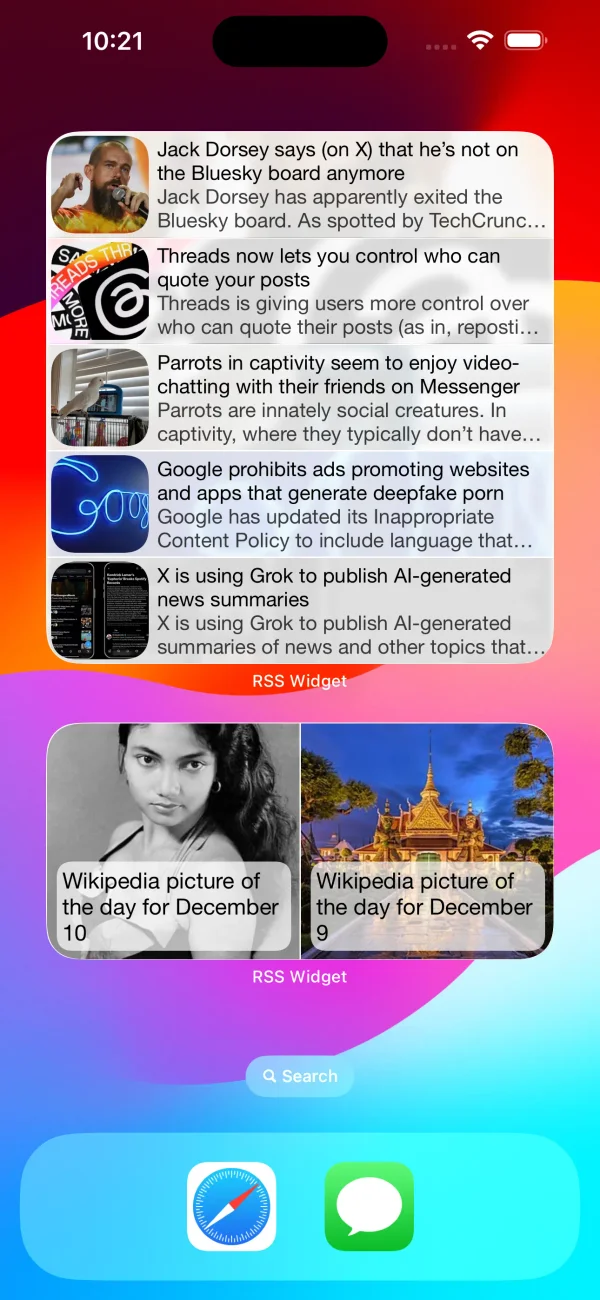
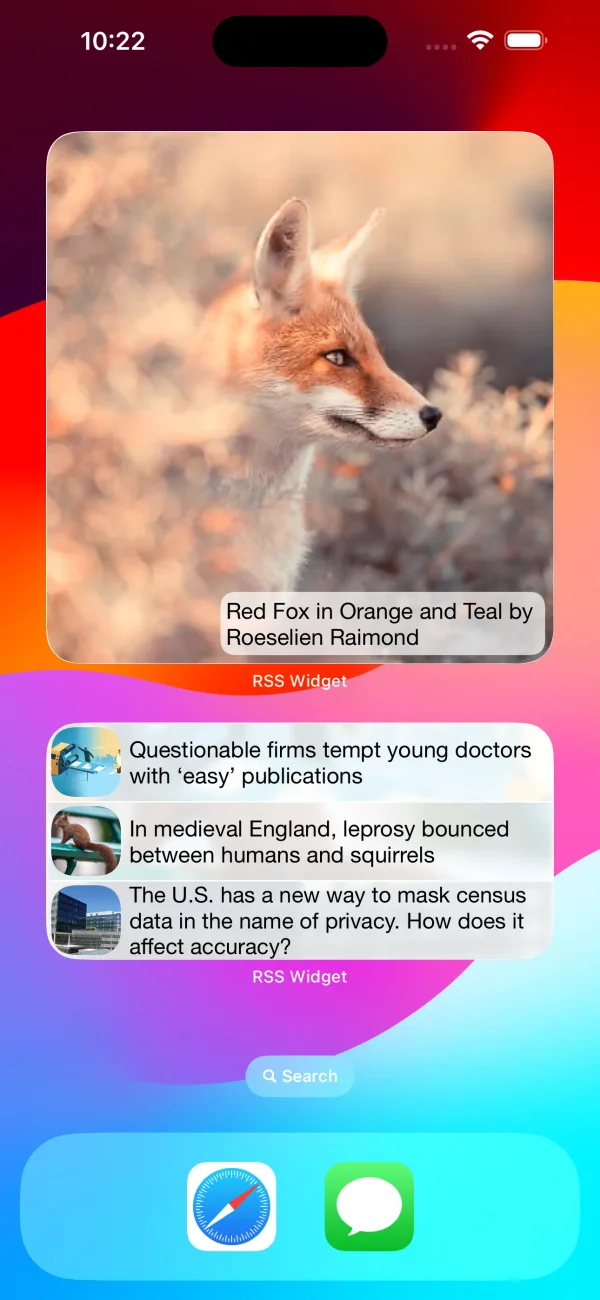
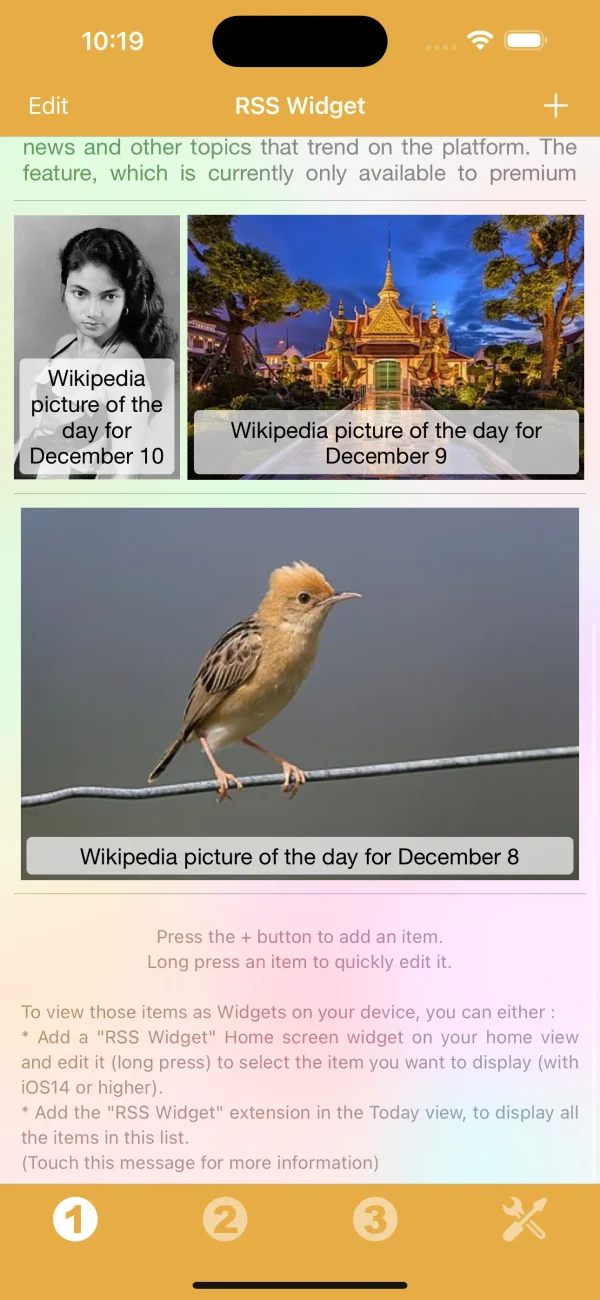
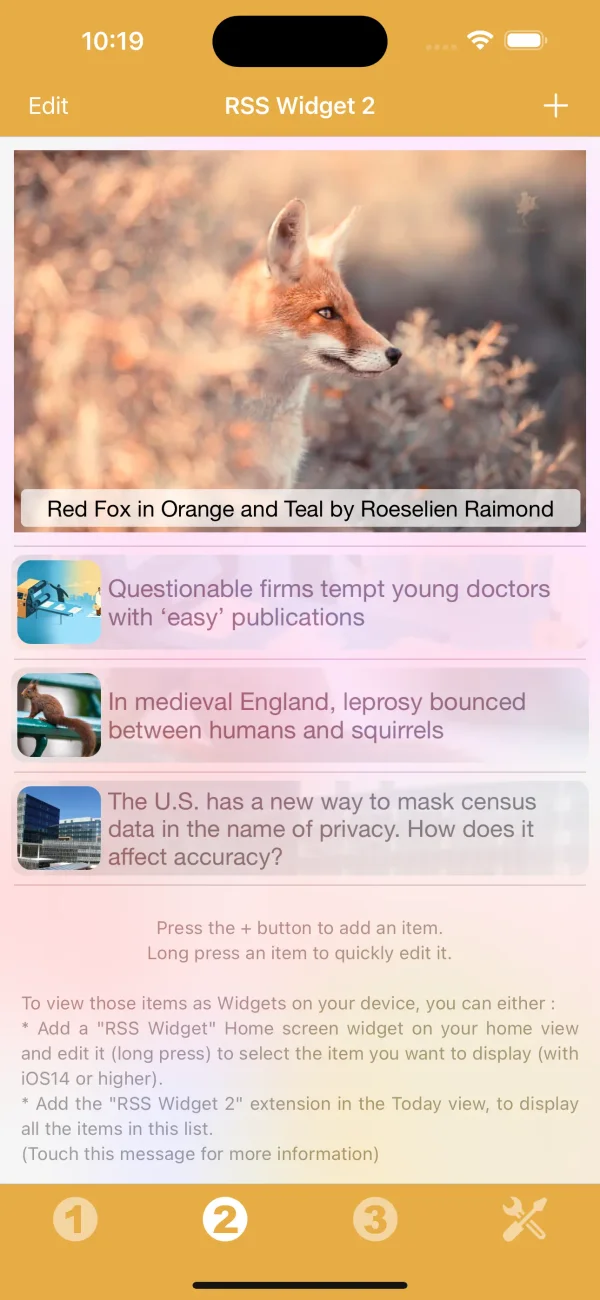
Each RSS widget allows you to view any RSS feed in a pleasant and highly customizable way.
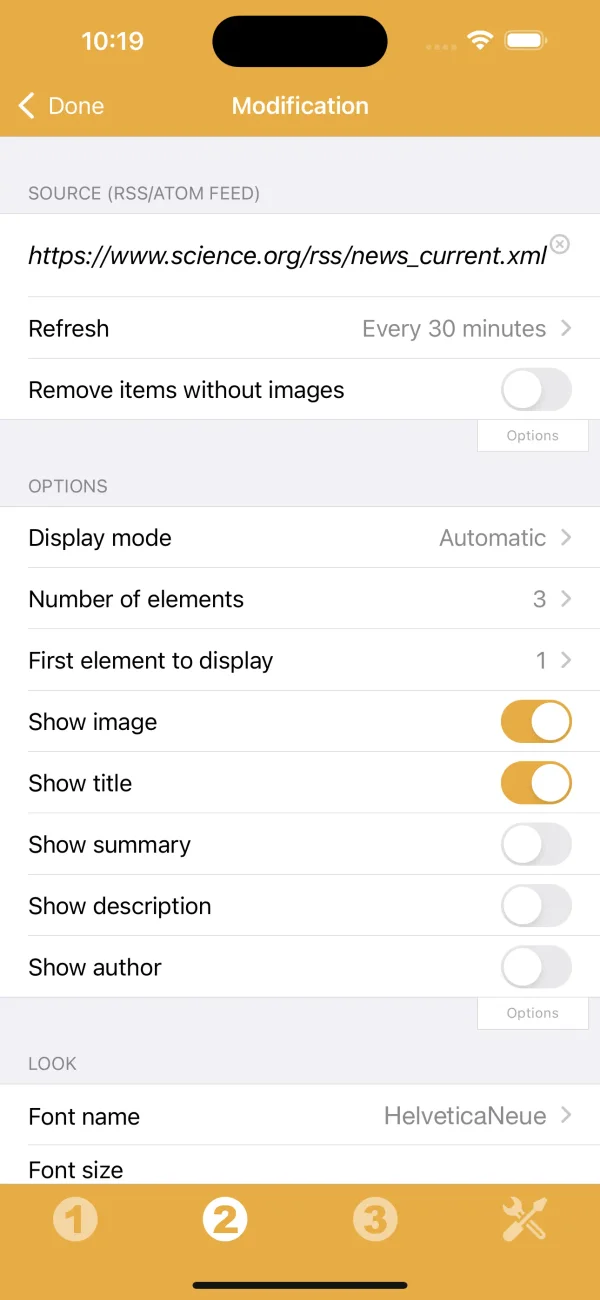
The refresh frequency can be chosen (from every 5 minutes to every day).
You can choose to display the content as a beautiful image with an overlayed text, or as an article with an icon, and the associated text.
Articles without an image can be filtered.
You can define the number of articles to display in a single widget (from 1 to 6).
If necessary, you can also choose the first article to be displayed.
Decide to hide or show the image, title, abstract, content and author.
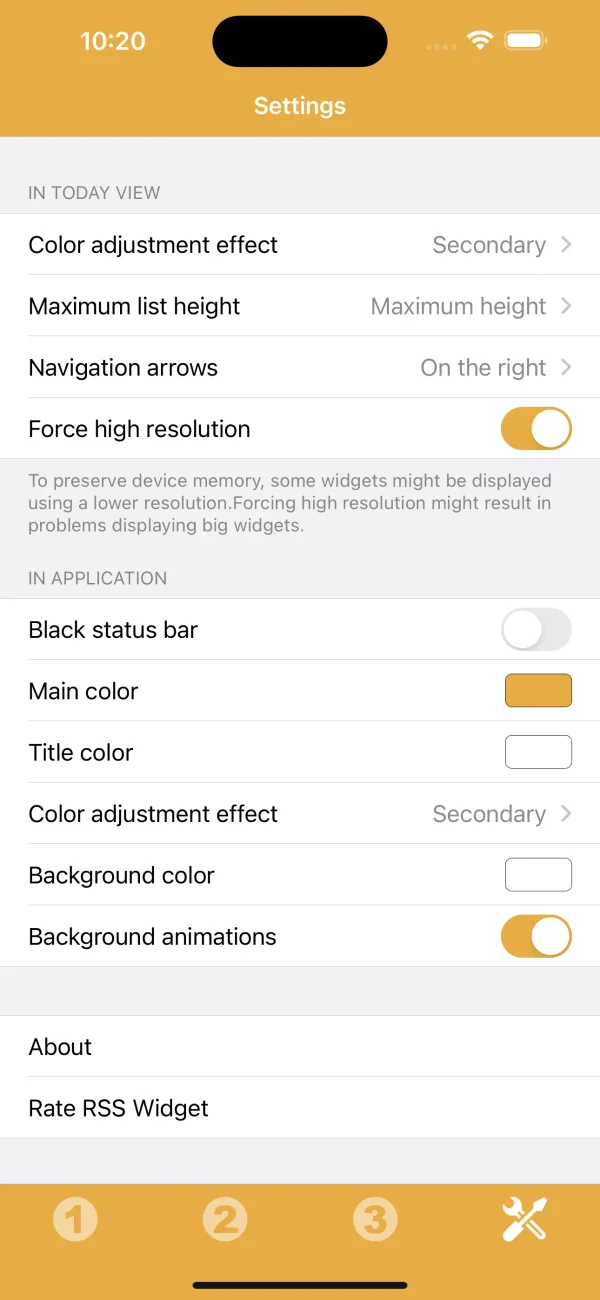
Different visual parameters can be changed (such as font name, font size and the different colors).
Those Widgets are compatible with the new iOS 14 Home Screen Widgets.
The application is really easy to use and is adapted to the fresh look of your device.
Dark mode of iOS13 is supported.
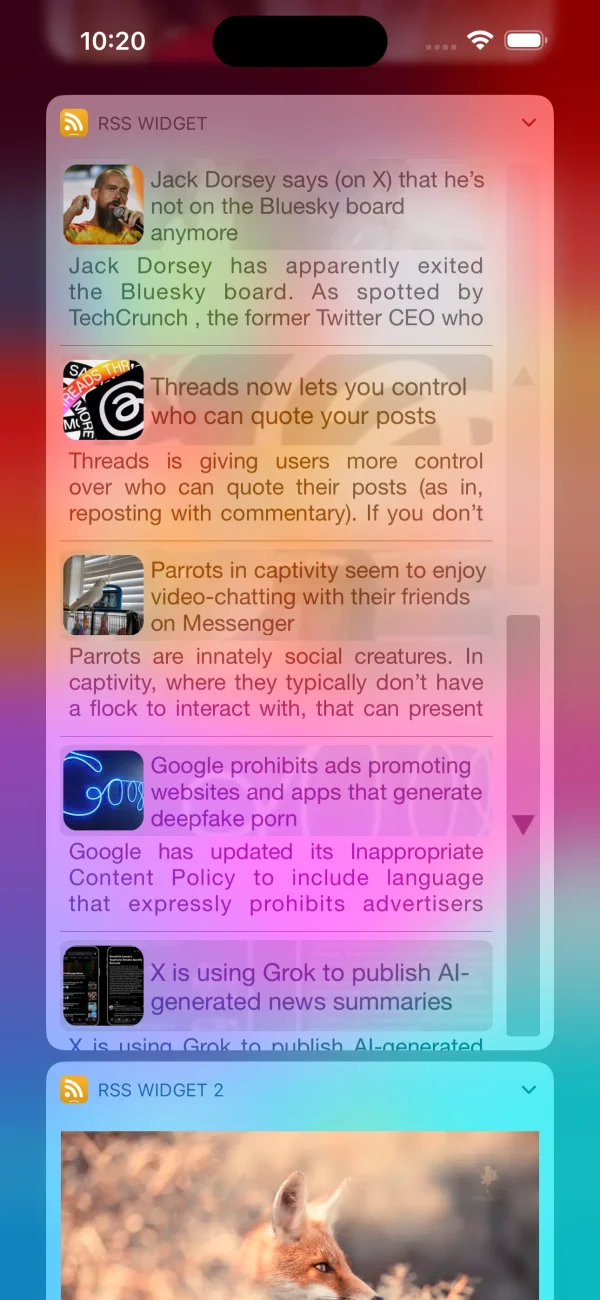
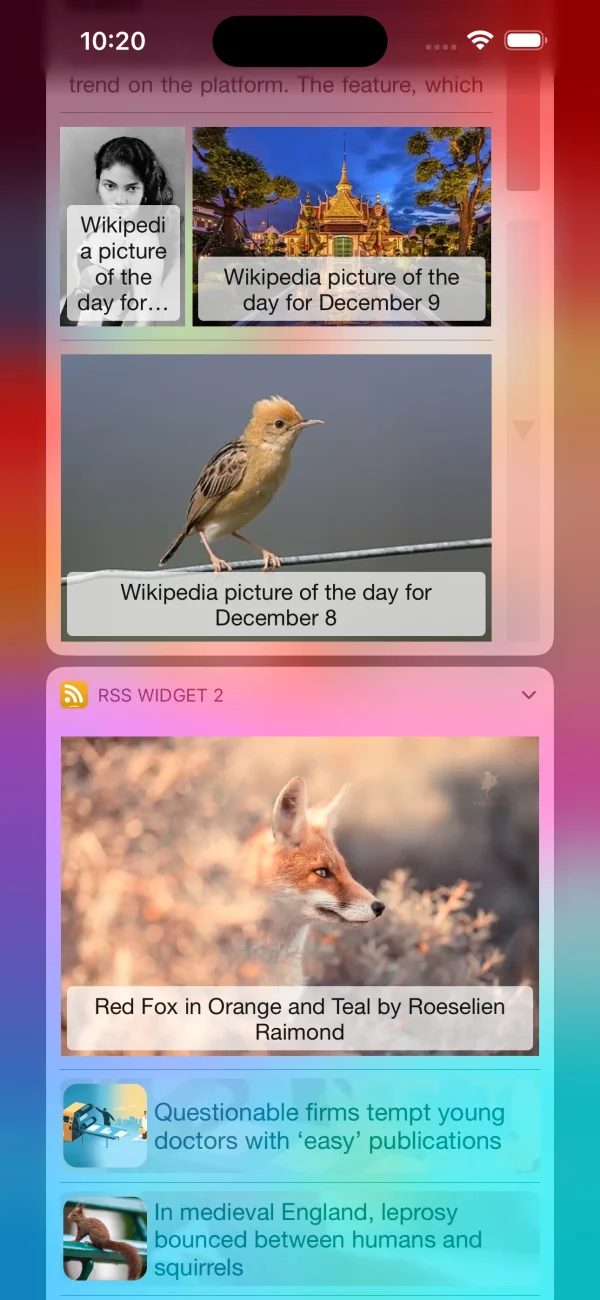
In Today view:
You can add as many widgets as you want and they will be displayed in up to 3 different lists. Those same lists will be available in the Today view and in the application (although it is possible, if you want, to hide some widgets in the Today view).
To avoid overloading the Today view, when too many widgets are displayed, an intuitive control will allow you to navigate from one widget to another.
Even if the main purpose of the app is to view the widgets in the Today view, it can also be very handy to view them directly in the application (a long press on a widget in the Today view will open it directly in the main application).
What’s new
Version 6.2 · Jul 2, 2025
* Ability to select the system font in the font picker.
* Minor fixes and improvements.
App privacy
What Francis Bonnin declares on the App Store about how this app handles data.
-
Data not collected
The developer does not collect any data from this app.
Privacy practices may vary, for example with the features you use or your age.
Information
- Seller
- Francis Bonnin
- Category
- Utilities
- Version
- 6.2
- Updated
- Jul 2, 2025
- Released
- Dec 22, 2020
- Size
- 16.1 MB
- Requires
- iOS 12.0 or later
- Age rating
- 17+
- Price
- $0.99
- Languages
- English, French, German, Italian, Japanese, Russian, Simplified Chinese, Spanish
- Copyright
- © PacoLabs
You might also like
-
 RSS Reader - Widget RSS ReaderRead rss feed from home screen
-
 Webcam Widgets - ImageTrackerView live web cam & image urls
-
 beanvizUtilities
-
 Synstor WebUtilities
-
 iSaveWeb Pro HDUtilities
-
 PineNest - Bookmarking ToolCrossPlatform Smart collection
-
 Pharo PreviewerYour app changes in real time
-
 Pixel a Go-Go!Upscale your retro game images
-
 Page Screenshot: web2screenFull web screen capture
-
 Mail LabelsGmail™ labels notifications