- Age rating4+
- CategoryUtilities
- DeveloperChiaDot Living
- LanguagesTraditional Chinese+ 16 more
- Size82.5 MB
Links to the official App Store page
Download.org hosts no file of RTScape. The button opens its official App Store page, published by ChiaDot Living. Listing last checked on Nov 22, 2026.
Screenshots


About
Turn your iPhone or iPad into a live camera for your Nx Witness video system.
RTScape streams your camera straight to an Nx server, where it appears as a camera that operators can watch, record and find on the map. It records on your device at the same
time, or on its own when there's no server or no connection. When something happens, one tap saves the moment.
Built for the field: security patrols, site inspections, events, deliveries, or anywhere a fixed camera can't reach.
STREAM LIVE TO NX WITNESS
• Sign in through Nx Cloud, or connect straight to an Nx server on your network.
• Tap record and your camera is live. RTScape adds it to the system as a camera, named after your device.
• Your GPS position travels with the stream, so the camera shows on the server's map.
• If the network drops, RTScape reconnects by itself.
• Choose resolution up to Full HD 1080p, frame rate, bitrate, and whether a slow network costs smoothness or sharpness.
RECORD ON YOUR DEVICE
• Save video with or without a server: stream and record together, or record on its own.
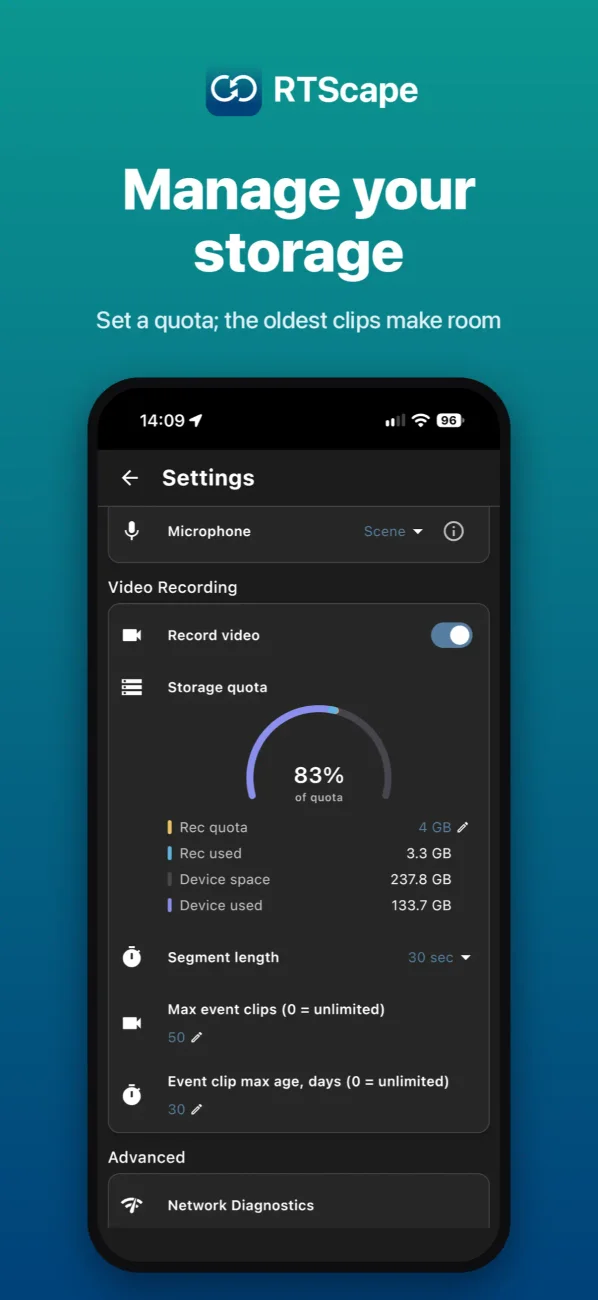
• Recordings are kept in short segments within a storage quota you set; the oldest make room for the new.
• Microphone modes: Scene keeps the sound around you, Voice reduces background noise and levels speech.
MARK THE MOMENT
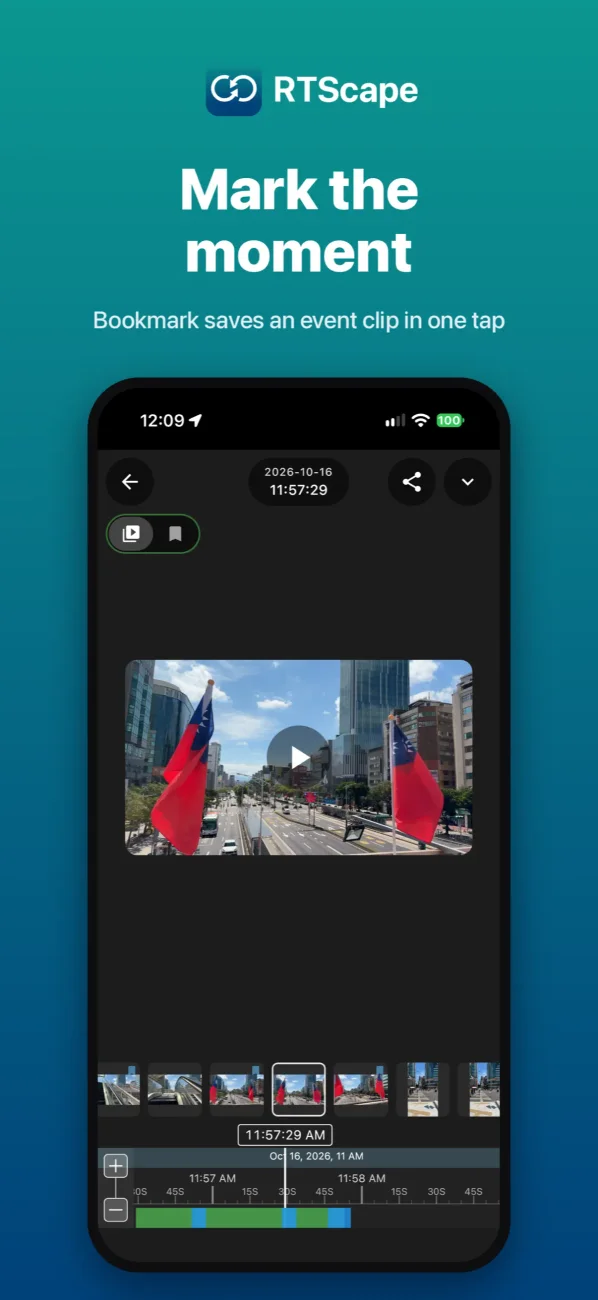
• Tap Bookmark to save an event clip from 5 seconds before to 5 seconds after.
• While streaming, it also adds a bookmark on the Nx server at that moment.
• Event clips are kept apart from your other recordings, with their own limits.
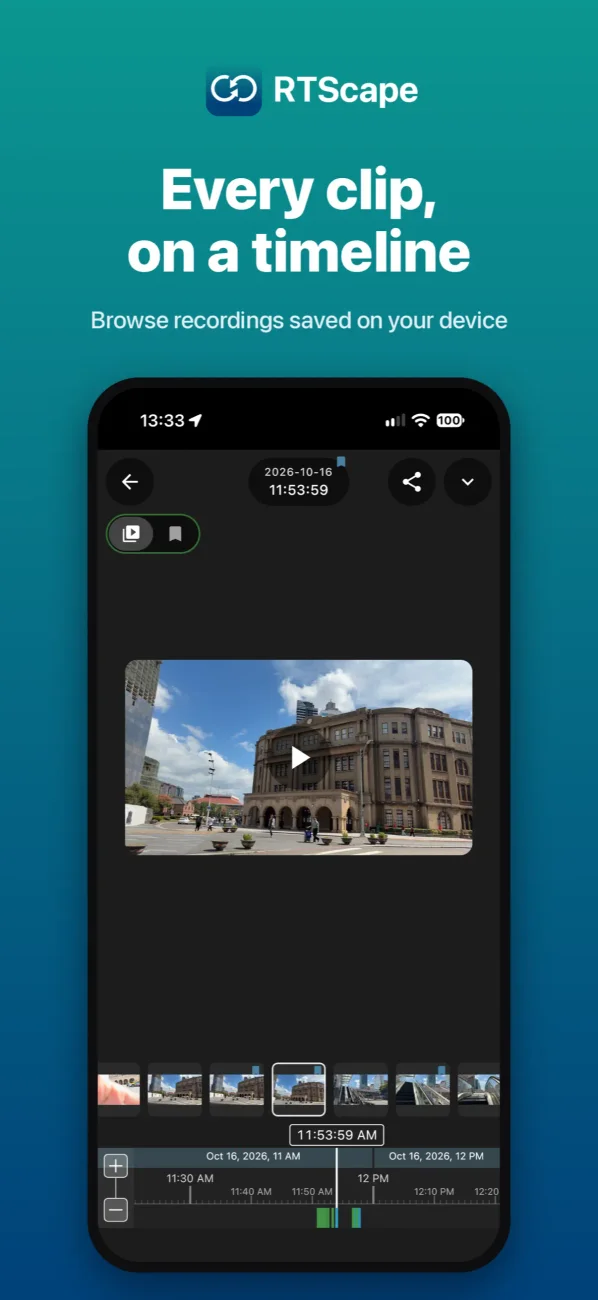
BROWSE AND PLAY BACK
• Find any clip on a timeline: green for recordings, blue for event clips.
• Show all recordings, or event clips only.
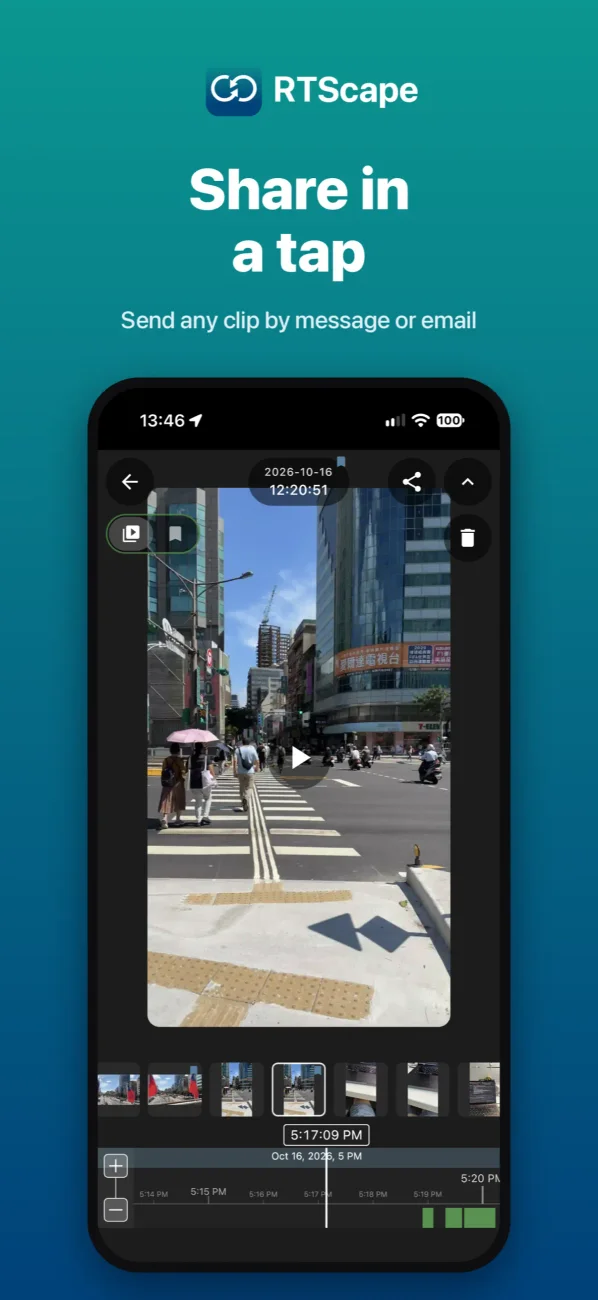
• Playback runs from one clip to the next; swipe for the next or previous clip.
• Turn your device sideways to see more of the day at once.
• Share a clip by message or email, or delete it, right from the player.
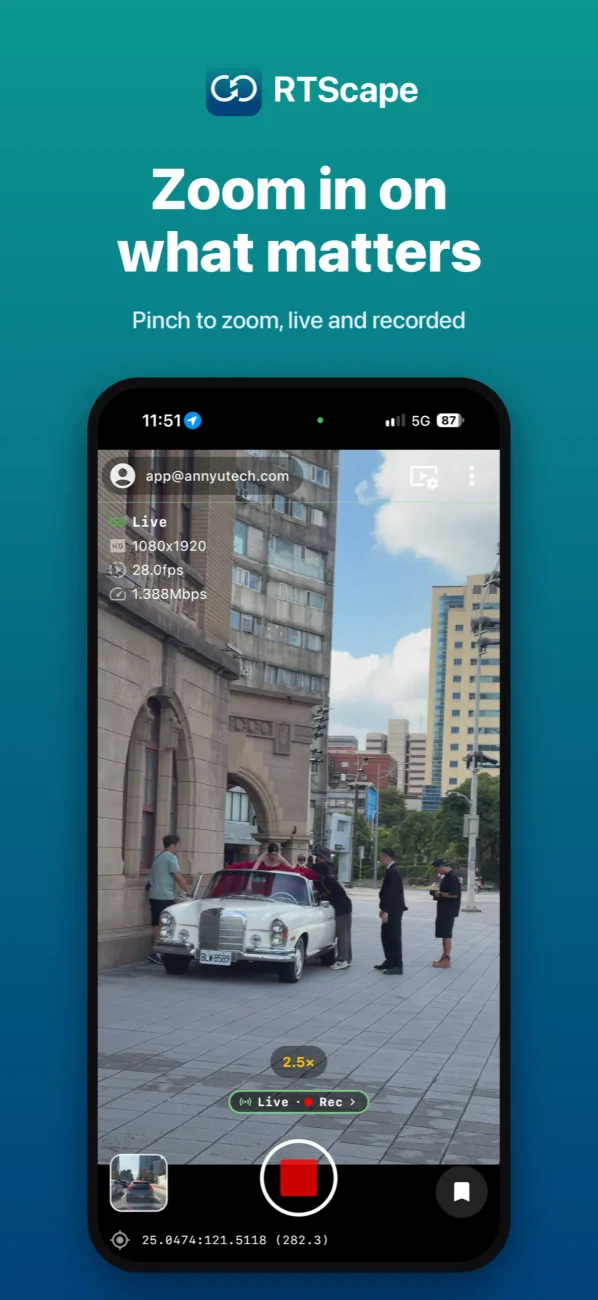
PINCH TO ZOOM
• Zoom in with two fingers. The zoom applies at the camera, so the stream and the recording carry it too.
KNOW WHY A STREAM WON'T CONNECT
• Test Live tells you whether your network can carry a live stream (directly, through a relay, or not at all) and why.
• Tools for IT staff probe the router and test your own STUN/TURN server.
PLANS
• Free trial: unlimited live streaming for 7 days, no payment details needed.
• Free plan: 30 minutes of live streaming a day.
• Premium: unlimited live streaming, as a one-time purchase.
Recording, playback and the network test are free on every plan.
WHAT YOU NEED
• To stream: an Nx Cloud account, or the address and login of an Nx Witness server. Recording works without either.
• Camera and microphone access. Location is optional, and is sent only to the Nx server you connect to.
Nx Witness is a product of Network Optix.
What’s new
Version 2.1.3 · Nov 18, 2026
What's new in 2.1.3
• Motion detection on your own camera: see moving areas on the preview, record motion with your clips, and find it as red marks on the timeline.
• Switch between the back and front cameras while you record or go live, without stopping.
• iPad: use a USB camera as the video source. If it is unplugged, the app tells you, and it carries on when the camera is back.
• iPad: show motion from Nx cameras on the grid, play only the parts with motion, and jump between them. You can also search an area for motion.
• iPad: a full-screen grid, and an expanded camera you can zoom with one finger. Apple Pencil Pro squeeze expands a camera or goes full screen.
• iPad: browsing and playing videos now happen in one screen, with a glass sidebar and a Motion filter.
• Going live to an Nx server on the same Wi-Fi is more reliable.
App privacy
What ChiaDot Living declares on the App Store about how this app handles data.
-
Data not linked to you
May be collected but is not linked to your identity.
- Location
- User content
Privacy practices may vary, for example with the features you use or your age.
Information
- Seller
- ChiaDot Living Co.,LTD.
- Category
- Utilities
- Version
- 2.1.3
- Updated
- Nov 18, 2026
- Released
- Jun 11, 2026
- Size
- 82.5 MB
- Requires
- iOS 16.0 or later
- Age rating
- 4+
- In-app purchases
- Yes
- Languages
- Traditional Chinese, Vietnamese, Indonesian, Hebrew, German, Japanese, French, Thai, Simplified Chinese, Italian, English, Dutch + 5 more
- Copyright
- © 2026 ChiaDot Living. All rights reserved.